MTD for VAT Software UK 2026: Submit Your VAT Return Directly to HMRC
MTD for VAT software keeps your VAT records digitally and submits your VAT return directly to HMRC. Every VAT-registered UK business must file this way. AccountsOS is connected to HMRC's Making Tax Digital for VAT service in production: it calculates your nine-box return live from your bookkeeping and, on your confirmation, files it directly to HMRC. Unlike software that just hands you the nine boxes to fill in, the AI does the categorising and the calculation for you. From £20 a month plus VAT after a 14-day free trial.
Filing method
MTD software only
Who must comply
All VAT-registered
Frequency
Usually quarterly
Return deadline
1 month + 7 days
AccountsOS price
From £20/month + VAT
Free trial
14 days, no card
Direct HMRC submit
Yes, via MTD
Receipt capture
AI, any channel
Compliant without the manual work
Making Tax Digital means keeping digital records and filing through software. AccountsOS does both for you. Connect your bank and HMRC, and Finn keeps the records, builds the return from your bookkeeping, and files it on your confirmation.
- Digital records kept automatically as money moves
- Returns calculated from your ledger, no bridging spreadsheet
- Submit directly to HMRC once you've checked the figures
- Every deadline tracked so nothing is filed late
Since April 2022, every VAT-registered business in the UK has had to keep digital VAT records and file its VAT return through Making Tax Digital software. The old HMRC online VAT portal is closed for routine returns. That means choosing software is not optional: it is the only legal way to submit. The decisions that matter are which tool keeps your records accurately, how much manual work it leaves you with, and whether it files to HMRC cleanly without errors. This guide explains what MTD for VAT software does, what to look for, what the realistic costs are, and how AccountsOS uses AI to do the bookkeeping and the filing for you rather than just handing you another form to fill in.
What is MTD for VAT software?
MTD for VAT software is software that meets HMRC's Making Tax Digital requirements: it keeps your VAT records in a digital format, maintains digital links between those records and your return, and submits the return to HMRC through HMRC's MTD VAT application programming interface (API). The software connects to HMRC directly, so when you file, the figures go straight into HMRC's systems and you get a confirmation receipt back.
This is different from simply typing nine numbers into a website. Under MTD, the figures on your VAT return must flow from your underlying records through unbroken digital links, with no manual retyping or copy-and-paste of the totals. The software is what enforces and proves that chain.
There are two broad types. Full accounting software keeps all your records, categorises transactions, and calculates the return for you. Bridging software does none of the bookkeeping and only takes figures from a spreadsheet and pushes them to HMRC. AccountsOS is full accounting software with an AI layer that does the categorising and the calculation for you.
Do I have to use software to file my VAT return?
Yes. For all VAT-registered businesses, the VAT return must be submitted through MTD-compatible software. HMRC closed the old online VAT return portal for routine filing, and new VAT registrations are signed up to MTD automatically unless they hold an exemption.
There is no turnover threshold any more. The rule used to apply only above the VAT registration threshold, but since April 2022 it covers every VAT-registered business, including those registered voluntarily below the threshold.
The only routes that do not require software are a small set of HMRC exemptions, for example where you are digitally excluded by age, disability, location, or a religious objection. You have to apply to HMRC for an exemption; it is not automatic.
What should you look for in MTD VAT software?
The legal minimum is that the software can keep digital records and file to HMRC. But that minimum still leaves you doing all the work. The features that actually save you time are the ones worth paying for.
Use the checklist below when comparing tools. The biggest difference between a cheap filing tool and genuinely useful software is how much of the bookkeeping it removes from your plate.
| Feature | Why it matters |
|---|---|
| Direct submission to HMRC | Files the 9-box return to HMRC under MTD, with a stored receipt |
| Digital record keeping | Keeps the records HMRC requires, with the original document attached |
| Automatic VAT calculation | Builds the 9-box return from your transactions so you do not add it up by hand |
| Bank feeds or import | Pulls in transactions so you are not typing them |
| Receipt capture | Logs purchases and the VAT on them without manual entry |
| VAT scheme support | Handles standard, cash accounting, and flat rate correctly |
| Error checking | Flags figures that look wrong before you submit |
| Deadline reminders | Tells you when the return and payment are due |
How AccountsOS files your VAT return under MTD
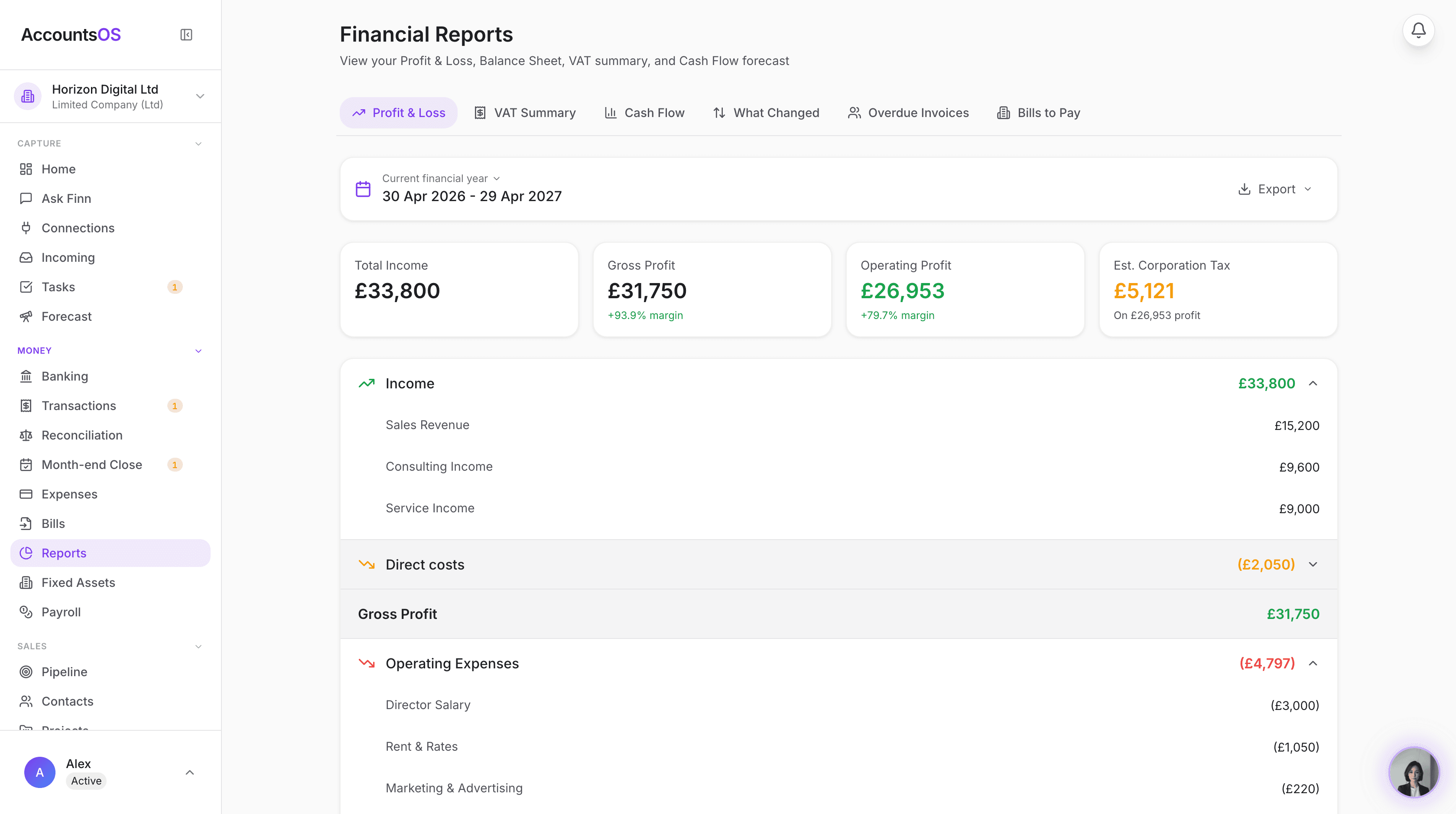
AccountsOS is MTD-compatible software built to HMRC's Making Tax Digital VAT API specification. It does the whole VAT cycle, not just the final submit.
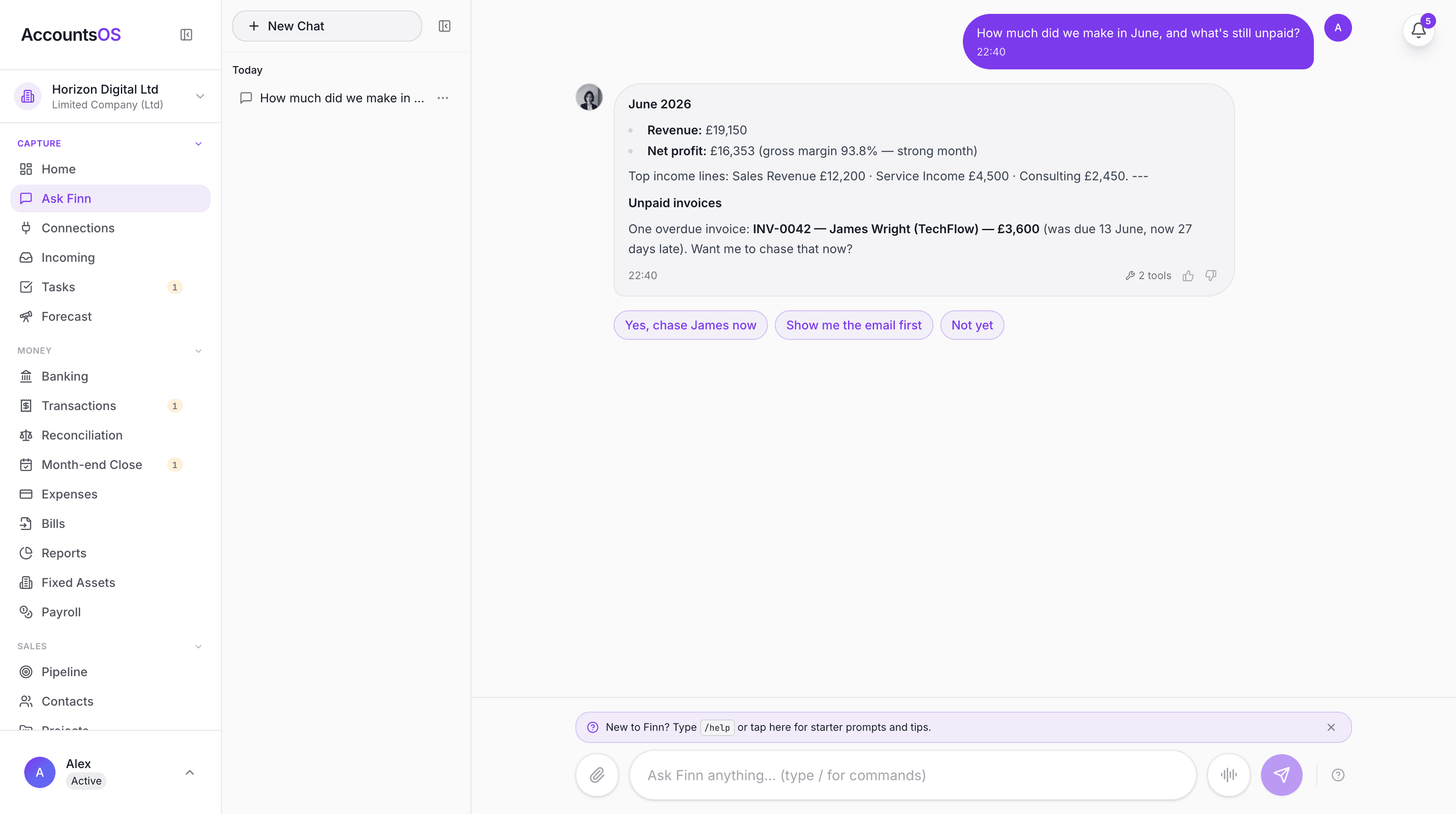
Through the quarter, every transaction is captured digitally with the original receipt or invoice attached, and the AI categorises it and works out the VAT treatment. You can forward a receipt by email or send it to Finn, the AI accountant, on WhatsApp, and it is logged against the right transaction automatically. The VAT 9-box return is recalculated live as you go, so at any point you can see exactly what you owe.
When the period ends, you review the nine boxes, then submit directly to HMRC under MTD. You can do this from the VAT screen in a couple of clicks, or simply ask Finn in chat to file it, and it will confirm the figures with you before sending. AccountsOS stores HMRC's confirmation receipt and form bundle number against the period, so you have proof of filing.
Because the calculation engine and the submission use the same figures, the 9-box you review is the 9-box that gets filed. There is no re-keying and no separate bridging step.
AccountsOS vs Xero vs QuickBooks for MTD VAT
Xero and QuickBooks are the best known all-in-one tools and both file VAT to HMRC under MTD. The difference with AccountsOS is the AI layer: instead of you sitting in front of a dashboard categorising transactions and chasing receipts, the software does that work and you review the result.
Prices below are indicative at the time of writing and exclude VAT where noted. Always check the current price with each provider.
| AccountsOS | Xero | QuickBooks | |
|---|---|---|---|
| Files VAT to HMRC (MTD) | Yes | Yes | Yes |
| AI does the bookkeeping | Yes | Limited | Limited |
| Receipt capture by chat/email | Yes | Add-on | Add-on |
| Ask in plain English | Yes (Finn) | No | Limited |
| Typical entry price | From £20/mo + VAT | From around £16/mo | From around £12/mo + VAT |
| Free trial | 14 days, no card | Trial | Trial |
How much does MTD VAT software cost?
Costs range from free to around twenty to forty pounds a month. Free is real but limited: it usually ties you to a specific bank, leaves you doing all the bookkeeping by hand, and comes with little or no support.
The honest way to compare is total cost, which means the software price plus the time you spend doing the work the software does not. A tool that is five pounds cheaper but makes you spend three evenings a quarter categorising transactions is not cheaper.
| Option | Indicative cost | What you still do yourself |
|---|---|---|
| Free software (e.g. via bank) | £0 | All bookkeeping, manual entry, no support |
| Bridging software | From around £36/year | Keep spreadsheets, maintain digital links |
| Xero / QuickBooks / Sage | Around £12–£30/mo | Most categorising and receipt admin |
| AccountsOS | From £20/mo + VAT | Review the AI's work and approve the return |
Switching to AccountsOS from spreadsheets or another tool
You do not have to wait for a new VAT period to switch. AccountsOS can import your existing transactions, whether they live in a spreadsheet or in another accounting tool, and the AI maps your data onto the right categories so your records are continuous.
Once you are in, you connect to HMRC once through a secure authorisation, and from then on filing is part of the normal flow. Your VAT history and prior returns stay intact, and the next return is calculated from your live data.
Is AccountsOS the right MTD VAT software for you?
AccountsOS is built for founders and small businesses who would rather not spend their time on bookkeeping. If you are VAT-registered, want your records kept properly without doing the data entry yourself, and want to file to HMRC without thinking about it, it is a strong fit.
If you have a finance team that wants to drive every entry by hand, or you only ever need to press submit on a spreadsheet you maintain yourself, a bridging tool may be enough. For everyone else, the value is in the work AccountsOS removes, not just the filing button.
You can try it free for 14 days with no card, connect your data, and see your live VAT position before you decide.
Frequently asked questions
Can I still file my VAT return on the HMRC website?
No. The old HMRC online VAT return portal is closed for routine returns. All VAT-registered businesses must file through MTD-compatible software that connects to HMRC. AccountsOS submits your return directly to HMRC under Making Tax Digital.
Does AccountsOS submit VAT returns directly to HMRC?
Yes. AccountsOS is connected to HMRC's Making Tax Digital for VAT service in production, so it files VAT returns directly to HMRC. It calculates your nine-box return from your bookkeeping, you review the figures, and on your confirmation it submits to HMRC and stores the confirmation receipt against the period. There is no bridging spreadsheet and no re-keying.
How much does AccountsOS cost?
AccountsOS is free for 14 days with no card required, then £20 a month plus VAT. That covers the AI bookkeeping, receipt capture, the live VAT calculation, and direct submission to HMRC, not just the filing.
What VAT schemes does the software support?
AccountsOS supports standard VAT accounting, cash accounting, and the flat rate scheme, and applies the correct treatment when it builds your 9-box return.
Do I need separate software for VAT and Income Tax?
No. AccountsOS keeps one set of digital records for your business. It files VAT under MTD today, and is built to support Making Tax Digital for Income Tax as that regime rolls out from April 2026.
Can the software handle my receipts?
Yes. You can forward receipts by email or send them to Finn on WhatsApp, and the AI logs each one against the right transaction with the VAT extracted, so your purchase records are complete without manual entry.
How often do I have to submit a VAT return?
Most businesses file quarterly. The return and any payment are due one calendar month and seven days after the end of the VAT period. AccountsOS tracks the deadline and reminds you.
Is my data secure when I connect to HMRC?
Yes. The connection to HMRC uses a secure one-time authorisation (OAuth) and includes the fraud prevention information HMRC requires. AccountsOS never sees or stores your HMRC password.
Can I switch to AccountsOS part way through the year?
Yes. You can import your existing transactions from a spreadsheet or another tool at any time, and the AI maps them onto the right categories so your records stay continuous and your next return is accurate.
What happens if I miss a VAT deadline?
HMRC runs a points-based penalty system for late VAT returns, with a fixed penalty once you reach the points threshold, plus interest on late payment. AccountsOS surfaces upcoming deadlines so you can file on time.
Related MTD guides
Making Tax Digital for VAT: Complete Compliance Guide (2026)
MTD for VAT is mandatory for all VAT-registered businesses regardless of turnover since April 2022. You must keep digital VAT records and submit your VAT return through MTD-compatible software — not the HMRC online portal.
Is AccountsOS HMRC-Recognised? MTD-Compatible Software Explained (2026)
HMRC-recognised MTD software is software built to HMRC's Making Tax Digital technical specification that can connect to HMRC and file returns through its official API. AccountsOS is MTD-compatible software built to HMRC's VAT specification: it connects to HMRC through a secure authorisation, sends the fraud prevention data HMRC requires, and submits your VAT return directly under Making Tax Digital.
Free MTD VAT Software UK 2026: Your Options, Honestly Compared
Yes, free MTD VAT software is available in the UK. FreeAgent is free for NatWest, RBS, Ulster and Mettle business banking customers. QuickFile is free for smaller businesses, and My Tax Digital offers free bridging for filing only. All three are MTD-compatible and can submit VAT returns directly to HMRC. The trade-off: free software leaves the bookkeeping and VAT calculation work entirely to you.
How to Submit Your VAT Return to HMRC Under MTD (2026 Step-by-Step)
To submit a VAT return under Making Tax Digital (MTD), you must use MTD-compatible software connected to HMRC via OAuth authorisation. Your software calculates the 9-box VAT figures from your digital records, you review them, and submit directly to HMRC through the software. The old HMRC online portal can no longer be used by VAT-registered businesses to file returns.
Best MTD Software UK 2026: Free and Paid Options Compared
Several free MTD-compatible software options exist for UK taxpayers, including QuickFile, My Tax Digital, and FreeAgent (free via NatWest or Mettle banking). Paid all-in-one options include Xero, QuickBooks, and Sage. AccountsOS is MTD-compatible software that uses AI to do the bookkeeping for you and submits your VAT return directly to HMRC, from £20 a month plus VAT after a 14-day free trial.
Get MTD-ready with AccountsOS
Connect your bank and HMRC, and let Finn keep the records, build the return and submit it for you. Be ready for Making Tax Digital without the admin.
Free for 14 days. No credit card required.