Product tours
Have a look around before you sign up.
Real screens from the live product, filmed as a demo practice. Click through each one at your own pace. No demo to book, no onboarding queue.
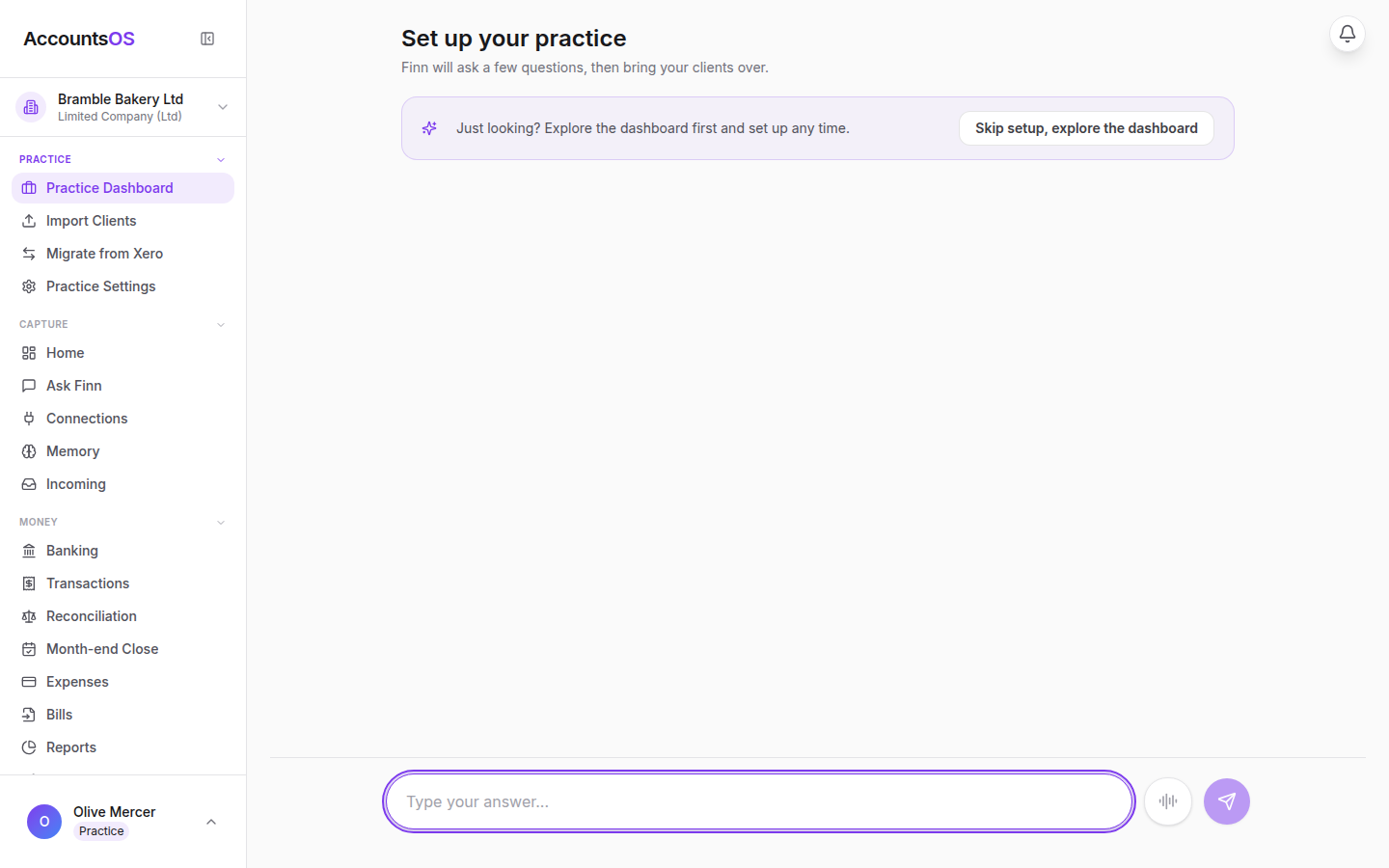
Tour 1
Set up your practice
“What happens after I sign up as a practice? Is there an onboarding queue or a demo to book?”
3 screens 2 minStart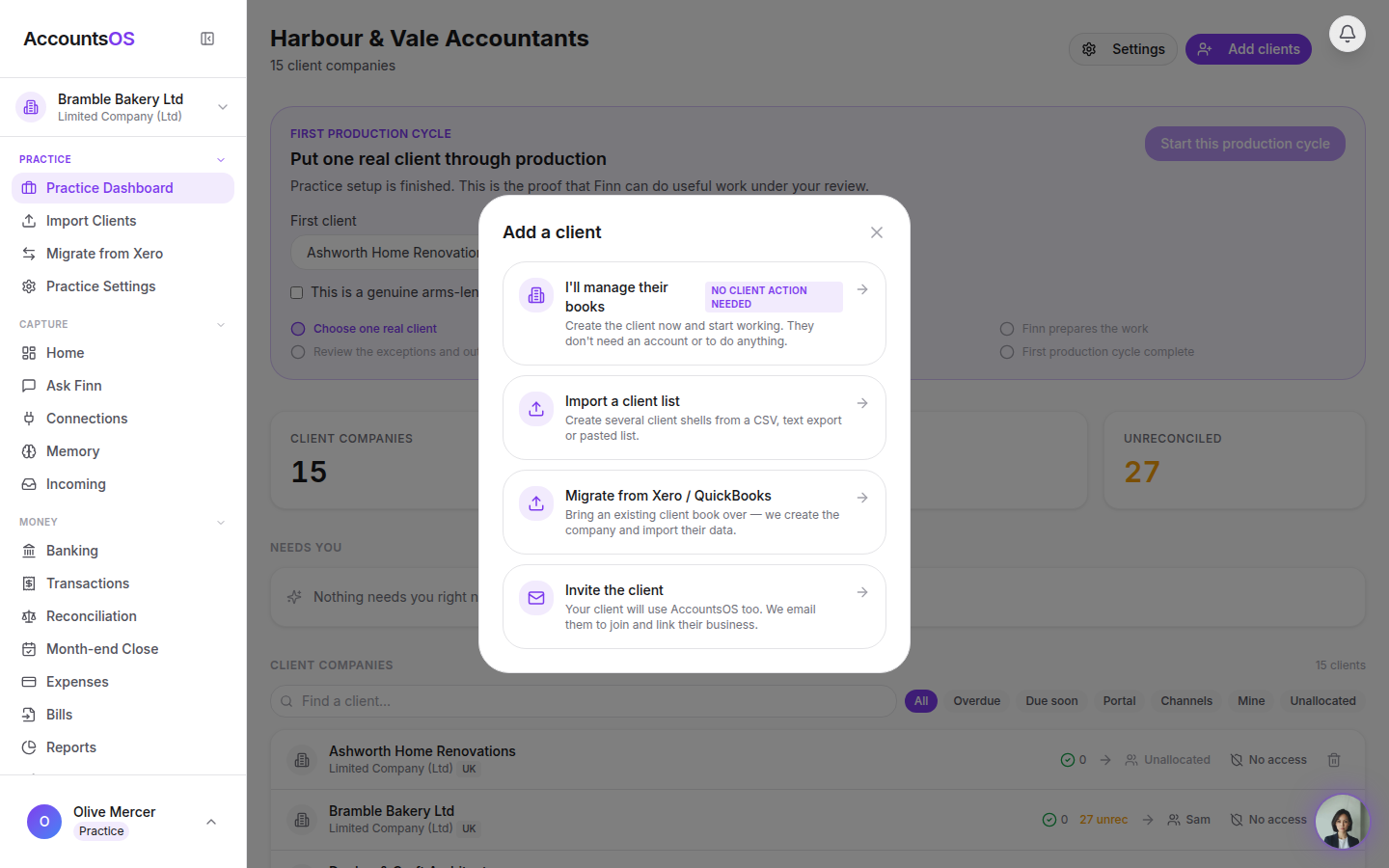
Tour 2
Add your first client
“How do I set up my first client? Do they need an account?”
3 screens 1 minStart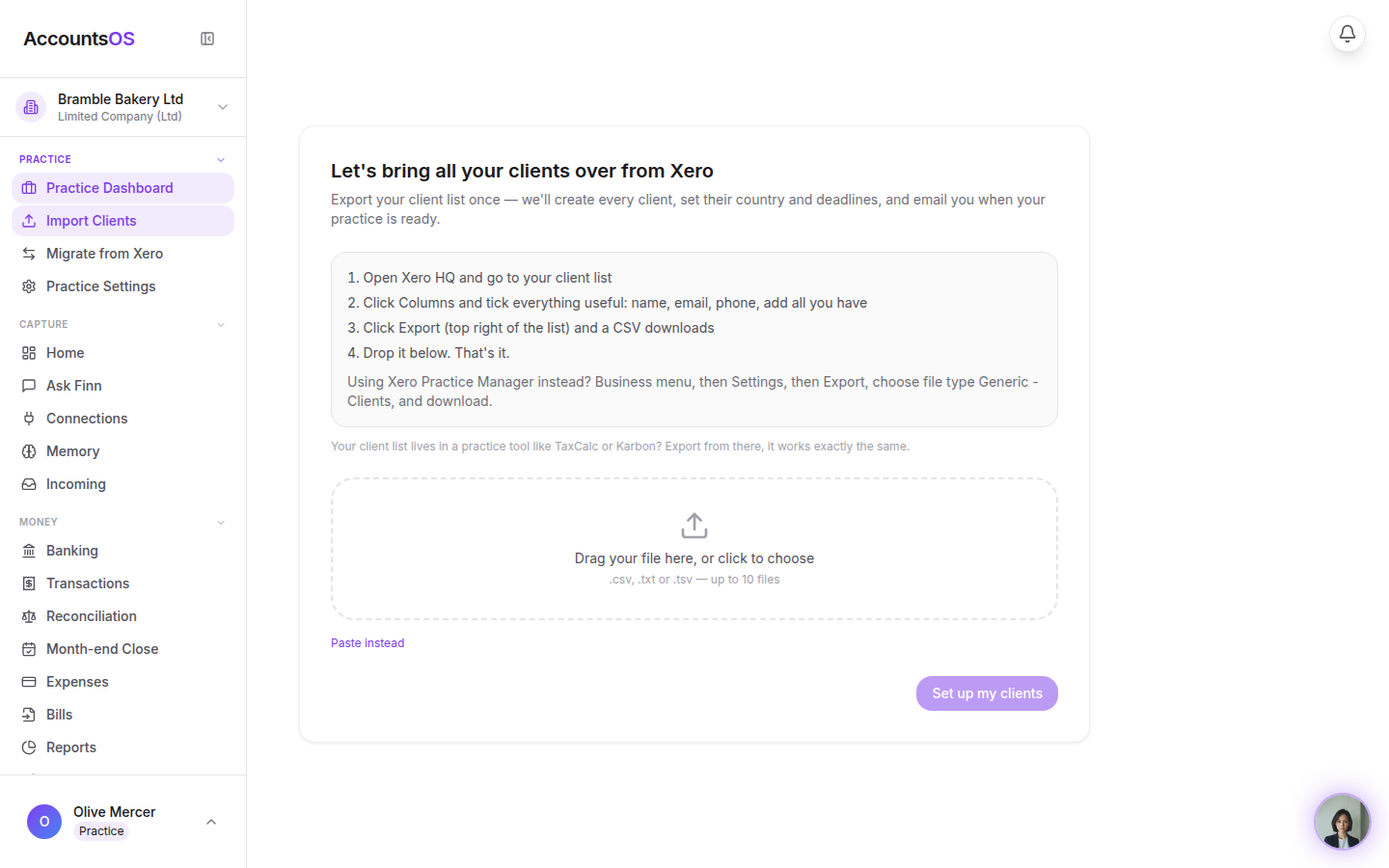
Tour 3
Bring your client book over
“I have 200 clients on Xero, QuickBooks or Sage. How do I get them over without retyping everything?”
5 screens 3 minStart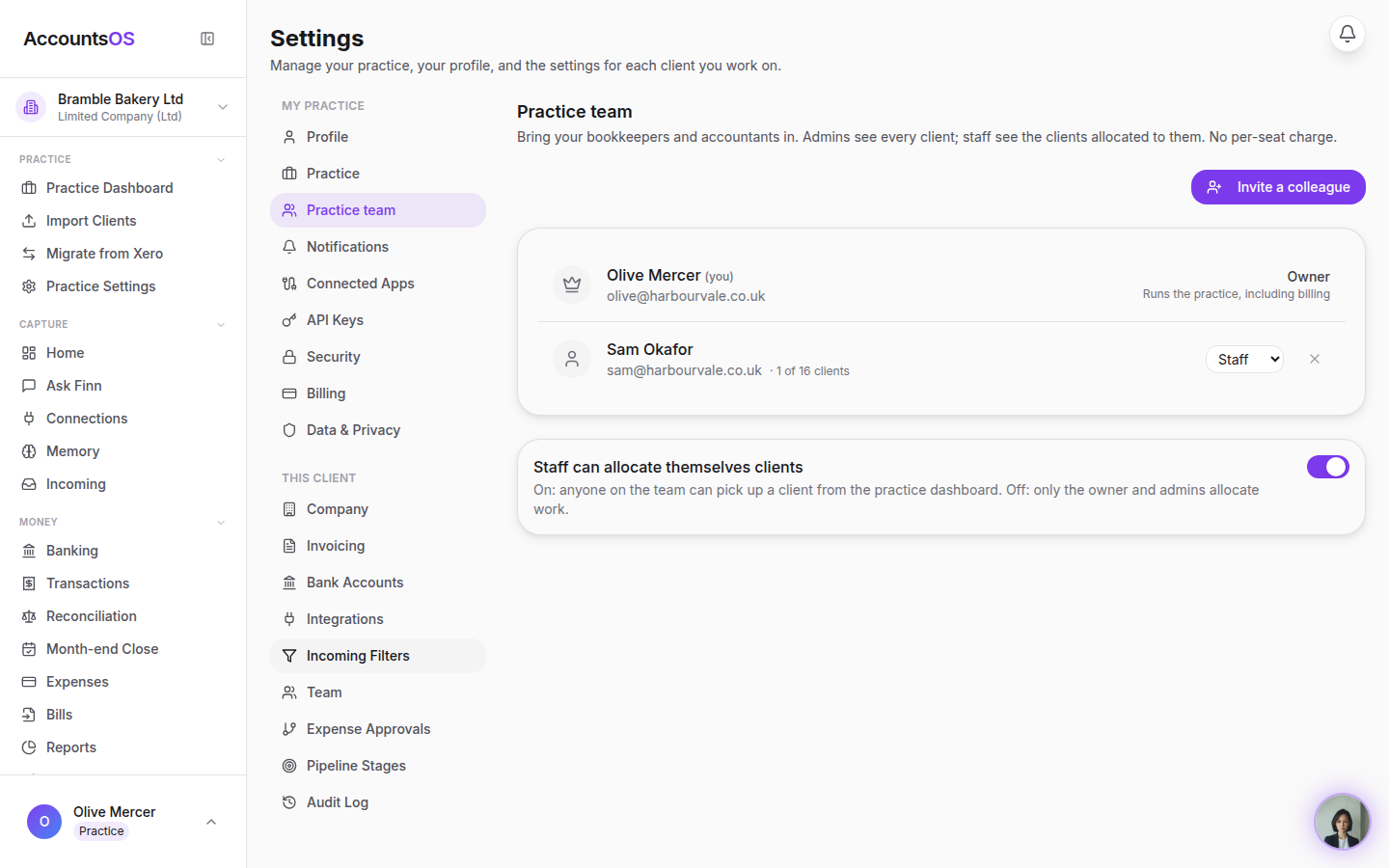
Tour 4
Invite your team
“Can I bring my bookkeepers and other accountants in, and control what they see? Is there a per-seat charge?”
4 screens 1 minStart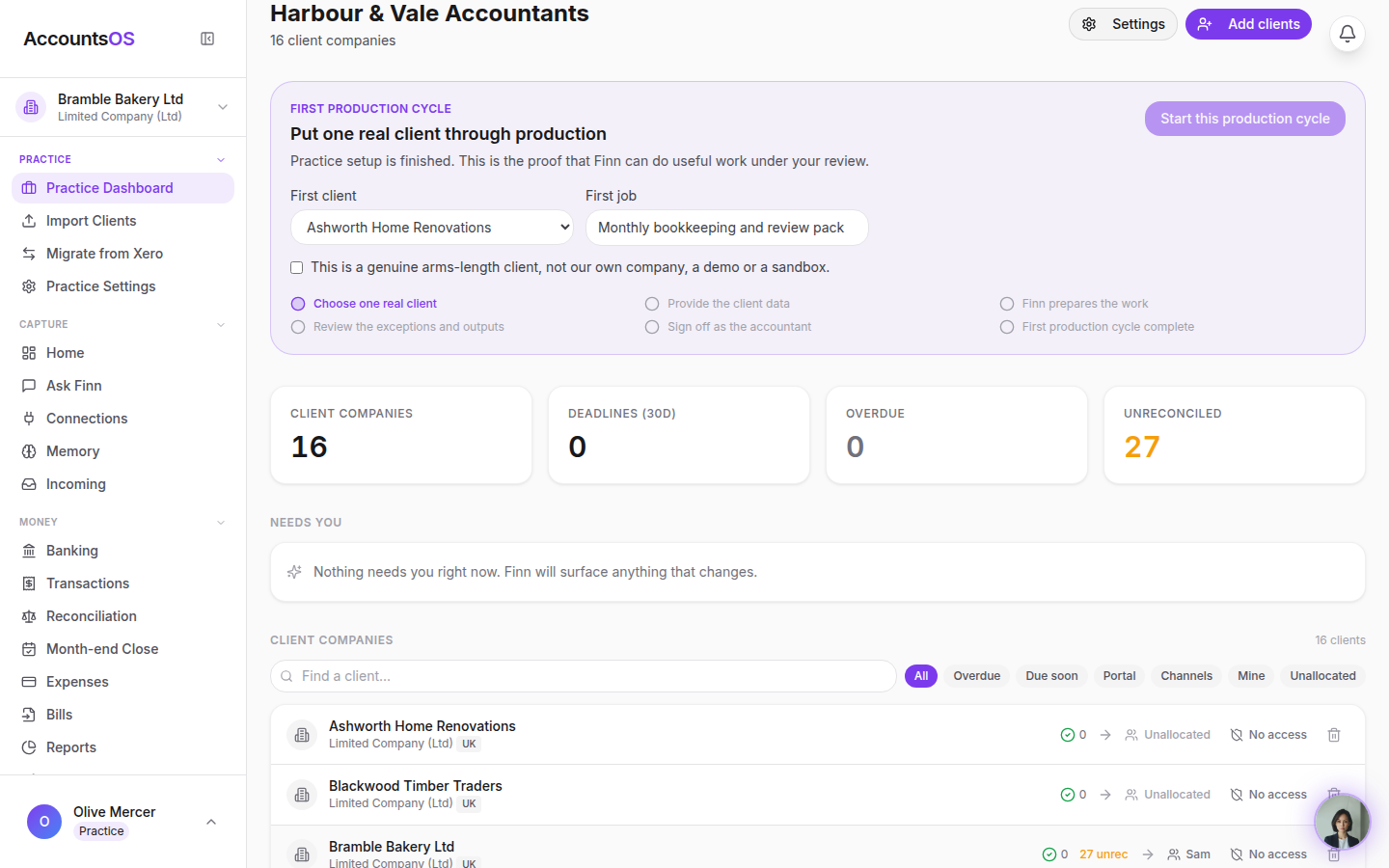
Tour 5
Allocate clients to your team
“How do I decide who works which client, and what does a bookkeeper actually see?”
4 screens 2 minStart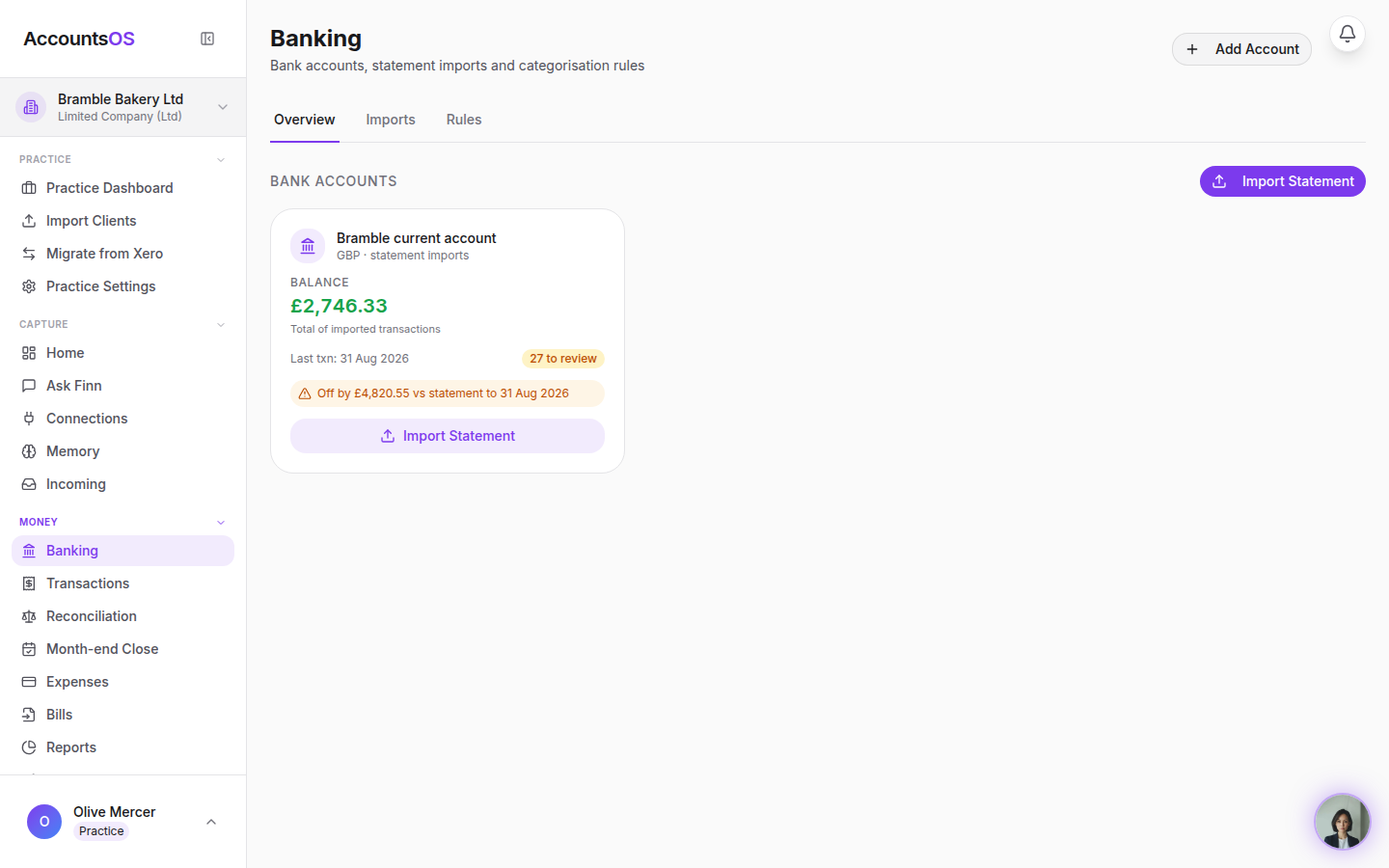
Tour 6
Reconcile a client with Finn
“What does the day-to-day bookkeeping actually look like? Do I still categorise every line?”
5 screens 3 minStart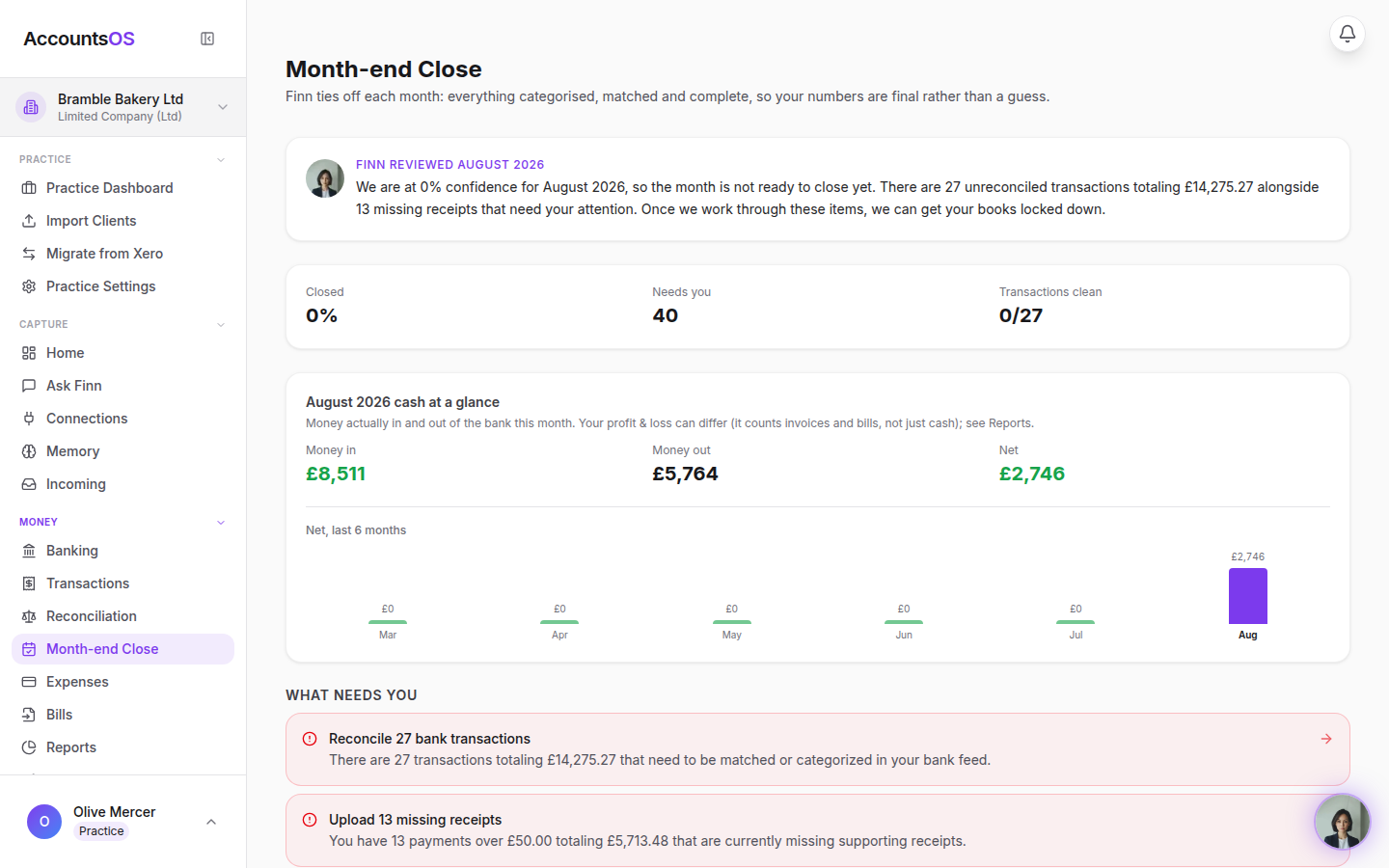
Tour 7
Month-end close
“What happens at month-end? Who does the checking?”
3 screens 2 minStart
Ready to try it with a real client?
30 days free, then billed per live client in arrears. Add one client and see how it lands before you move the rest.