Is AccountsOS HMRC-Recognised? MTD-Compatible Software Explained (2026)
HMRC-recognised MTD software is software built to HMRC's Making Tax Digital technical specification that can connect to HMRC and file returns through its official API. AccountsOS is MTD-compatible software built to HMRC's VAT specification: it connects to HMRC through a secure authorisation, sends the fraud prevention data HMRC requires, and submits your VAT return directly under Making Tax Digital.
Built to
HMRC MTD VAT spec
Connection
Secure OAuth
Files to HMRC
VAT, directly
Fraud prevention
Headers sent
Your HMRC password
Never stored
Income Tax (ITSA)
From April 2026
Price
From £20/month + VAT
Free trial
14 days, no card
Compliant without the manual work
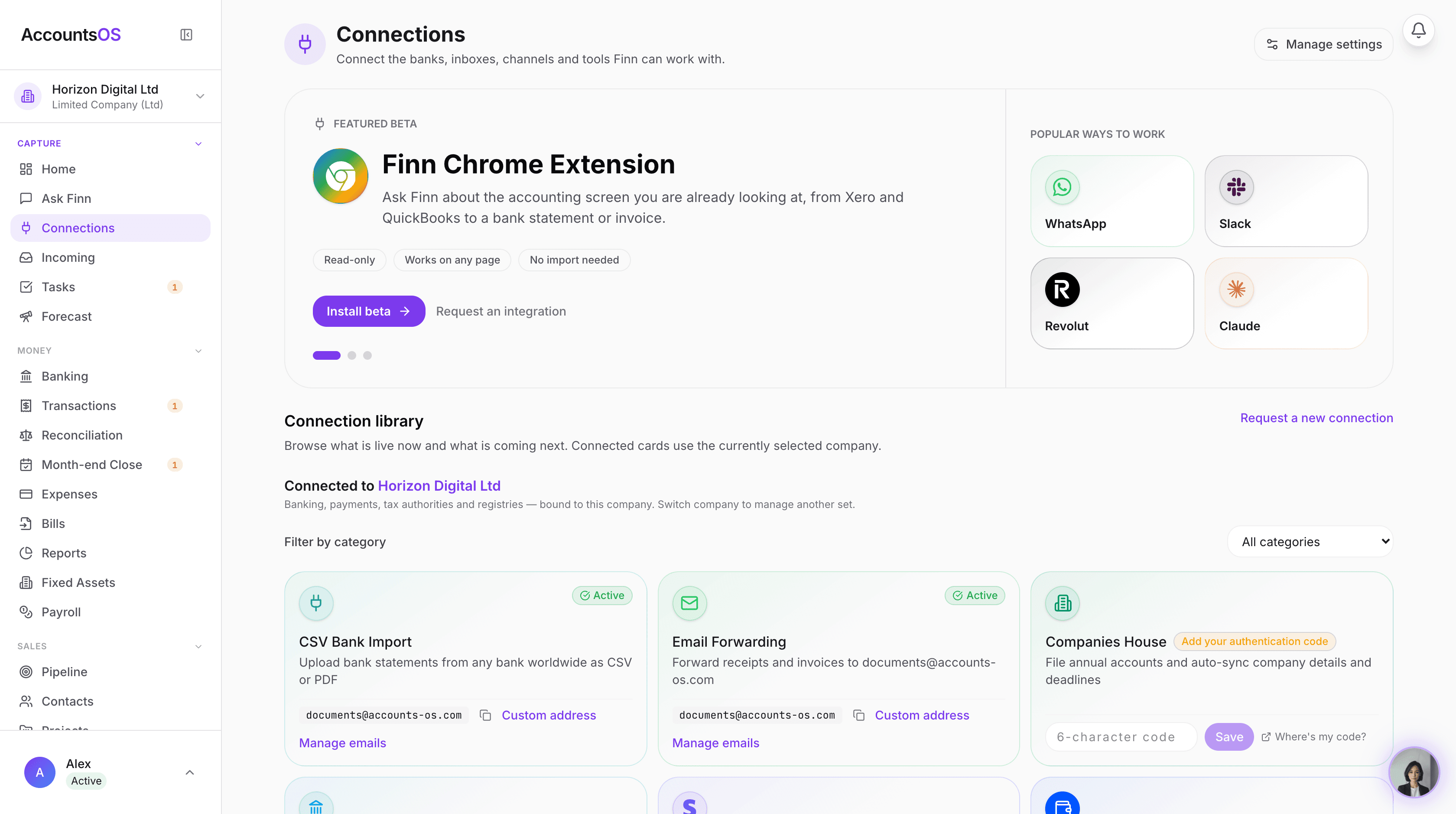
Making Tax Digital means keeping digital records and filing through software. AccountsOS does both for you. Connect your bank and HMRC, and Finn keeps the records, builds the return from your bookkeeping, and files it on your confirmation.
- Digital records kept automatically as money moves
- Returns calculated from your ledger, no bridging spreadsheet
- Submit directly to HMRC once you've checked the figures
- Every deadline tracked so nothing is filed late
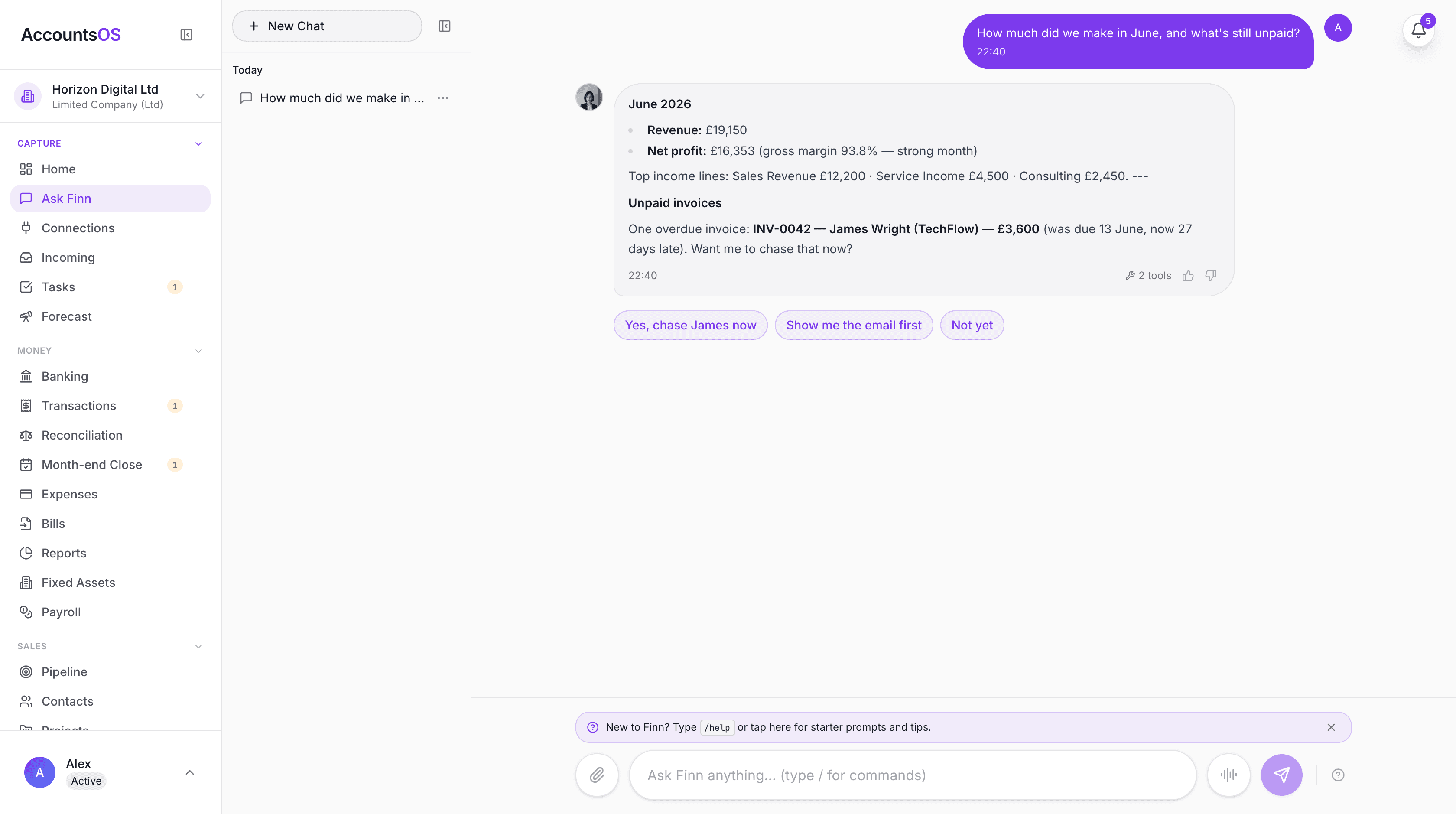
Making Tax Digital only works if your software can talk to HMRC. That is what people mean when they ask whether a tool is HMRC-recognised or MTD-compatible: can it actually connect to HMRC and file the return, and has it been built to HMRC's standards. The terms get used loosely, so this page explains exactly what they mean, how to check any provider, what AccountsOS can file directly to HMRC, and how the connection keeps your data secure. If you are choosing software to meet your MTD obligations, this is the trust layer you should understand before you commit.
What does HMRC-recognised MTD software mean?
HMRC-recognised software is software that has been built to HMRC's Making Tax Digital technical specification and can connect to HMRC's official MTD application programming interface (API) to send and receive data. In practice it means three things: the software keeps records in the digital format HMRC requires, it connects securely to HMRC, and it can file the return straight into HMRC's systems.
HMRC does not write the software itself. Instead it publishes the technical standard, and software providers build to it and connect through HMRC's developer platform. A recognised provider is registered on that platform and uses HMRC's production API to file real returns.
The phrase MTD-compatible is used to mean the same thing. What matters for you is simple: can the software file your return directly to HMRC under MTD, and does it meet HMRC's standards for record keeping and security.
Is AccountsOS HMRC-recognised?
AccountsOS is MTD-compatible software built to HMRC's Making Tax Digital VAT specification. It connects to HMRC through HMRC's official MTD VAT API, submits your VAT return directly, and stores HMRC's confirmation receipt and form bundle reference against the period.
The connection meets HMRC's technical requirements, including the fraud prevention header information HMRC mandates for every submission. Those headers are validated by HMRC, and AccountsOS sends a complete and valid set on every VAT call.
In short, when you file your VAT return through AccountsOS, it goes directly into HMRC's systems through the recognised MTD channel, not through a workaround.
How AccountsOS connects to HMRC
Connecting is a one-time authorisation. You click connect, you are taken to HMRC's own sign-in page, and you authorise AccountsOS to file on your behalf. This uses OAuth, the same secure standard banks use for open banking, which means AccountsOS never sees or stores your HMRC username or password.
Once connected, AccountsOS can read your VAT obligations from HMRC (so it knows which periods are open and when they are due), pull your filing history, and submit returns. The authorisation can be revoked at any time, either in AccountsOS or in your HMRC account.
Every submission carries the fraud prevention data HMRC requires, which describes the device and connection making the request. This is a mandatory part of the MTD standard and is one of the checks HMRC runs before accepting a return.
How can I check whether software is HMRC-recognised?
HMRC publishes a software finder on GOV.UK where you can search for tools that work with Making Tax Digital for VAT. It is a good starting point, but it is not the only test, and the list updates periodically rather than instantly, so a newly recognised provider may take time to appear.
The more direct test is the one that matters in practice: can the software take you to HMRC's own sign-in page to authorise it, and does it file your return and return a confirmation receipt from HMRC. If it does both, it is connecting through the recognised MTD channel.
If you are ever unsure about a specific provider, you can ask them directly which HMRC MTD APIs they are registered for and whether they file through HMRC's production environment.
HMRC-recognised, MTD-compatible and MTD-ready: the terms explained
These phrases get mixed up in marketing. Here is what each one should mean so you can read software claims accurately.
| Term | What it should mean |
|---|---|
| HMRC-recognised | Built to HMRC's MTD spec and able to file through HMRC's official API |
| MTD-compatible | The same thing: meets the requirements to file under Making Tax Digital |
| MTD-ready | Often softer: keeps digital records and is preparing to file, check it actually submits |
| Bridging | Only files figures from a spreadsheet, does not keep your records |
What can AccountsOS file directly to HMRC?
Today, AccountsOS files VAT returns directly to HMRC under Making Tax Digital. It calculates the 9-box return from your transactions, you review it, and it submits to HMRC and stores the receipt.
Making Tax Digital for Income Tax Self Assessment (MTD for ITSA) begins on 6 April 2026 for self-employed people and landlords with qualifying income over £50,000, with the threshold dropping to £30,000 from April 2027 and £20,000 from April 2028. AccountsOS keeps your records in the digital format that regime requires and is built to support ITSA quarterly updates as it rolls out.
Making Tax Digital for Corporation Tax has no confirmed start date, so limited companies are currently only affected by MTD through VAT if they are VAT-registered.
Why recognition matters for trust and security
Filing tax is not somewhere to cut corners. Using software that connects through the recognised MTD channel means your return is accepted by HMRC the first time, you get a genuine receipt as proof, and your sign-in stays protected because you authorise through HMRC rather than handing over a password.
It also means your records meet HMRC's digital requirements, which matters if HMRC ever queries a return. With AccountsOS, every figure on the return traces back through digital links to the underlying transaction and its original document, which is exactly the chain HMRC expects to see.
Getting started with AccountsOS for MTD
You can start free for 14 days with no card. Import or connect your transactions, let the AI categorise them, and watch your VAT position update live. When a period is due, connect to HMRC once and file directly under MTD.
From £20 a month plus VAT after the trial, you get the AI bookkeeping, receipt capture, the live VAT calculation, and direct submission to HMRC, all in one place, with Finn able to answer questions about your numbers in plain English.
Frequently asked questions
Is AccountsOS HMRC-recognised for MTD?
AccountsOS is MTD-compatible software built to HMRC's Making Tax Digital VAT specification. It connects to HMRC through the official MTD VAT API, sends the required fraud prevention data, and files your VAT return directly to HMRC with a stored confirmation receipt.
Does AccountsOS file my VAT return straight to HMRC?
Yes. It calculates your 9-box VAT return from your transactions, you review it, and it submits directly to HMRC under MTD. It then stores HMRC's receipt and form bundle reference against the period as proof of filing.
How do I check if software is HMRC-recognised?
HMRC publishes a software finder on GOV.UK, though it updates periodically. The practical test is whether the software takes you to HMRC's own sign-in page to authorise it and returns a genuine HMRC receipt when you file. If it does both, it files through the recognised MTD channel.
What is the difference between HMRC-recognised and MTD-compatible?
They mean the same thing in practice: software that meets HMRC's Making Tax Digital requirements and can file returns through HMRC's official API. Be more careful with softer phrases like MTD-ready, which sometimes only means a tool keeps digital records but does not yet file.
Does connecting AccountsOS to HMRC give it my password?
No. You authorise AccountsOS through HMRC's own sign-in page using OAuth, the same secure standard used in open banking. AccountsOS never sees or stores your HMRC username or password, and you can revoke access at any time.
What is fraud prevention data and why does HMRC need it?
HMRC requires every MTD submission to include header information describing the device and connection making the request, as an anti-fraud measure. AccountsOS sends a complete and valid set of these headers on every VAT call, and HMRC validates them before accepting the return.
Can AccountsOS file my Income Tax under MTD?
Making Tax Digital for Income Tax starts on 6 April 2026 for those with qualifying income over £50,000. AccountsOS keeps your records in the format that regime requires and is built to support ITSA quarterly updates as the rules roll out.
Does MTD apply to my limited company?
MTD for Corporation Tax has no confirmed start date. A limited company is only affected by MTD through VAT, and only if it is VAT-registered. If it is, it must file VAT through MTD-compatible software like AccountsOS.
Is recognised software more expensive?
Not necessarily. Some recognised tools are free but limited, and some are paid. AccountsOS is £20 a month plus VAT after a 14-day free trial, which covers the AI bookkeeping and receipt capture as well as the direct HMRC filing, not just the submission.
What if my software is not on HMRC's published list?
The GOV.UK list updates periodically, so a newly recognised provider can take time to appear. The reliable check is whether the software authorises through HMRC's sign-in page and returns a real HMRC receipt when you file. If you are unsure, ask the provider which HMRC MTD APIs they file through.
Related MTD guides
MTD for VAT Software UK 2026: Submit Your VAT Return Directly to HMRC
MTD for VAT software keeps your VAT records digitally and submits your VAT return directly to HMRC. Every VAT-registered UK business must file this way. AccountsOS is connected to HMRC's Making Tax Digital for VAT service in production: it calculates your nine-box return live from your bookkeeping and, on your confirmation, files it directly to HMRC. Unlike software that just hands you the nine boxes to fill in, the AI does the categorising and the calculation for you. From £20 a month plus VAT after a 14-day free trial.
Making Tax Digital for VAT: Complete Compliance Guide (2026)
MTD for VAT is mandatory for all VAT-registered businesses regardless of turnover since April 2022. You must keep digital VAT records and submit your VAT return through MTD-compatible software — not the HMRC online portal.
Best MTD Software UK 2026: Free and Paid Options Compared
Several free MTD-compatible software options exist for UK taxpayers, including QuickFile, My Tax Digital, and FreeAgent (free via NatWest or Mettle banking). Paid all-in-one options include Xero, QuickBooks, and Sage. AccountsOS is MTD-compatible software that uses AI to do the bookkeeping for you and submits your VAT return directly to HMRC, from £20 a month plus VAT after a 14-day free trial.
How to Submit Your VAT Return to HMRC Under MTD (2026 Step-by-Step)
To submit a VAT return under Making Tax Digital (MTD), you must use MTD-compatible software connected to HMRC via OAuth authorisation. Your software calculates the 9-box VAT figures from your digital records, you review them, and submit directly to HMRC through the software. The old HMRC online portal can no longer be used by VAT-registered businesses to file returns.
Making Tax Digital for Income Tax: Complete Guide for Sole Traders & Landlords (2026)
MTD for Income Tax Self Assessment requires sole traders and landlords with qualifying income of £50,000 or more to submit quarterly digital updates to HMRC using compatible software from April 2026. Qualifying income is gross self-employment plus UK property income combined, before expenses.
Get MTD-ready with AccountsOS
Connect your bank and HMRC, and let Finn keep the records, build the return and submit it for you. Be ready for Making Tax Digital without the admin.
Free for 14 days. No credit card required.