Two modules
The books, and the firm around them.
Some practices only want Finn on the ledger. Some want the whole firm on it. They are two modules, not one long list. Finn cannot connect a live bank feed or add a user, so anywhere it writes, it asks first and you stay the one who reviews and signs.
The books
Finn runs the books.
Bookkeeping handled end to end, with your team reviewing and signing off. Take on more clients without adding bookkeeping headcount at the same rate, and put more of your time into client relationships and winning work.
You can run just this, and keep the practice software you already have.
10 featuresPractice management
Build the practice.
Bring your client work, team and practice economics together. Finn helps you manage the practice as well as the books, giving you a clearer view of capacity and margins as your client base grows.
Use it alongside the books, or keep your existing practice management software.
21 featuresWhat's next
Growth
Prospects, proposals, and onboarding into the books. Live pieces today. More of the win-work stack coming.
See the practice roadmapThe books
Finn handles the bookkeeping end to end. Your team reviews and signs off, with more capacity for a growing client book.
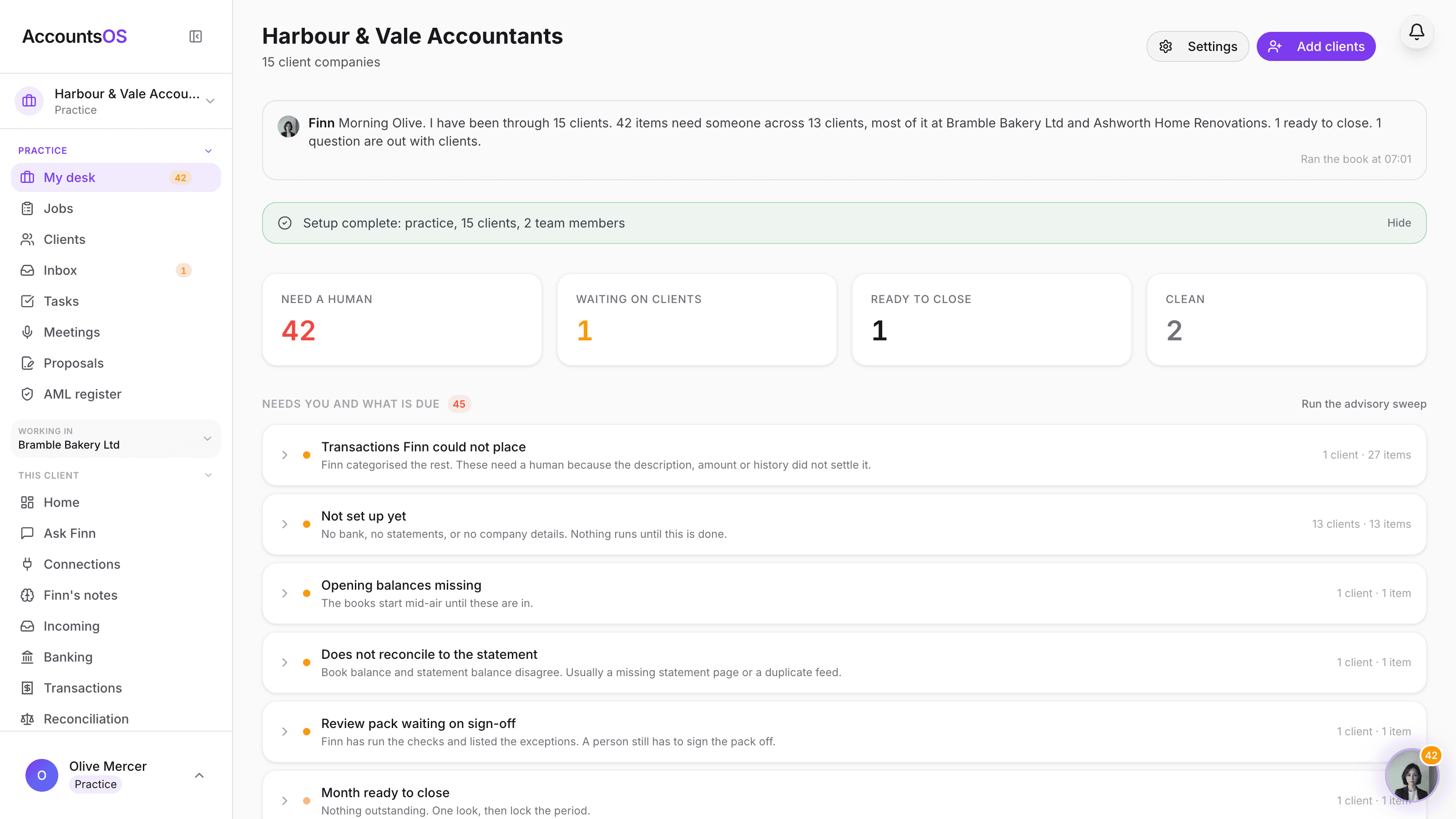
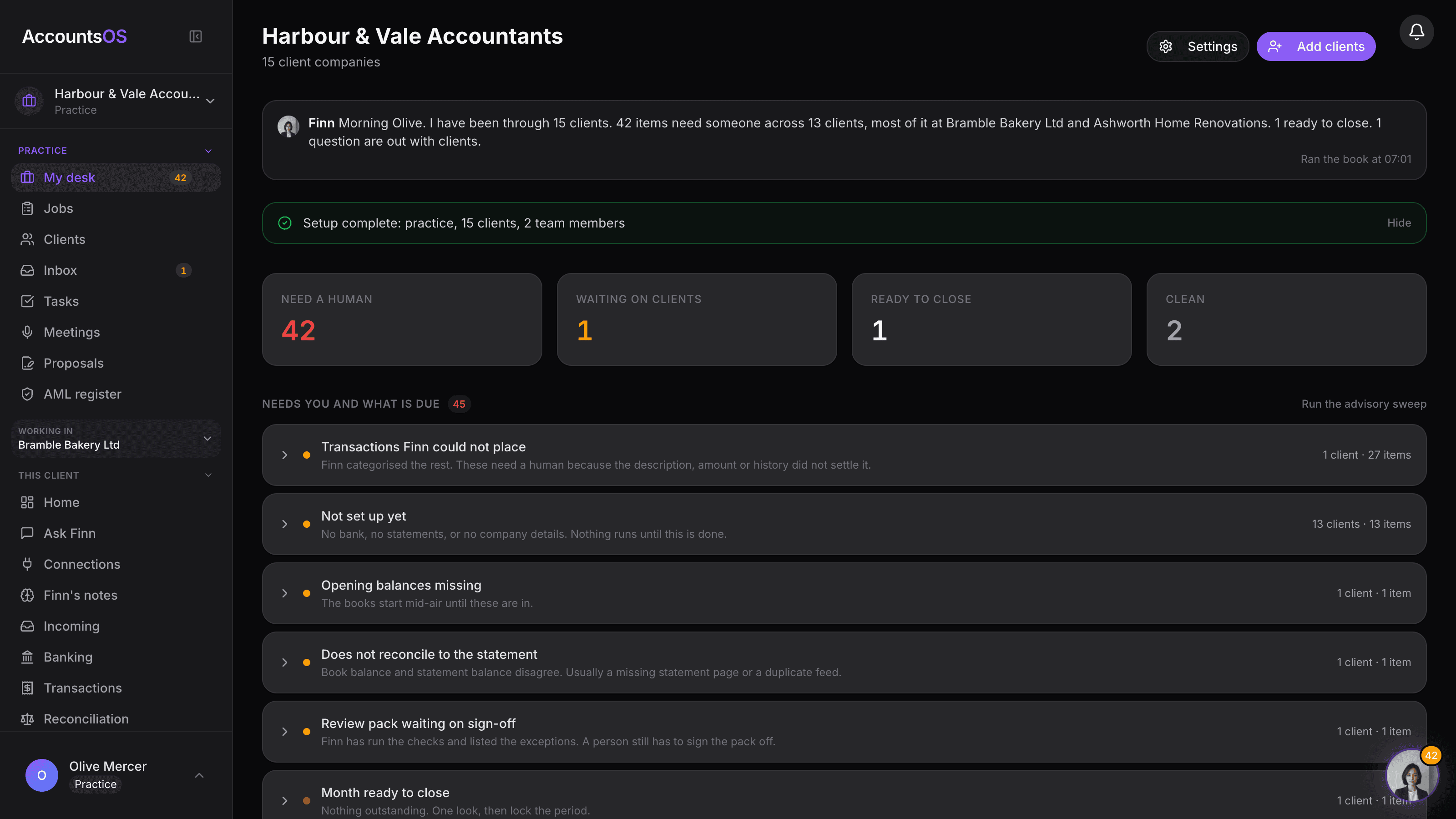
Practice desk
LiveOne queue for the whole client book, sorted by what needs you.
Prepare with Finn
LiveSweep up to 200 clients for a deadline group in one run.
Close and year end
LiveMonth-end close and FRS 105 annual accounts, prepared for your review.
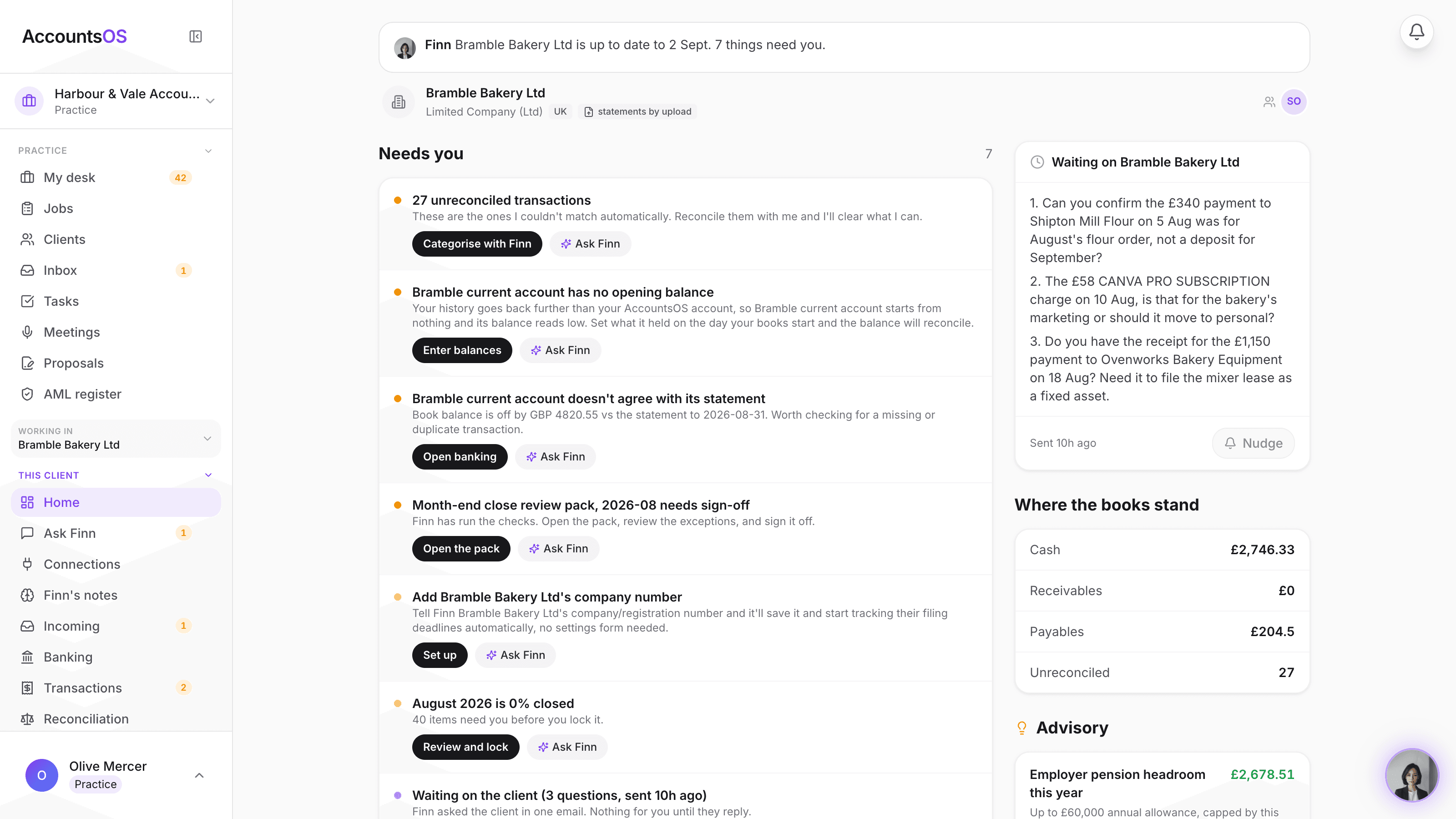
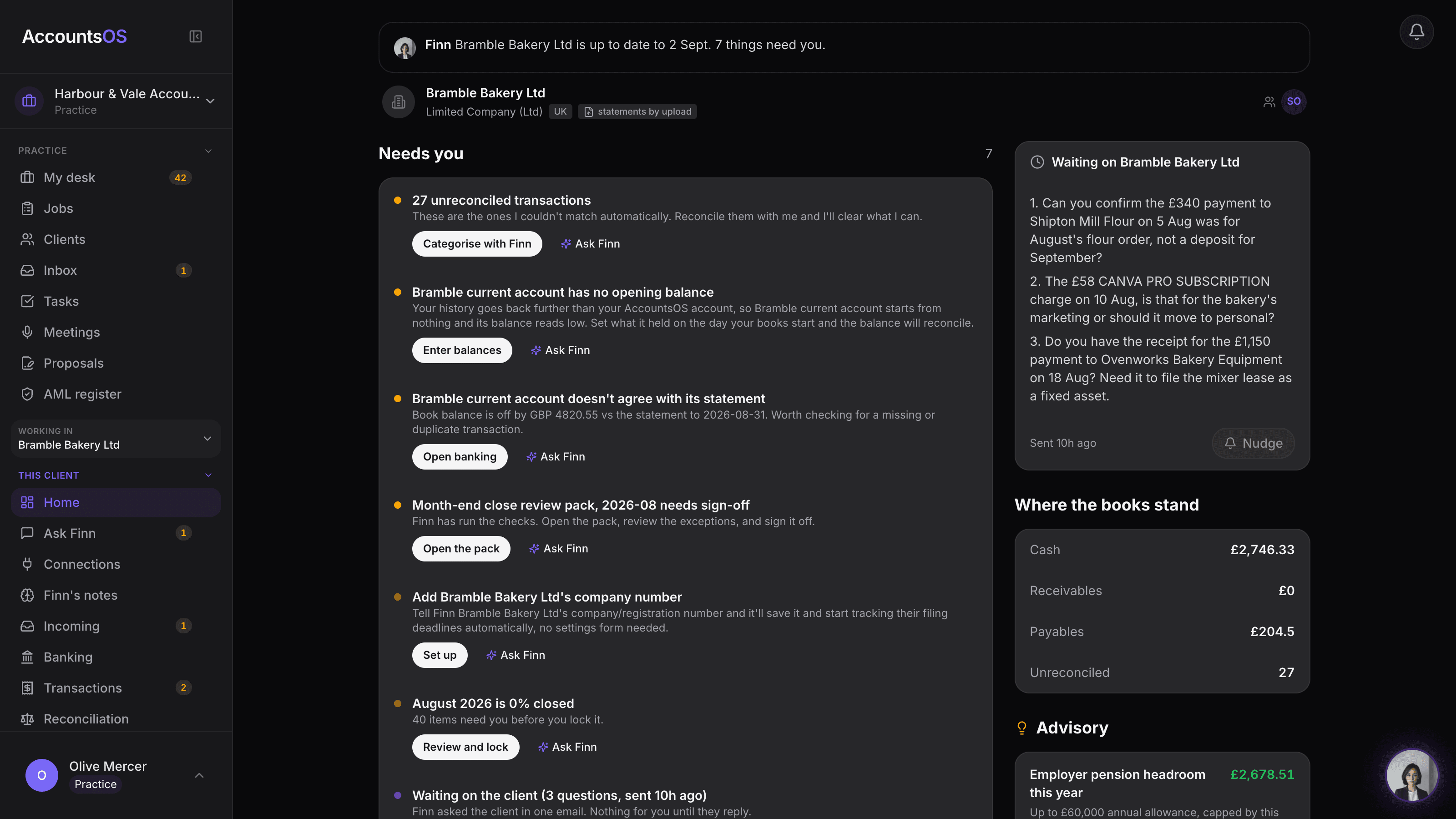
Inside a client
LiveCoding with a confidence score, batch coding, reconcile with Finn.
Ask the client
LiveOne consolidated email per client, drafted by Finn, sent by you.
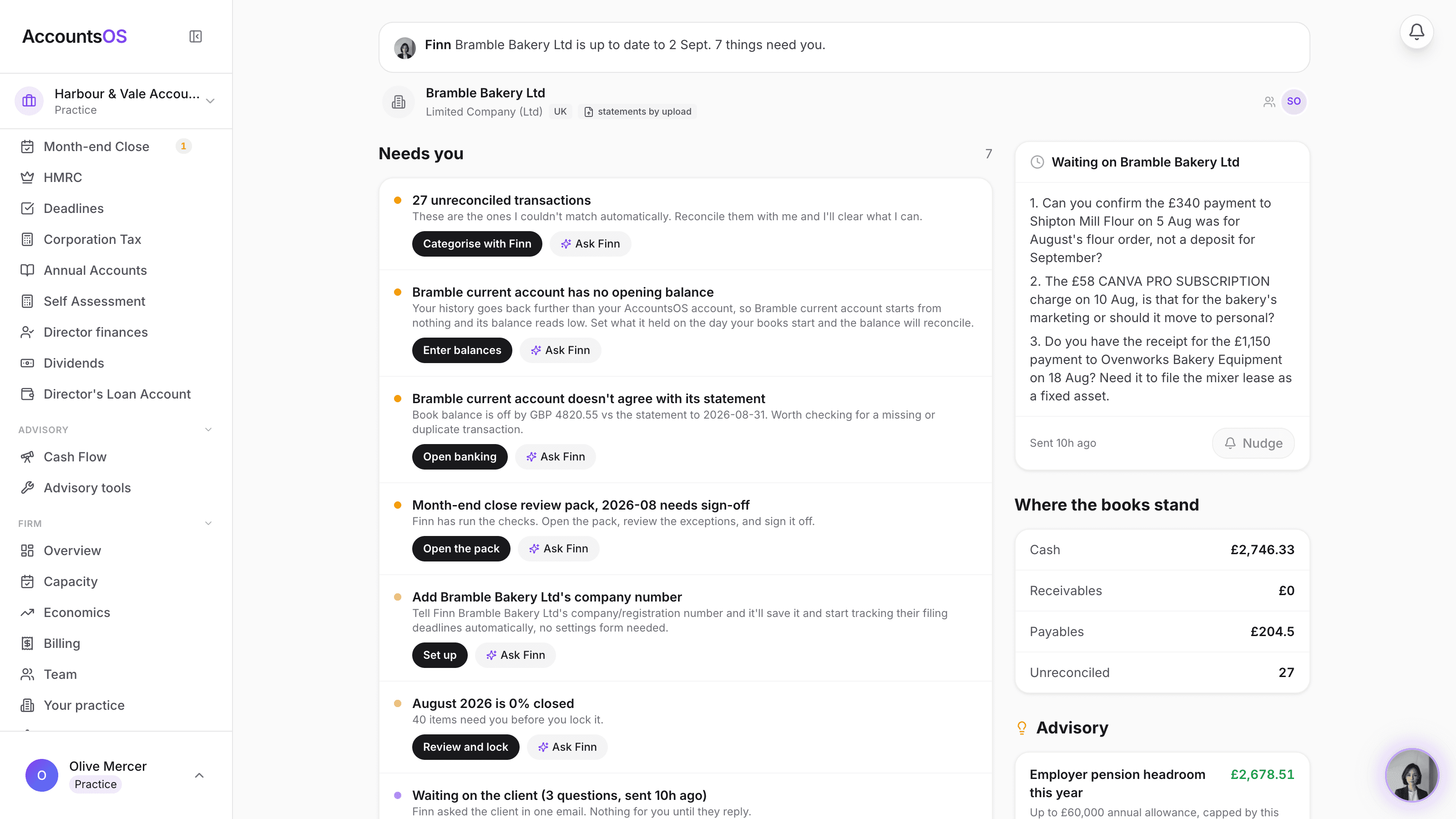
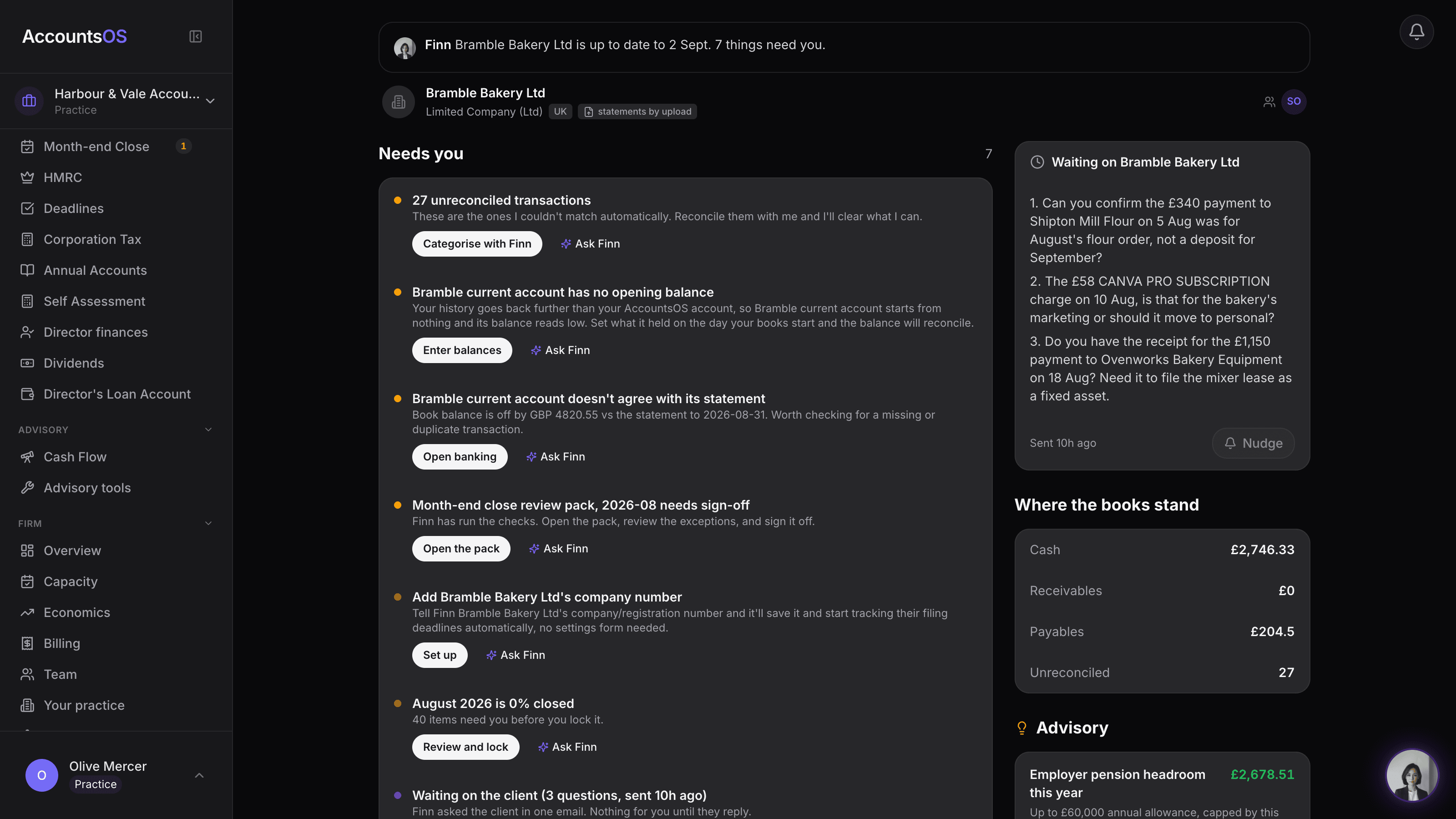
Advisory pack
LiveFinn finds the advisory opportunity, you draft the memo in one click.
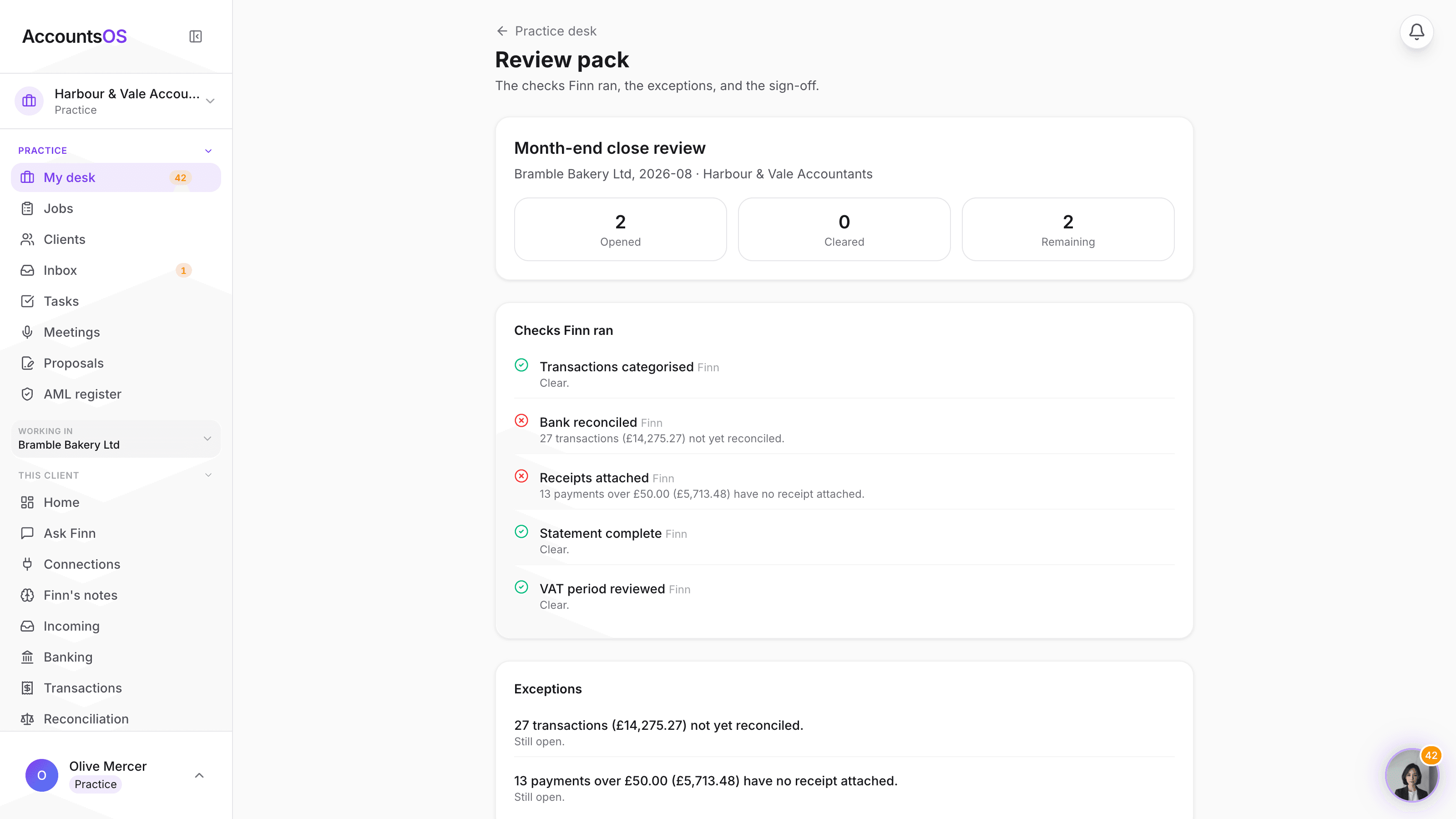
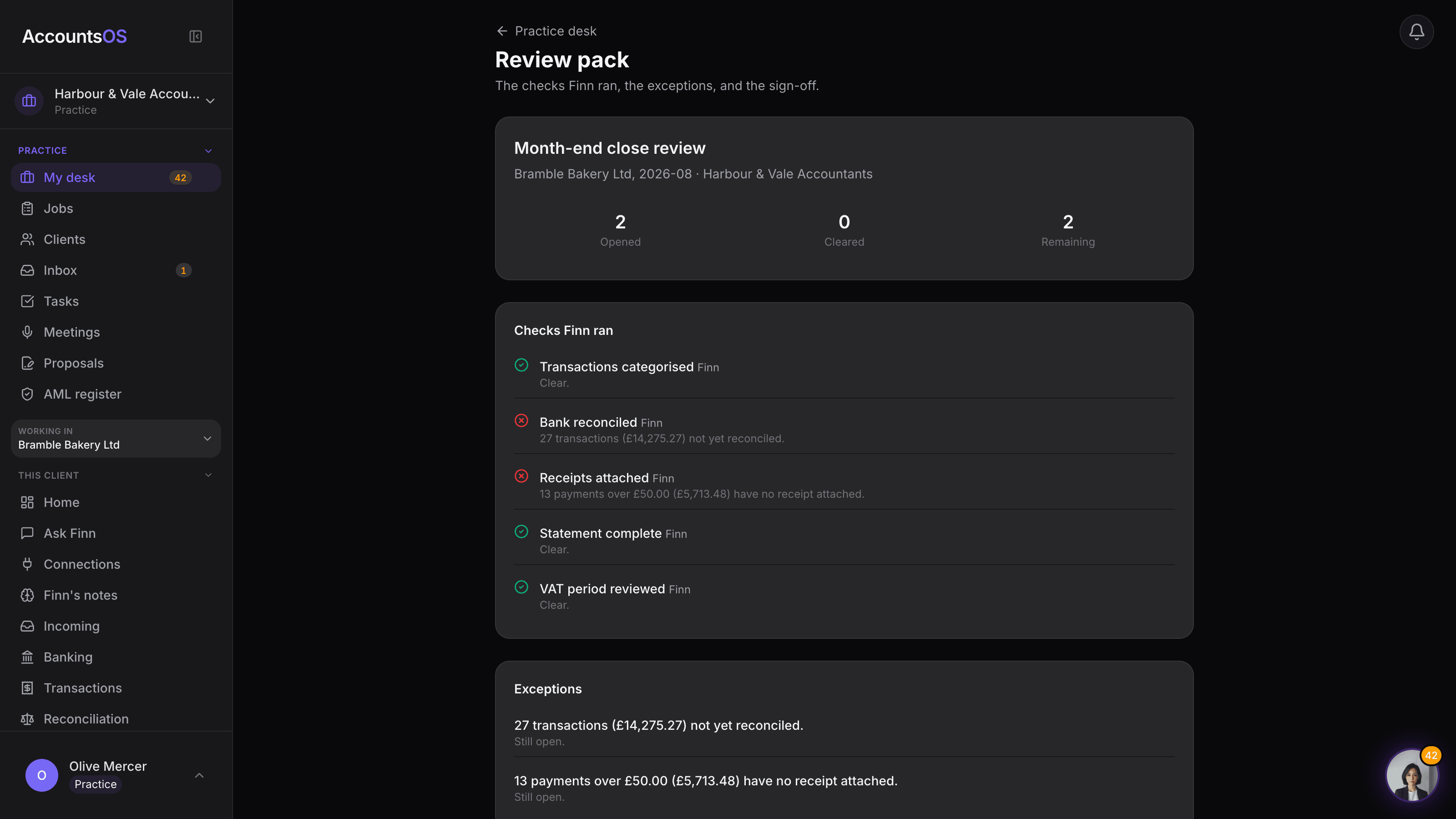
Review packs
Coming soonThe checks Finn ran, the exceptions, the sign-off, one pack per period.
Tax layer
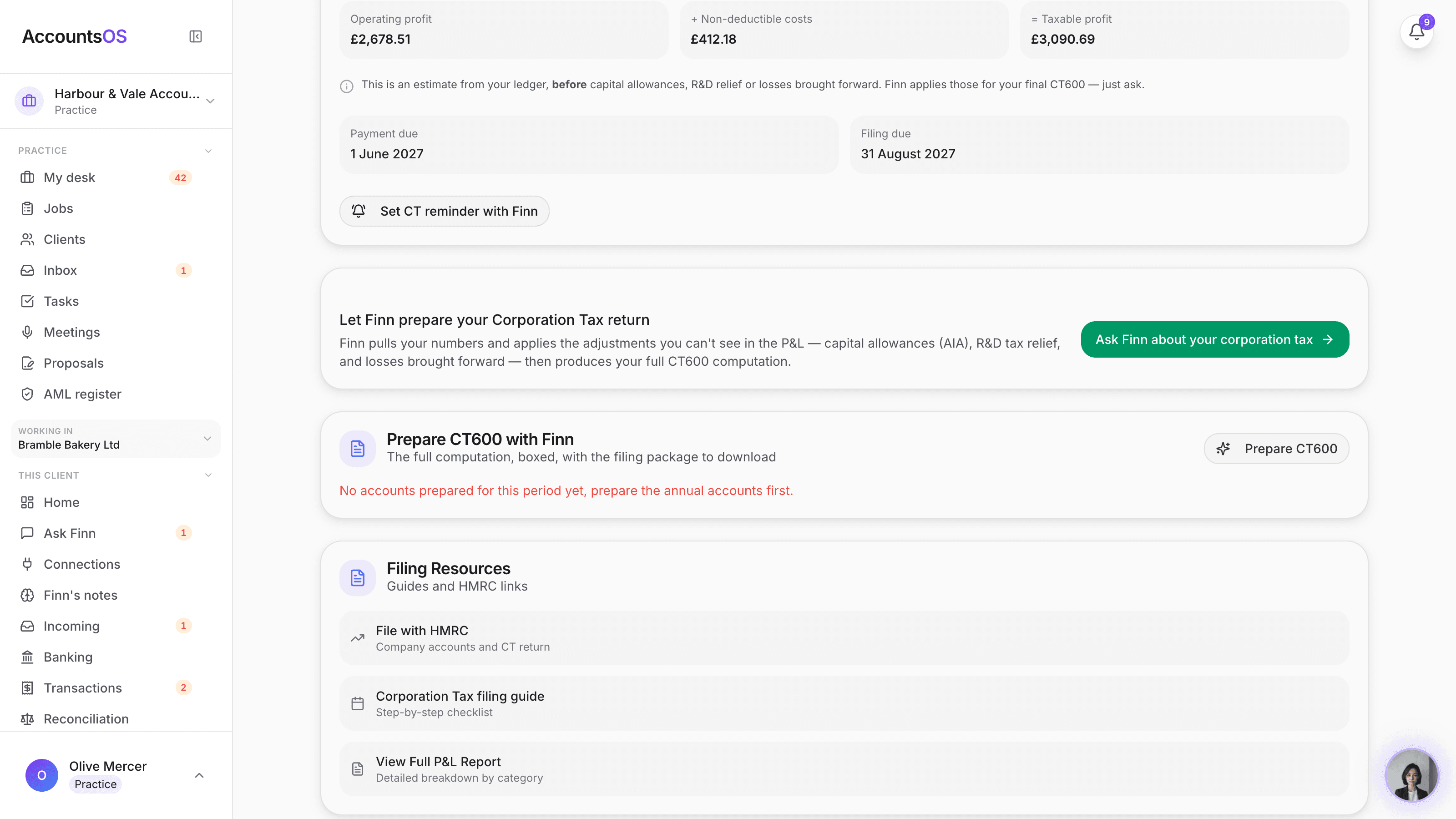
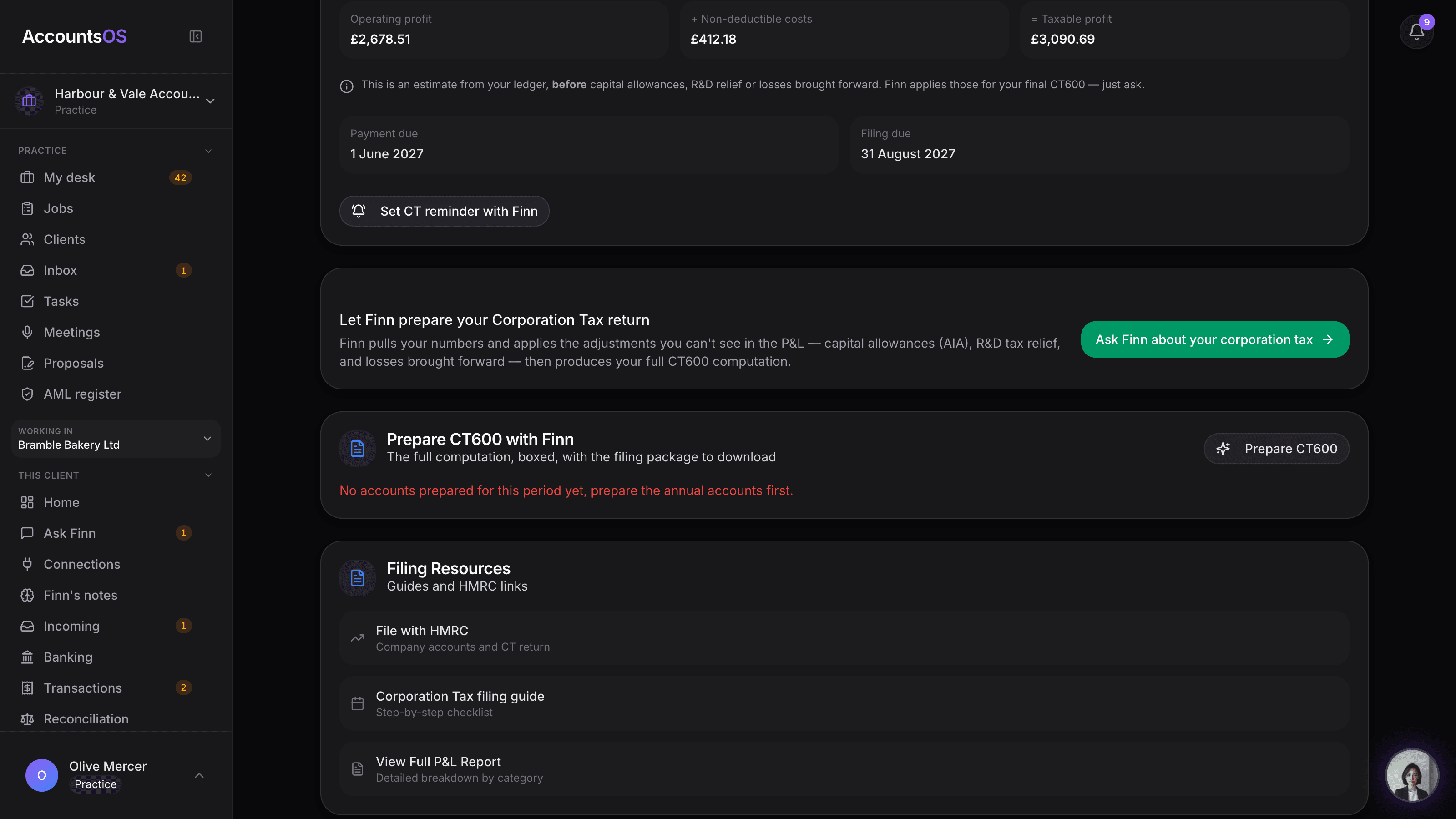
Coming soonThe CT600 computation and filing package, built from the accounts you already prepare.
Finn rules
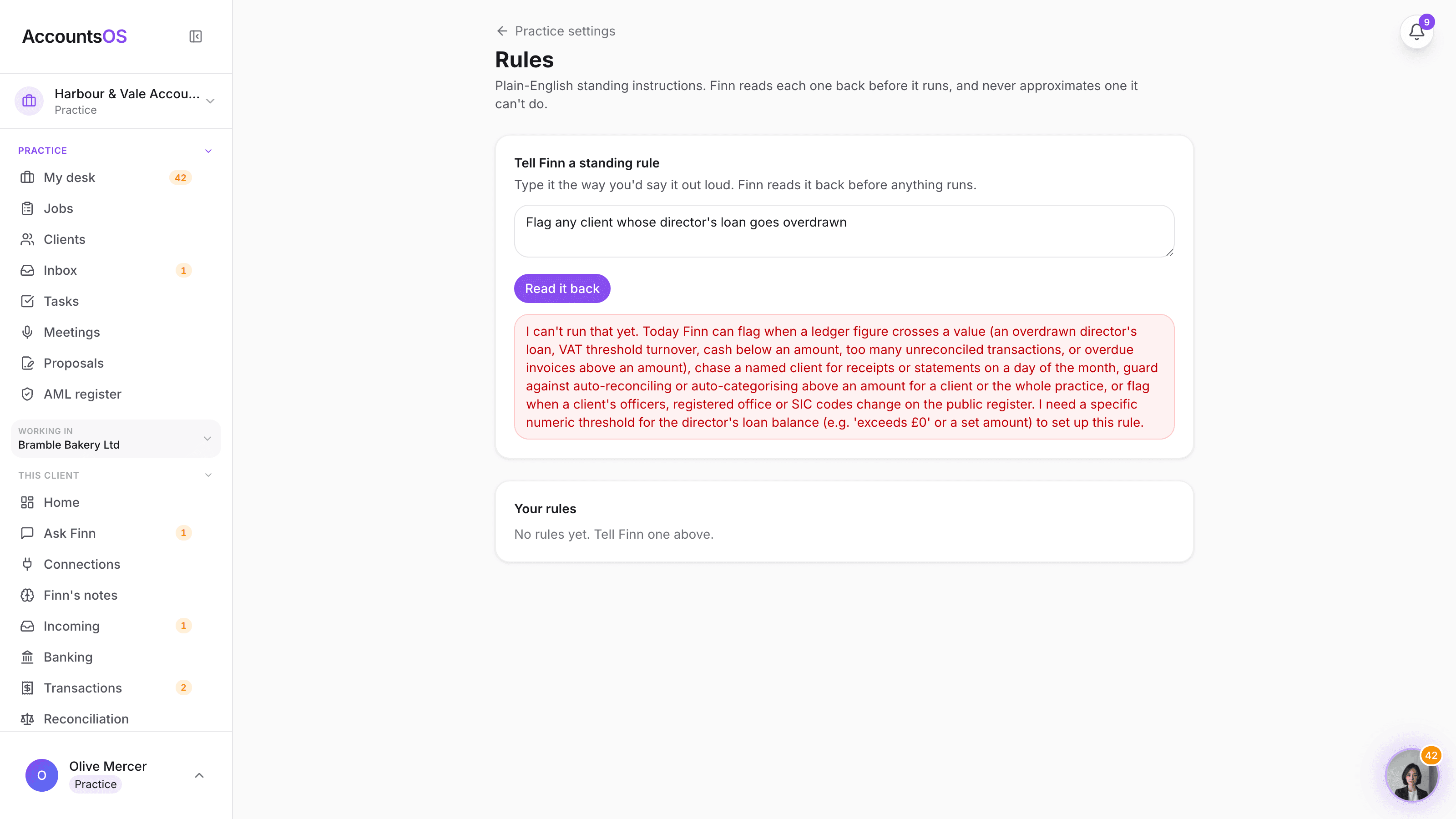
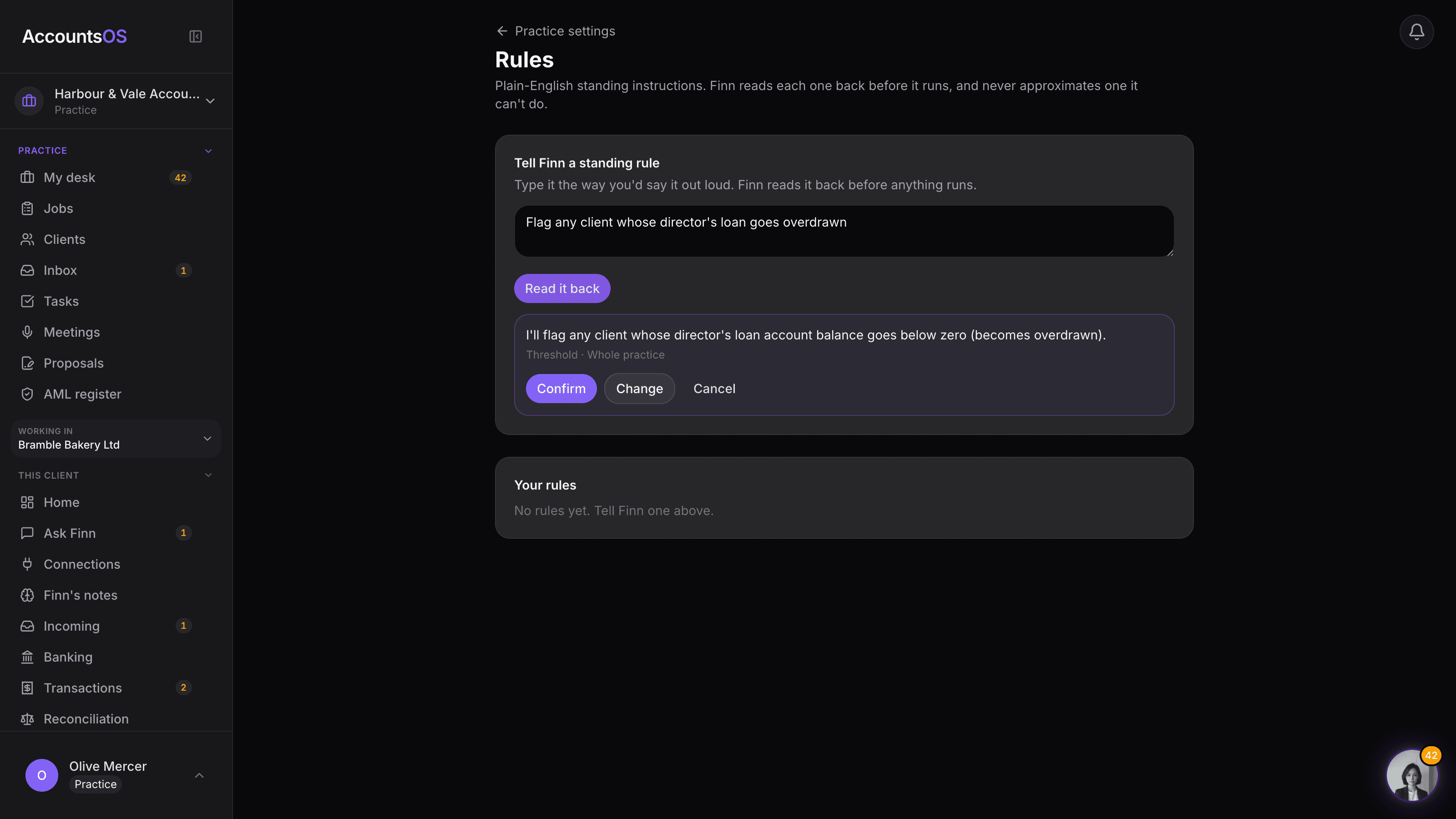
Coming soonTell Finn a rule once in plain English. It runs every time.
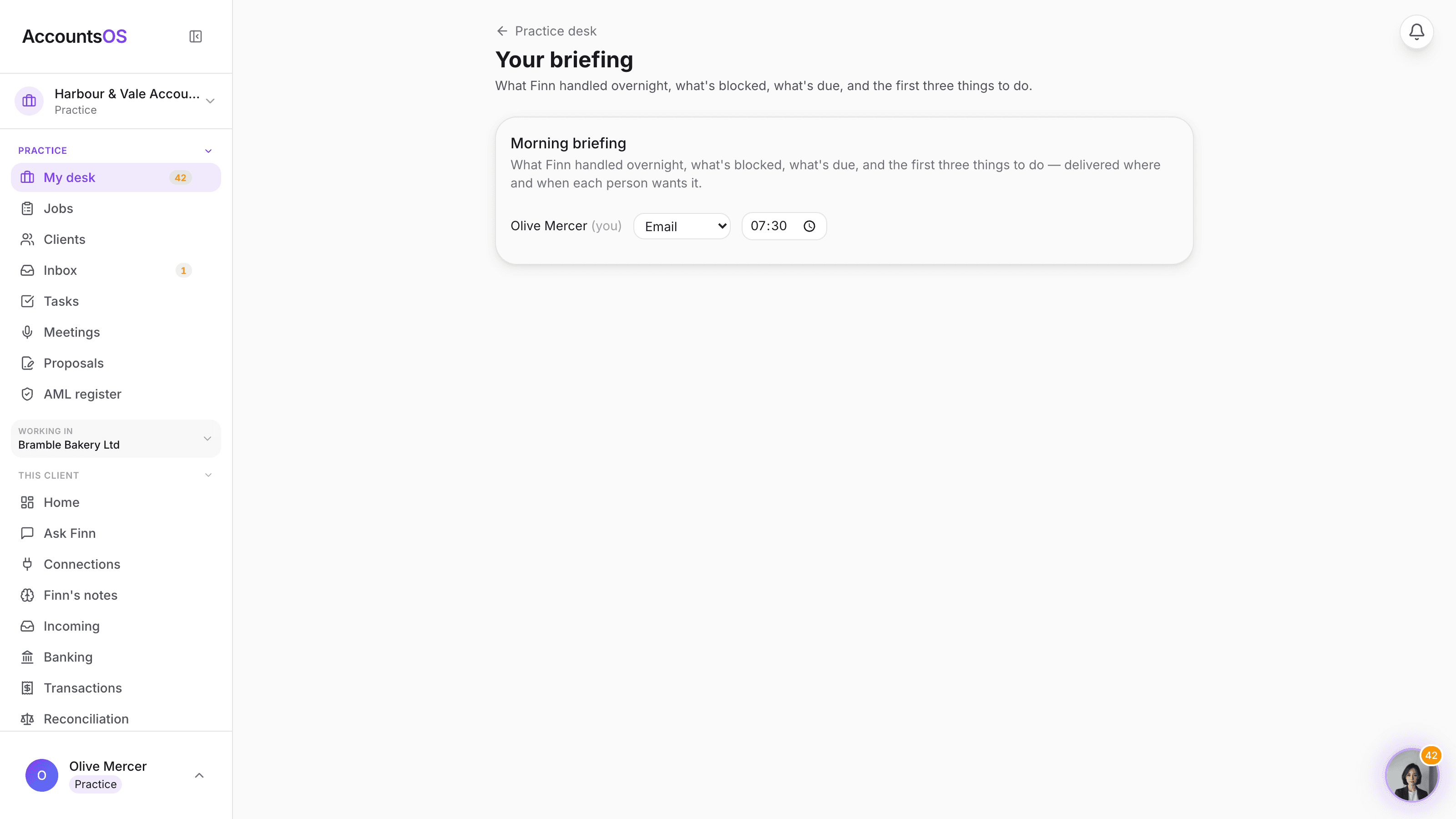
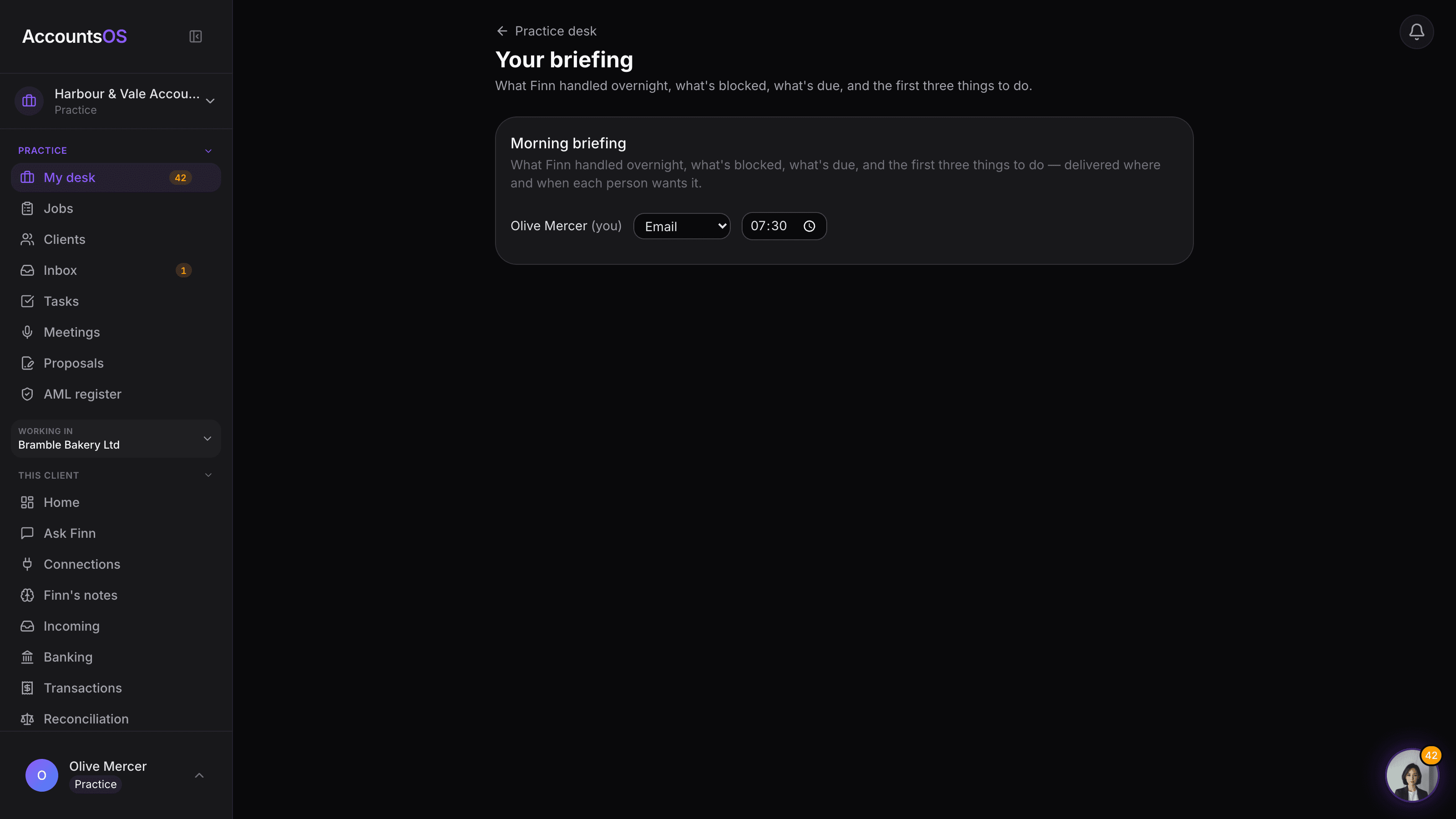
Morning briefing
LiveOne morning message per person: what's handled, blocked, and due.
Practice management
Keep client work moving, organise your team and see the margin on every file. More clarity as your practice grows.
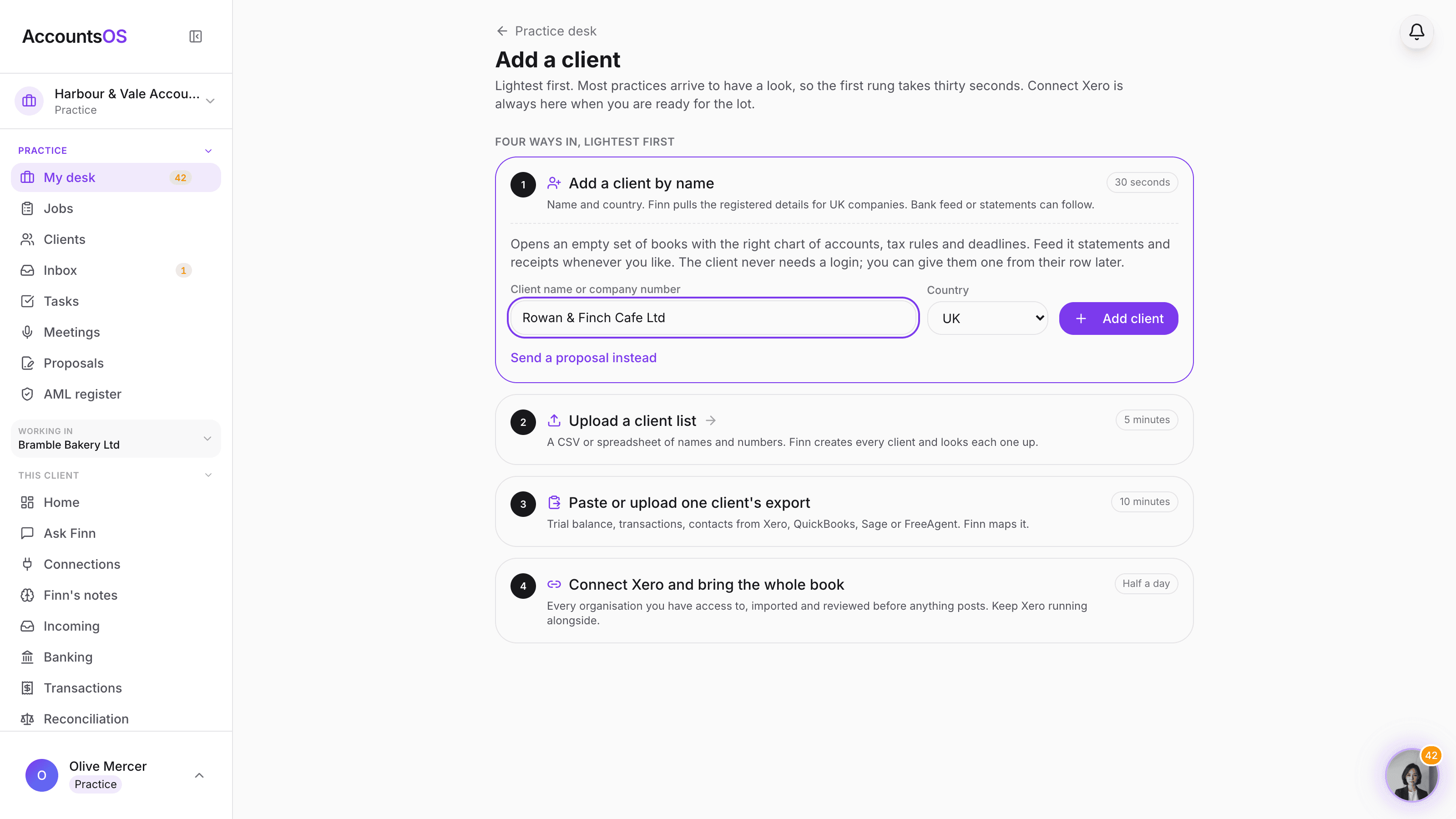
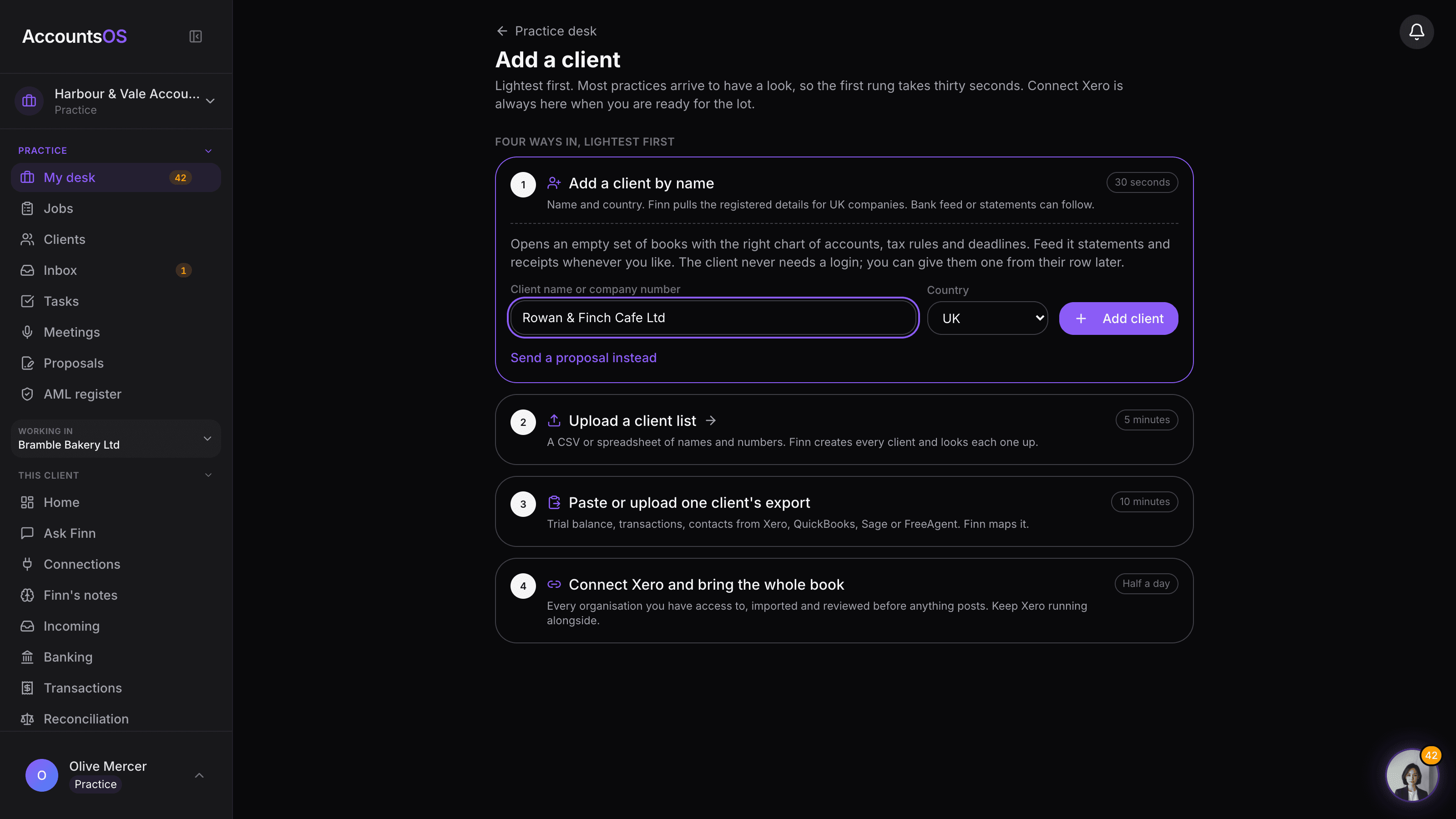
Add a client
LiveAdd one client in thirty seconds, or connect Xero and bring the book.
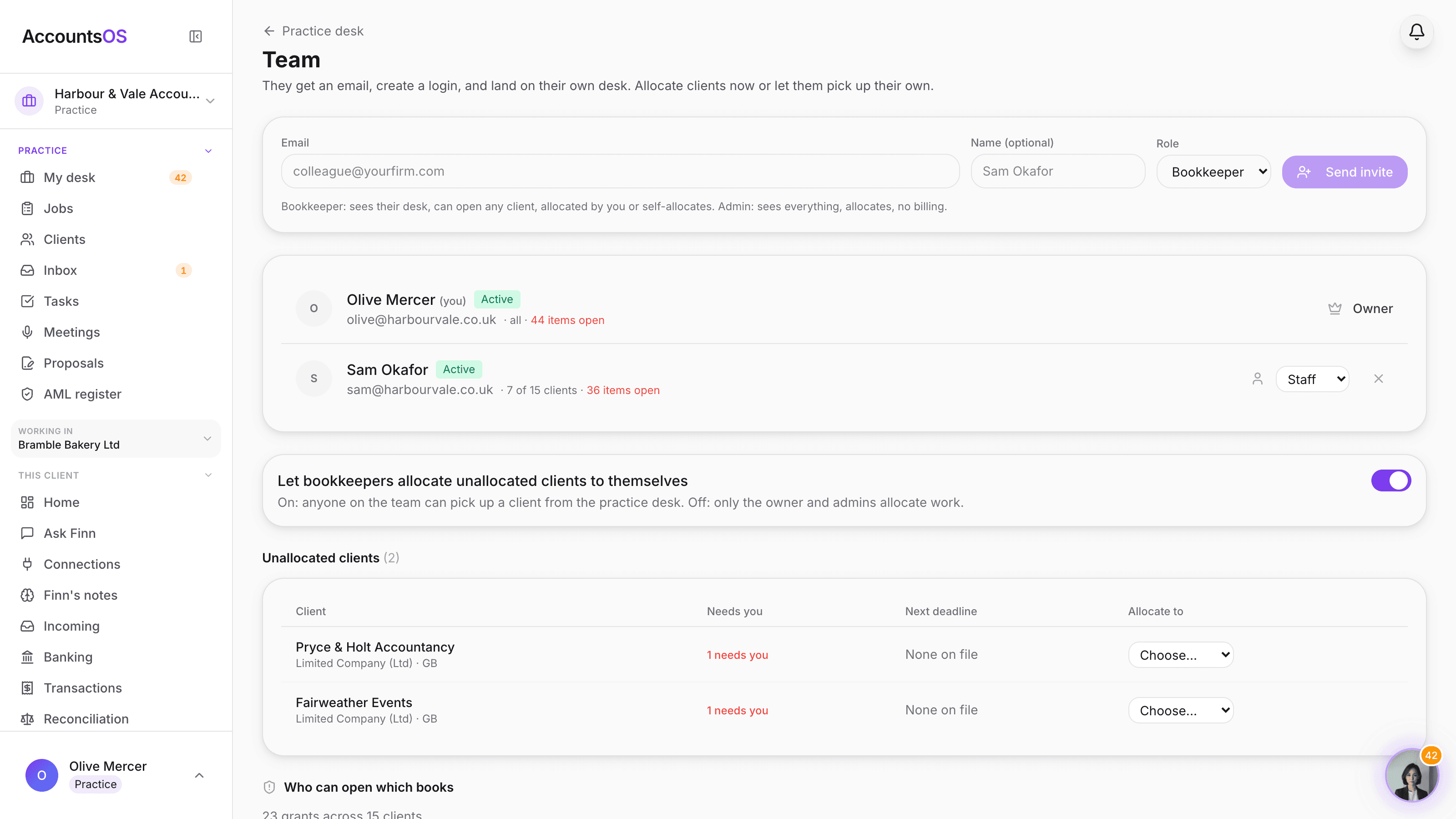
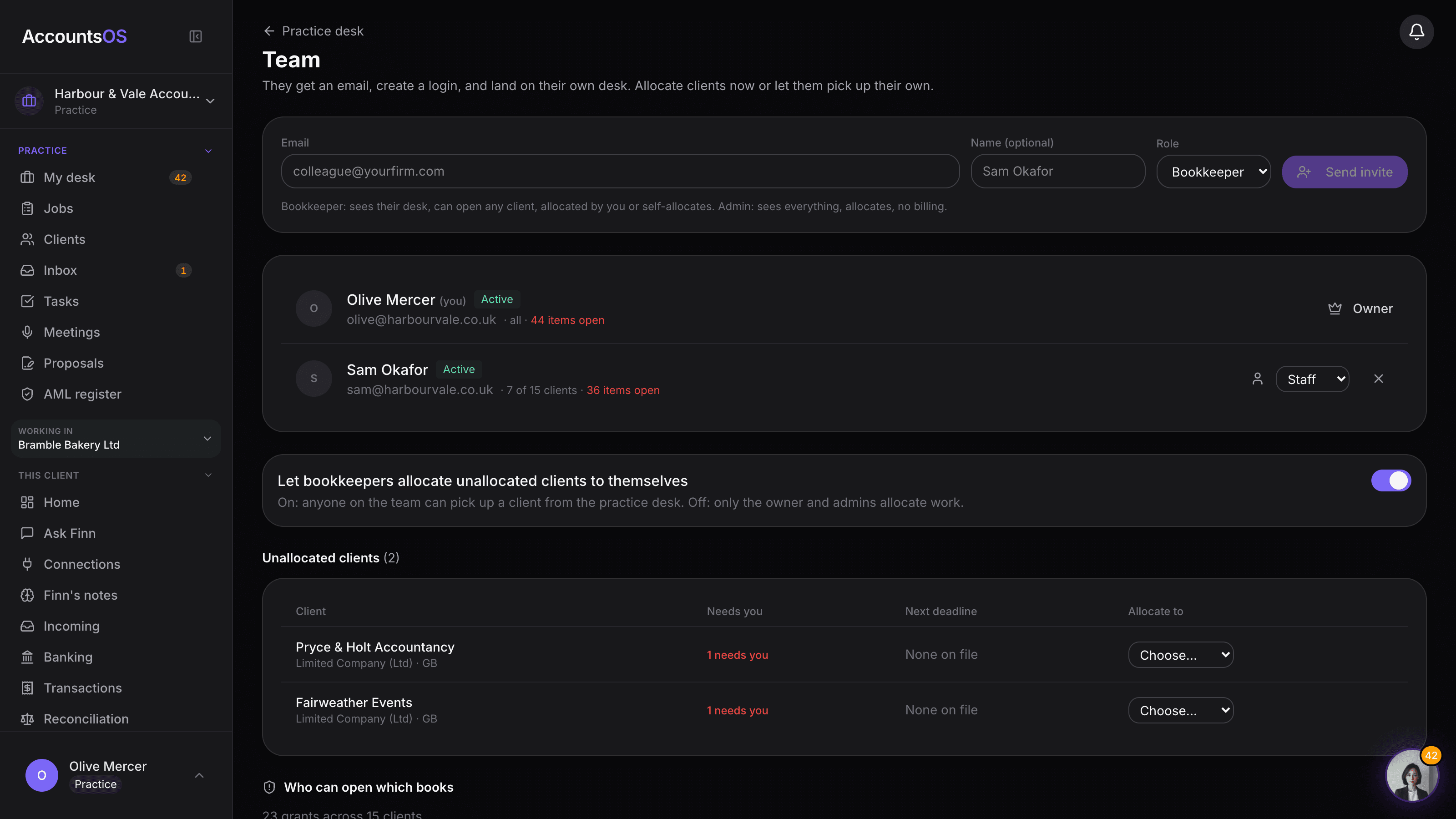
Team and allocation
LiveInvite the team, allocate the clients, audit who can open what. No per-seat fee.
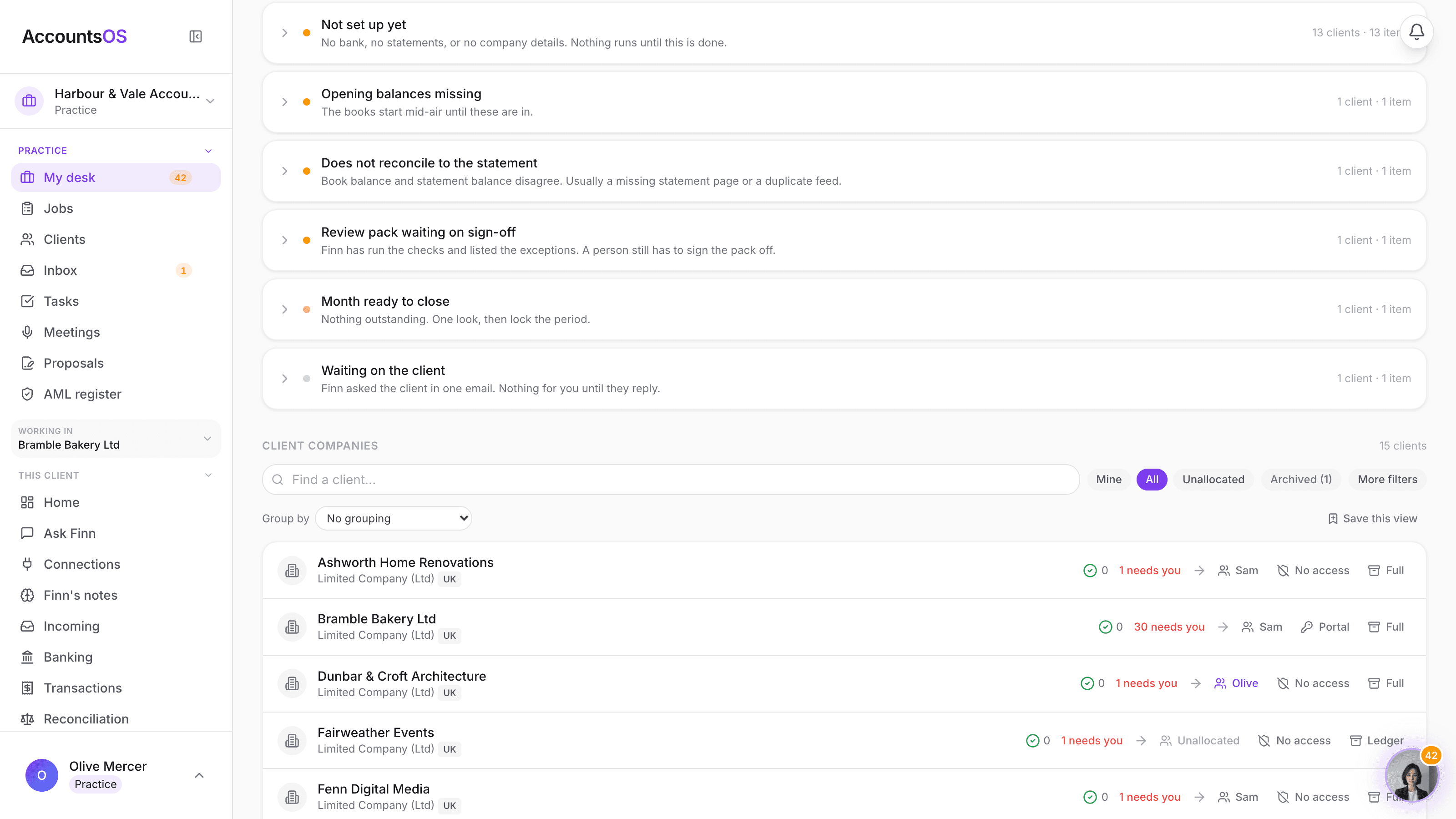
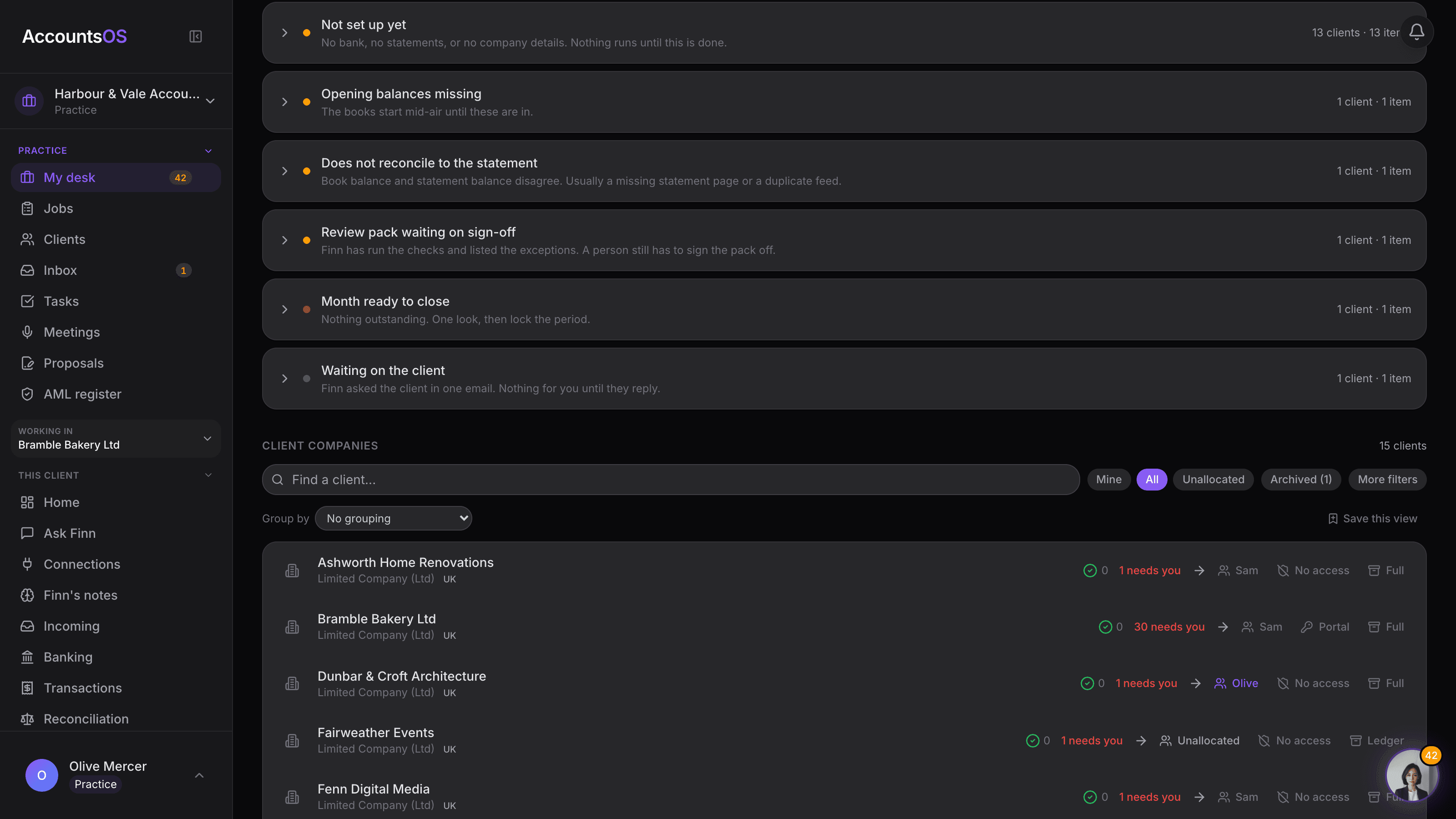
Client scope
LiveFull, Ledger or Archived per client. Pay for what each file needs.
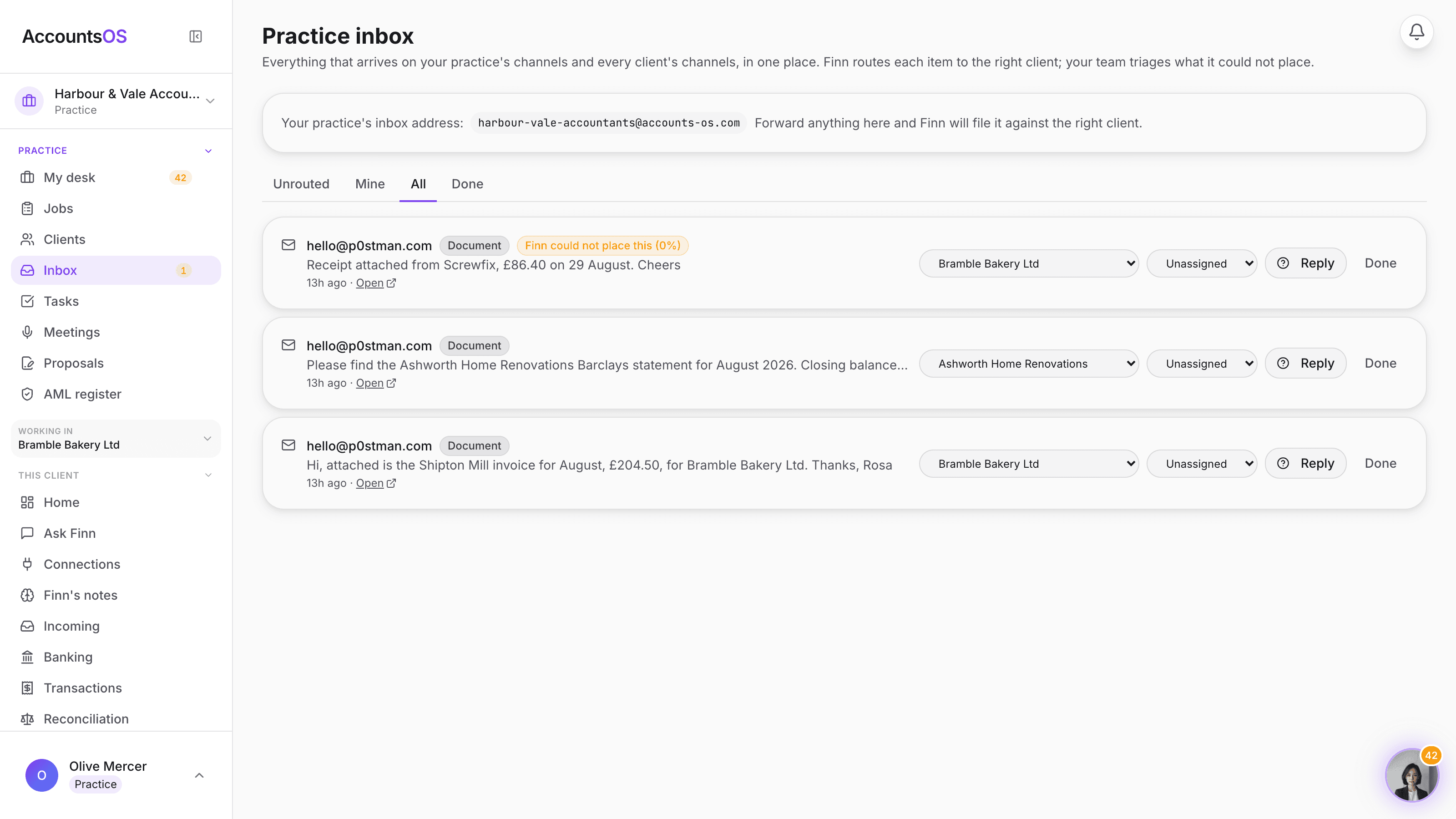
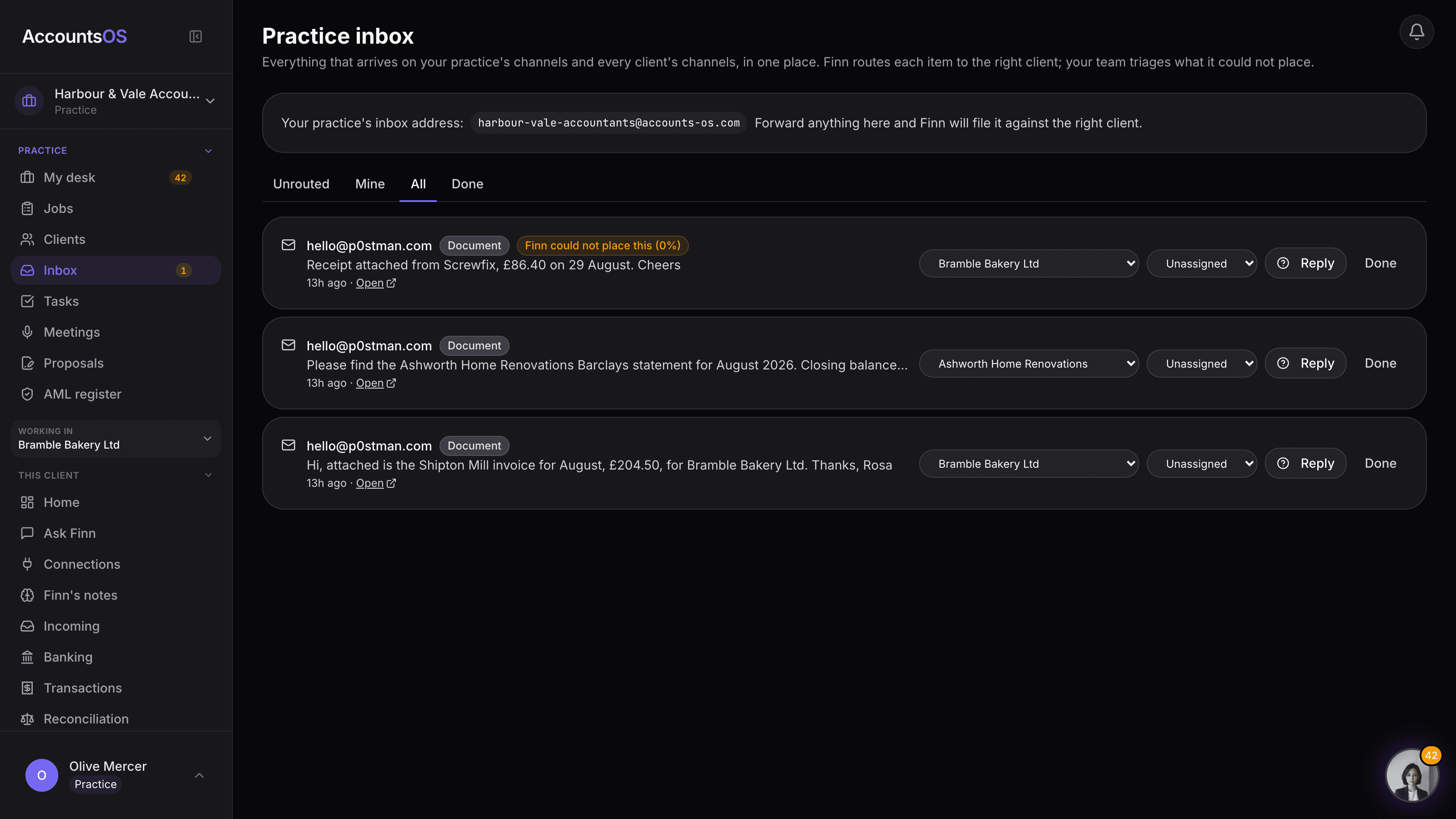
Practice inbox
LiveOne inbox for your practice and every client, routed by Finn, triaged by your team.
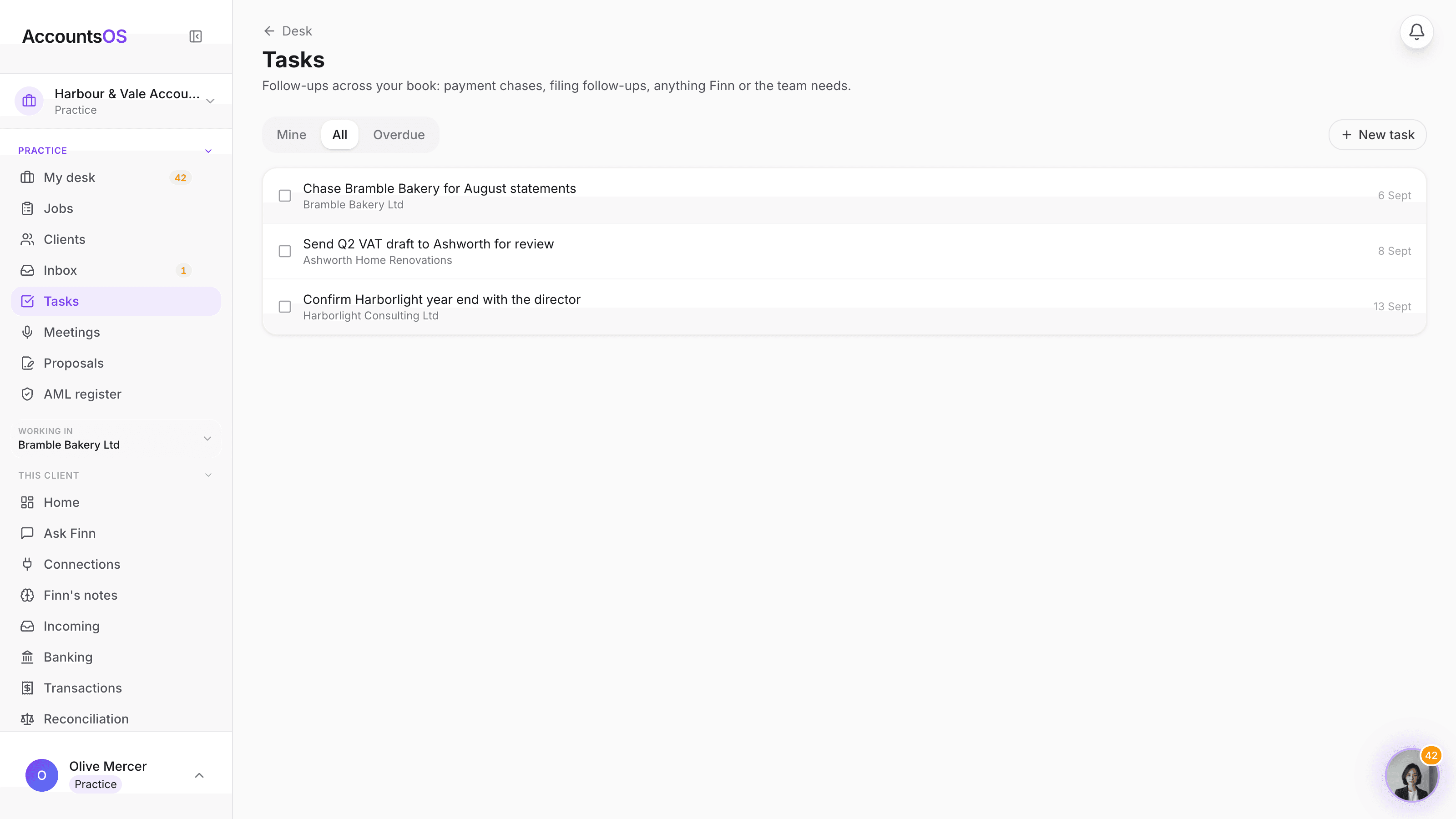
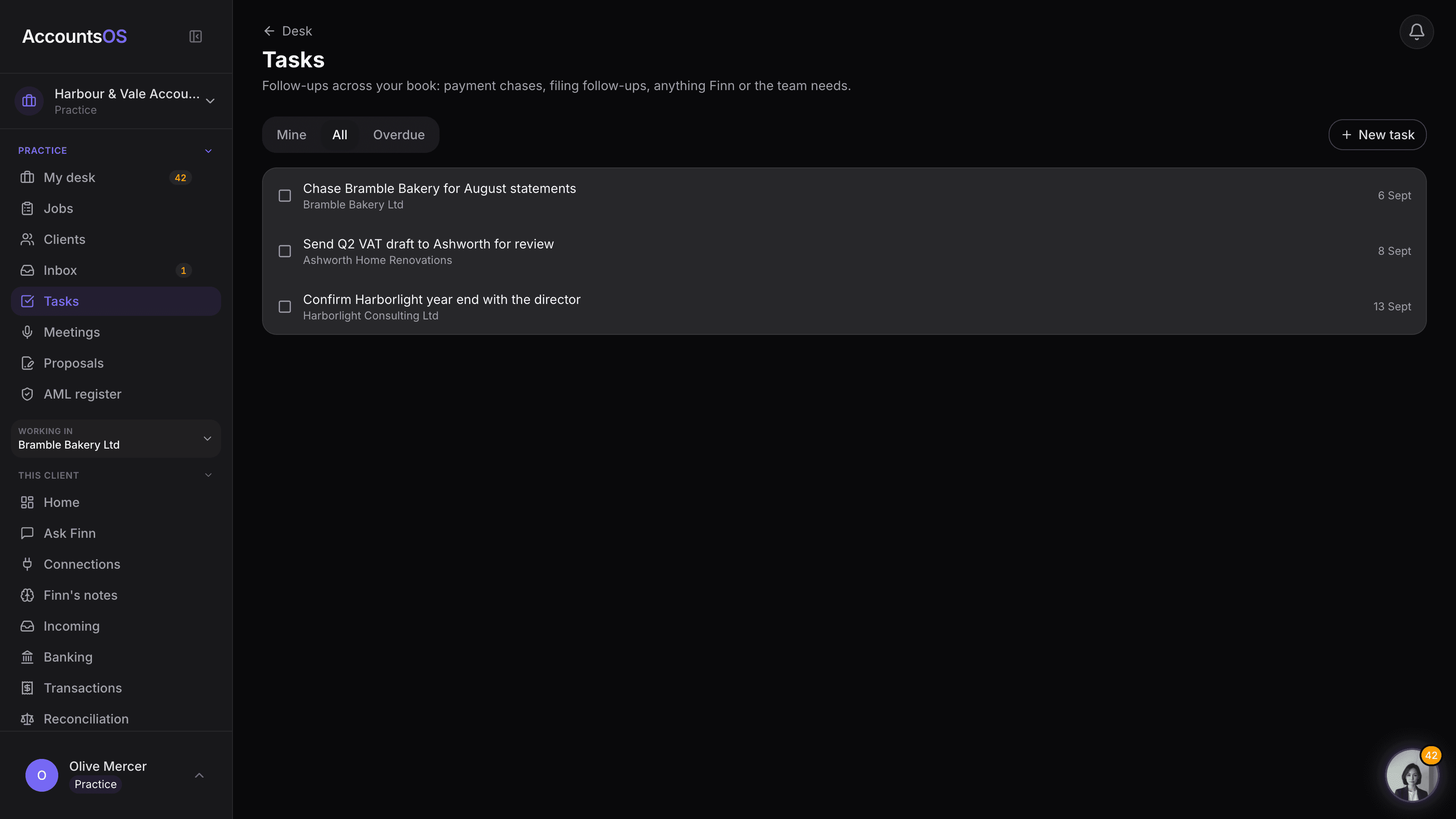
Tasks
LiveOne task list across your whole client book, not fifteen separate ones.
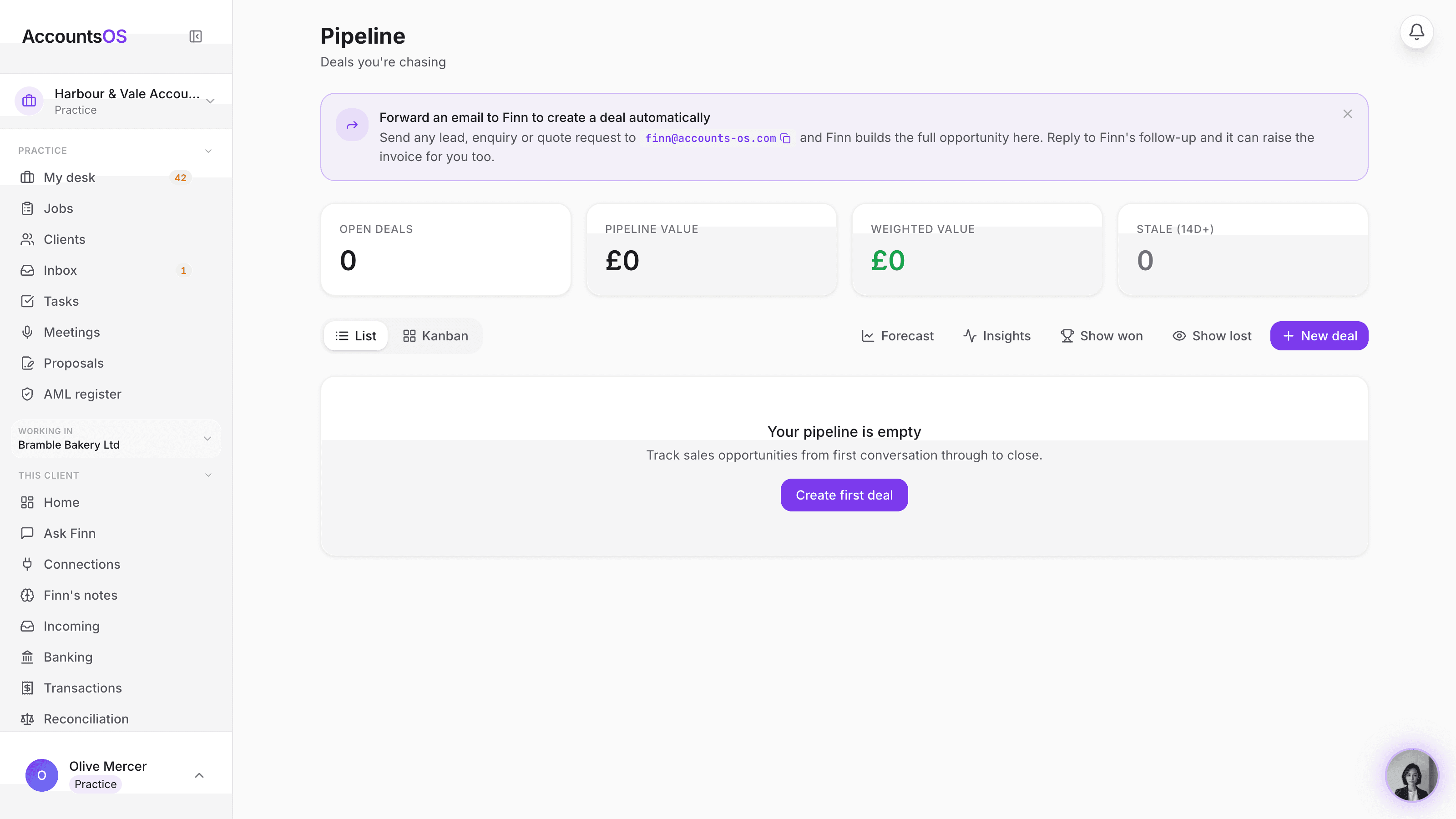
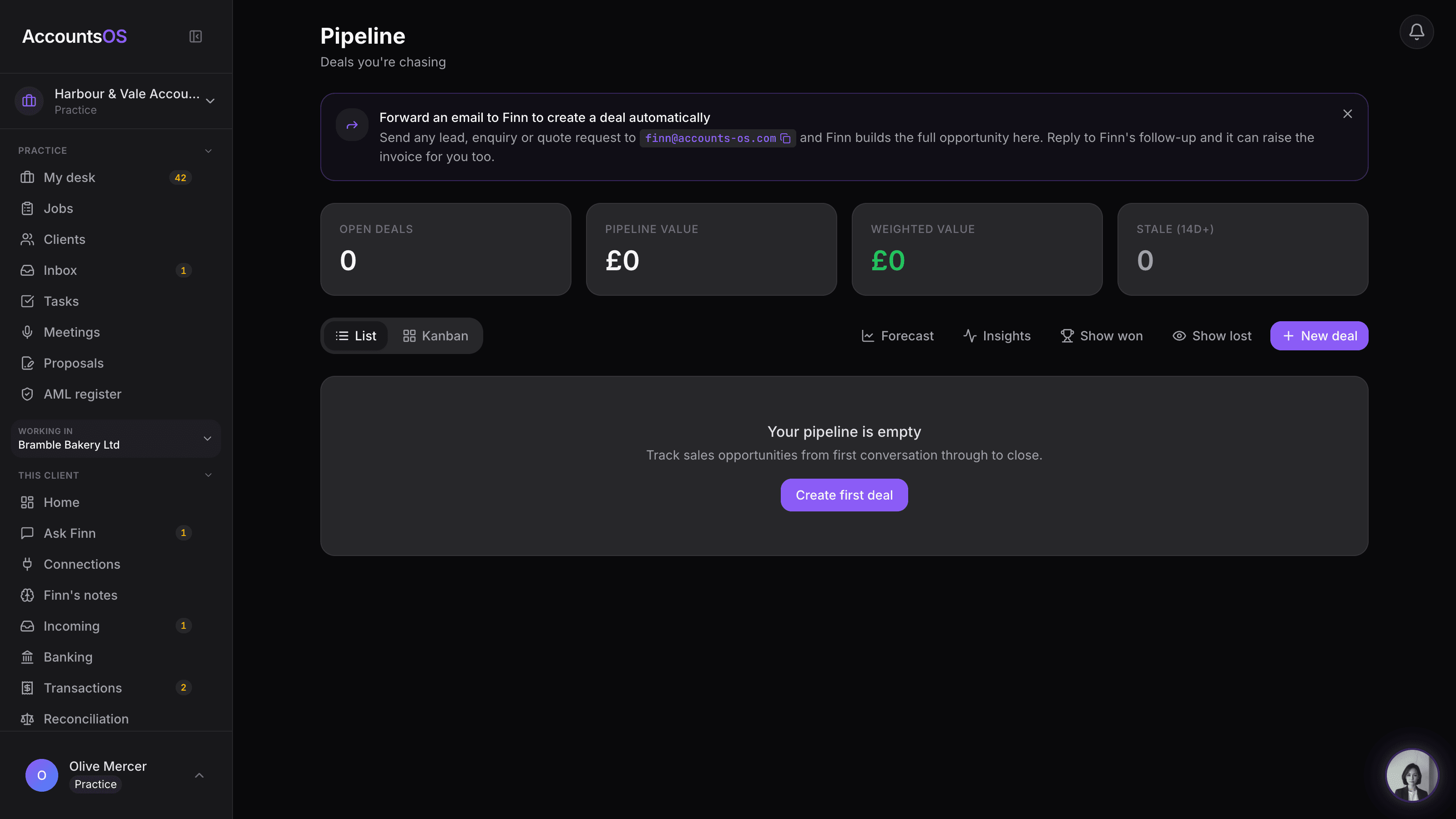
Practice CRM
LiveYour practice's own prospecting board, built in.
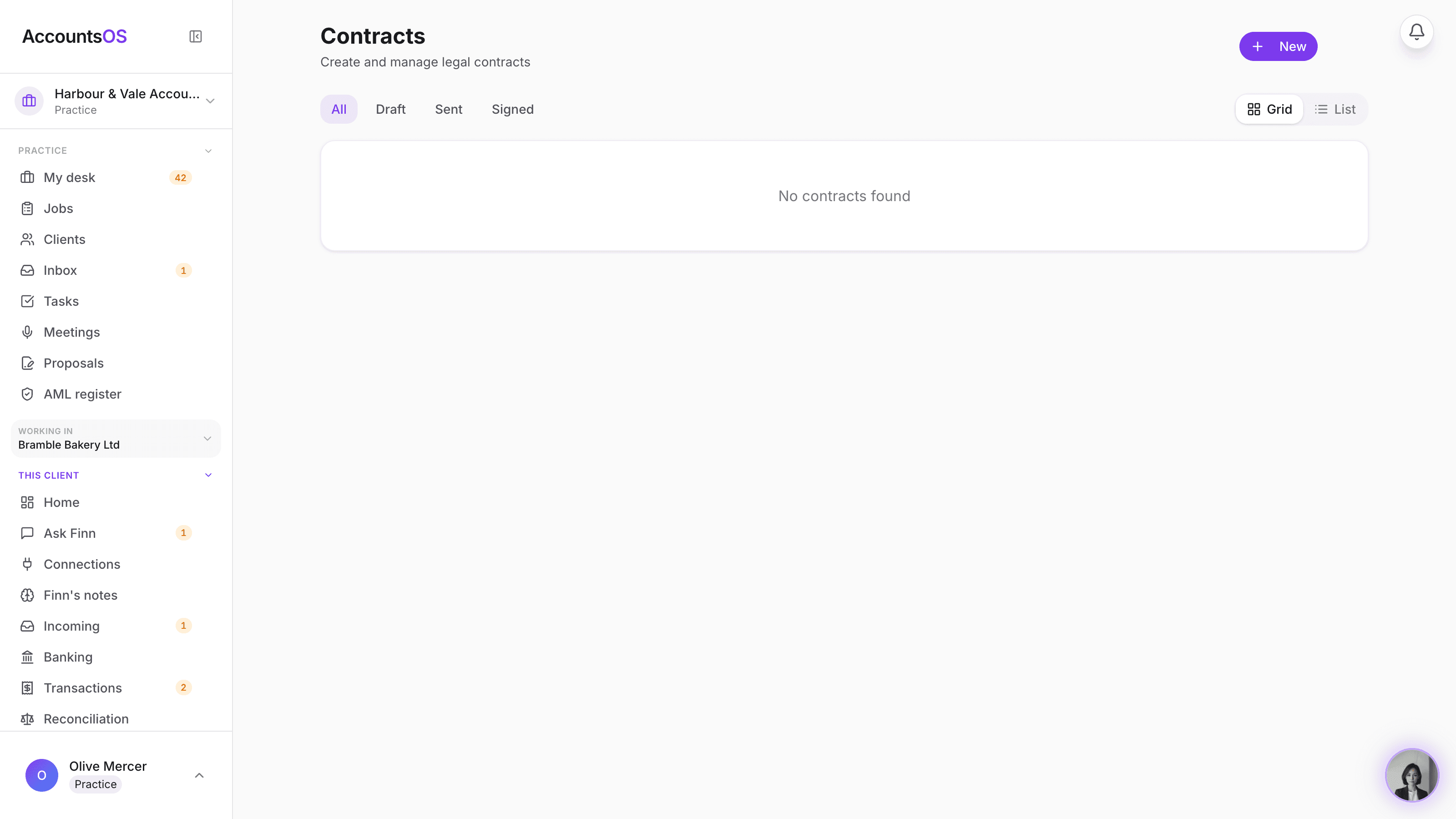
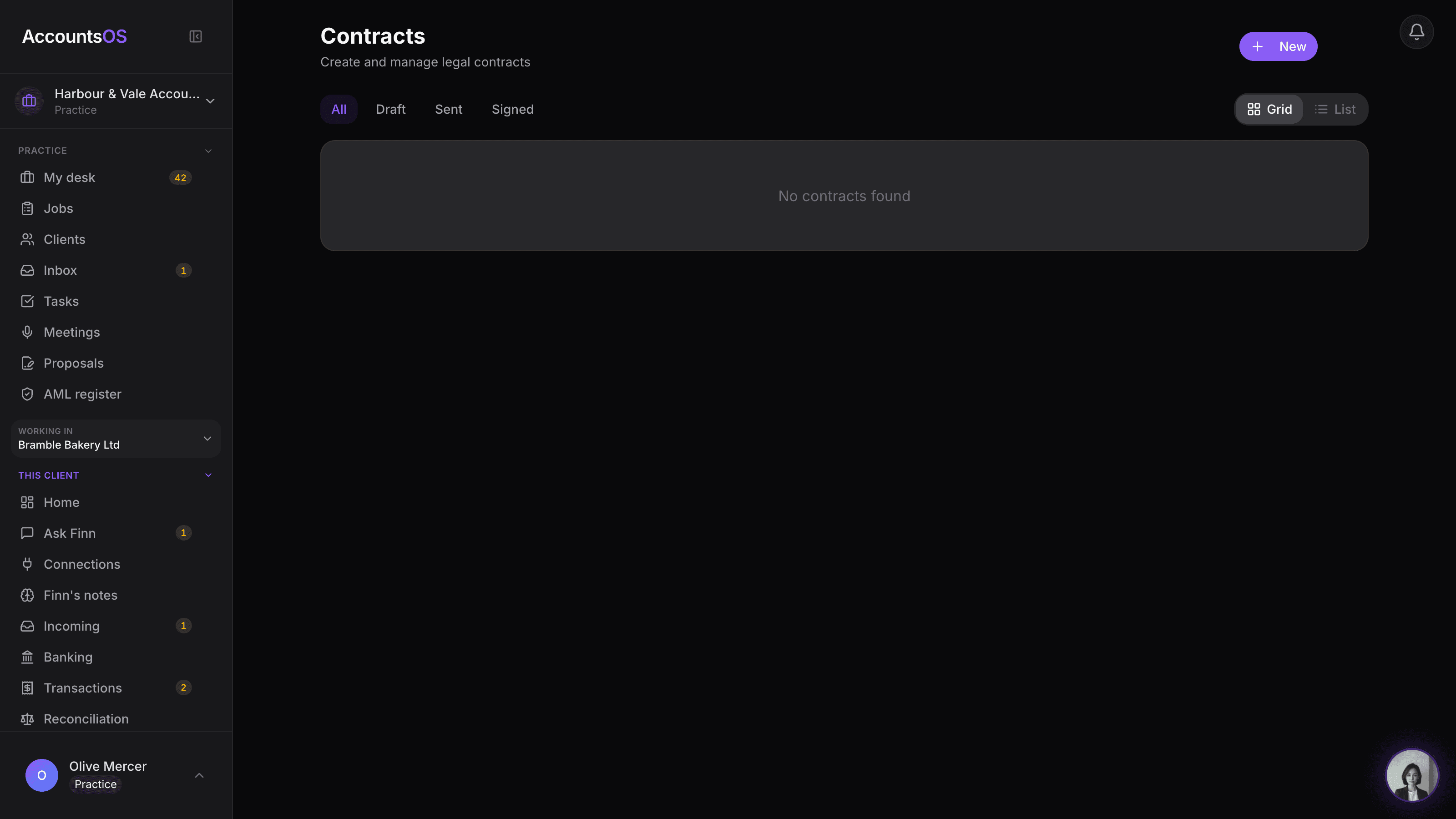
Contracts
LiveEngagement letters and terms of business, drafted and signed here.
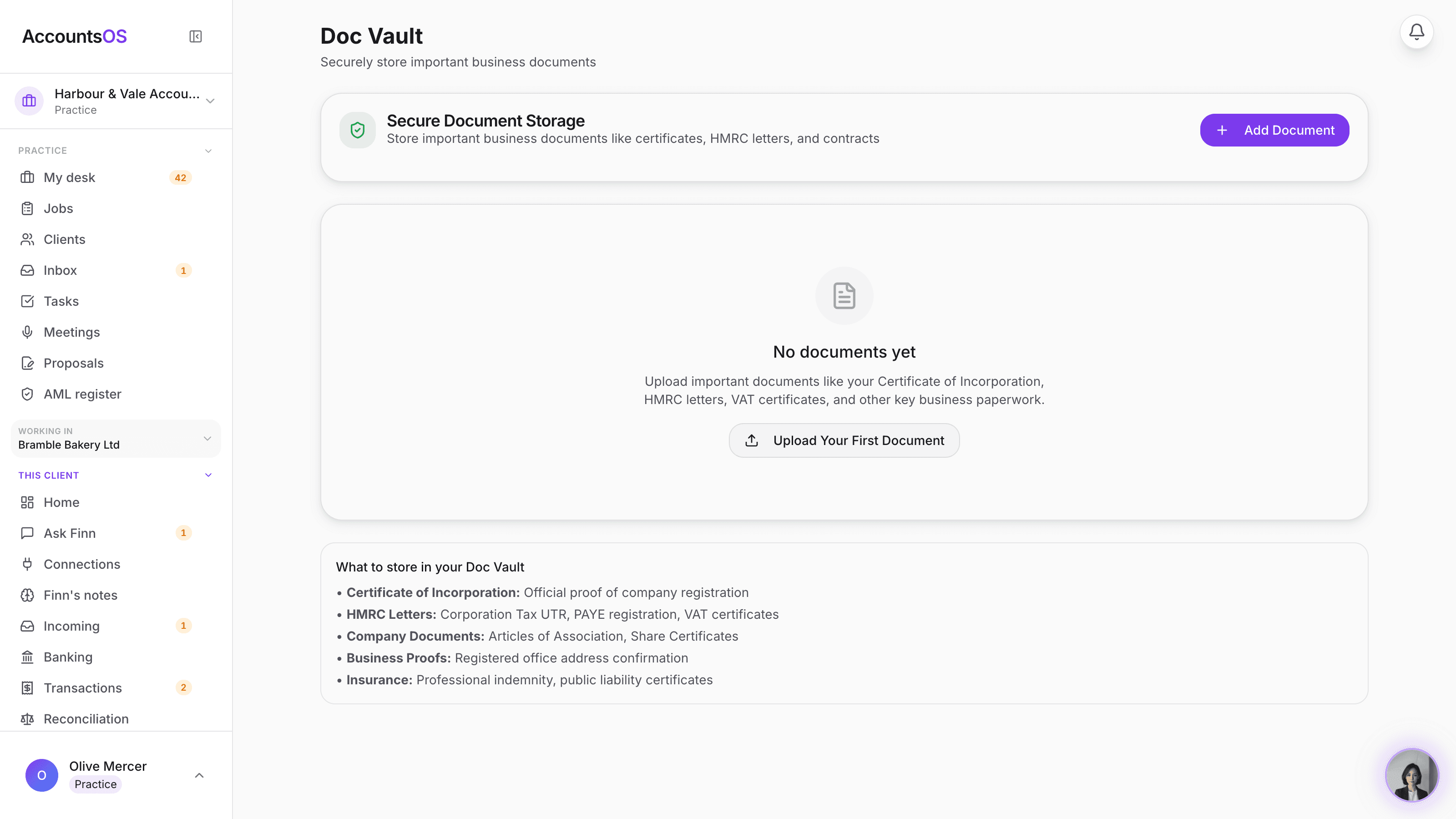
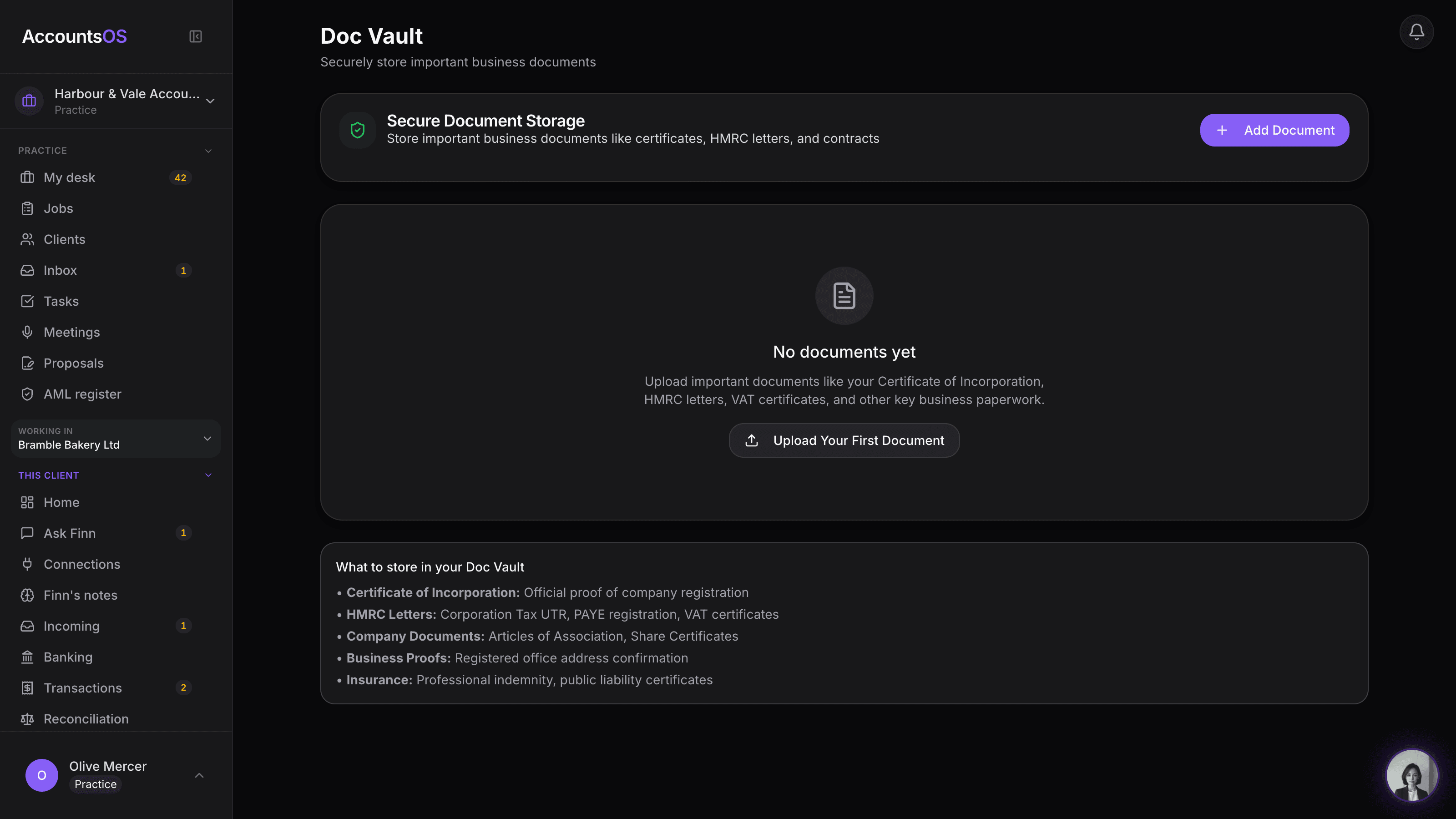
Practice vault
LiveAML evidence, signed letters and IDs, filed and tracked automatically.
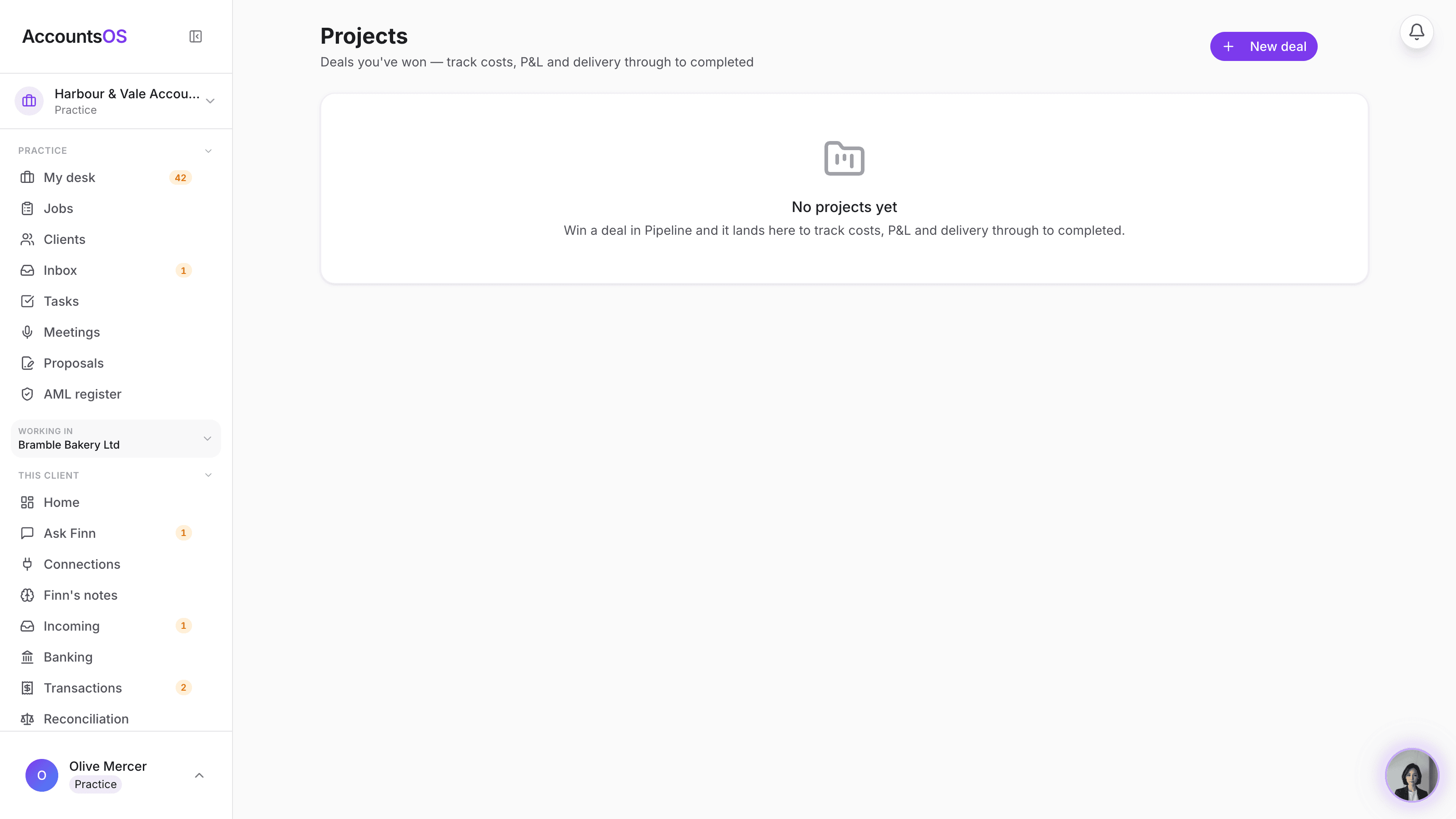
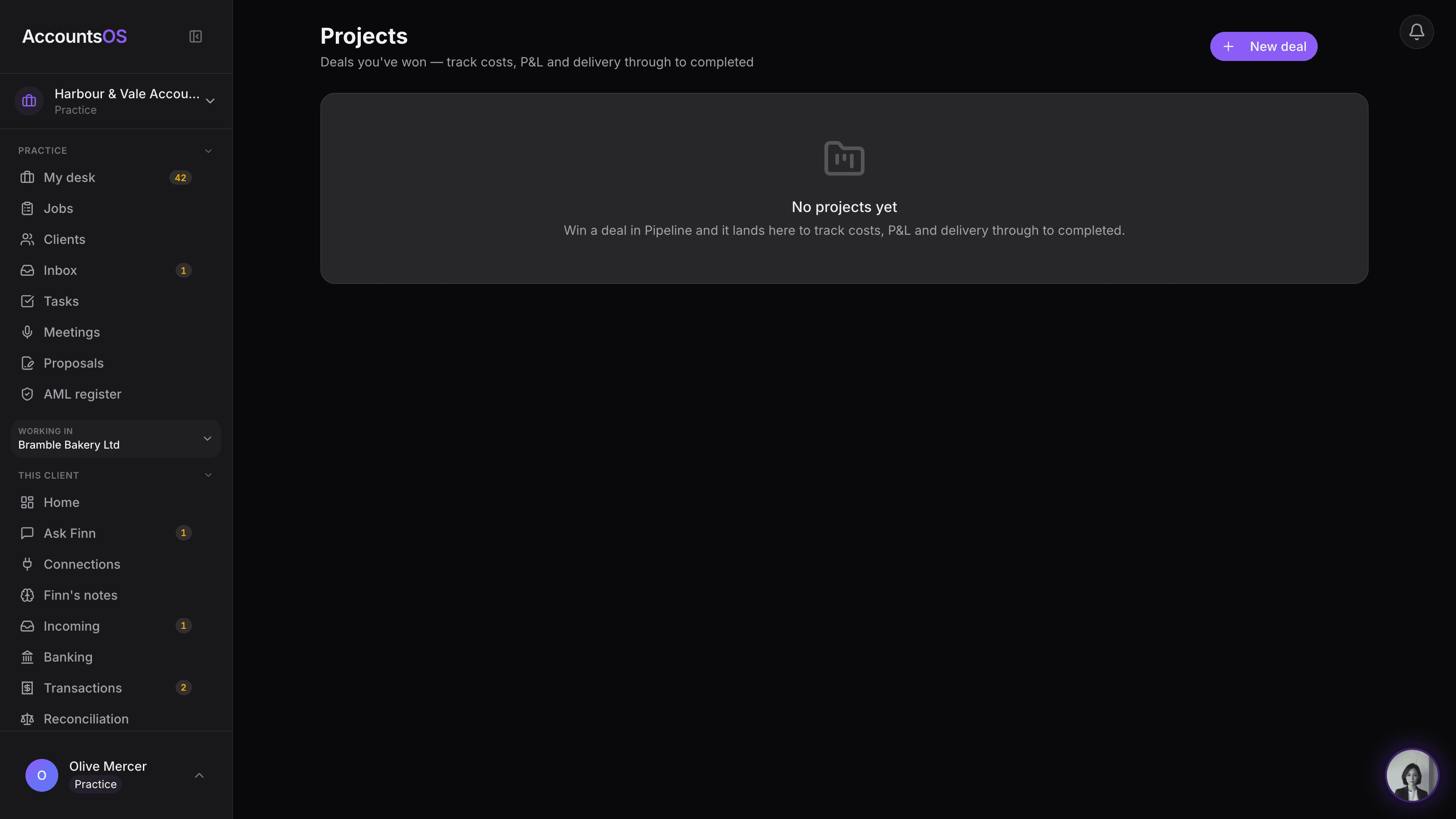
Client engagements
LiveEvery accepted client becomes an engagement, fee, cost and margin, automatically.
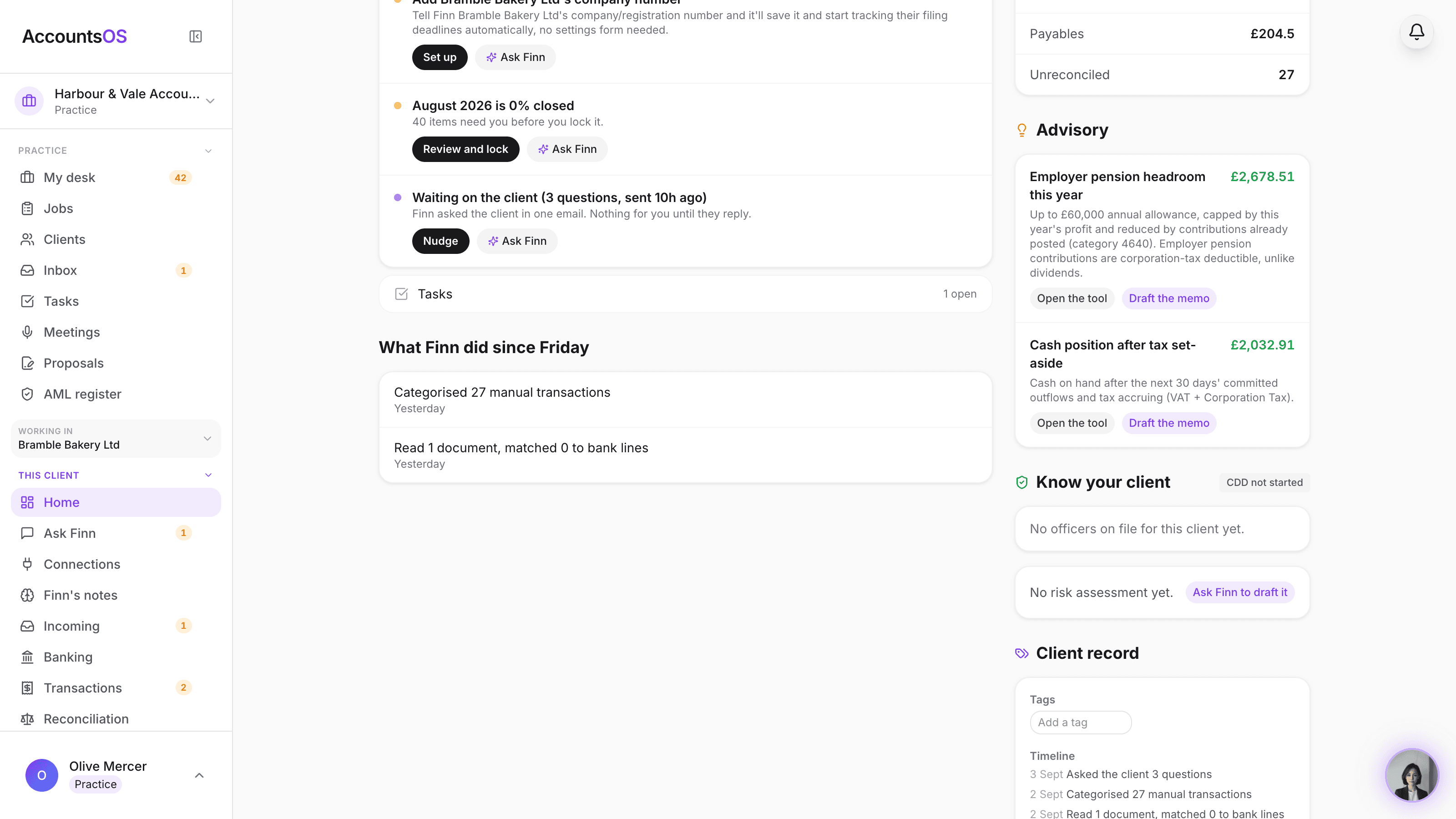
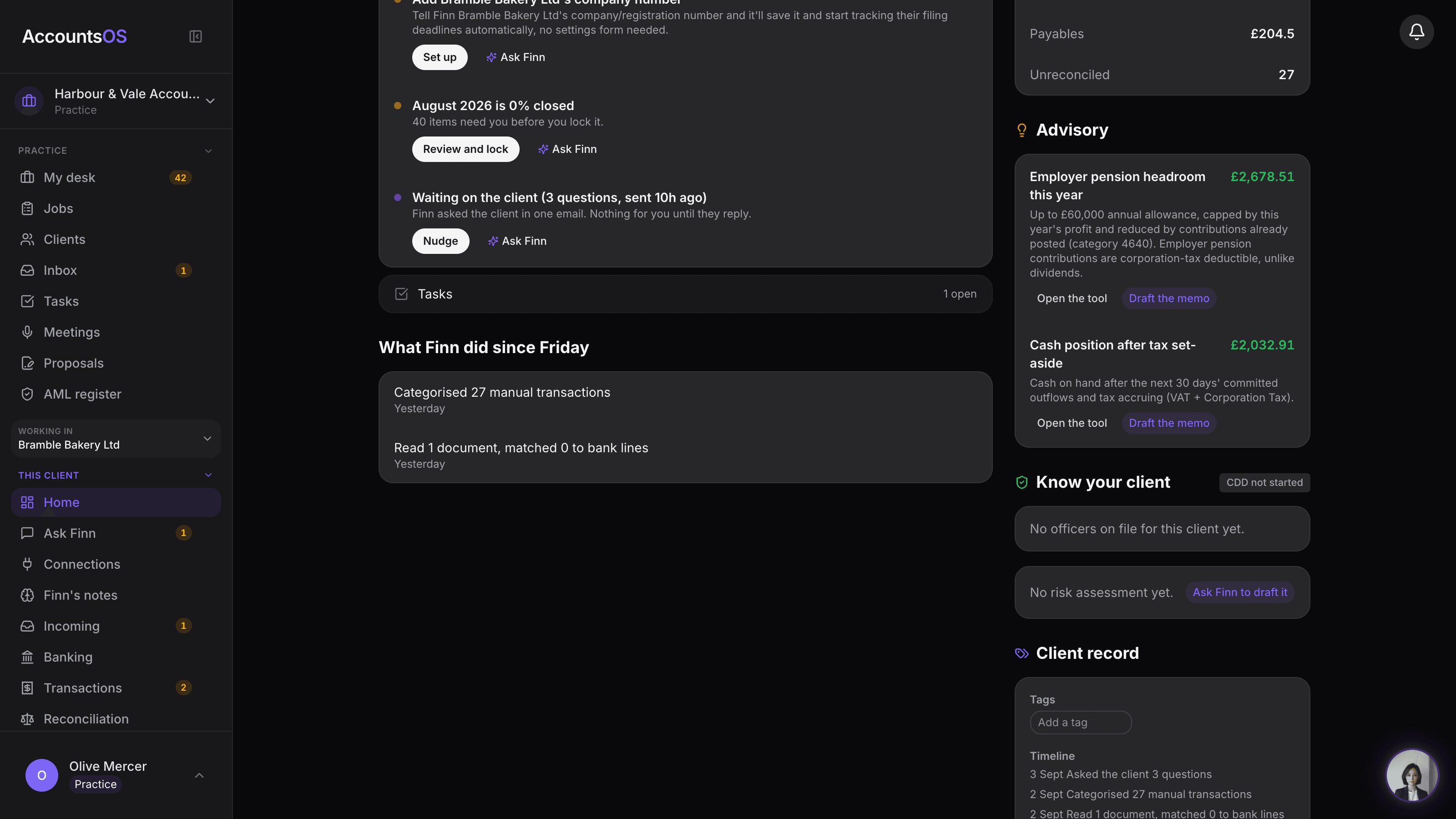
AML and KYC
LiveIdentity checks recorded, risk assessed by Finn and confirmed by you, monitored on one register.
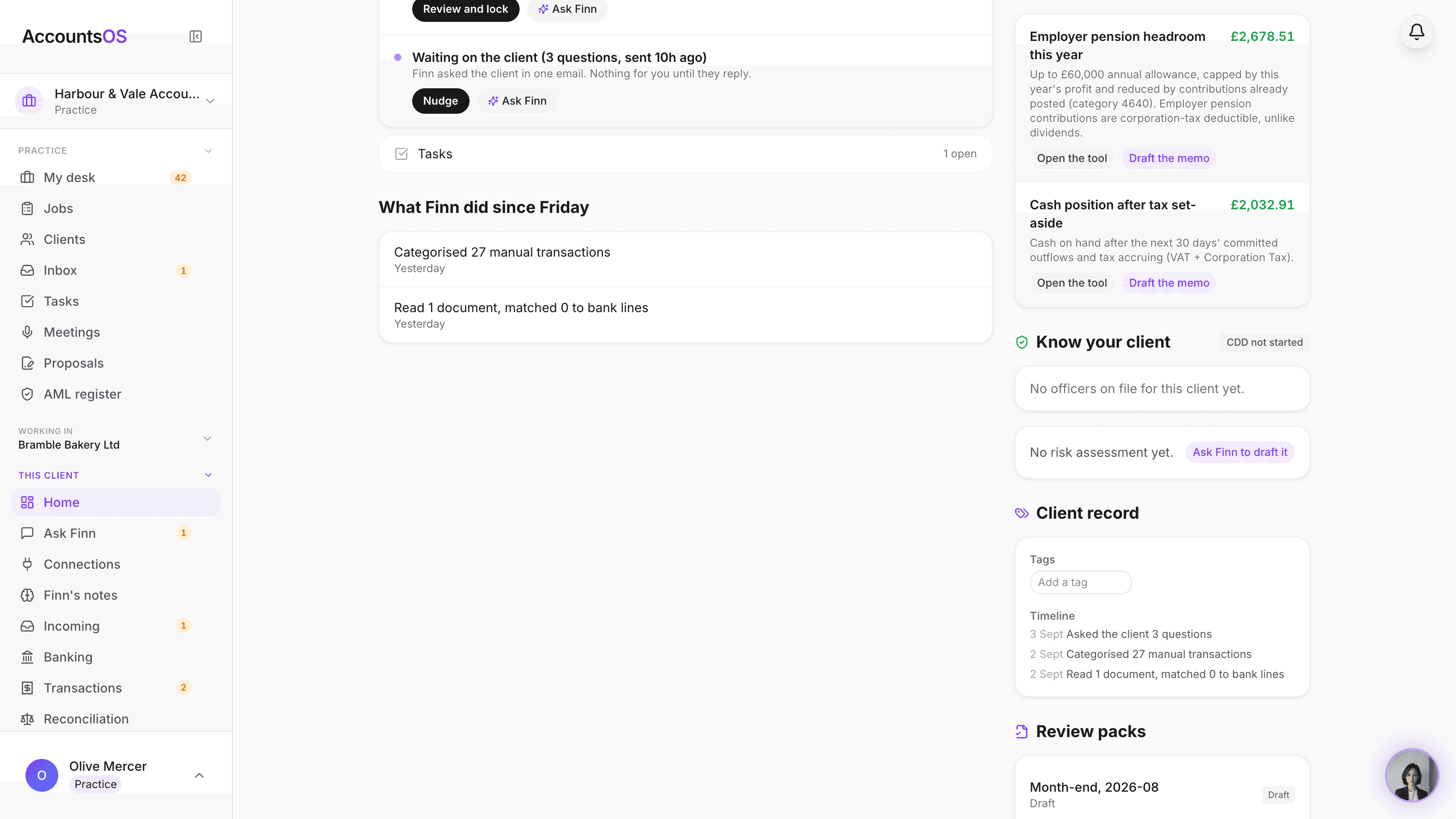
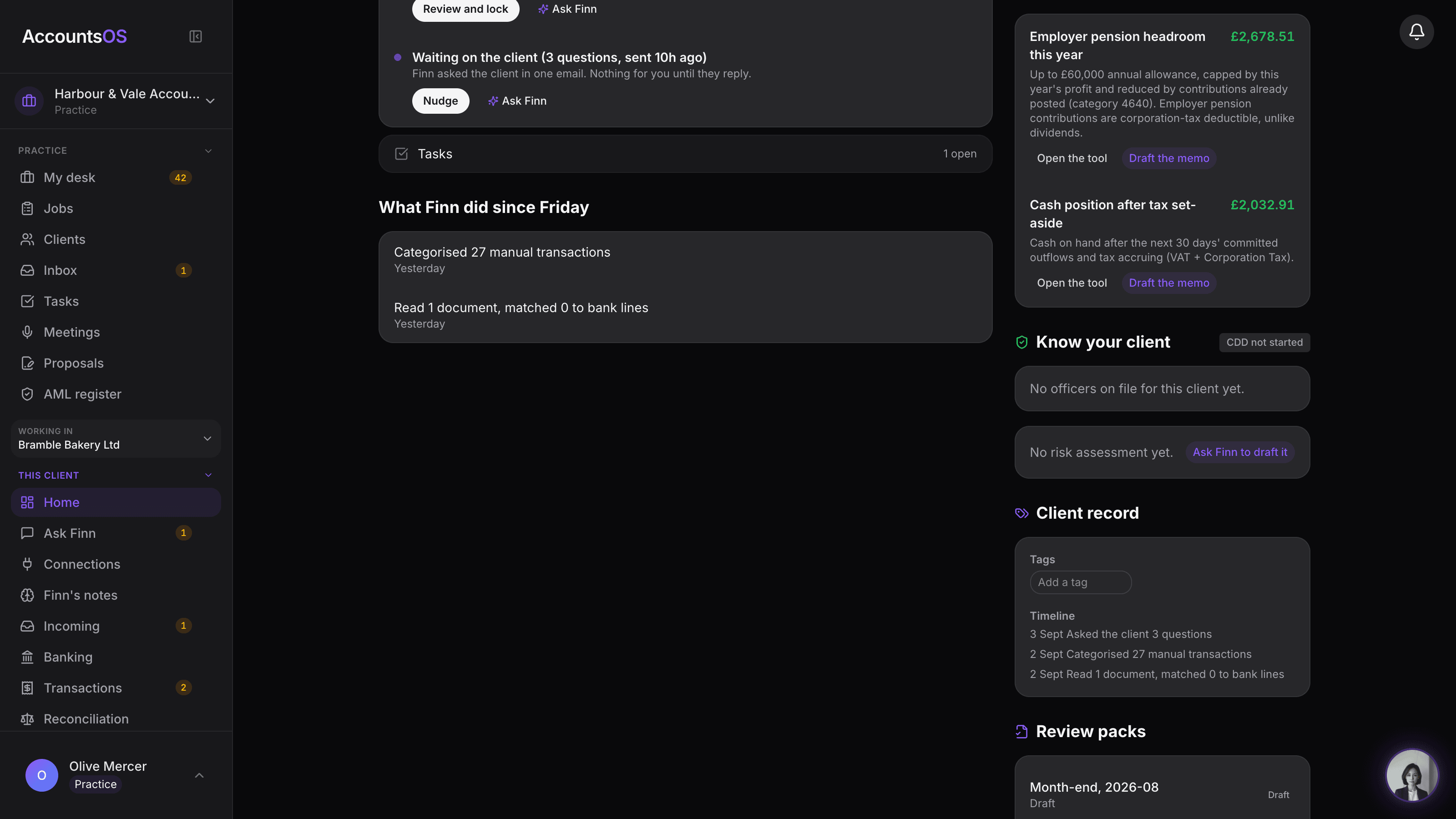
Client record
LiveGroups, tags, custom fields and one timeline per client, on the desk you already use.
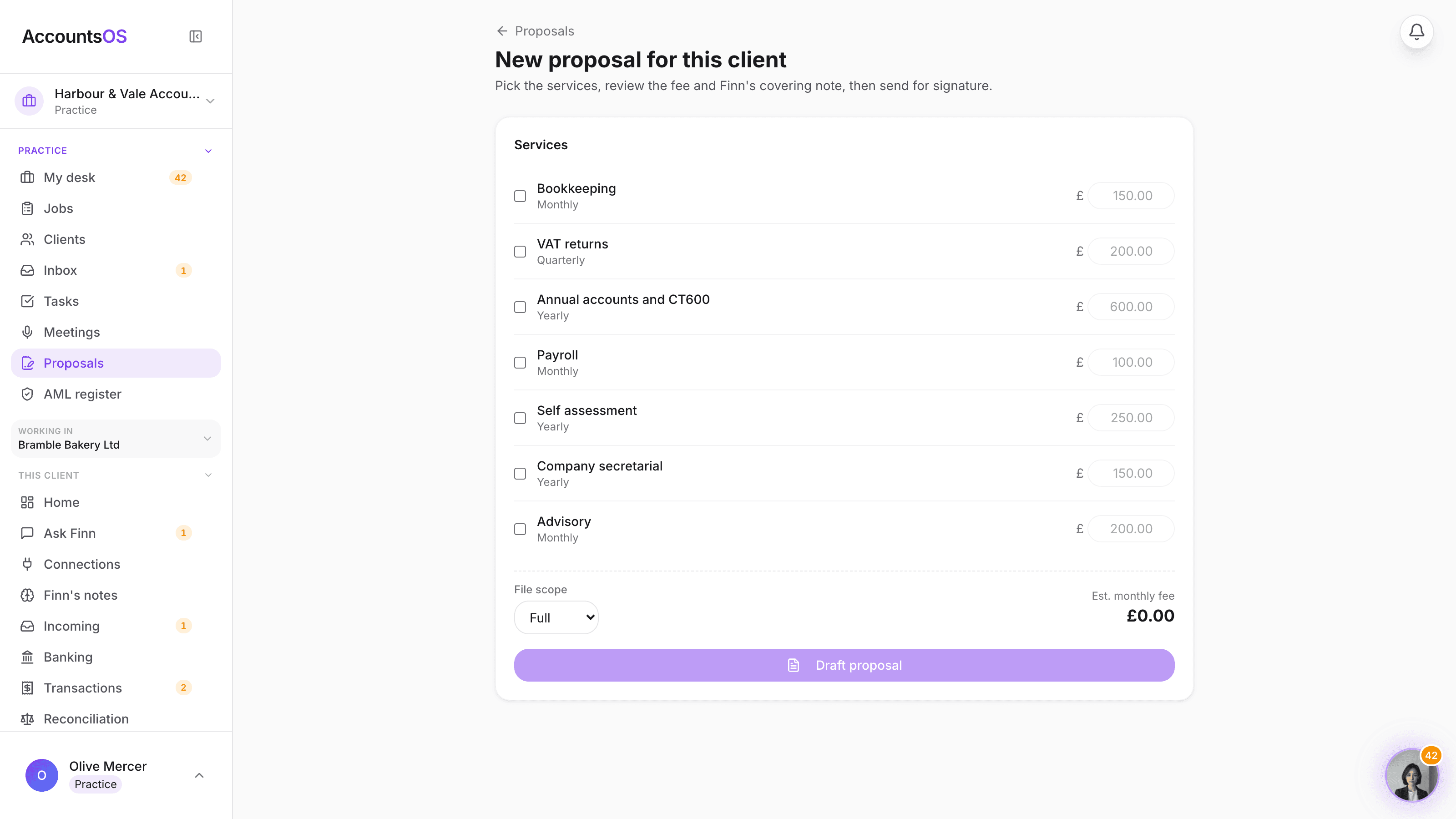
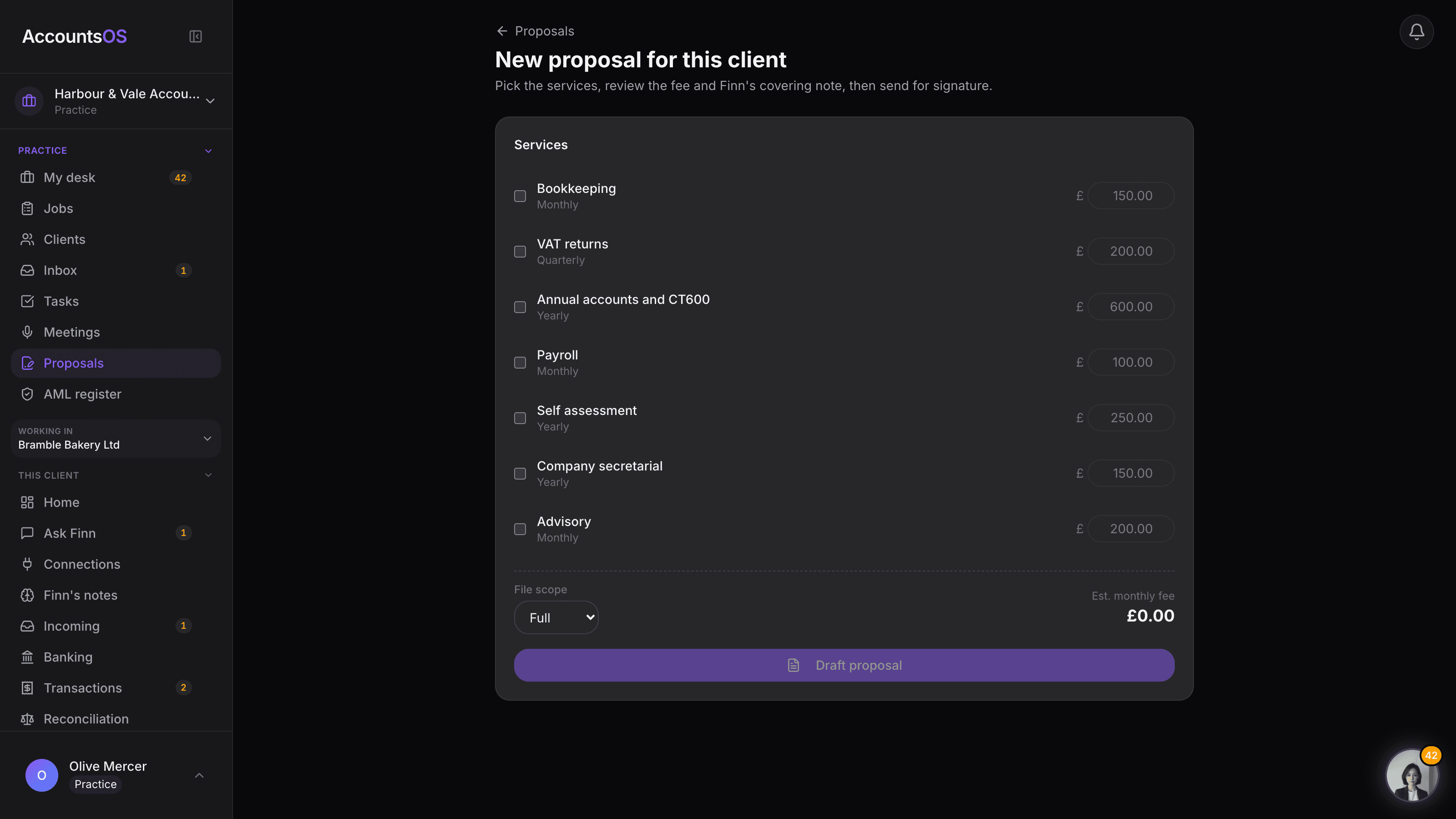
Onboarding pack
LiveOne link: proposal, engagement letter, signature, then they're in your book.
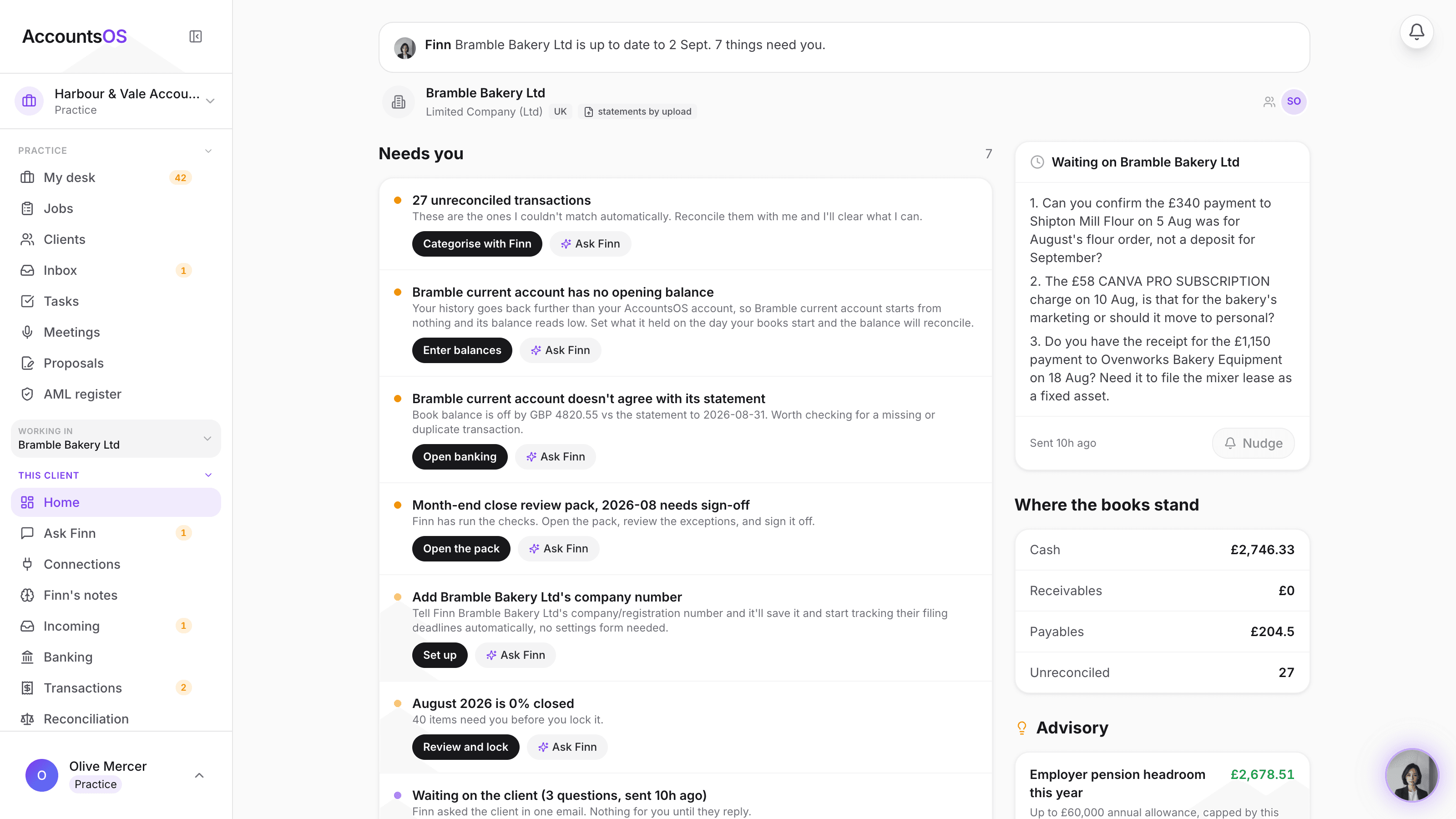
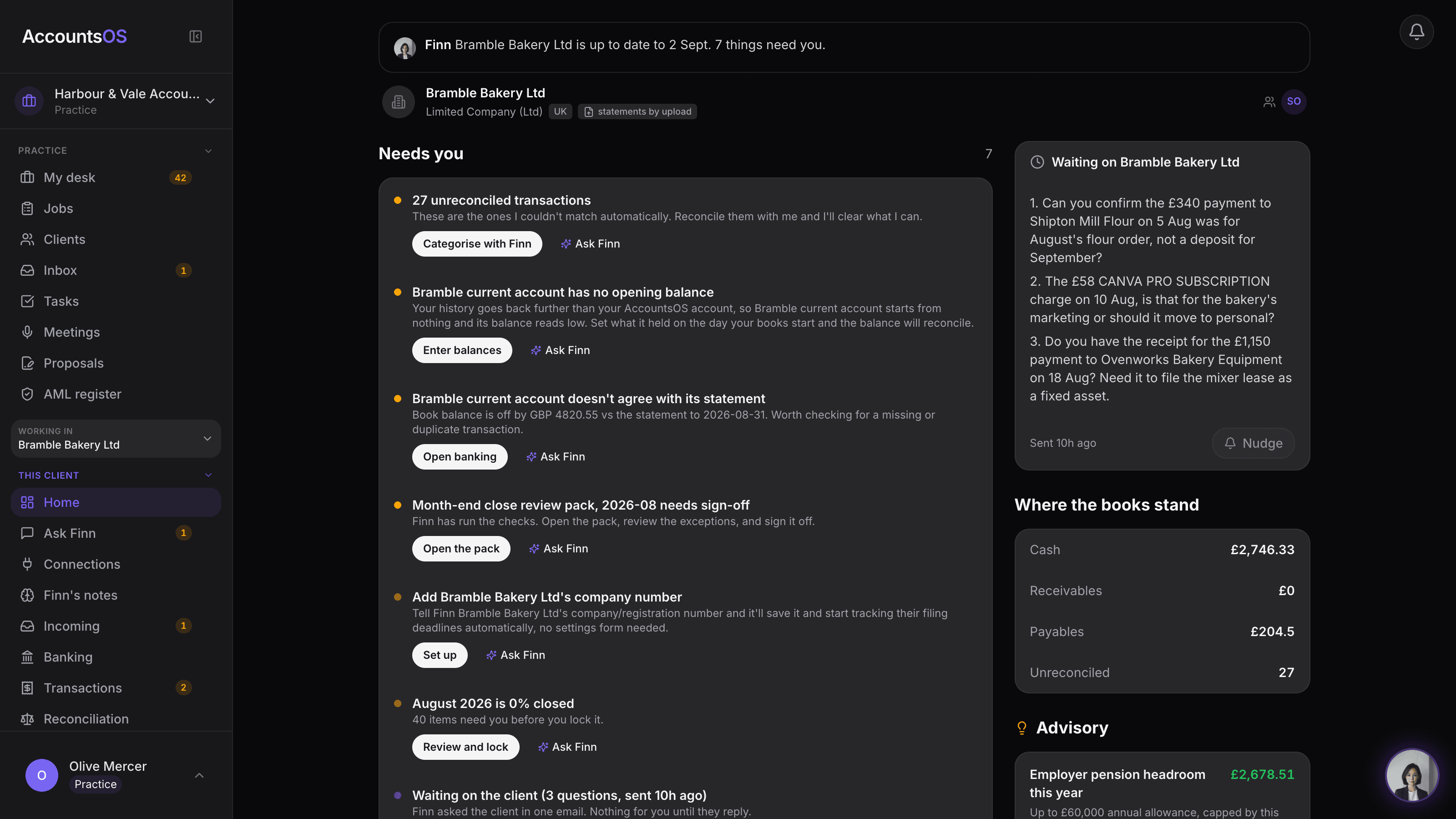
Jobs across the book
LiveEvery job across the book, by stage, Finn moving what it can.
Chasing on autopilot
Coming soonFinn chases what's outstanding, on a schedule, until it's answered or it's on your desk.
Client portal
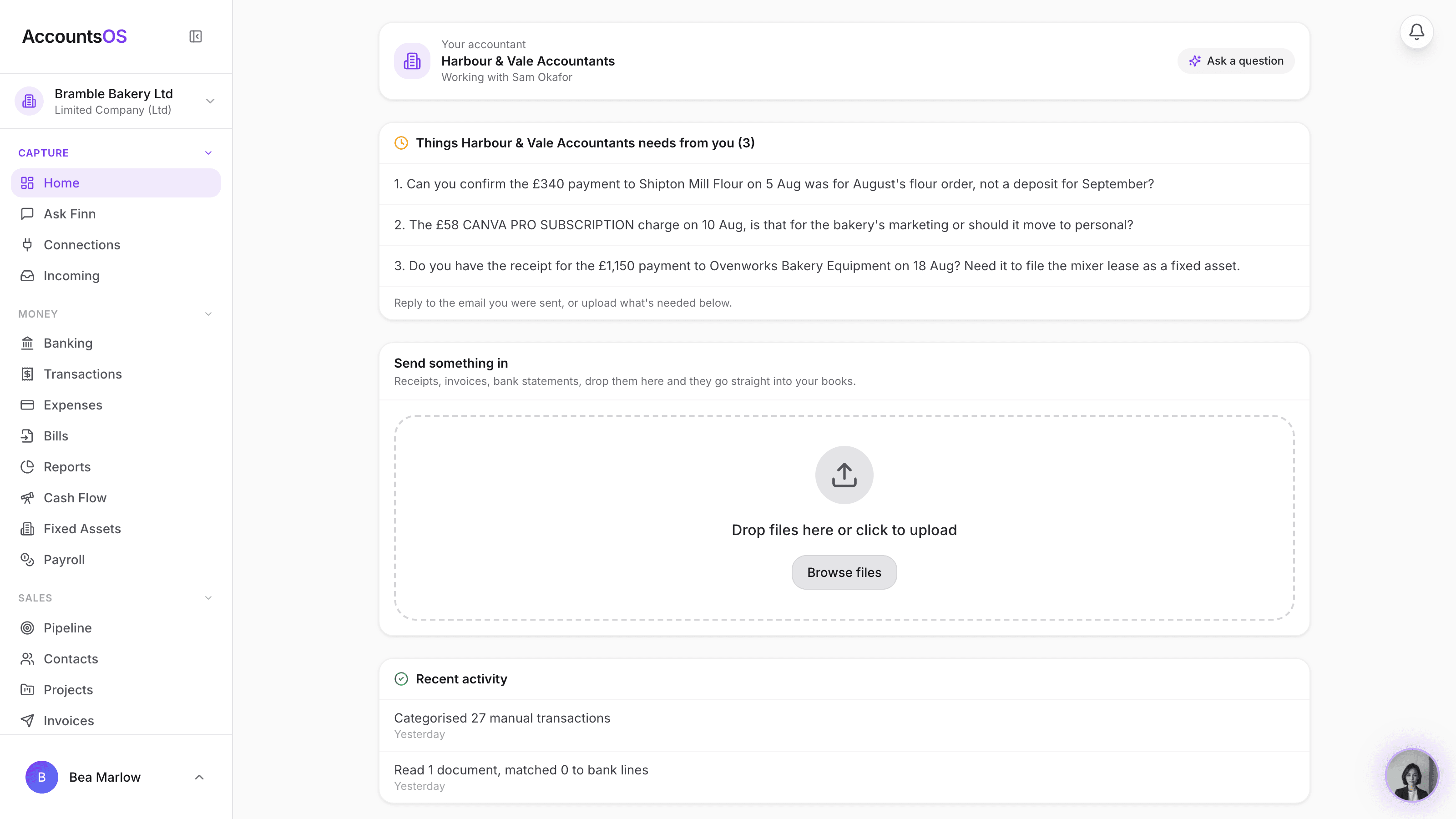
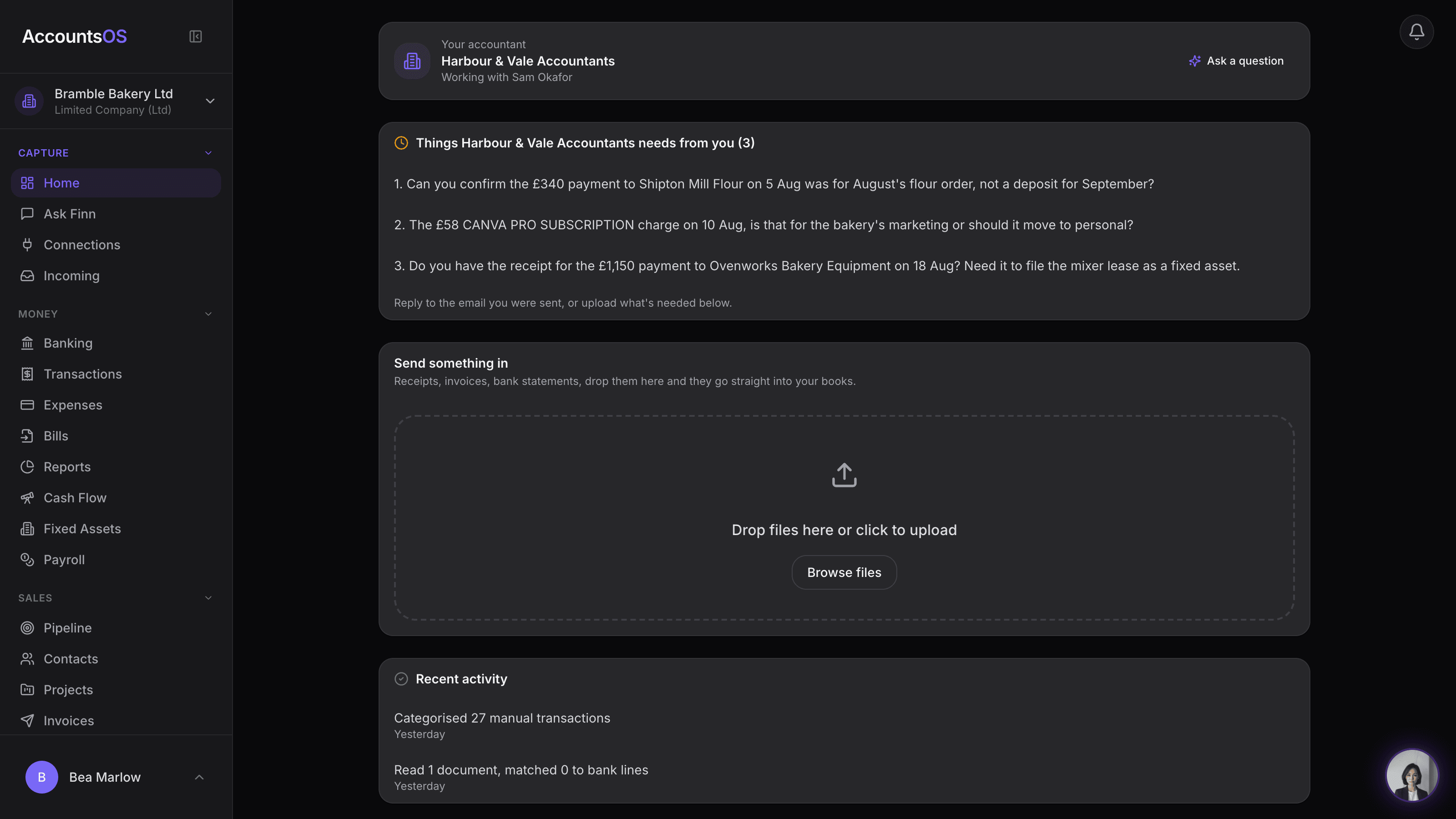
LiveInvite a client from their row and they land on a home that carries your name.
Capacity planning
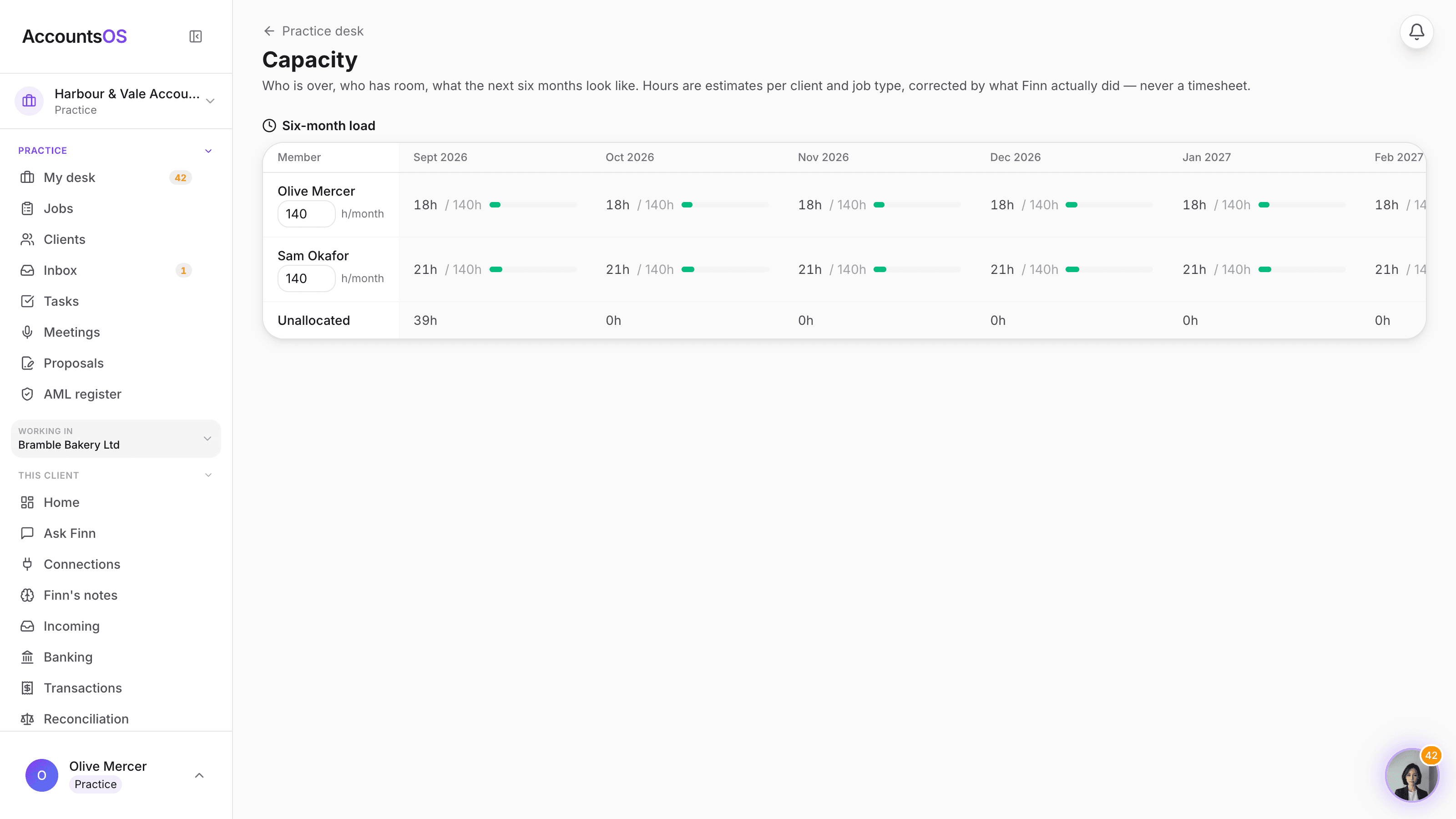
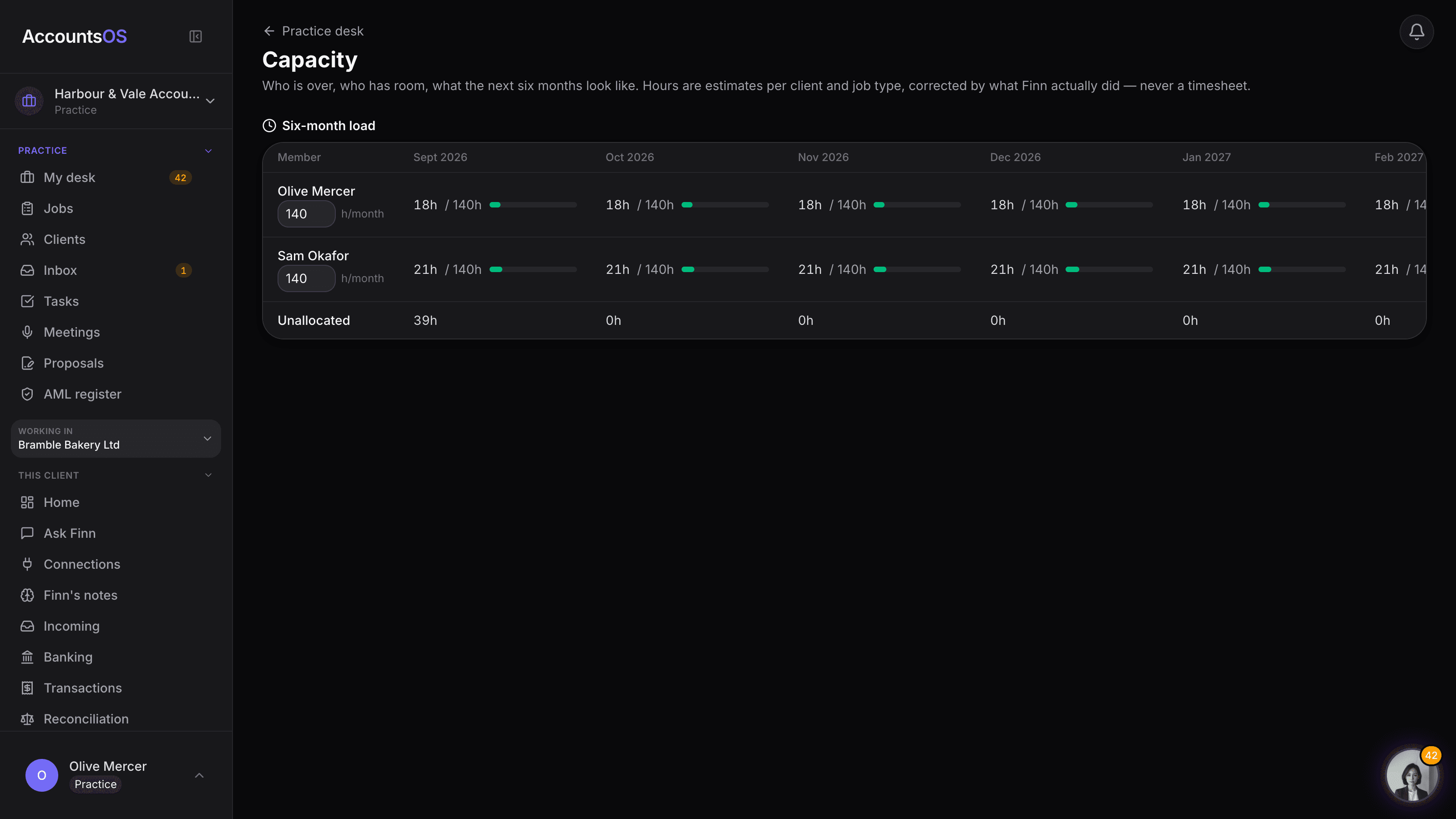
LiveSee who is over and who has room, six months out, with Finn's suggested moves to apply in one click.
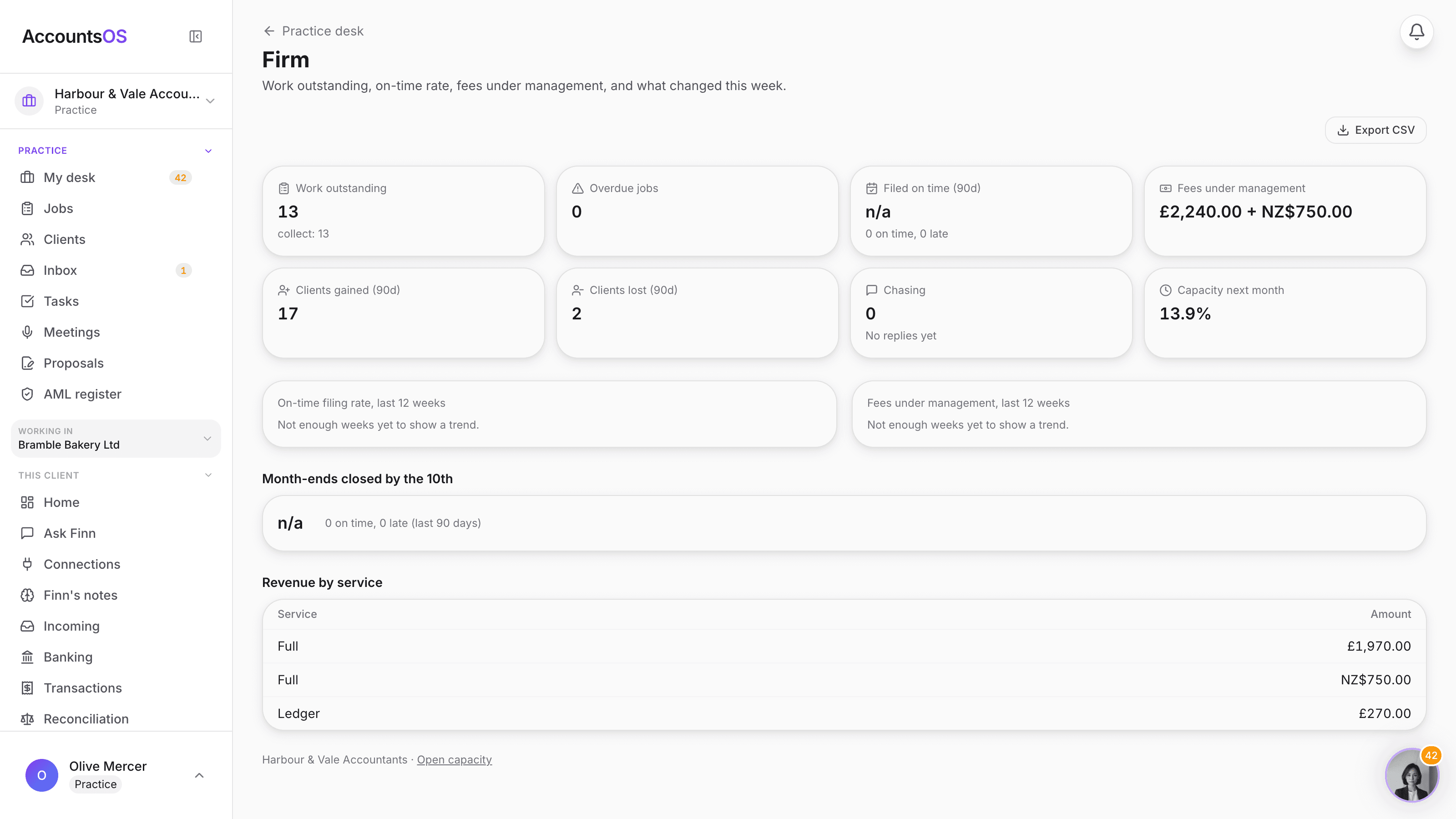
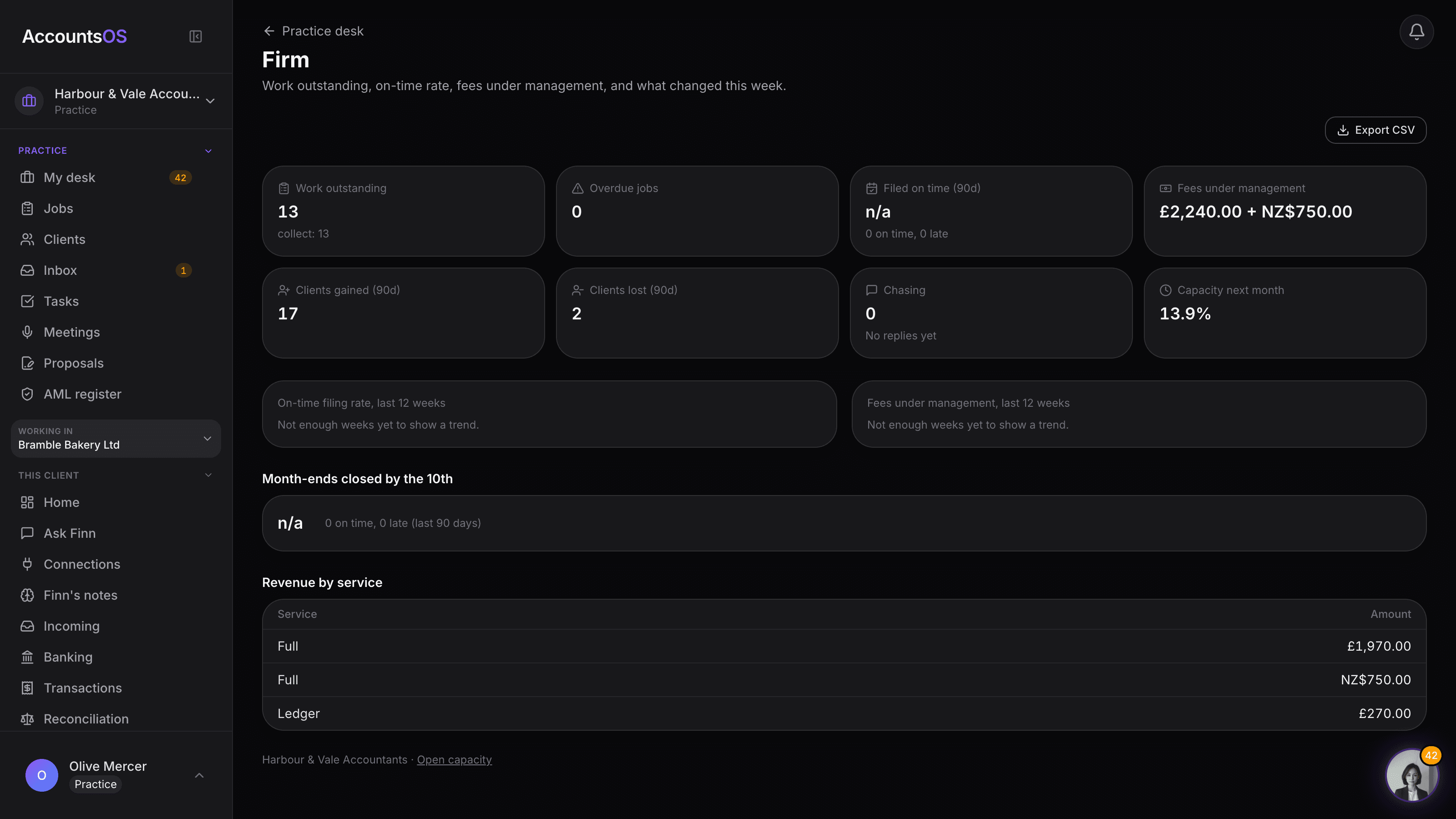
Firm dashboard
LiveWork outstanding, on-time rate, fees under management and what changed this week, on one page.
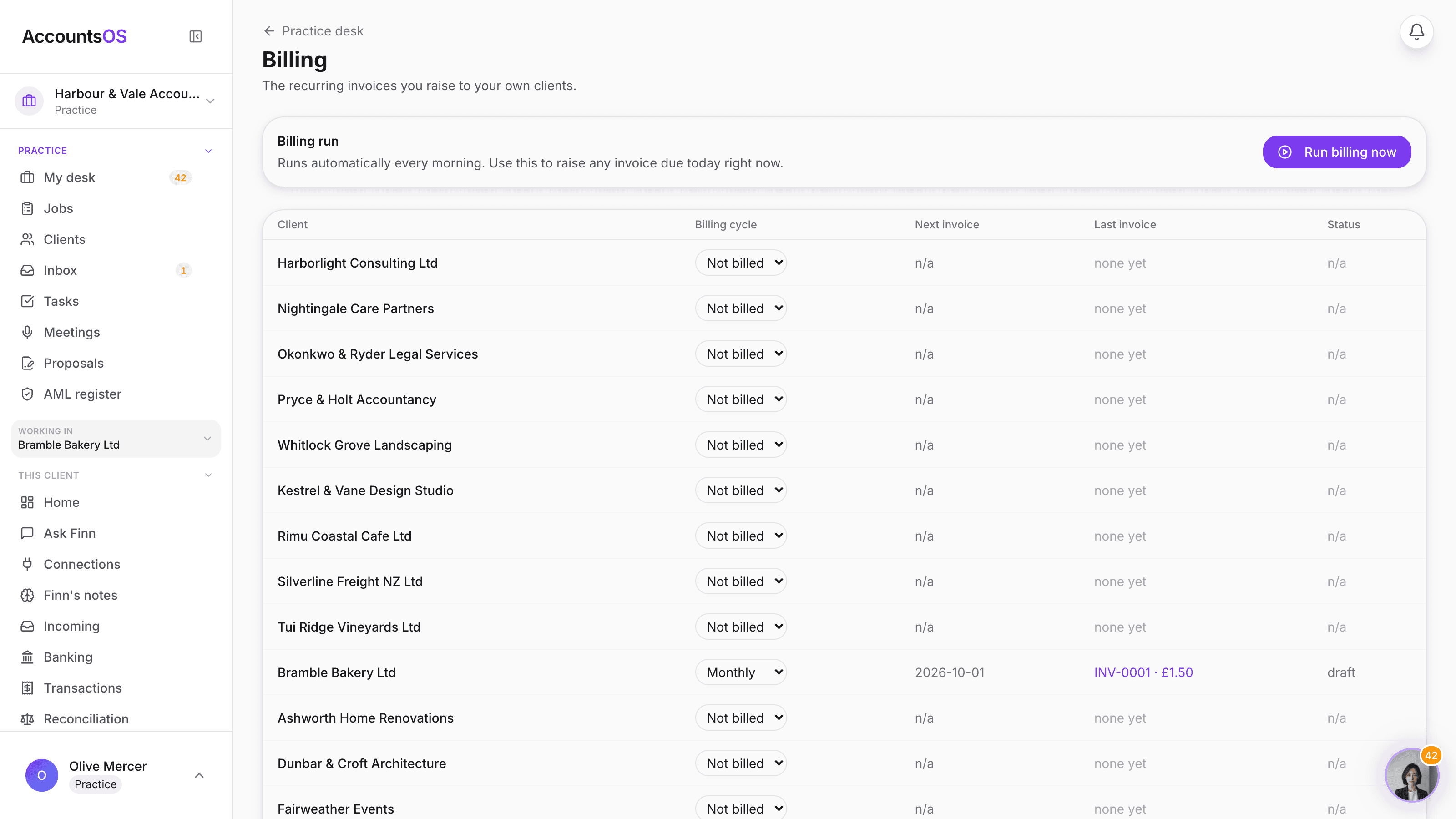
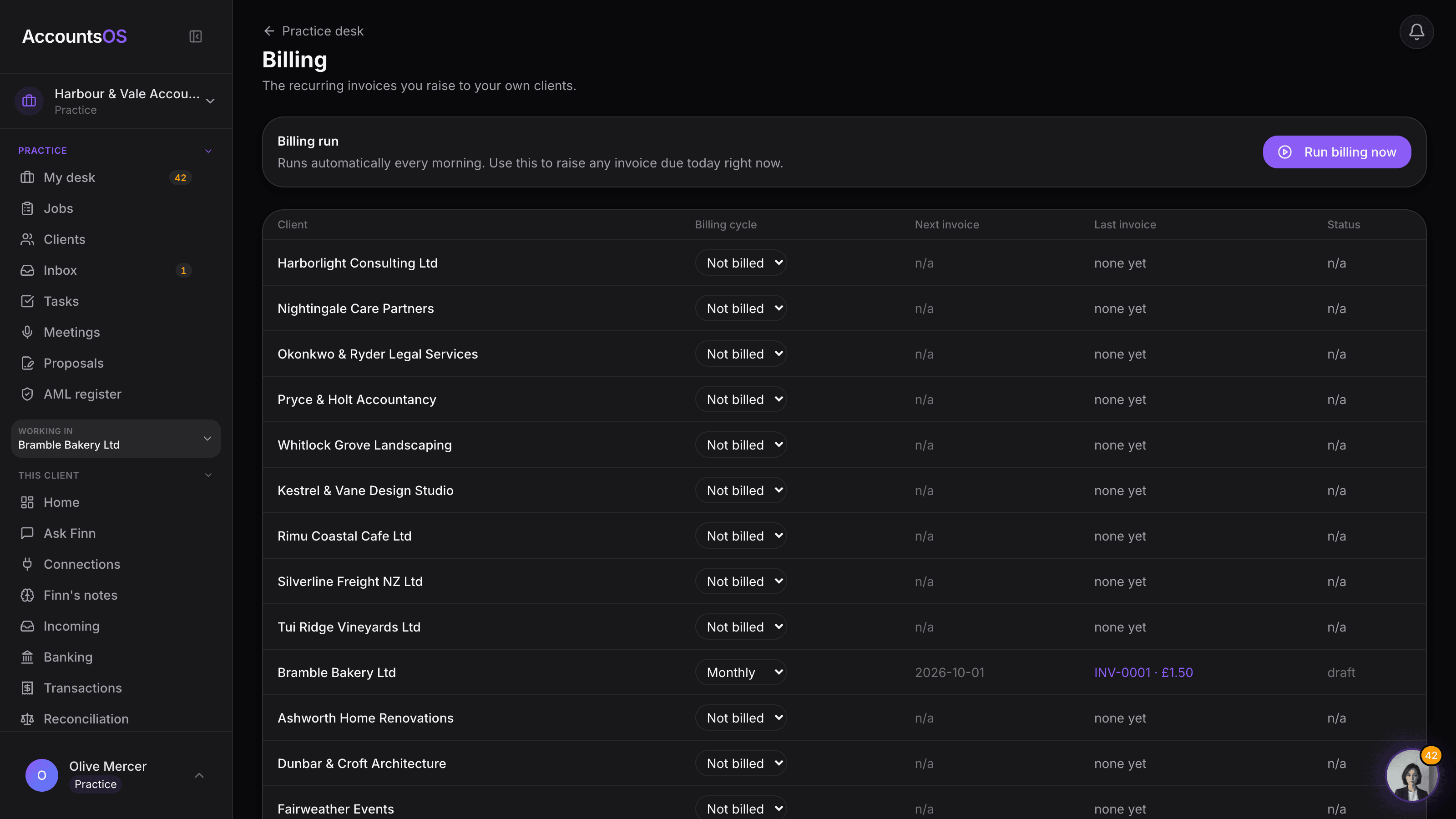
Client invoicing
LiveThe fee you typed becomes a real recurring invoice, raised and sent for you.
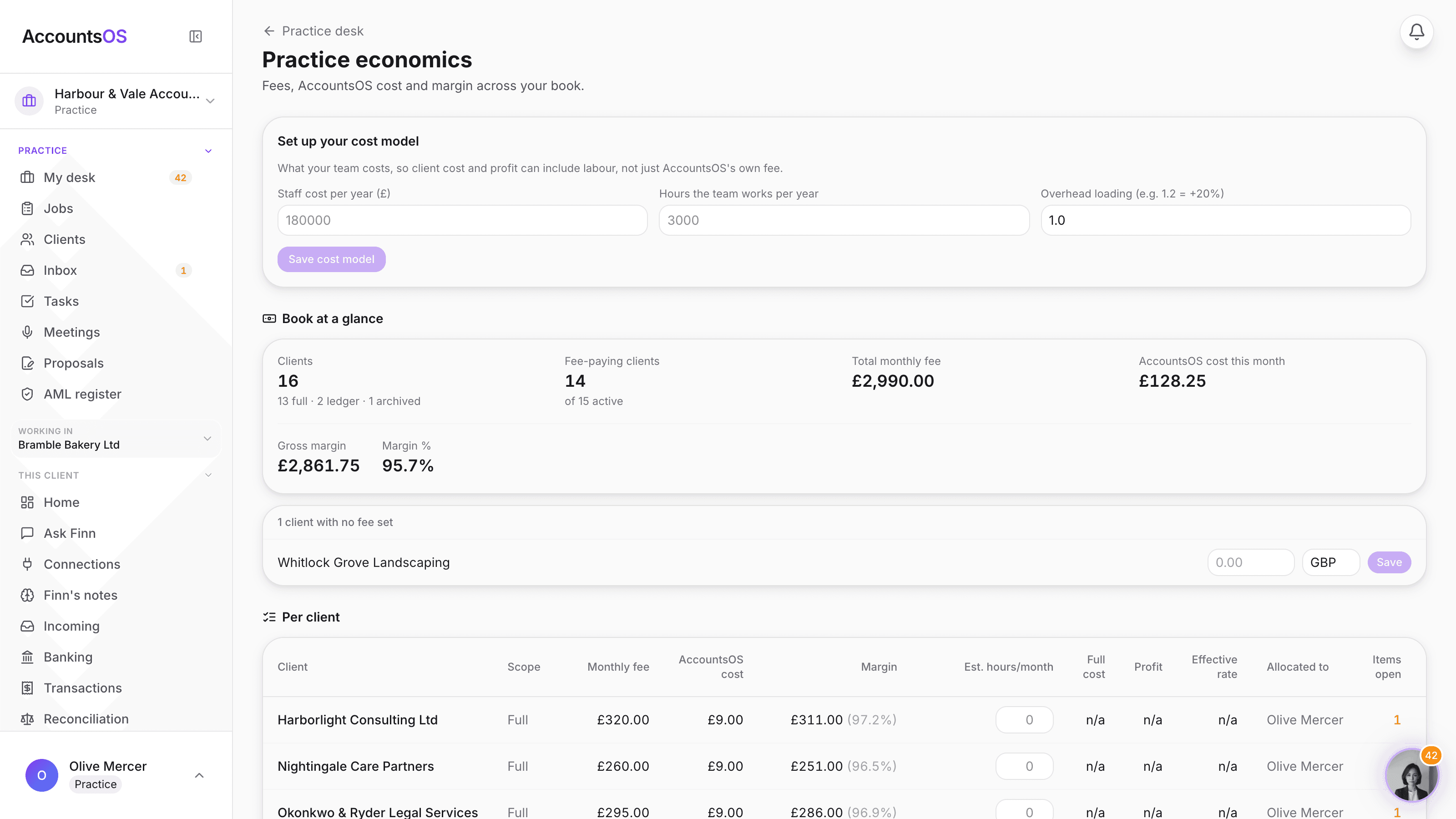
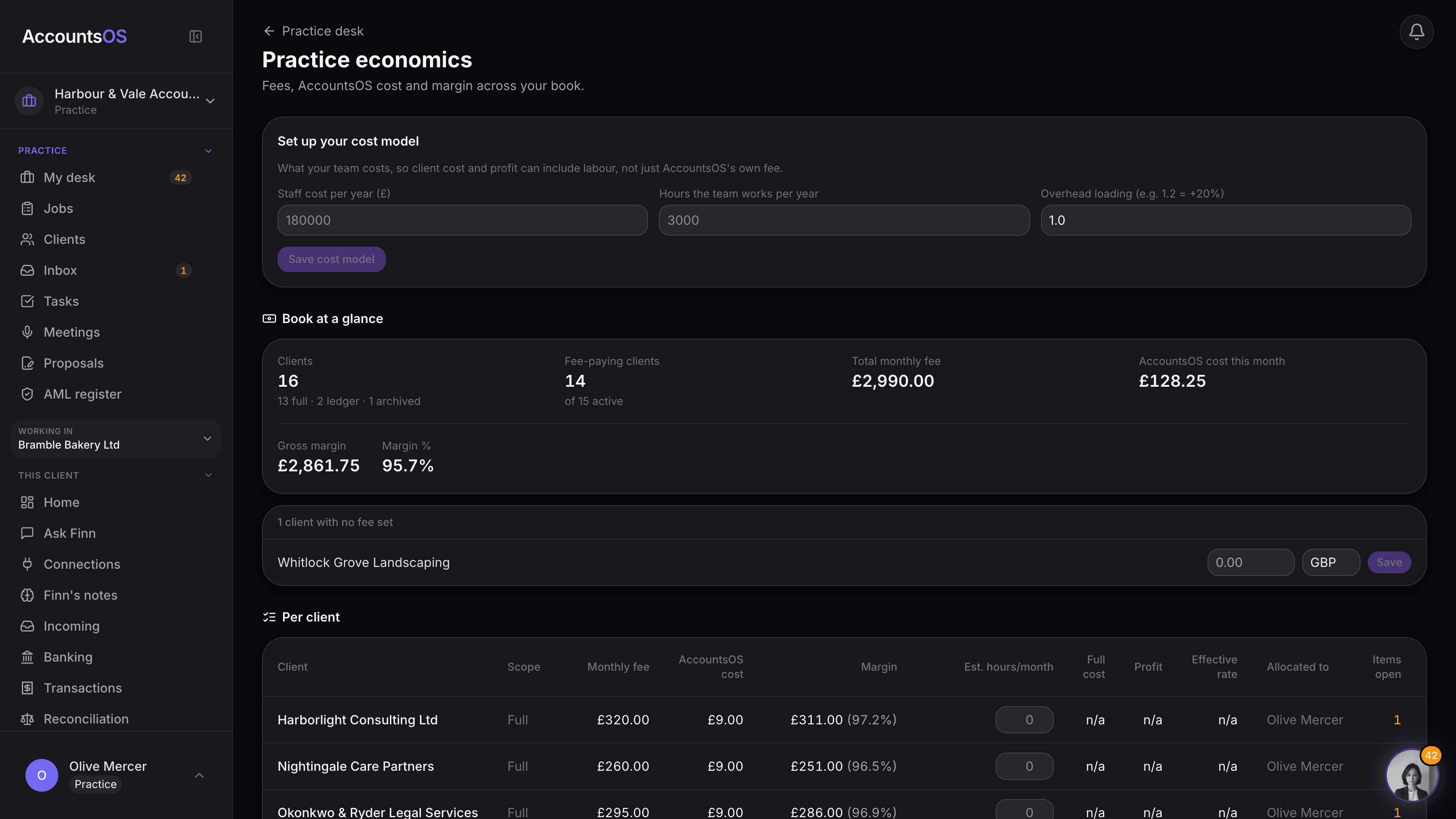
Economics
LiveType what your team costs once, and margin, profit and effective rate become real per client.
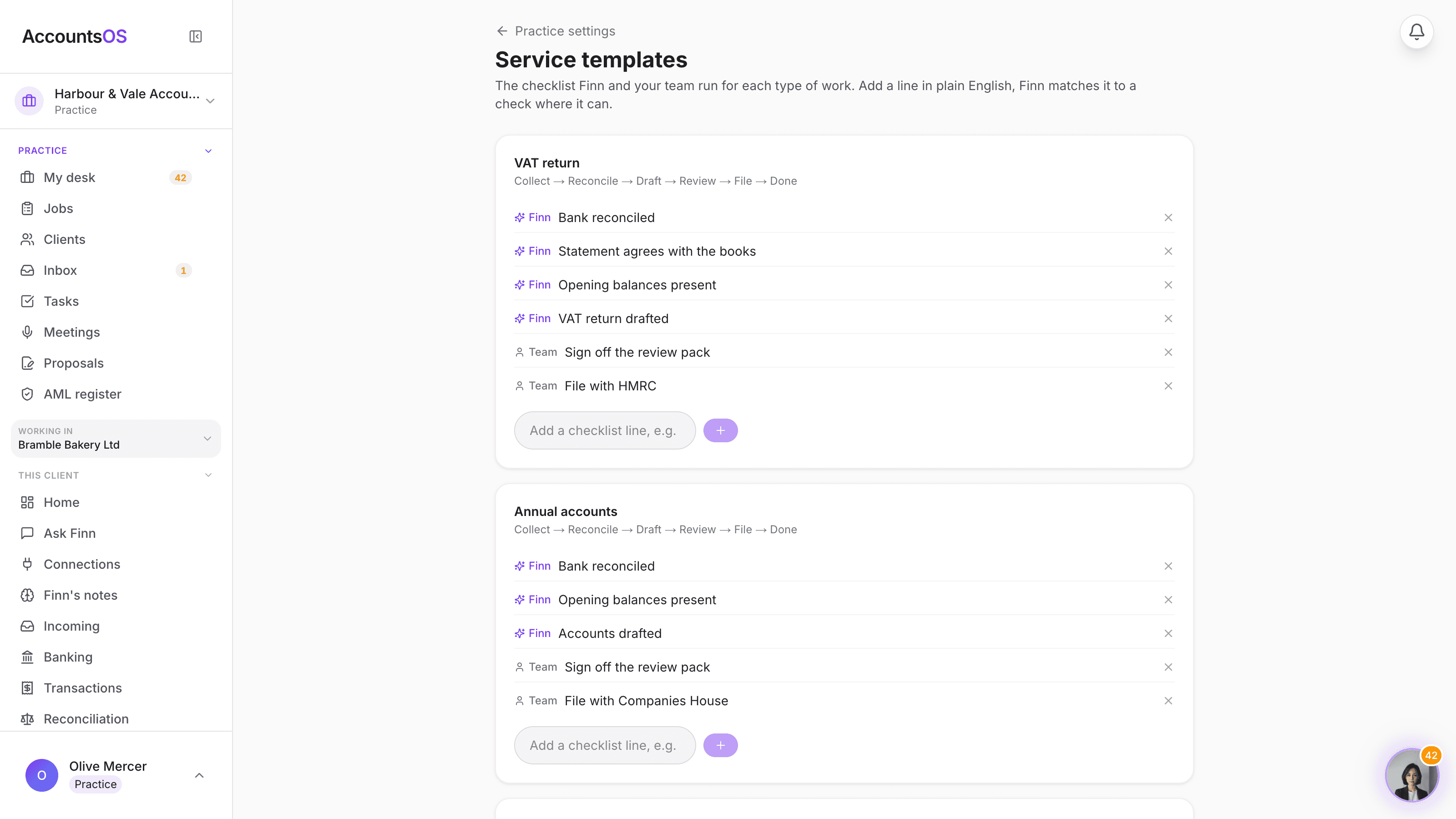
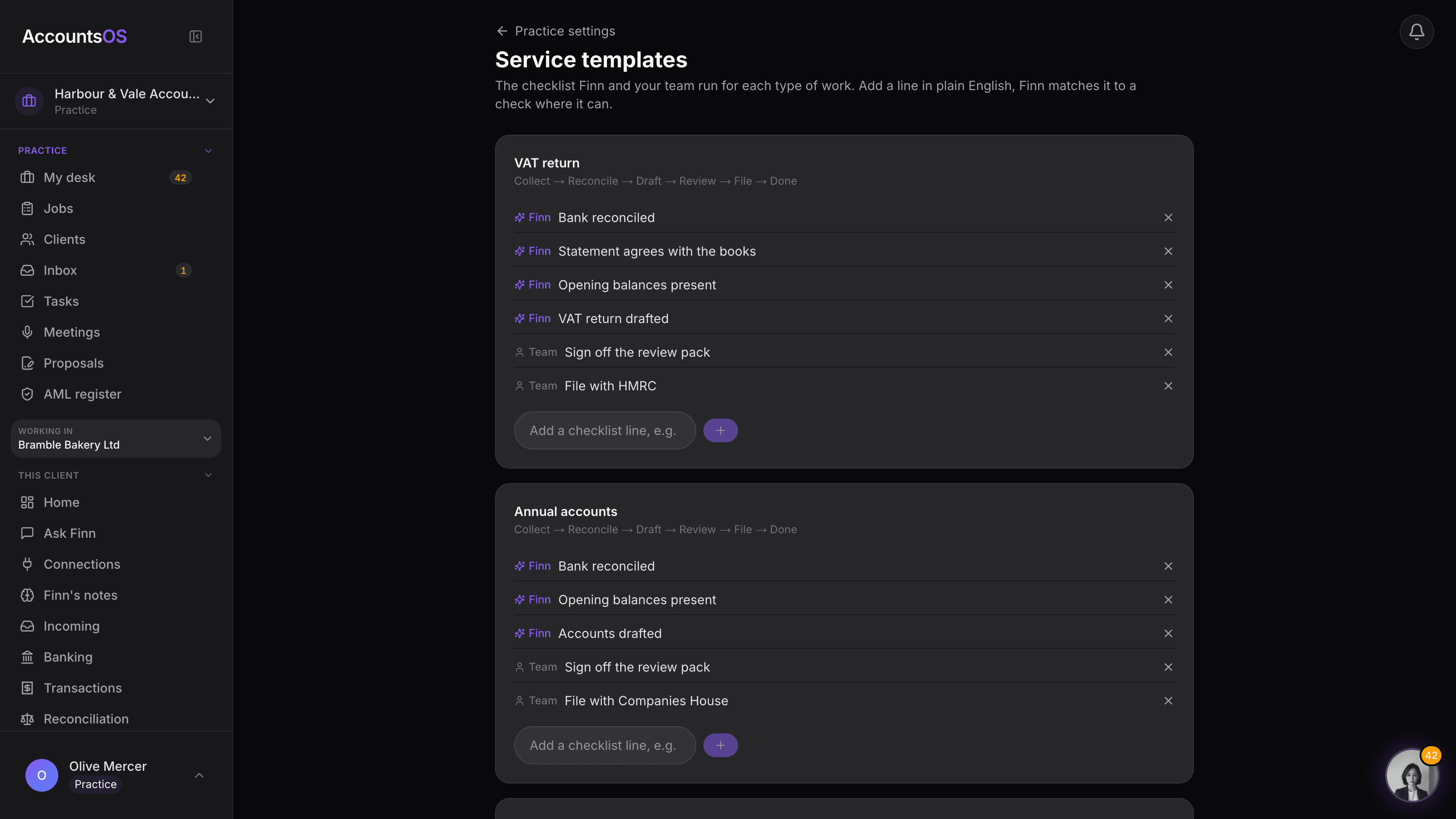
Service templates
LiveThe checklist for every job type, editable per practice, Finn running what it can.
Meetings
Coming soonMeeting notes routed into the client's memory, actions and follow-up drafted for you.
A production layer, not another client list
The difference is who performs the repetitive accounting work and who remains accountable for the judgement.
| Capability | Xero/QBO per client | AccountsOS |
|---|---|---|
| Check a client's books | Log in one at a time | All clients, one dashboard |
| Chase documents | Manual emails | Auto-reminders + AI extraction |
| Categorise transactions | Manual or basic rules | AI categorisation with a confidence score |
| Migrate a client book | Manual exports and setup | Finn prepares the import plan |
| Spot anomalies | You review everything | Finn flags the exceptions |
| VAT submission | Per-client login | Review and file from the dashboard. On HMRC's list of MTD VAT software. |
| Set a fee and see the margin per client | Your own spreadsheet | Built into the desk |
| Allocate clients to staff | Per-file user management | Allocate from the desk, no per-seat fee |
| Dormant files | Full price or a separate ledger product | Switch the client to Ledger from its row, from £1.50/file |
| Connect custom systems | API ecosystem | API keys + MCP workflows |
| Monthly cost | Per-client subscriptions | Live-client pricing with volume discounts |
Put the whole book on it
Start in the hosted practice platform, connect Finn to the AI tools your team already uses, or integrate the accounting layer through API or MCP.