Who is over, who has room
See January coming before it lands on someone's desk. Rebalance before it hurts.
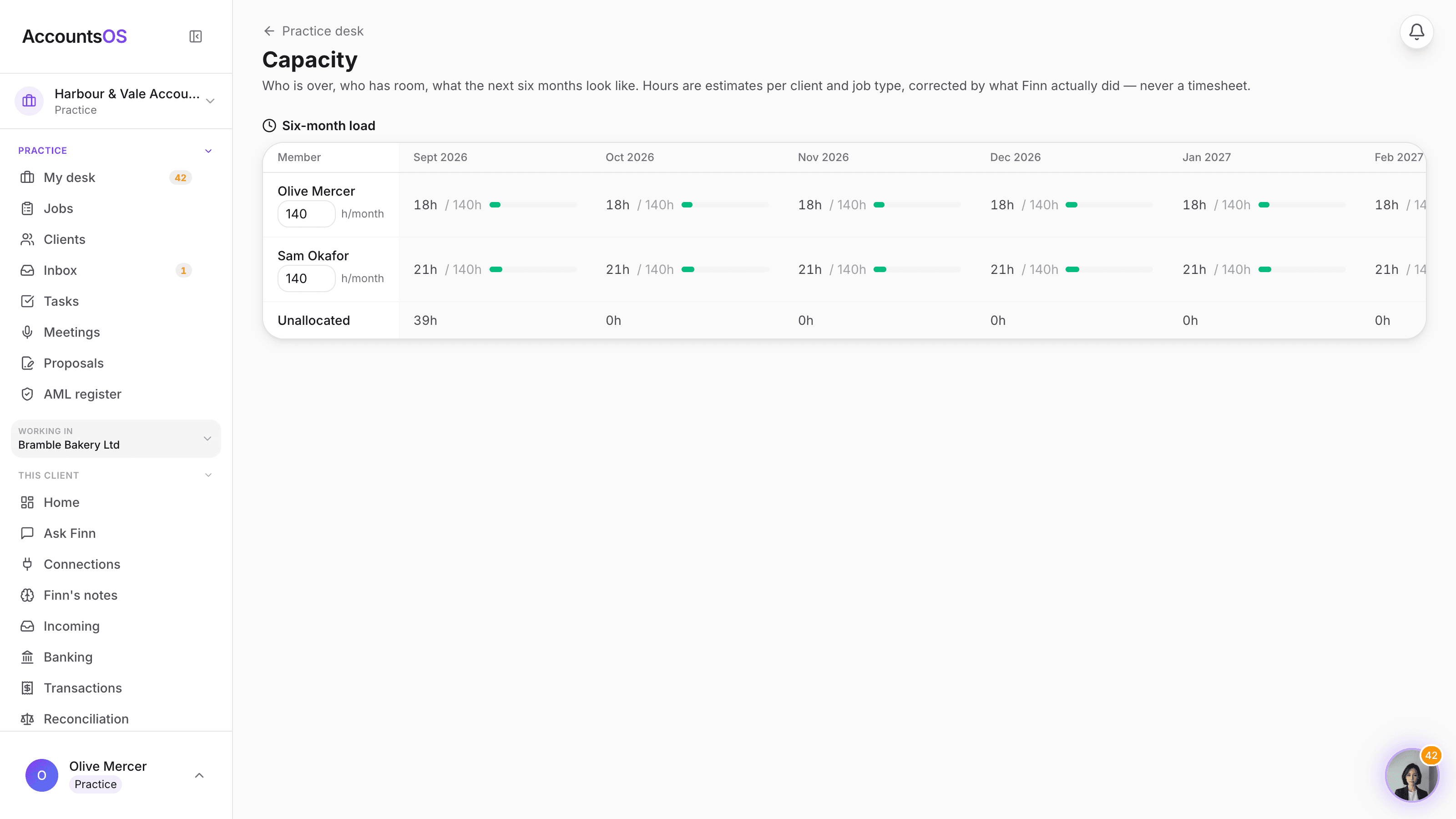
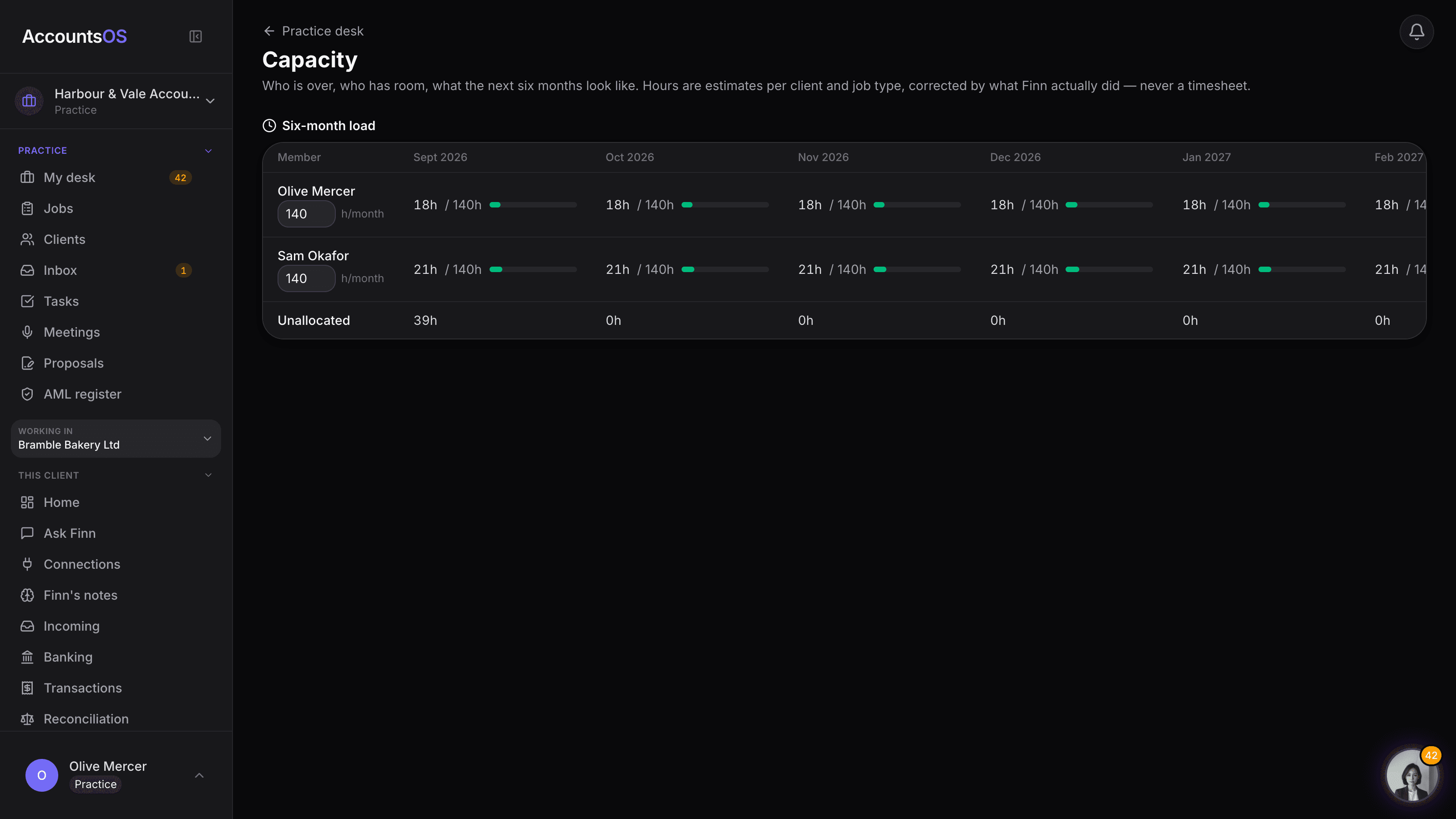
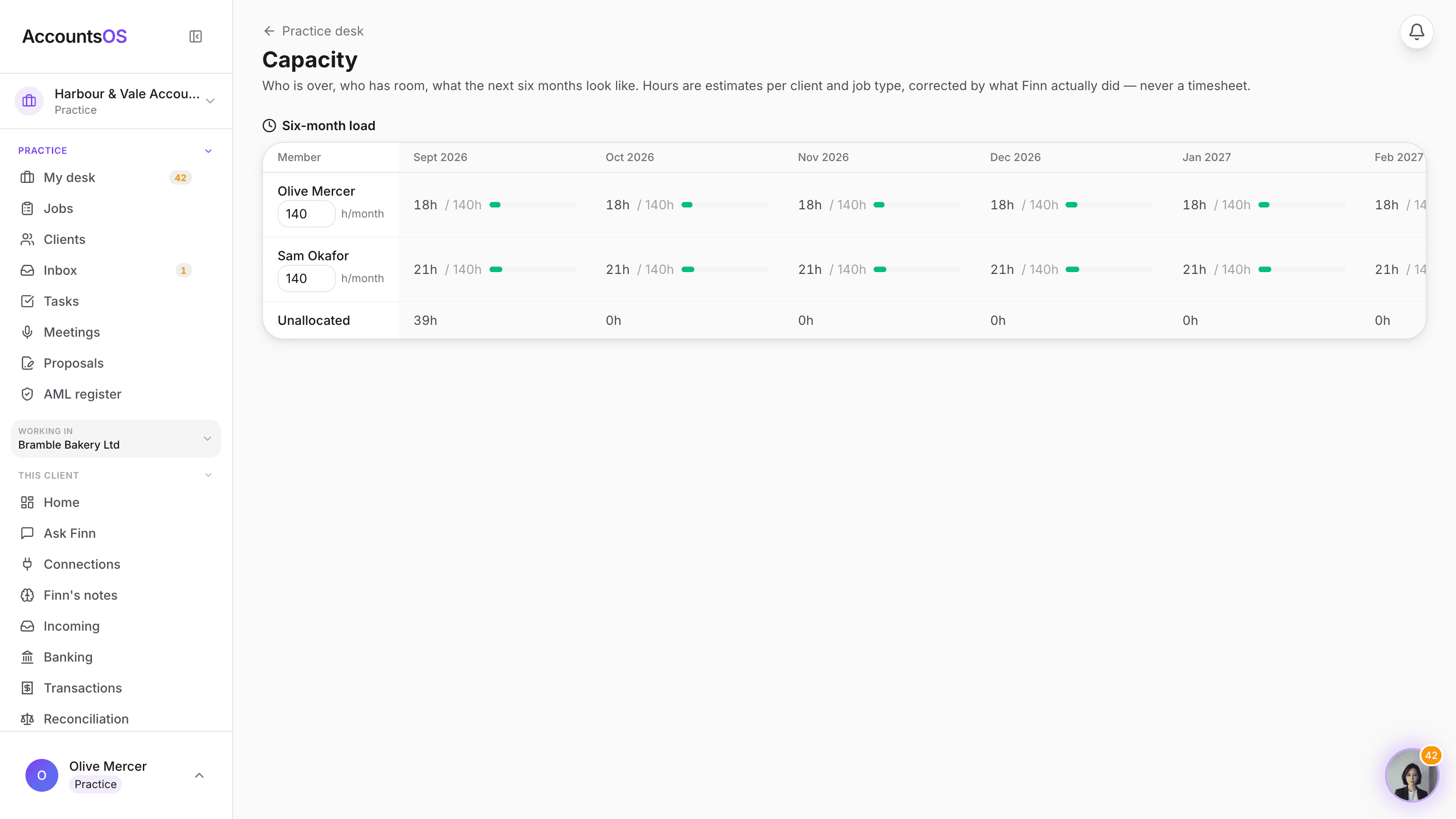
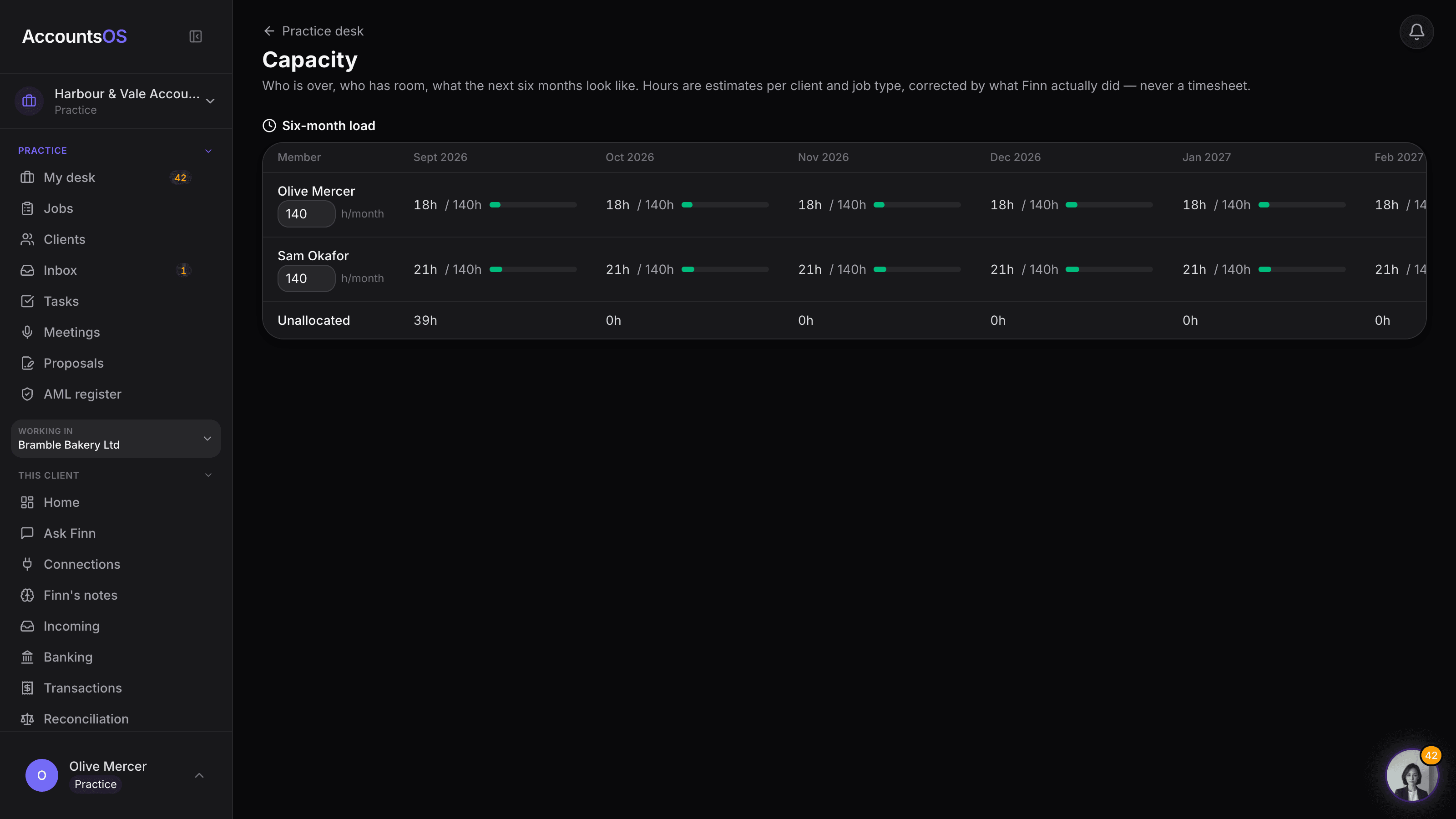
Every job and every client's bookkeeping hours roll up into a six-month view of who is over and who has room. Finn forecasts the peaks from the register, not last year's timesheets, and suggests who to move work to.
Hours are estimates per client and job type, corrected by what Finn actually did.
Capacity planning on AccountsOS: See who is over and who has room, six months out, with Finn's suggested moves to apply in one click.
AccountsOS · Six months, who is over and who has room
How it works
How it works
Every job gets an hours estimate
Bookkeeping, VAT returns, annual accounts and the rest each carry a default hours figure, refined by each client's own history once Finn has worked them a while.
See the six-month grid
Each team member's allocated hours against what they have available, month by month, with an Over chip the moment allocated crosses available.
Finn forecasts the peaks
Year ends, VAT quarters and January self-assessment season are read straight off the register, so a busy month shows up before it happens.
Apply the suggested move
Finn proposes moving the largest job from whoever is most over to whoever has the most room. Review the chip and apply it in one click.
- Six-month view, allocated hours against available hours, per team member
- Peaks forecast from the register: year ends, VAT quarters, January SA season
- Finn's suggested rebalancing moves, one click to apply
- Each team member sets their own available hours a month
- Unassigned jobs sit on their own row, never hidden inside someone else's load
AccountsOS · Finn's suggested moves
FAQ
The questions accountants ask first
Do my staff have to fill in timesheets?
How does Finn know January is going to be busy?
What happens when Finn suggests a move I don't want to make?
What if a job doesn't have anyone assigned yet?
Can I set how many hours each person actually has to give?
Put Capacity planning to work
30-day free trial, then priced per live client. No minimum.
See every feature on the features page.