Your team
Everyone gets their own desk. No per-seat fee.
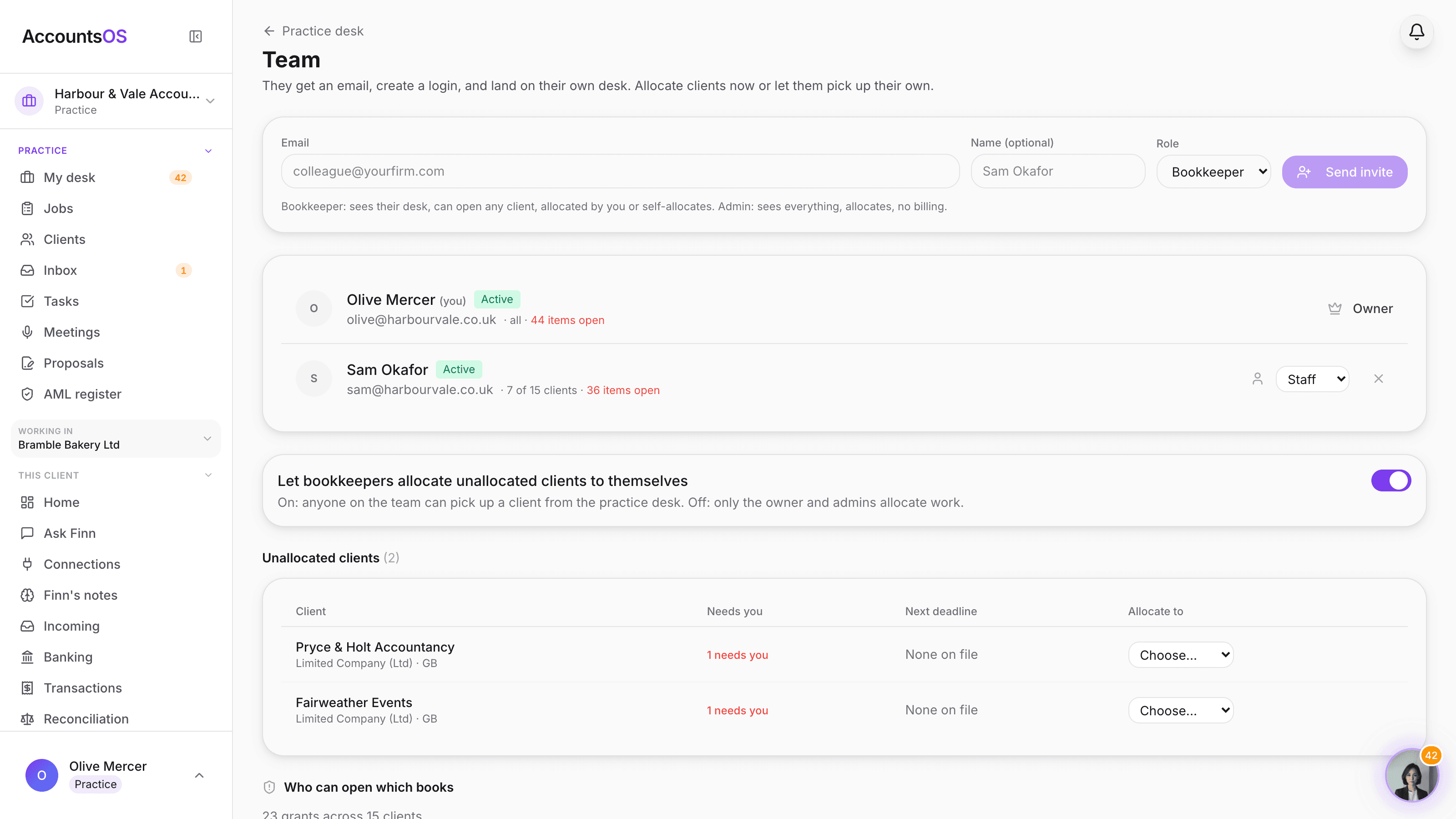
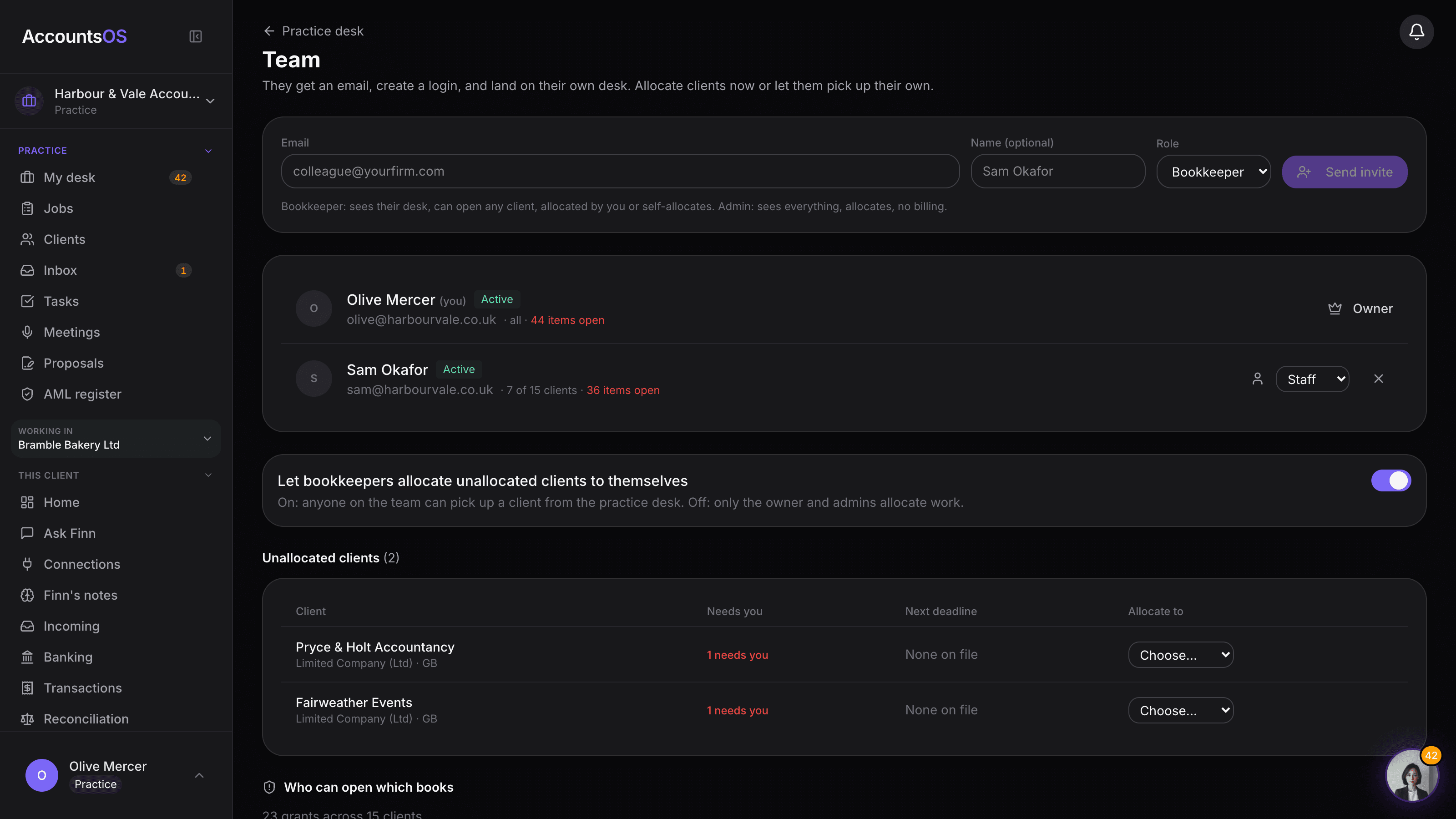
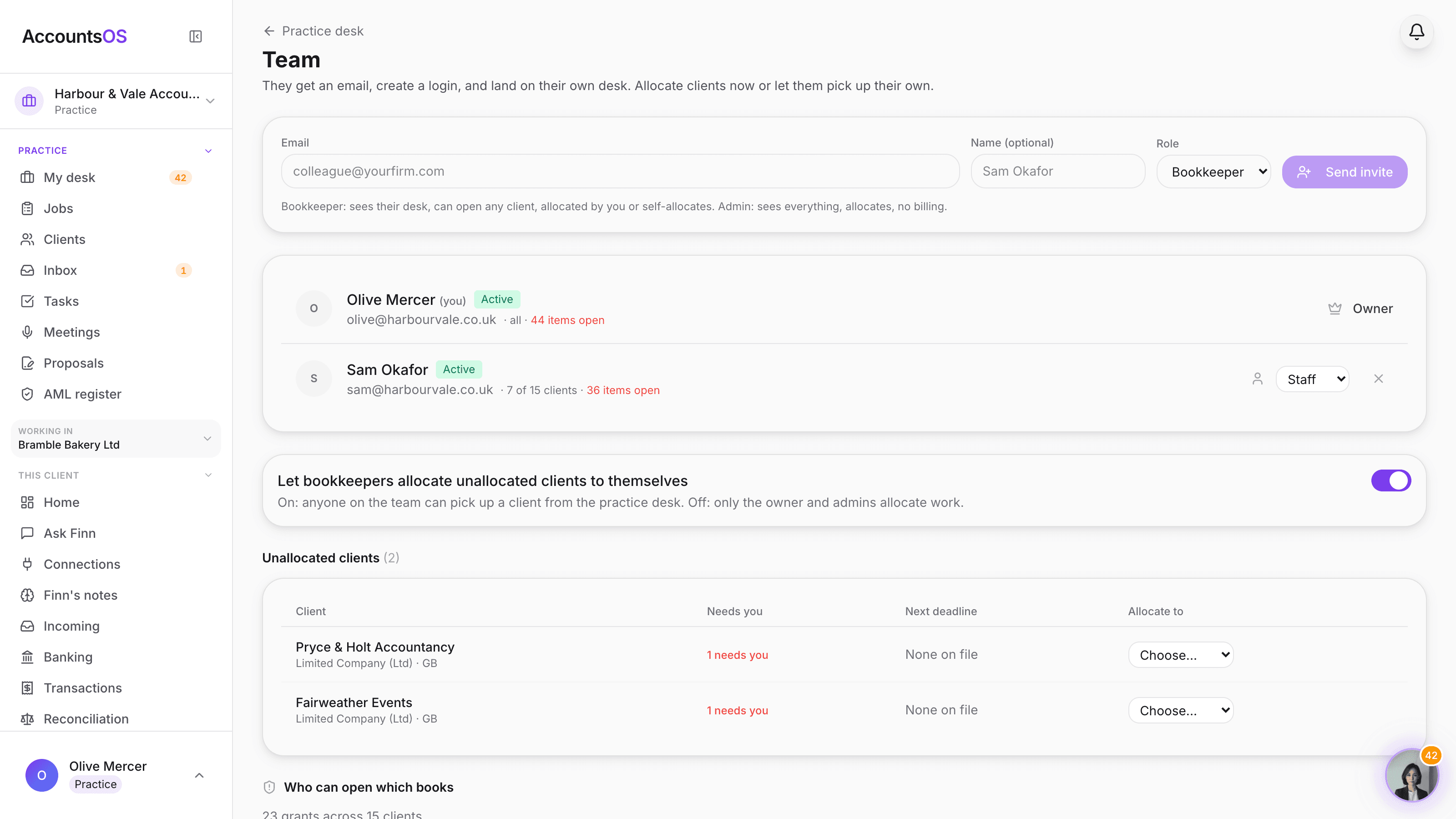
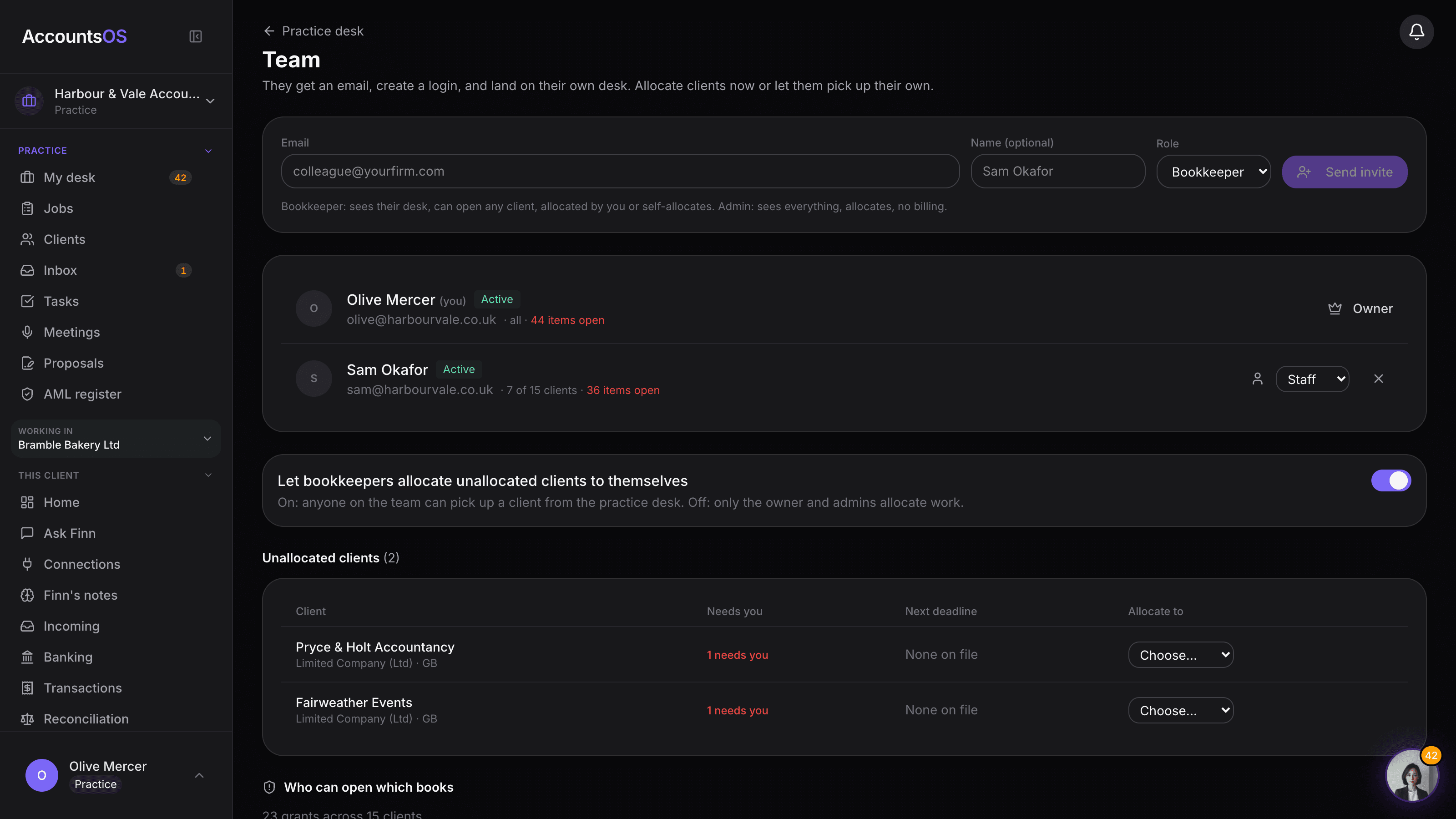
Invite the practice's admins and staff. Staff see only the clients allocated to them, admins see the whole book, and the access audit shows exactly who can open which books with revoke on the row. You pay per live client, not per person.
No per-seat fee. Invite as many admins and staff as the practice needs.
Team and allocation on AccountsOS: Invite the team, allocate the clients, audit who can open what. No per-seat fee.
AccountsOS · Invite the team, allocate the work
How it works
How it works
Invite the team
Admin: Every client. Manages the team and who works what. Staff: Works the clients allocated to them.
Allocate the clients
Allocate clients to staff from the desk, or leave them unallocated so staff can self-allocate the ones they pick up.
Staff work their own desk
A staff member's desk shows only their allocated clients, with the same queue, counts and Finn dock as the owner sees.
Audit who can open what
One table lists every grant: by allocation, by the client's own login, or by outside access, with revoke on the row.
- Owner. Runs the practice, including billing.
- Admin. Every client. Manages the team and who works what.
- Staff. Works the clients allocated to them.
- Self-allocation for unallocated clients, on by default
- Access audit: allocation, client login or outside access, revoke on the row
- No per-seat fee, invite the whole team
AccountsOS · Who can open which books
FAQ
The questions accountants ask first
Do we pay extra per team member we invite?
What can a staff member see that an admin cannot restrict?
How does allocation actually work day to day?
Can we see who has access to a client outside our own team?
What happens to a client's data if a staff member leaves?
Put Team and allocation to work
30-day free trial, then priced per live client. No minimum.
See every feature on the features page.