Bring clients in
Your prospects, on one board
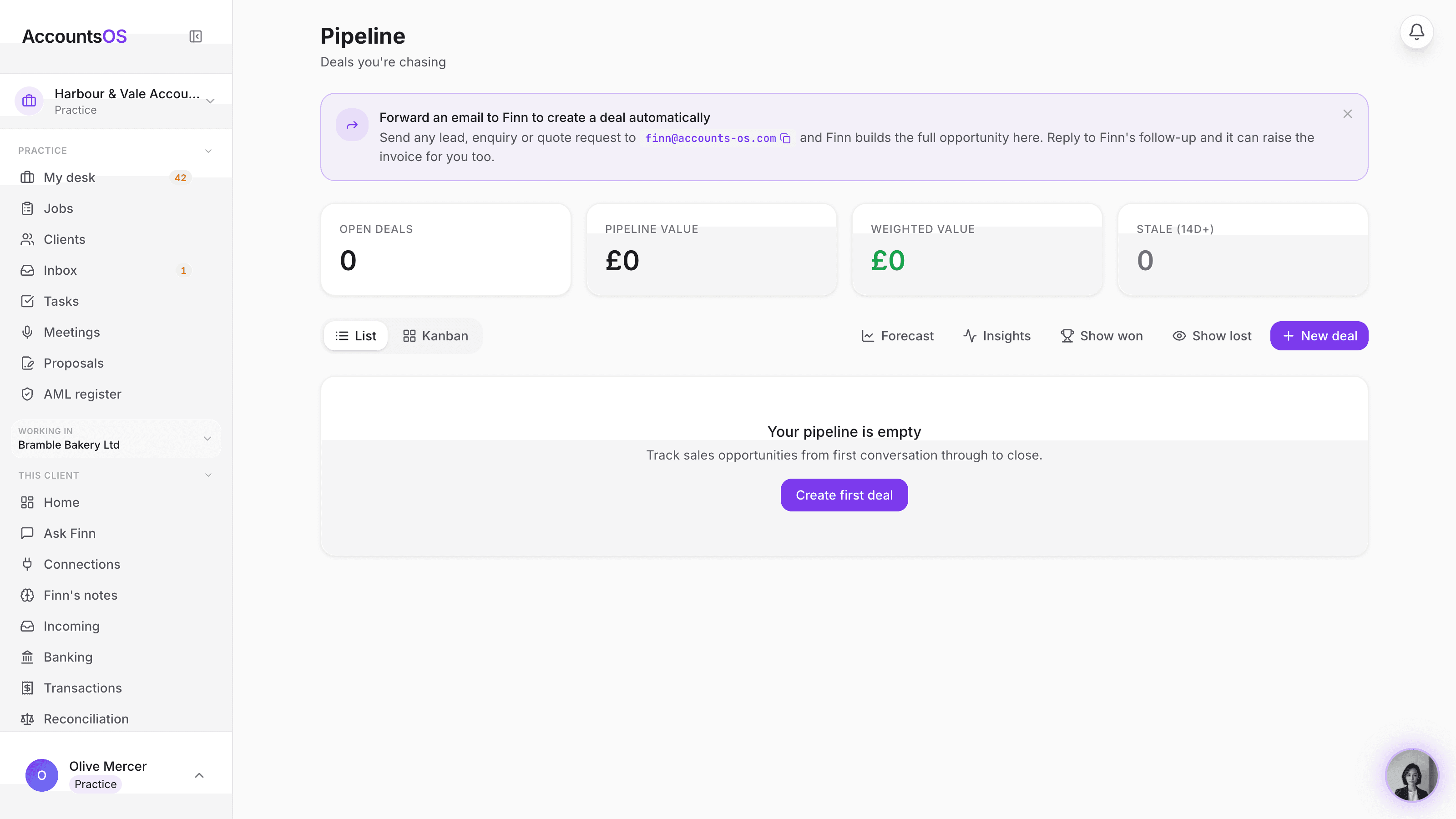
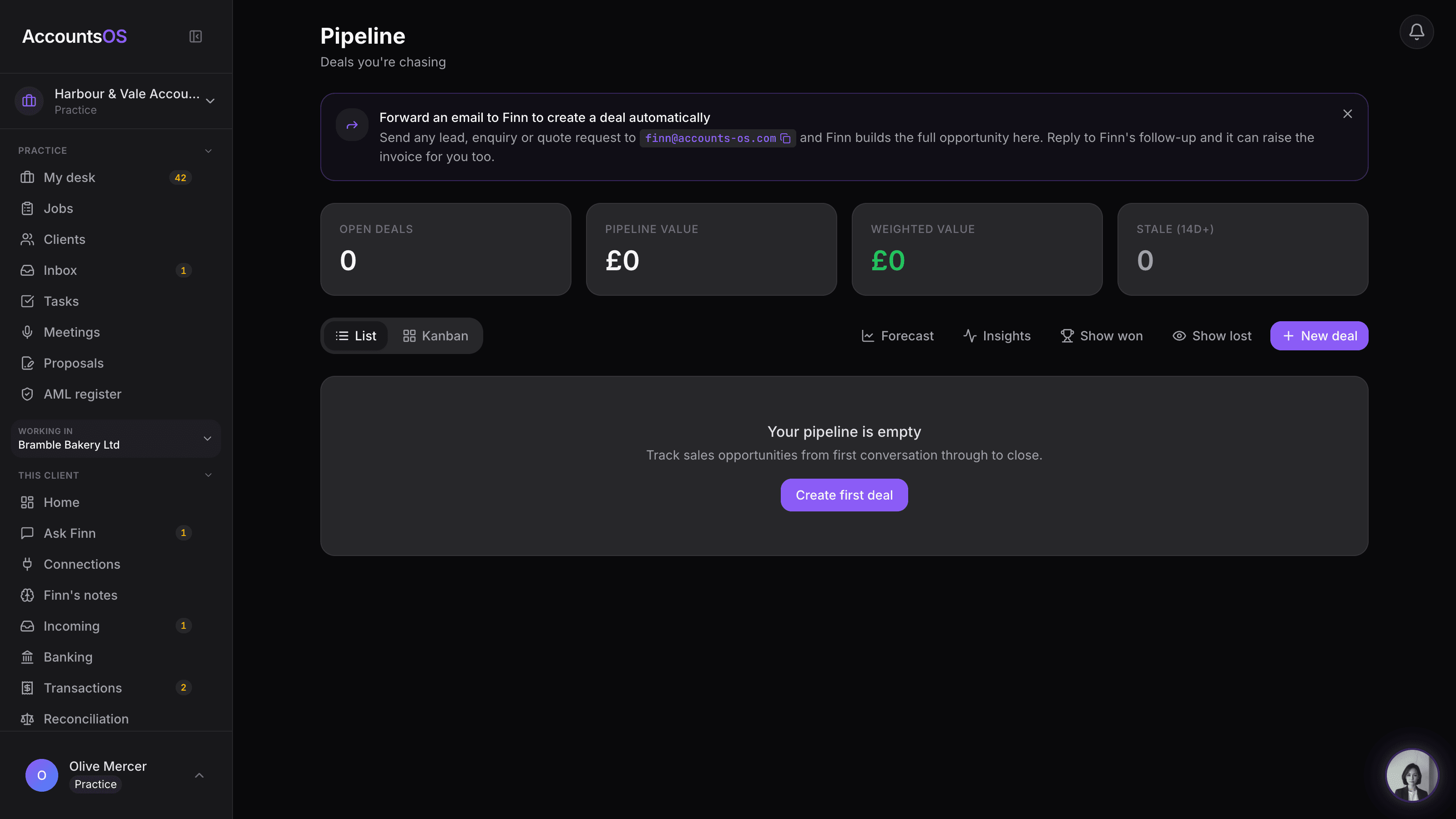
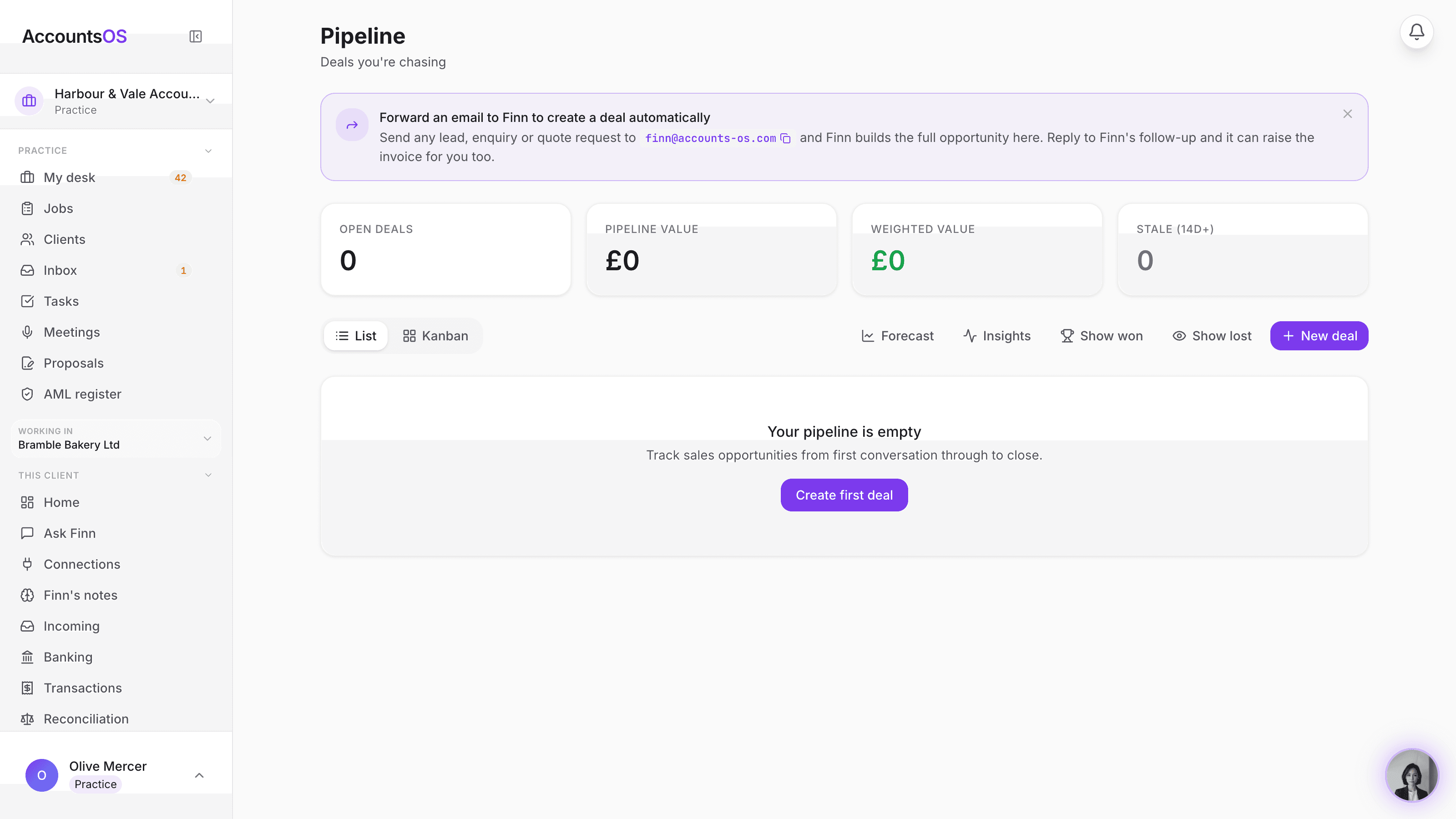
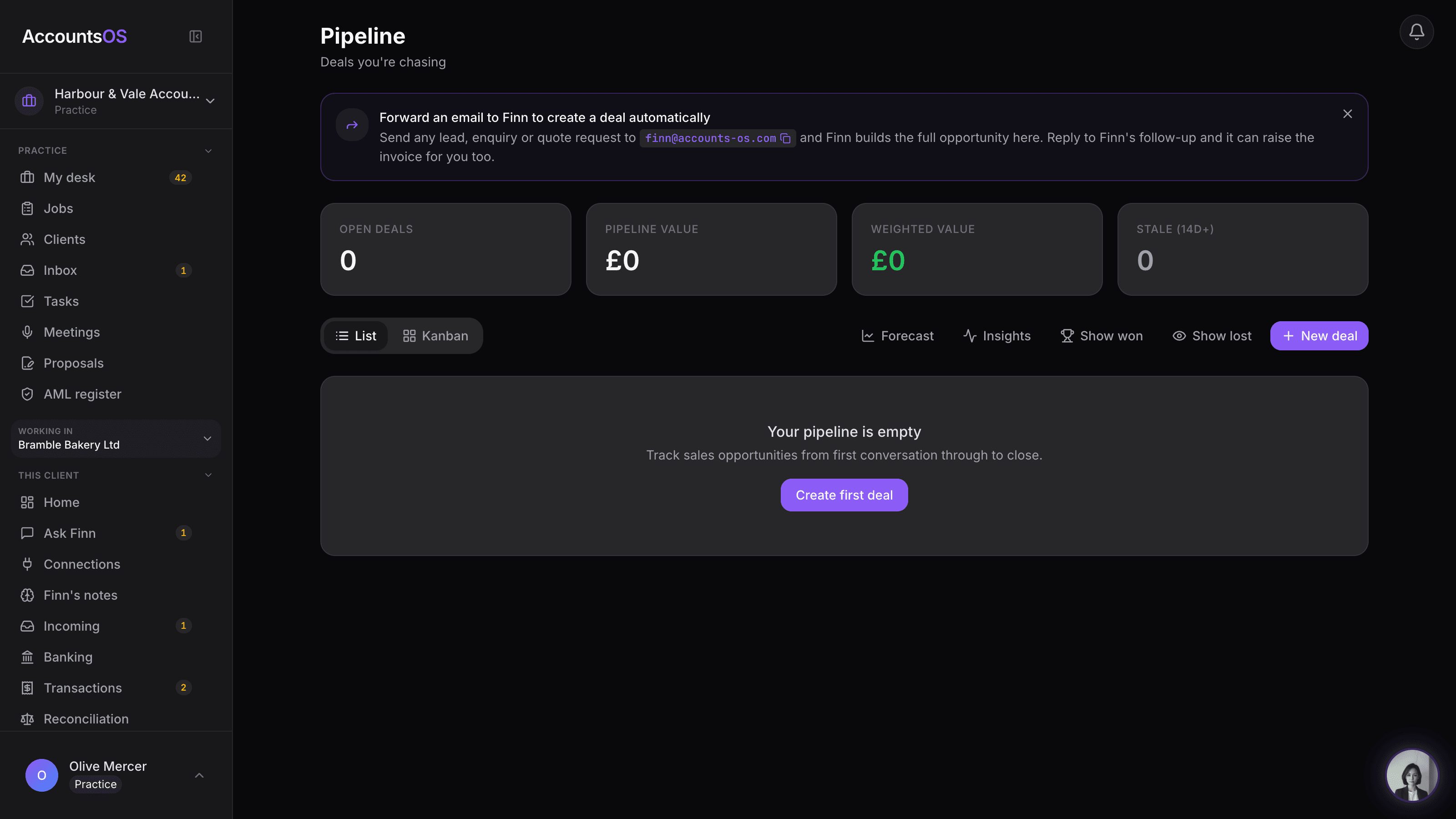
The same pipeline your founder users chase deals with becomes your practice's own prospecting board. Add a lead, move it through the stages, and Finn helps draft the outreach. No spreadsheet, no separate CRM.
Included in the practice plan. No per-seat fee, no separate CRM subscription.
Practice CRM on AccountsOS: Your practice's own prospecting board, built in.
AccountsOS · Your practice's own pipeline
How it works
How it works
Add a prospect
A name, a country, a Companies House number if you have it. No client company needed yet.
Work the stages
Lead, Contacted, Proposal sent. Finn drafts the outreach from your practice's details.
Signed becomes onboarded
Move a card to Signed and the prospect is on its way into your client book.
Track where every deal stands
One board for the whole firm, not one spreadsheet per partner.
- Six-stage prospecting funnel built for practices: Lead, Contacted, Proposal sent, Signed, Onboarded, Lost.
- Add a prospect in seconds, before you even know their company number.
- Finn drafts outreach that introduces the firm, not a founder pitching their own business.
- A signed prospect flows straight into your client book, no re-entry.
- Every team member sees the same board, so nothing sits in one person's inbox.
AccountsOS · One card per prospect
FAQ
The questions accountants ask first
Do I need to set up stages myself?
Does this replace the CRM I already use?
What happens when I mark a prospect Signed?
Can Finn send the outreach for me?
Put Practice CRM to work
30-day free trial, then priced per live client. No minimum.
See every feature on the features page.