Service templates
A checklist for VAT, accounts, CT, SA and payroll. Edit it per practice, Finn runs what it can.
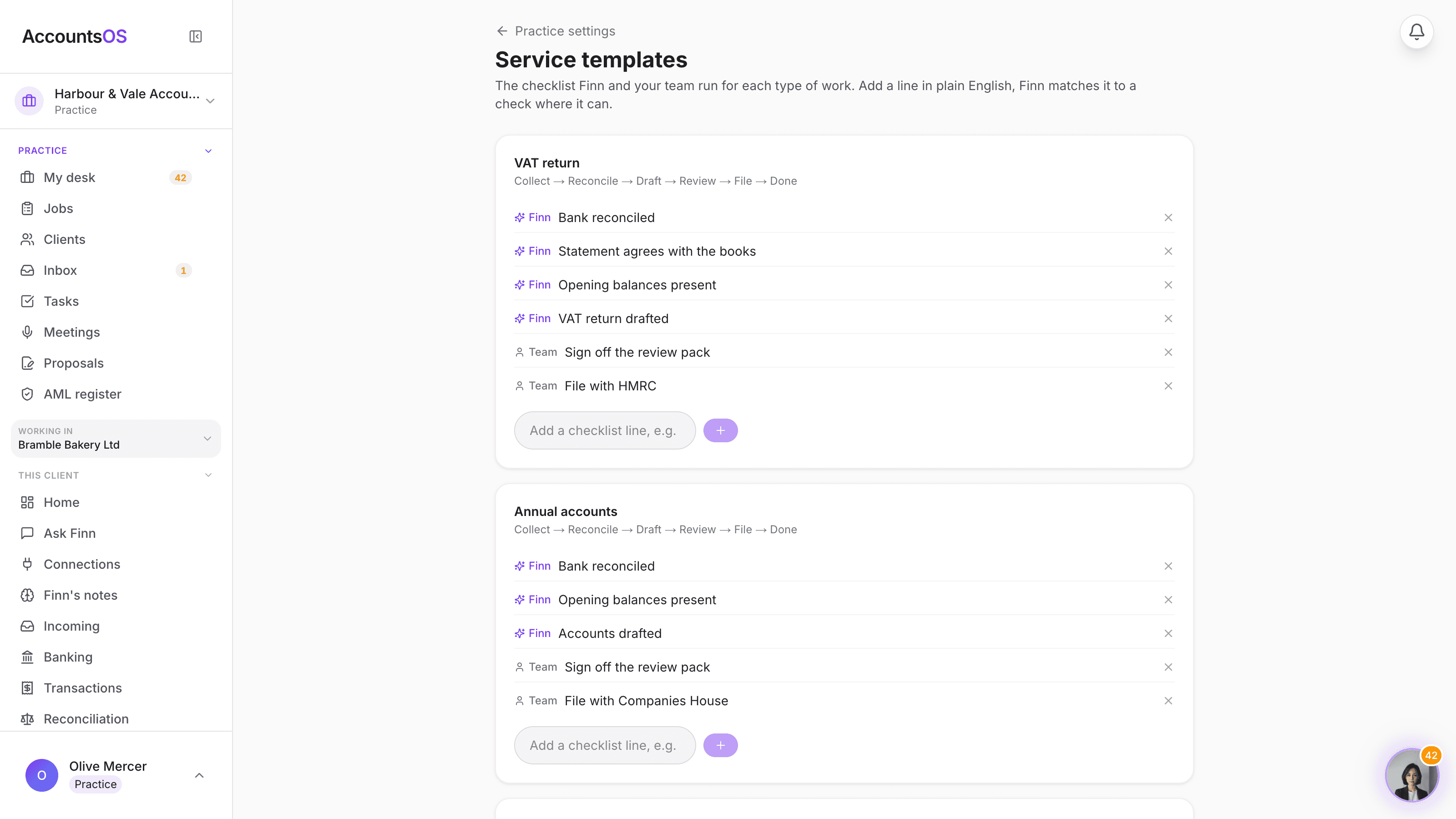
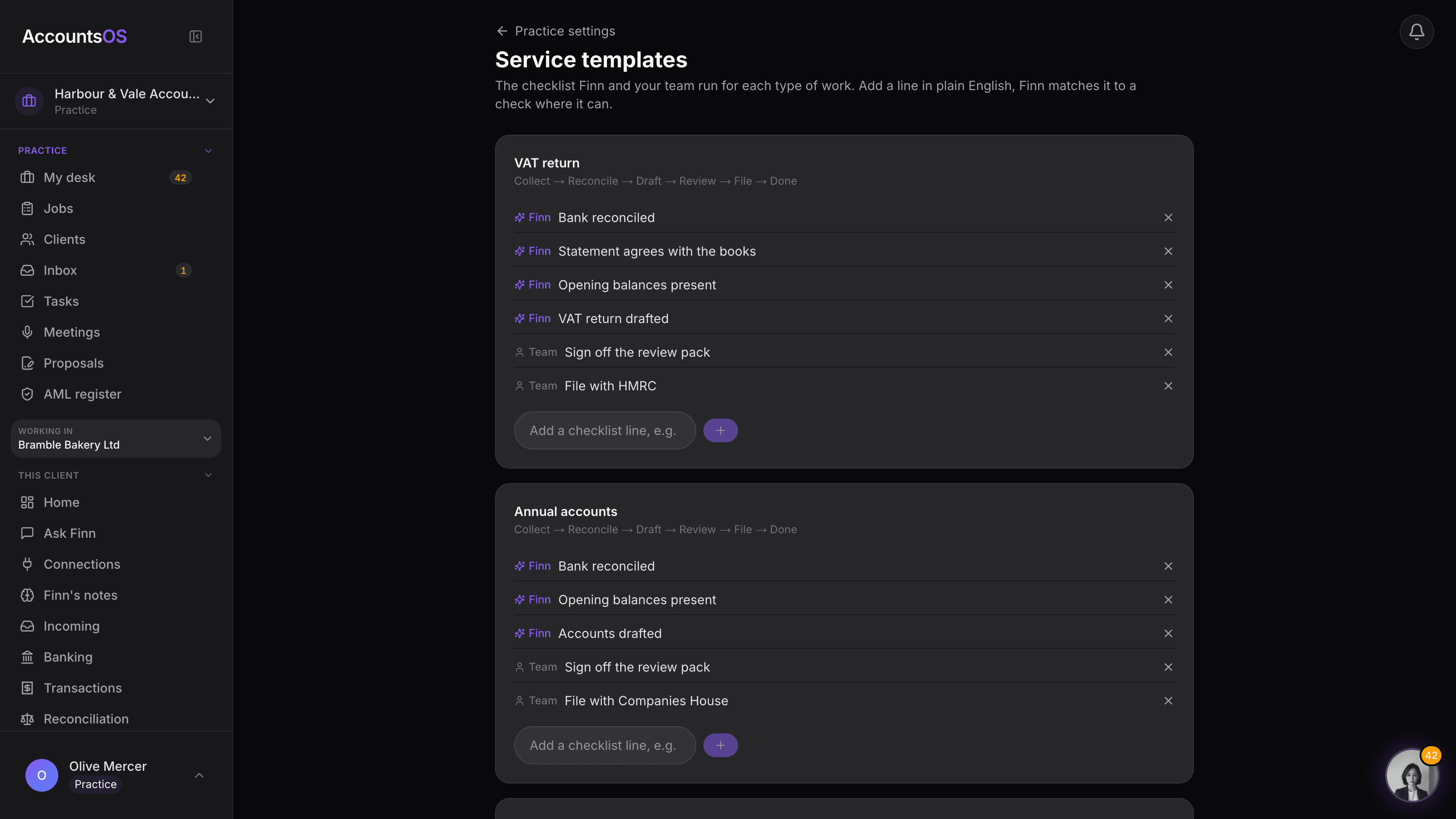
Every job type ships with a checklist that already knows which lines are Finn's to check and which are yours to keep. Edit a line, remove one, or add one in plain English, Finn matches it to a real check where it can, otherwise it is a step your team ticks off.
Nothing to set up on day one. Edit only what you want to change.
Service templates on AccountsOS: The checklist for every job type, editable per practice, Finn running what it can.
AccountsOS · Your checklist, editable per practice
How it works
How it works
Every job type has a default checklist
VAT returns, annual accounts, Corporation Tax, Self Assessment, payroll and bookkeeping months each ship with a stage list and a checklist, no setup needed to start.
Finn lines run themselves
A checklist line marked Finn is backed by a real check, bank reconciled, opening balances present, the statement agrees, and shows its live pass or fail state on the job.
Add a line in plain English
Type what you want checked and Finn classifies it: matched to a known check it becomes a Finn line, otherwise it is a step your team keeps by hand.
Reset to the default any time
An edited template is your practice's own, the platform default is never lost, revert a type back to it in one action.
- One template per job type, seeded from the same stage list the job board uses
- A Finn line's detector shows its real pass or fail state on the job, not a static tick
- A new checklist line is classified Finn or human the moment you add it, no manual tagging
- Every review stage ends on a sign-off line, tied to that period's review pack
- Practice-only edits, never shared or leaked to another firm's book
FAQ
The questions accountants ask first
Do I have to configure anything before my first job runs?
How does Finn decide whether a line I add is its job or mine?
Can Finn file or sign anything from a checklist line?
What happens to jobs already running when I edit a template?
Can different practices see or edit each other's templates?
Put Service templates to work
30-day free trial, then priced per live client. No minimum.
See every feature on the features page.