Prospect to client
One link. Proposal, engagement letter, signature.
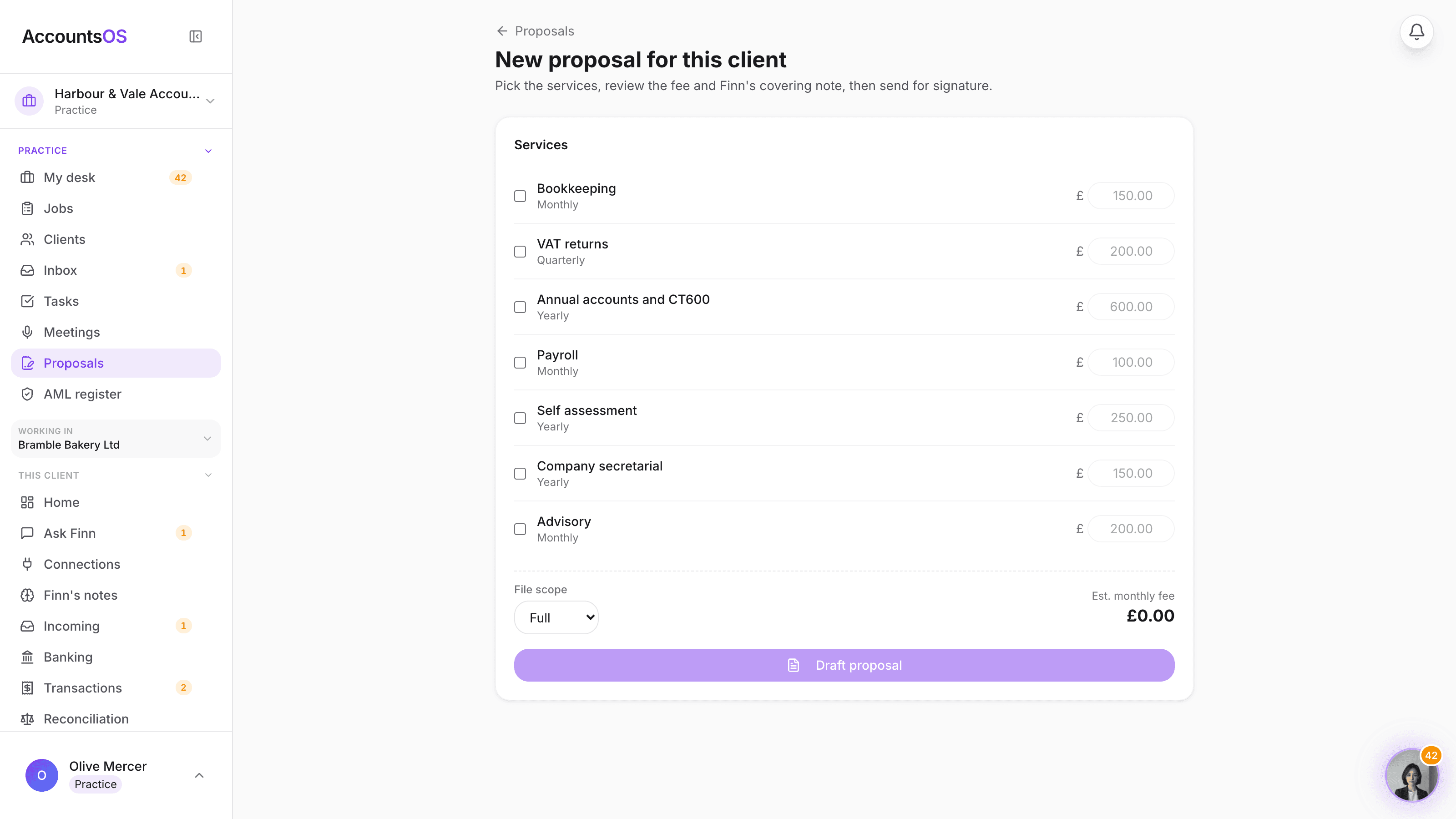
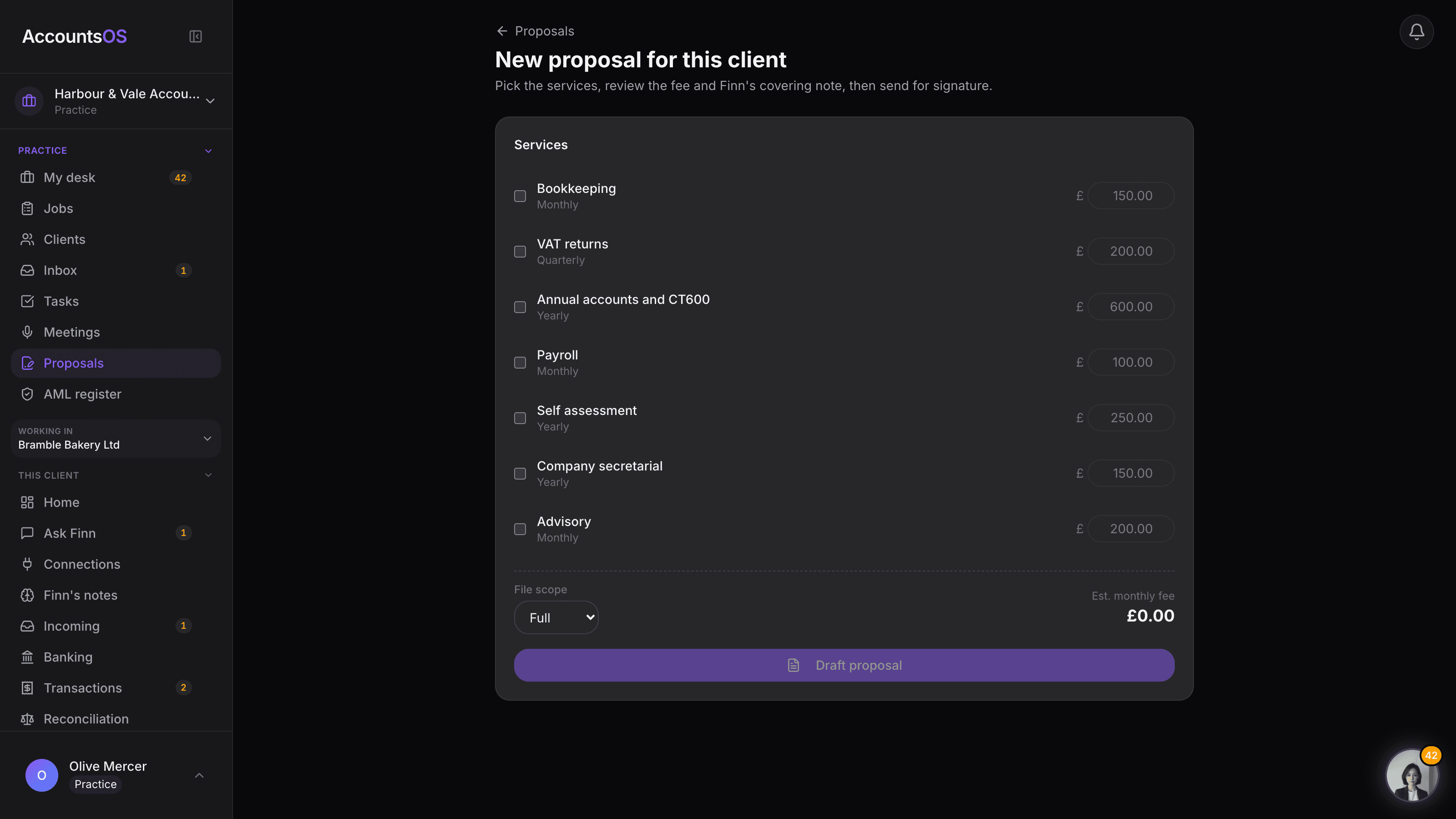
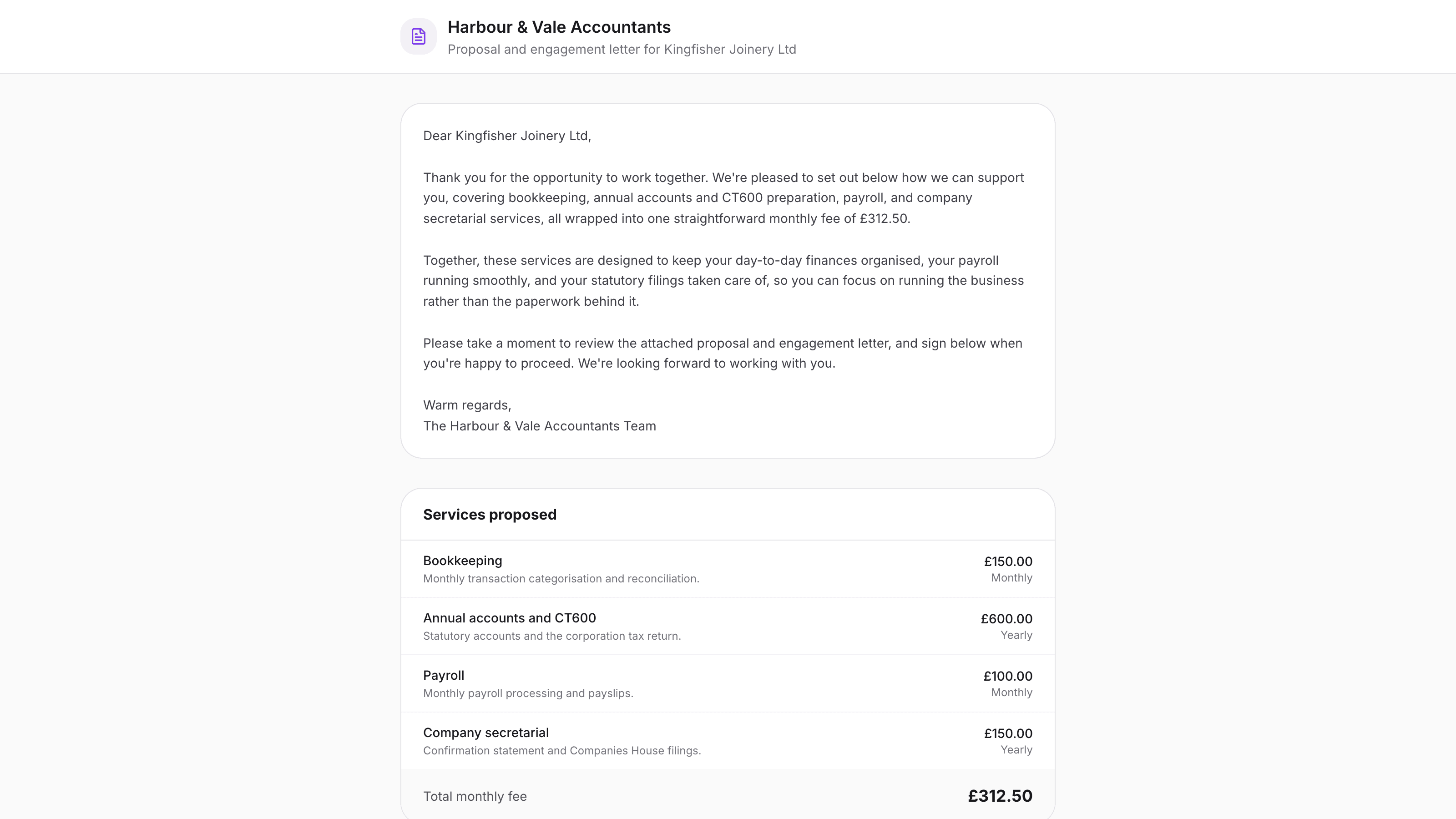
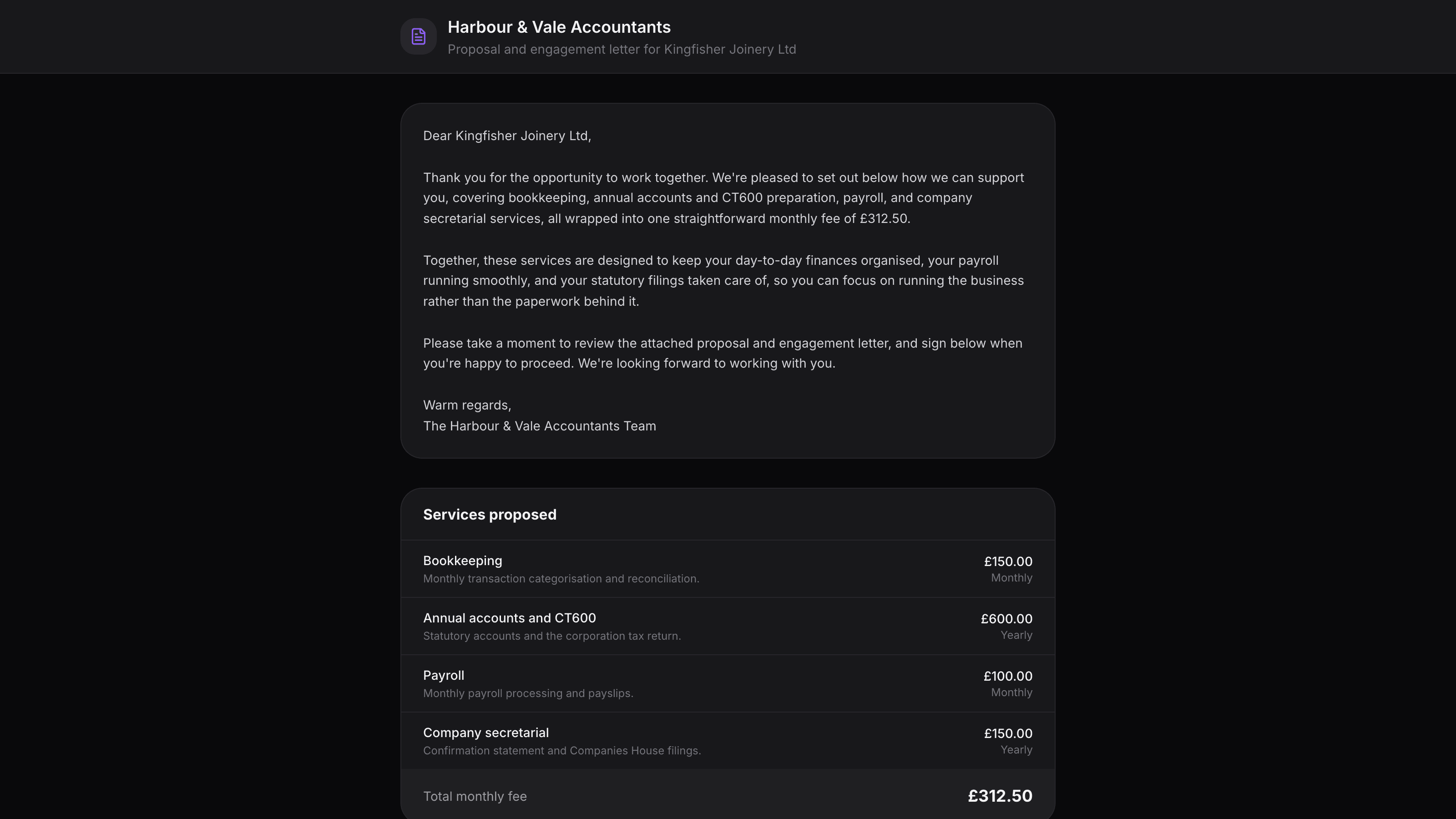
Add a prospect, pick services from your own menu, and Finn drafts the covering note. The client gets one link with the proposal and the engagement letter together, signs once, and lands in your book with scope and fee already set.
You confirm every send. Finn never emails a client without you.
Onboarding pack on AccountsOS: One link: proposal, engagement letter, signature, then they're in your book.
AccountsOS · Build the proposal
How it works
How it works
Add the prospect
A name on the pipeline is enough. No client login, no data entry beyond that.
Finn drafts the proposal and letter
Pick services from your own menu and fees, and Finn writes a short covering note. Nothing sends until you say so.
The client signs once
One link shows the proposal and the engagement letter together. A typed name and a tick is the signature, with a full audit trail.
They land in your book with scope and fee set
Signature creates the client, sets their fee and file scope, and opens a welcome task to connect their bank feed.
- Your own service menu and fees, not a generic template
- One signature covers the proposal and the engagement letter
- Fee and file scope are set automatically on signature, never typed in twice
- A welcome task appears the moment a client signs
- Every send needs your confirmation, every time
AccountsOS · One link, one signature
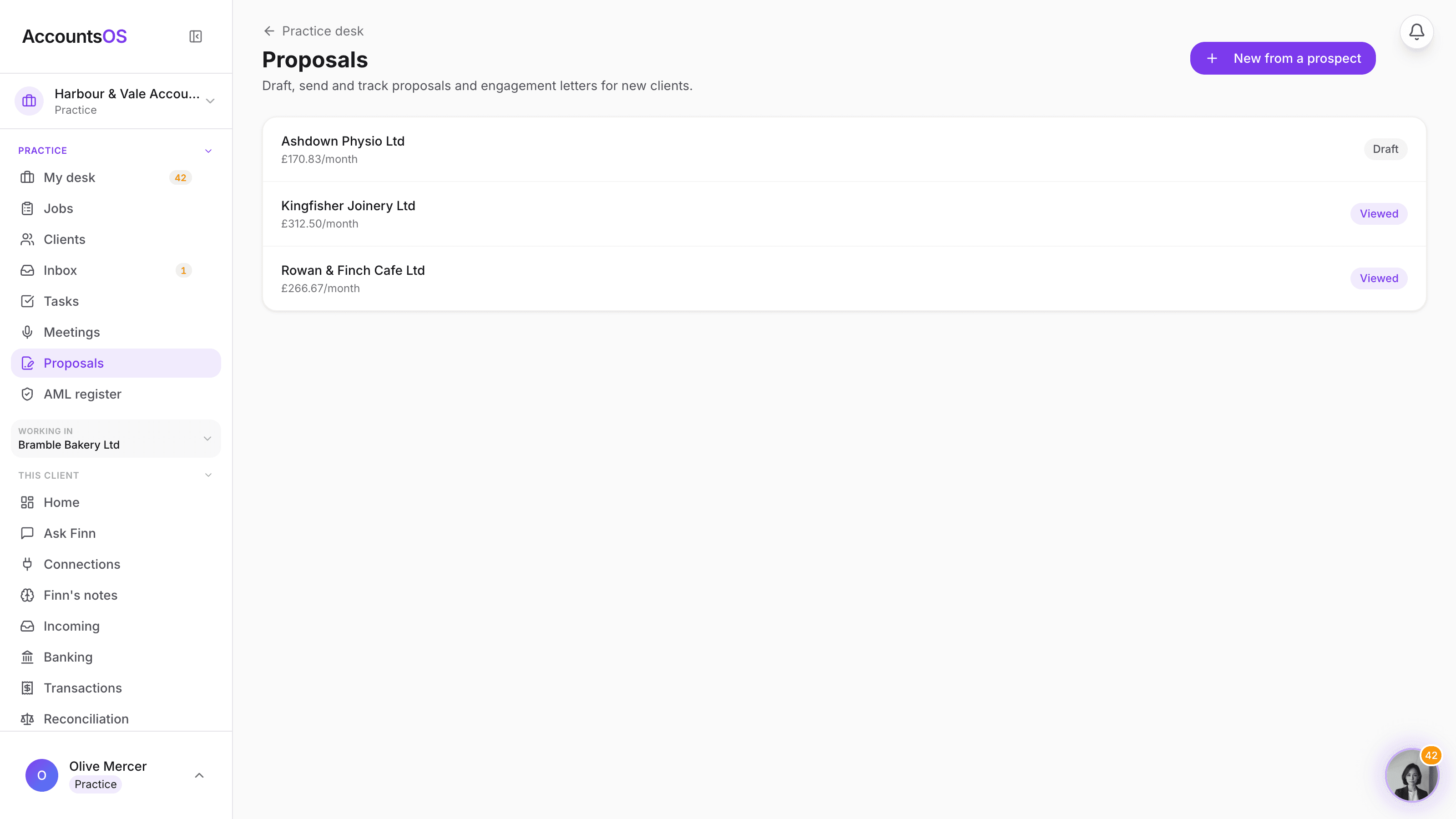
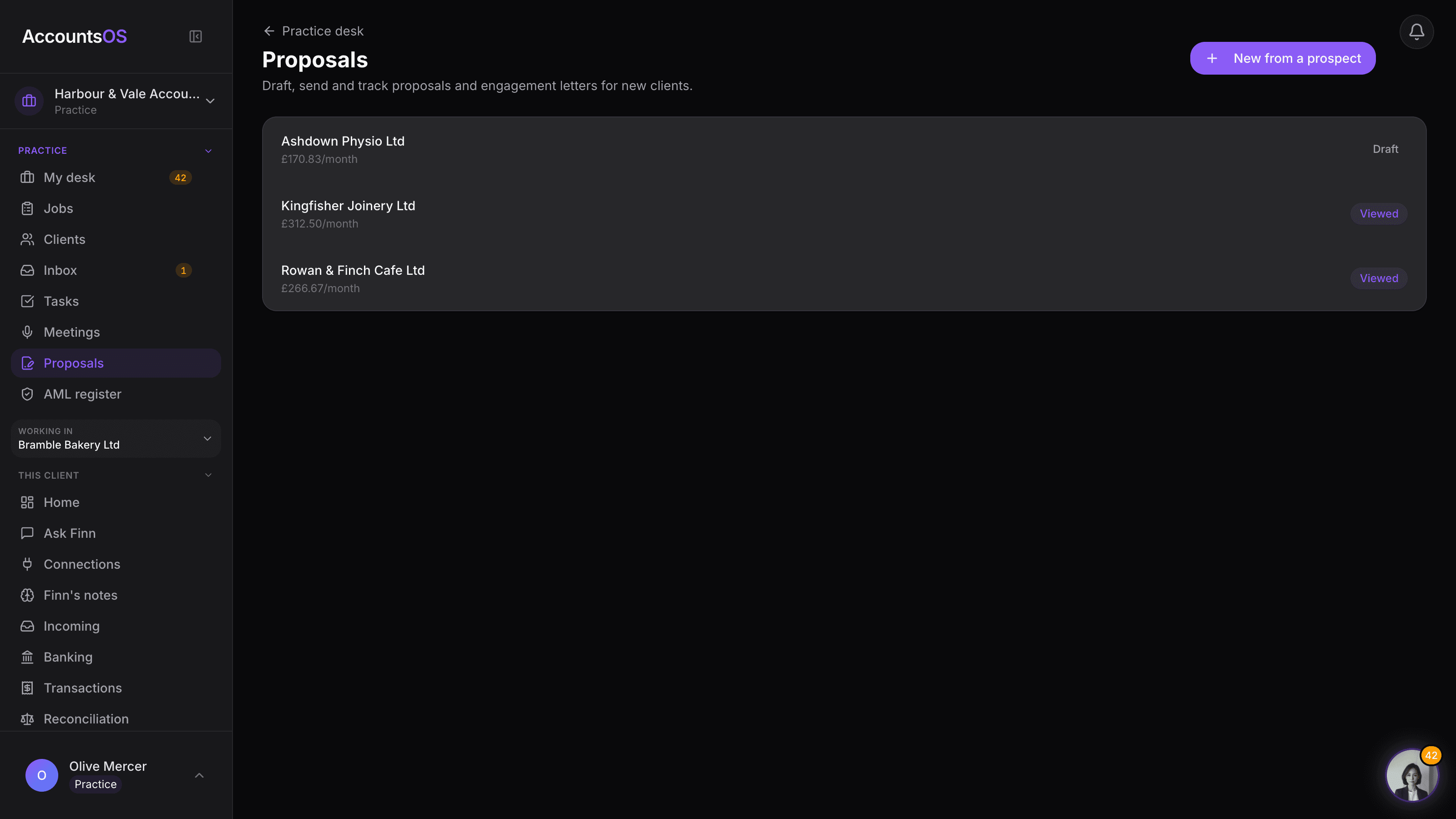
One link, one signature
The client sees the proposal and the engagement letter together and signs once, with a typed name and a full audit trail.
FAQ
The questions accountants ask first
Can I use my own engagement letter wording?
Is the e-signature legally valid?
Does Finn ever send a proposal without me?
What happens to my prospect's data if they never sign?
Can I set a different fee for one client than the menu default?
Put Onboarding pack to work
30-day free trial, then priced per live client. No minimum.
See every feature on the features page.