Money
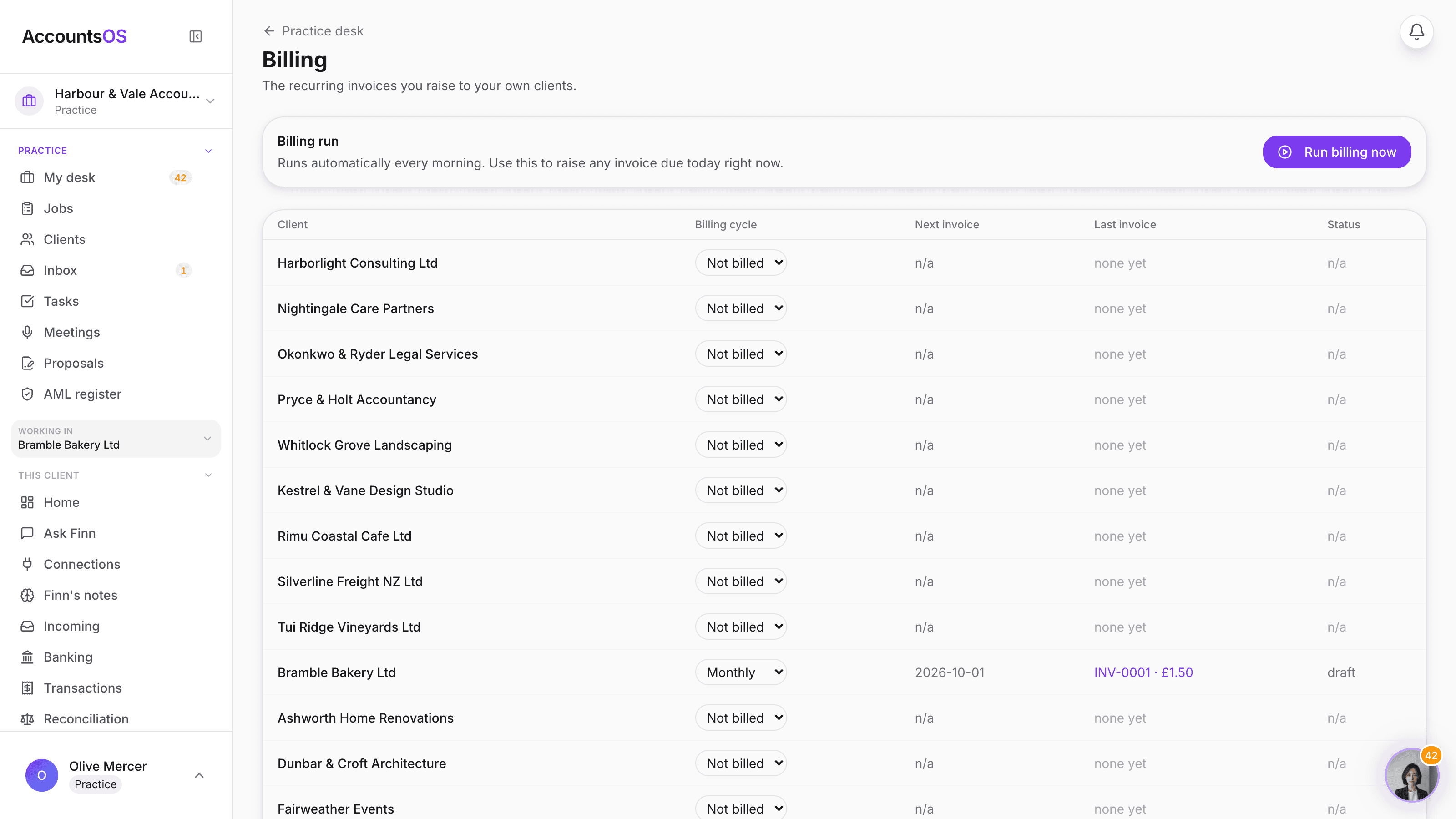
The fee you typed on a client becomes a real invoice, on its own schedule. a real invoice
Set a client's billing cycle once, monthly, quarterly or yearly, and AccountsOS raises the invoice from your own company, on time, every time. Card and bank transfer are live today; direct debit is coming.
Runs automatically every morning. Nothing to chase by hand.
Client invoicing on AccountsOS: The fee you typed becomes a real recurring invoice, raised and sent for you.
AccountsOS · Every client, on a schedule
How it works
How it works
Set the cycle
A client goes onto monthly billing the moment they accept. Switch it to quarterly or yearly, or turn it off, any time.
The invoice raises itself
On the due date, AccountsOS creates the invoice from your own company's books, in your own numbering, with your invoice terms.
It goes out automatically
The client gets it by email with a card payment link and your bank details for transfer, no drafting required.
Paid or chased
A payment matches into your own books the same way any payment does. Unpaid past 14 days, the client gets the same nudge a founder invoice gets.
- One fee schedule per client: monthly, quarterly, yearly, or not billed at all
- Invoices raised from your own company's books, not a separate billing system
- Card payment link and bank transfer live today; direct debit is coming
- Late invoices get nudged the same way any overdue invoice does
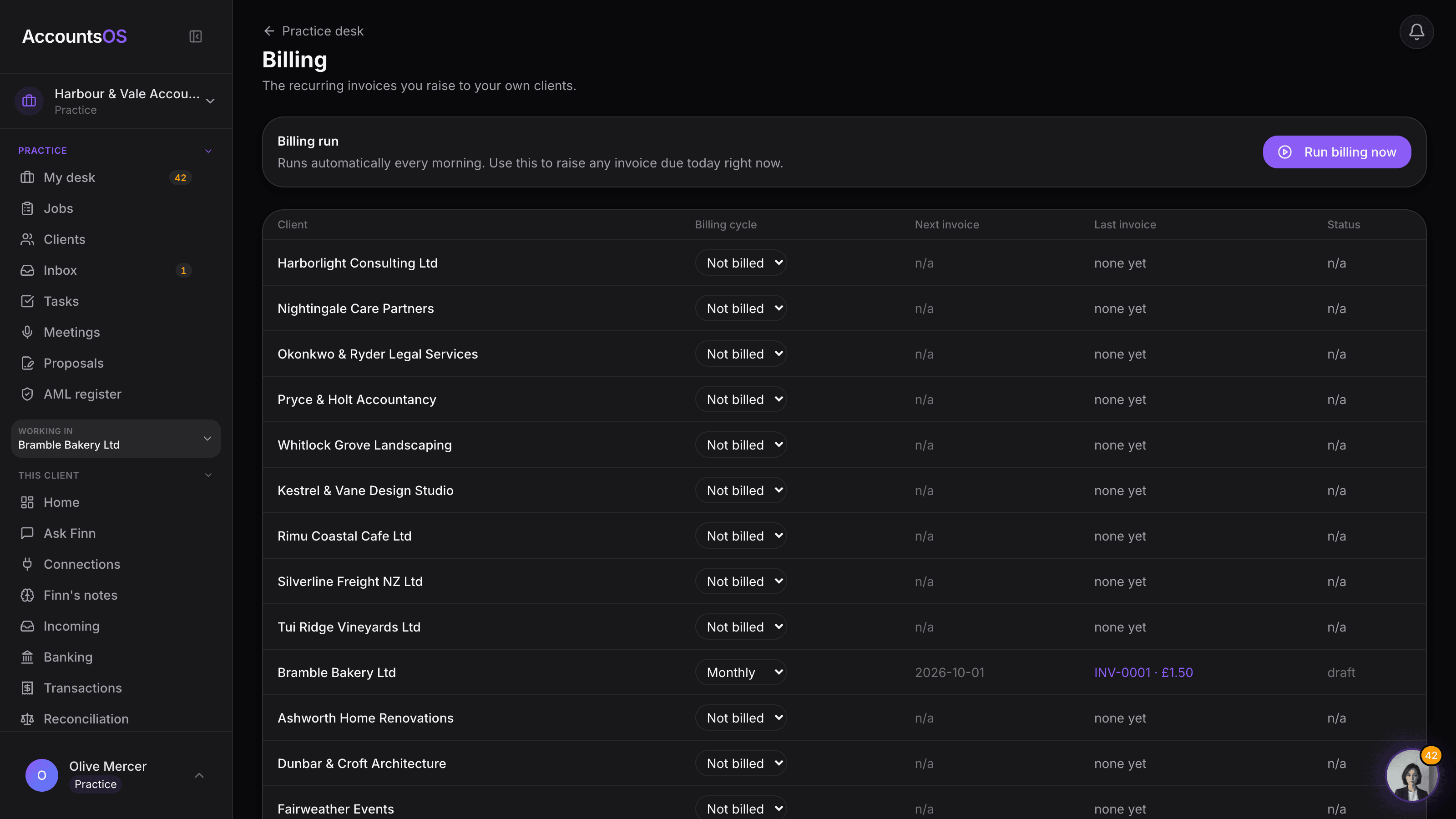
- See every client's next invoice date, last invoice and paid/overdue status in one screen
AccountsOS · A real invoice, from your books

FAQ
The questions accountants ask first
Can clients pay by direct debit?
Do I have to raise these invoices myself?
Where do these invoices live?
What happens if a client doesn't pay?
Can I change a client's fee without breaking the schedule?
Put Client invoicing to work
30-day free trial, then priced per live client. No minimum.
See every feature on the features page.