The practice desk
Exceptions, not line items. One queue for the whole book.
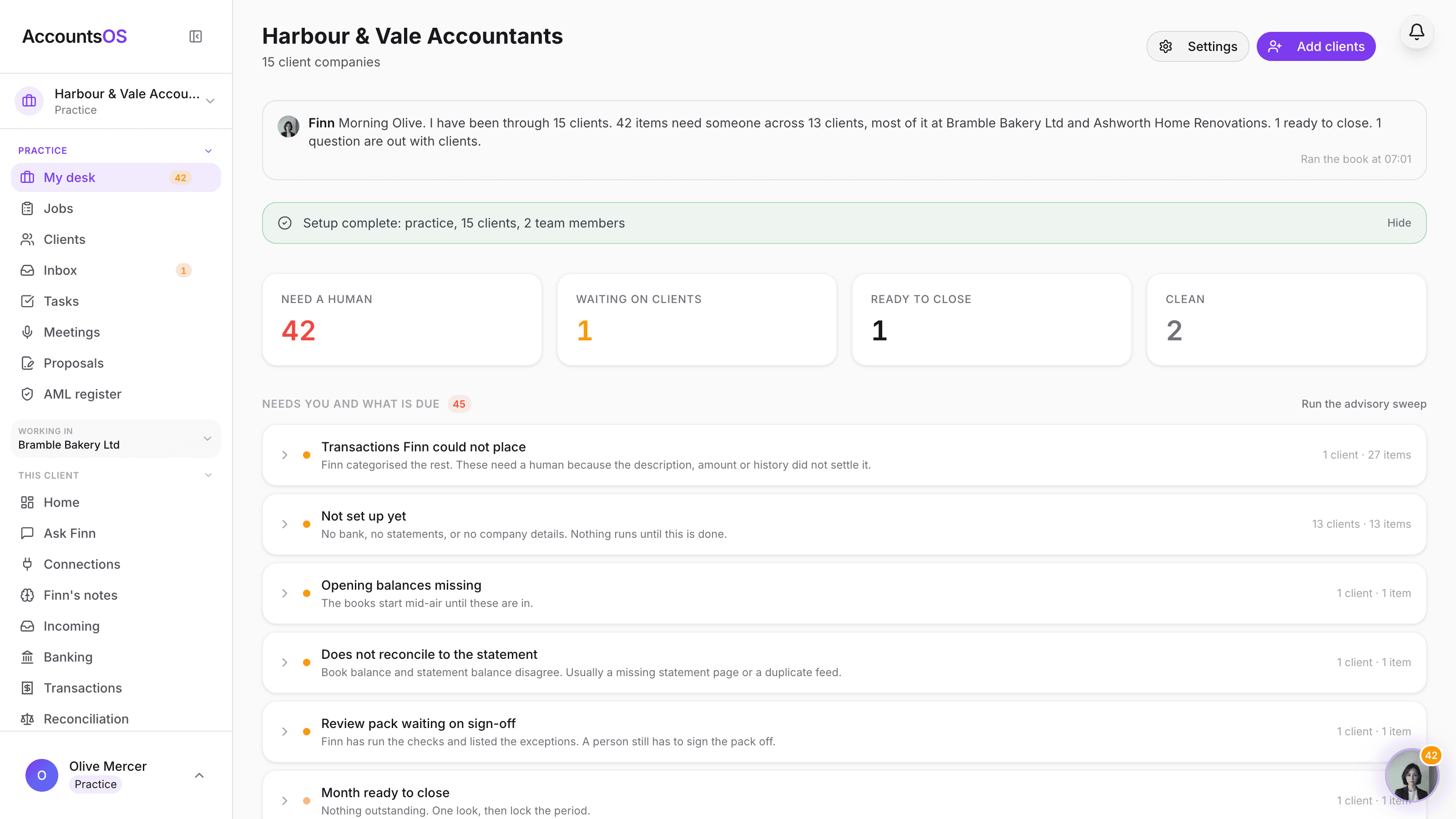
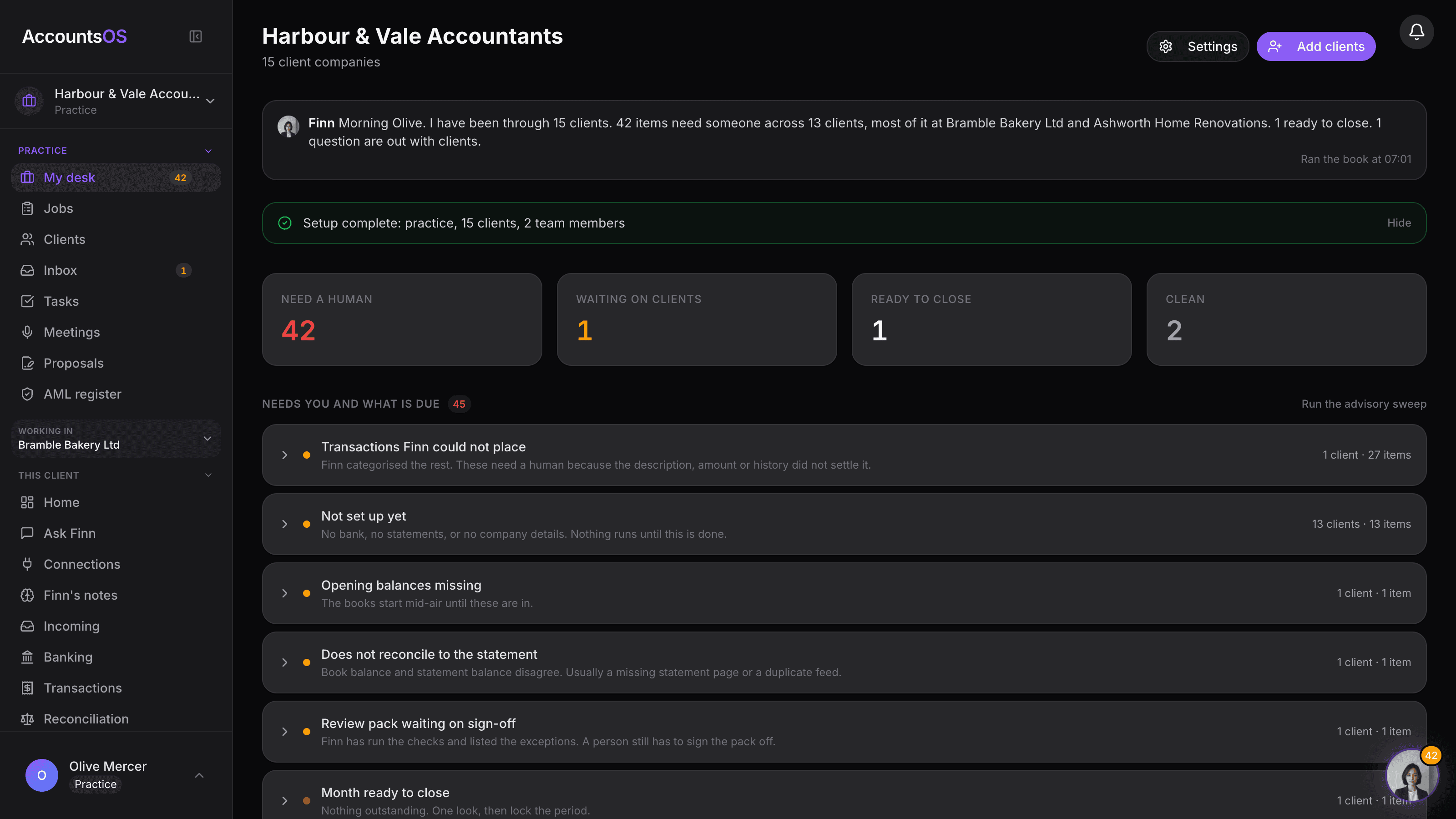
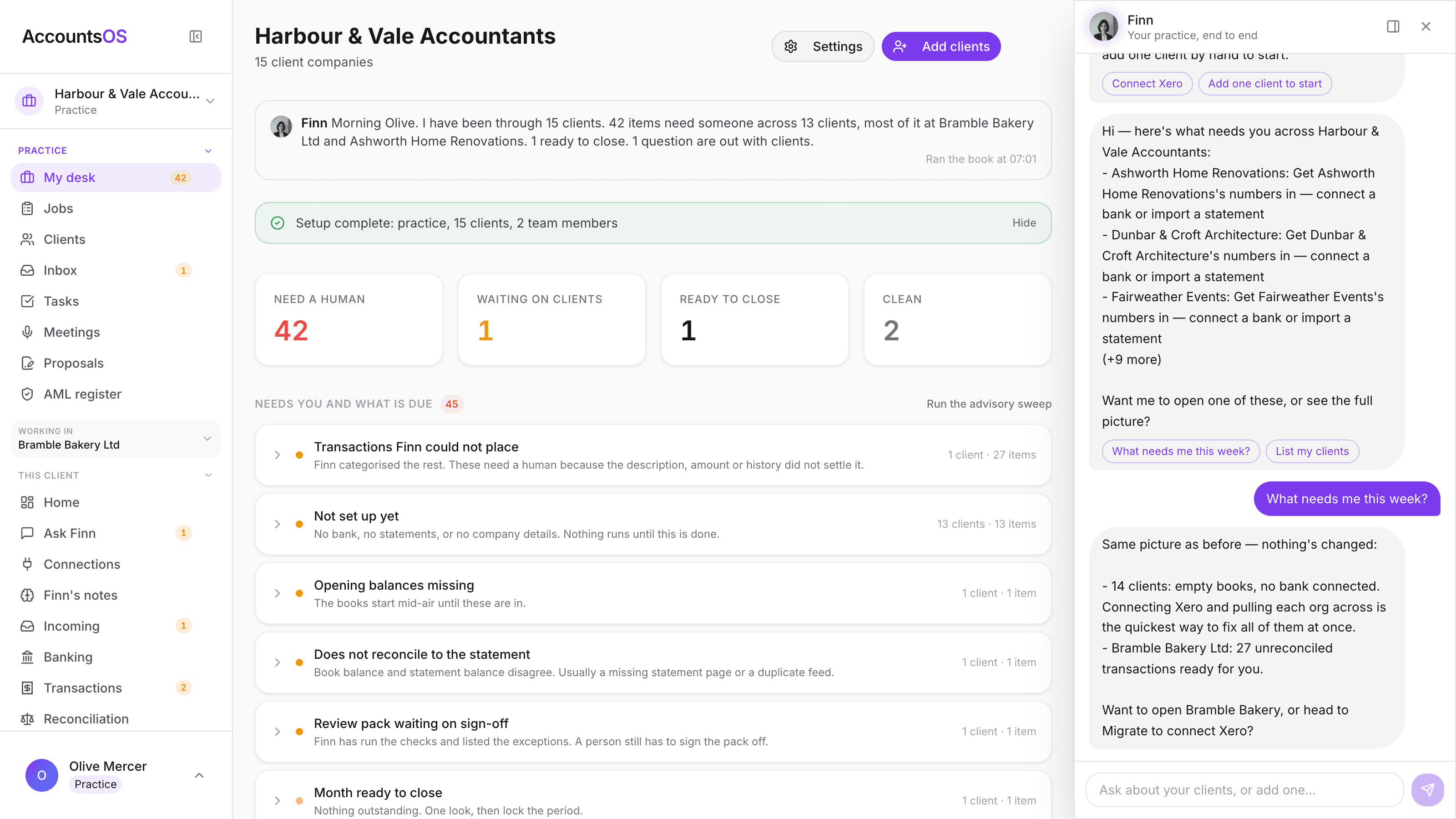
Finn works every client's books continuously and lands what needs a person in one queue: unplaced transactions, books that do not tie to the statement, months ready to close. The Need a human, Ready to close and Clean counts tell you the state of the whole book at a glance.
Free to try. Set up your first client in minutes.
Practice desk on AccountsOS: One queue for the whole client book, sorted by what needs you.
AccountsOS · The practice desk
How it works
How it works
Finn works continuously
Every client's books are categorised, reconciled and checked against the statement while you are away from the desk.
The queue names the reason
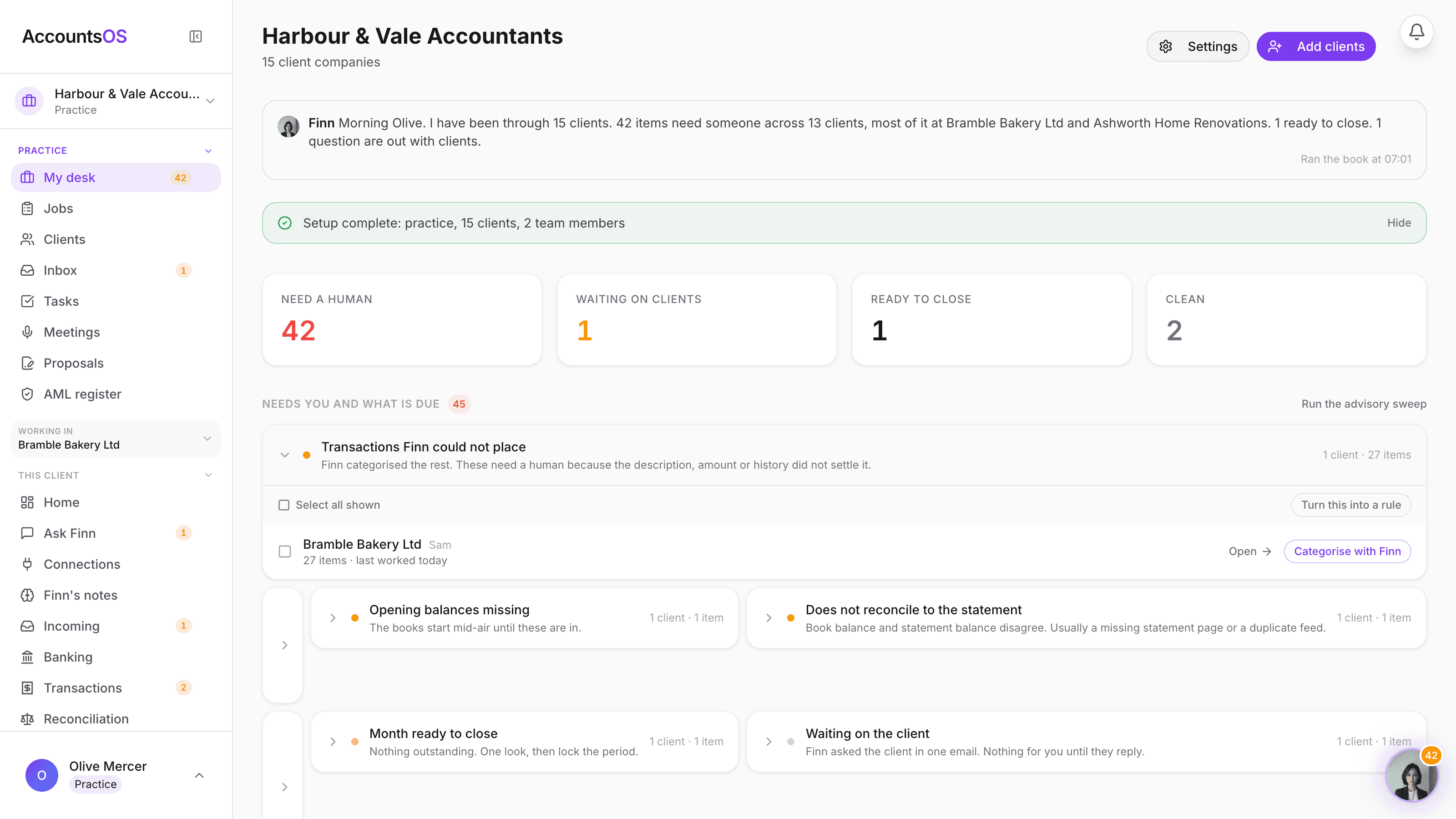
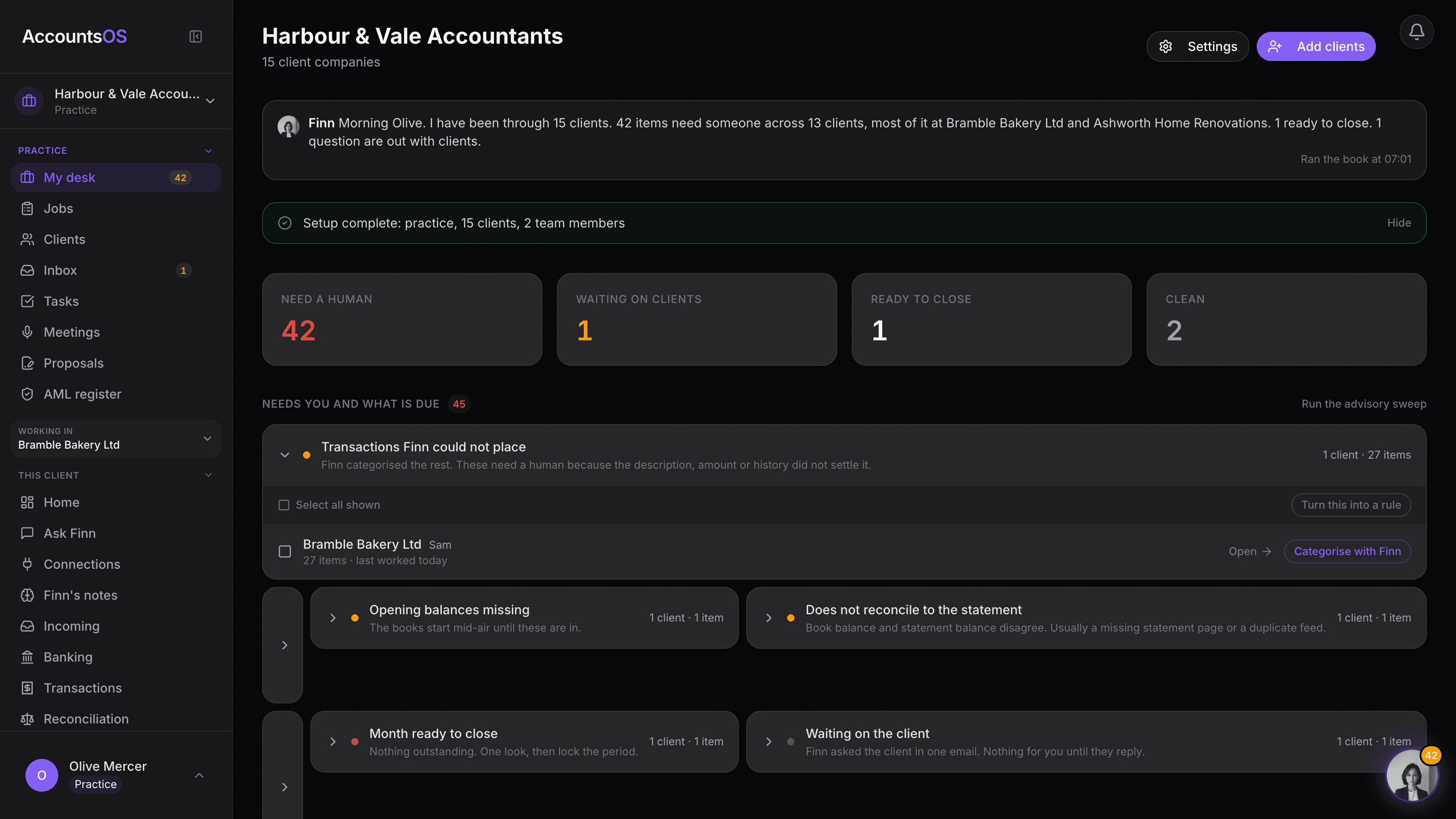
Open a group and see the client, the reason and the count: unplaced transactions, an unreconciled statement, a month ready to close.
Work the group, not the line
A queue group carries a ready-written Finn prompt. Hand it to Finn or work it yourself, whichever is faster for that client.
Ask Finn across the book
Ask what needs you this week or which clients are behind on VAT. Finn answers at practice level and drops you into the right client.
- Finn's briefing note names the clients that need you
- Need a human, Ready to close and Clean counts at a glance
- Queue groups carry a ready-written Finn prompt
- Filter to Mine, All, Unallocated or Archived
- Drop into any client straight from a queue group
AccountsOS · Exceptions, not line items
Exceptions, not line items
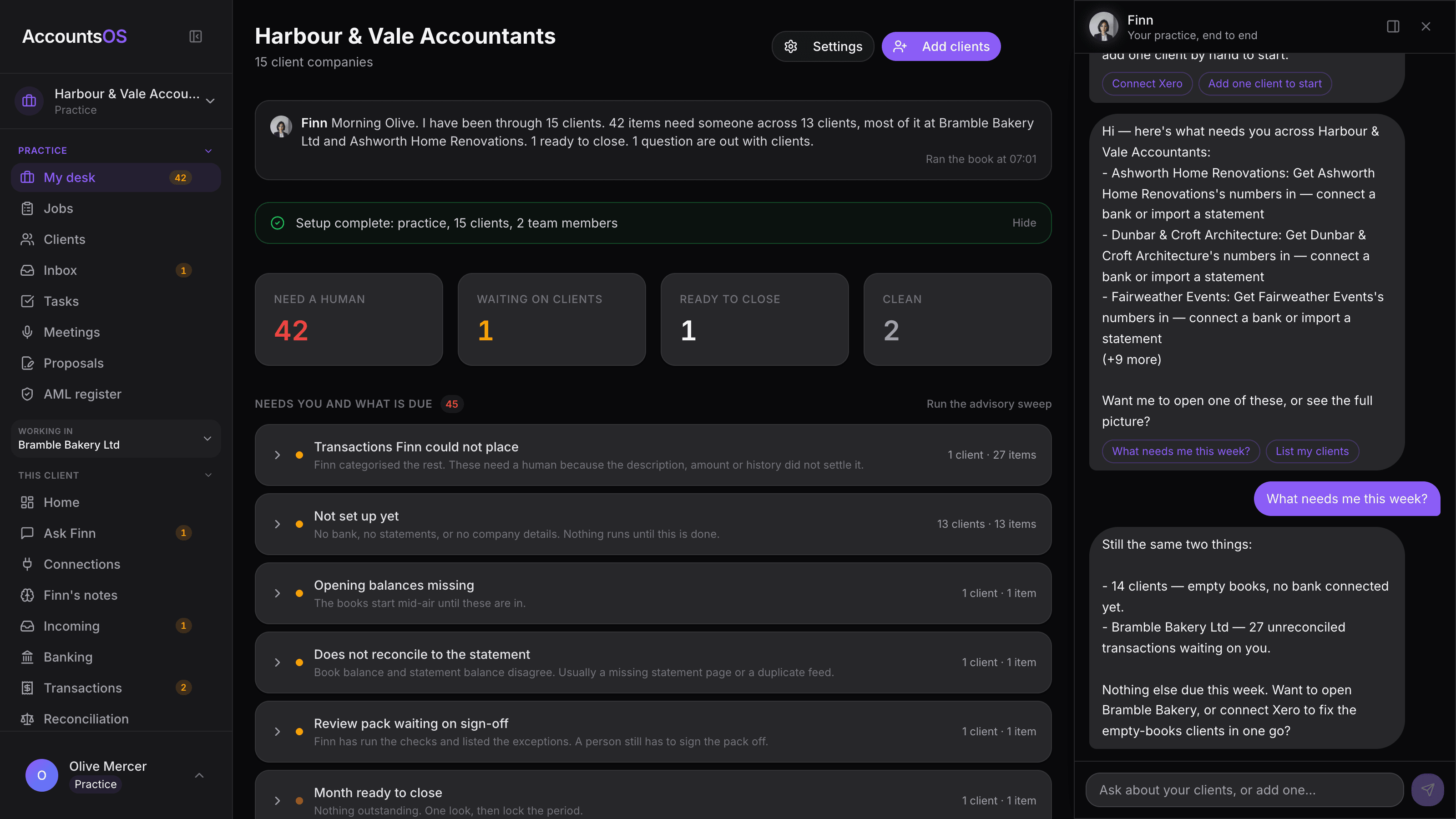
Each queue group names the client and the reason. Open one and work it, or hand the group to Finn with a prompt already written.
FAQ
The questions accountants ask first
What does Finn actually do continuously, without me?
How is this different from just logging into each client separately?
Can Finn close a month or file anything from the queue on its own?
What if the queue is wrong about something?
Does the desk work if I have a mix of Full and Ledger clients?
Put Practice desk to work
30-day free trial, then priced per live client. No minimum.
See every feature on the features page.