Your team
The CRM floor every practice tool has, built in
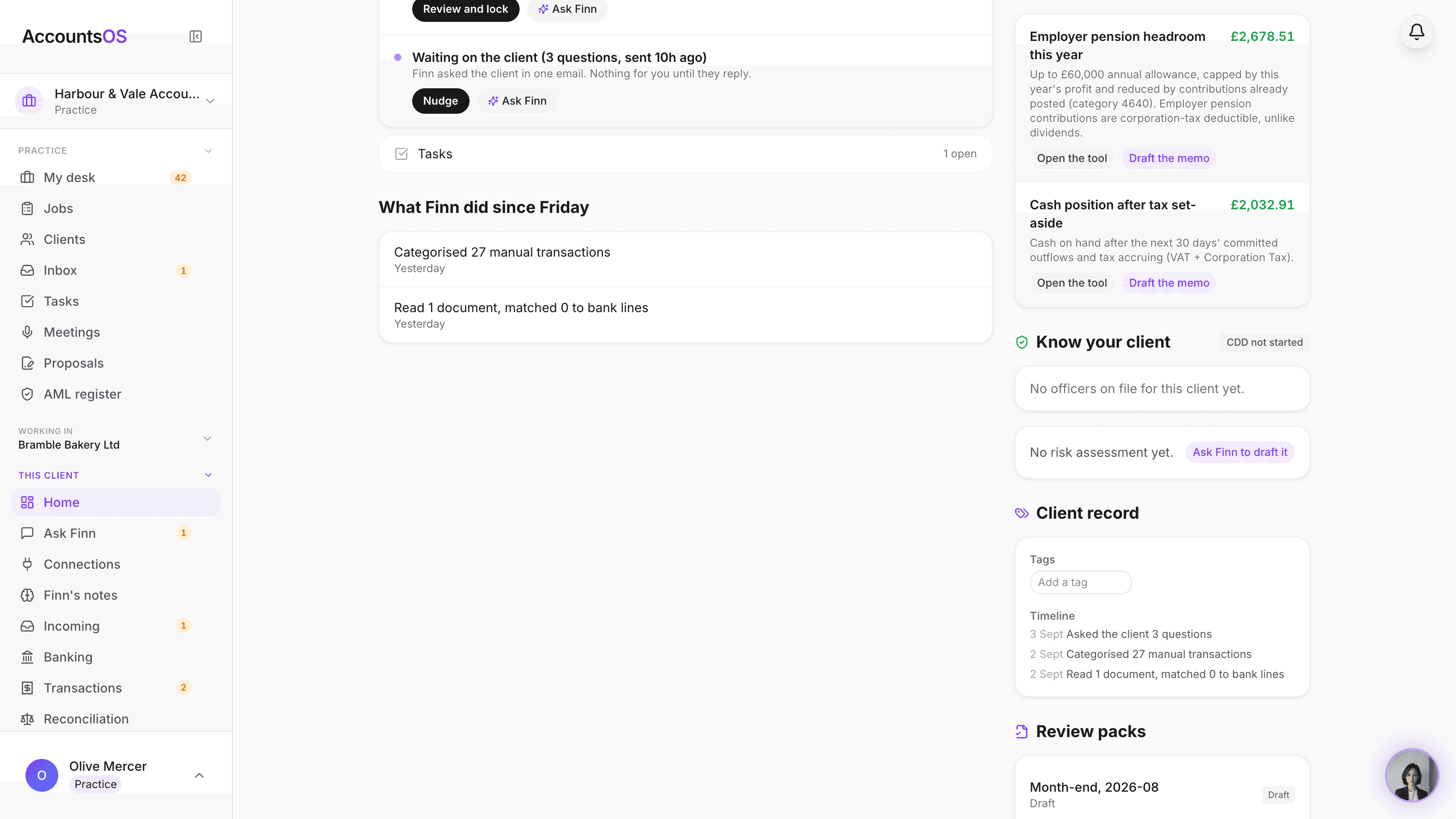
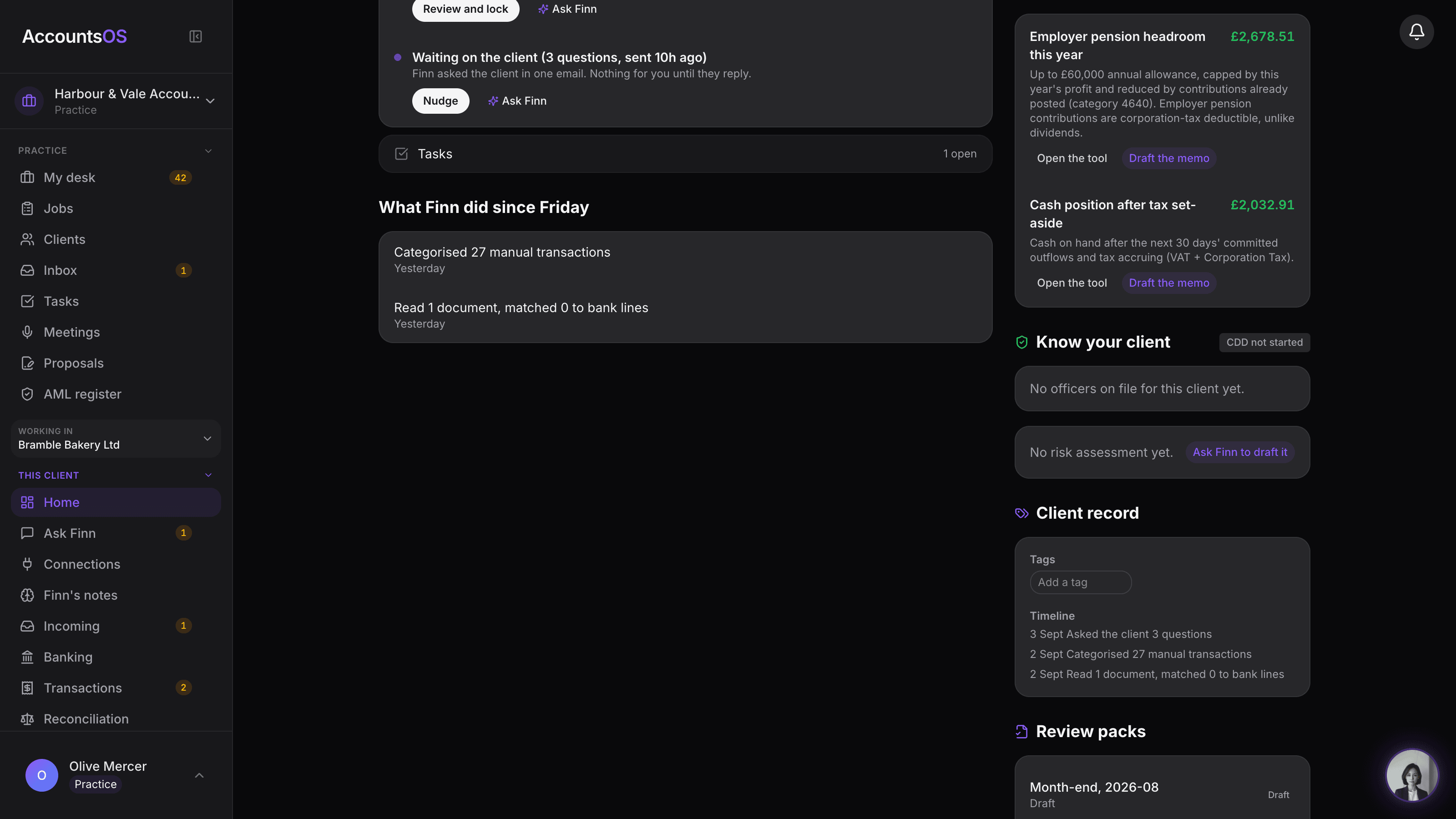
Group related companies under one director, tag and filter the desk your way, add the fields your practice actually tracks, and save the view. Every client's home page carries one timeline: what Finn did, what was said, what got done.
Finn proposes groups from shared directors and shared contact emails, you decide whether to keep them.
Client record on AccountsOS: Groups, tags, custom fields and one timeline per client, on the desk you already use.
AccountsOS · Groups, tags and custom fields
How it works
How it works
Finn proposes the groups
A director with three entities, a family of companies, spotted from shared officers and PSCs on the register or a shared contact email.
Tag and add your own fields
Free-text tags for filtering, plus custom fields your practice defines once and every client can carry.
Save the view
Group by group, filter by tag, save it, and it's there next time you open the desk.
One timeline per client
Finn's activity, communications and completed tasks, merged into one dated list on the client's home.
- Client groups suggested from shared directors, PSCs or a shared contact email domain, named by Finn.
- Free-text tags and a practice-defined custom field schema, no fixed set of fields to work around.
- Saved views: your filters and columns, ready next time you open the desk.
- One merged timeline per client: Finn's activity, comms and task completions, newest first.
- Group by, filter and tag all live on the desk you already use, no separate CRM screen.
FAQ
The questions accountants ask first
Does Finn create groups on its own?
Can I add my own fields?
Are saved views shared across the team?
What's in the timeline that isn't already on the client's activity feed?
What happens to a group if I remove a client?
Put Client record to work
30-day free trial, then priced per live client. No minimum.
See every feature on the features page.