Meetings
The notes from your call, already in the client's memory
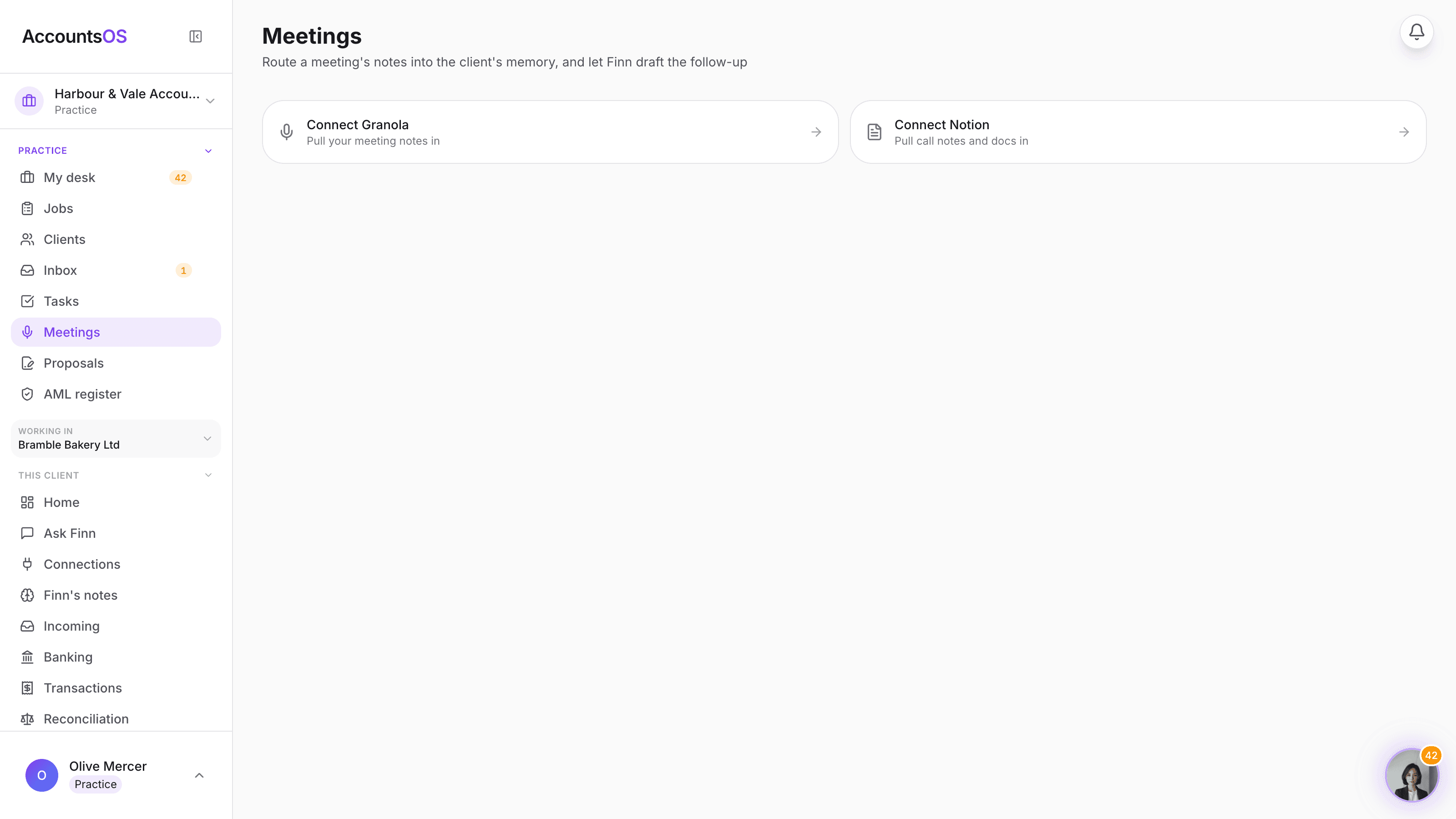
Granola and Notion meetings land in one list, already matched to the right client. One click writes the summary, decisions and open questions into that client's memory, and pulls out the actions so nothing said on the call gets forgotten by the time you're back at your desk.
Nothing is written or sent without you confirming it.
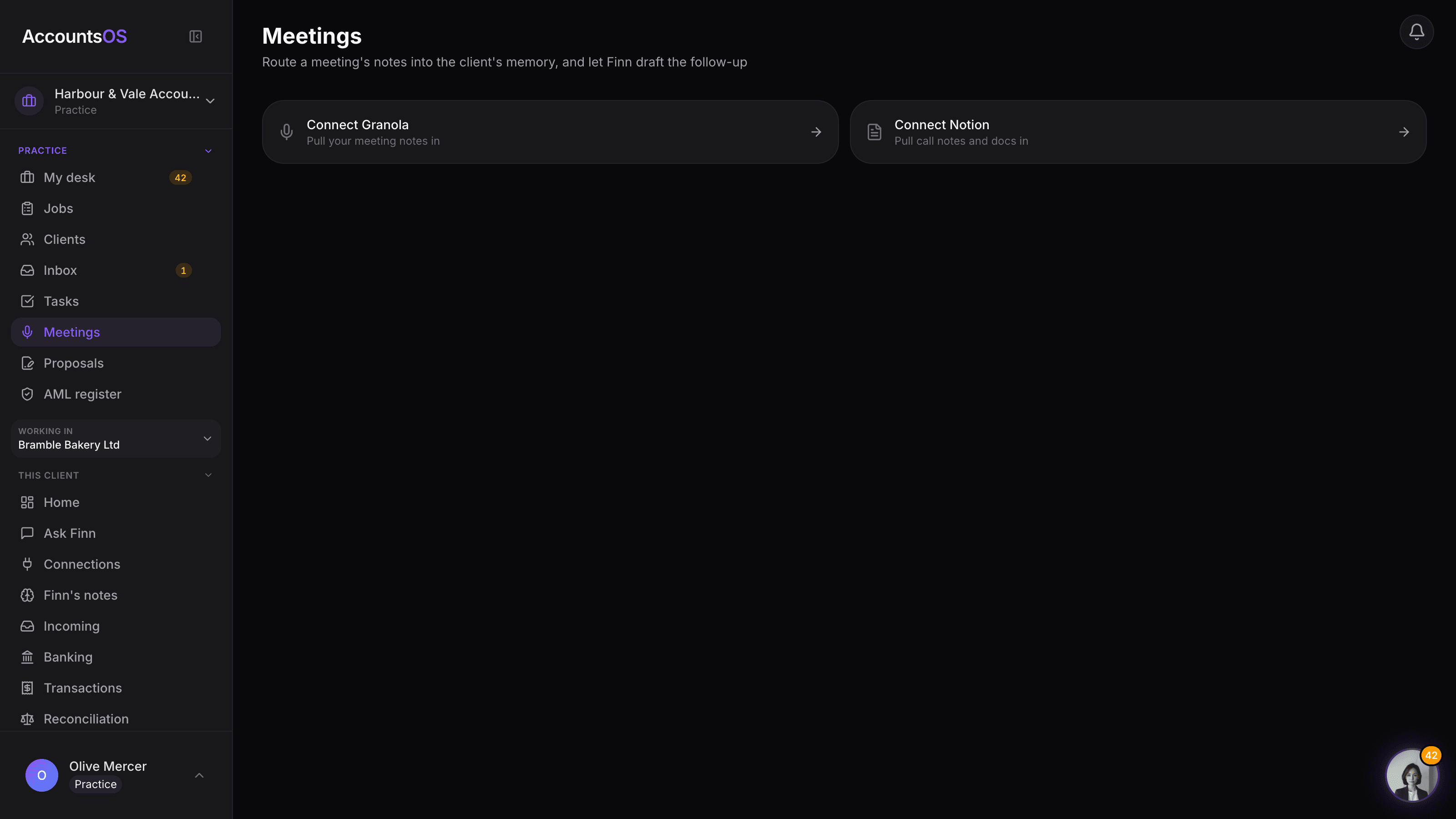
Meetings on AccountsOS: Meeting notes routed into the client's memory, actions and follow-up drafted for you.
AccountsOS · Every meeting, matched
How it works
How it works
Your meetings land in one list
Granola notes and Notion pages tagged as meetings show up together, most recent first, whichever tool you actually used on the day.
Finn matches it to the client
The attendee's email domain or the client's name in the title usually settles it. When it's genuinely unclear, Finn asks rather than guessing.
The memory and the actions, both drafted
One click writes the summary, decisions and open questions into that client's memory wiki, and lists the actions split between what the practice owes and what the client owes.
Confirm the actions, send the follow-up
Tick the actions you want raised as tasks, and Finn drafts the follow-up email in your practice's name for you to review and send.
- Granola and Notion meetings in one list, matched to the right client
- Finn asks rather than guessing when a match is genuinely unclear
- The summary, decisions and open questions land in the client's memory wiki
- Actions split automatically between what the practice owes and what the client owes
- The follow-up email is drafted for you, never sent without your review
FAQ
The questions accountants ask first
Does Finn send anything to the client on its own?
What if Finn matches the meeting to the wrong client?
What happens to the numbers Finn mentions in the summary?
Do I need both Granola and Notion connected?
Where do the actions go once I confirm them?
Be first to try it
30-day free trial, then priced per live client. No minimum.
See every feature on the features page.