Economics
Every client is an engagement with a P&L, not just a fee on a spreadsheet. a P&L
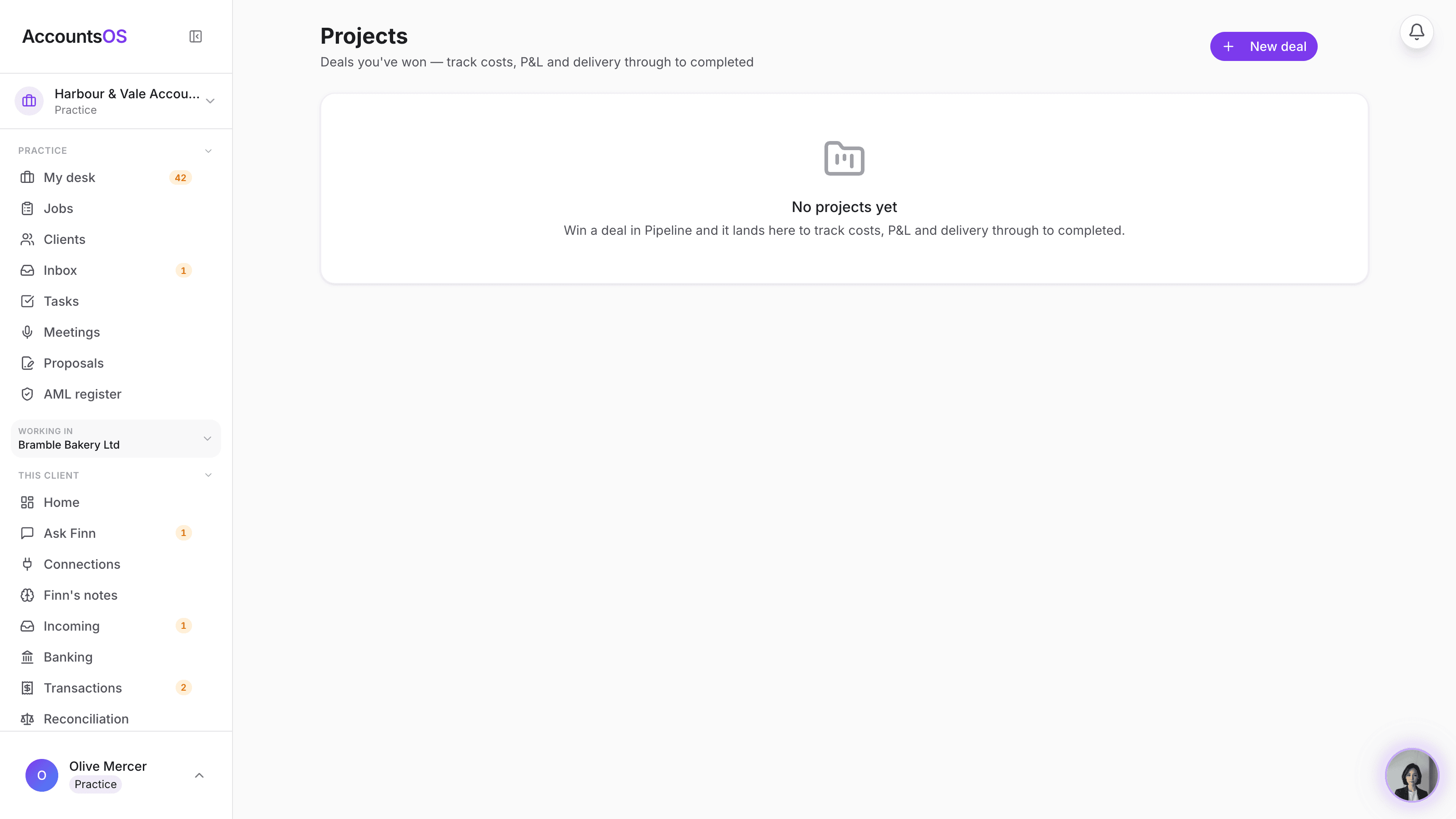
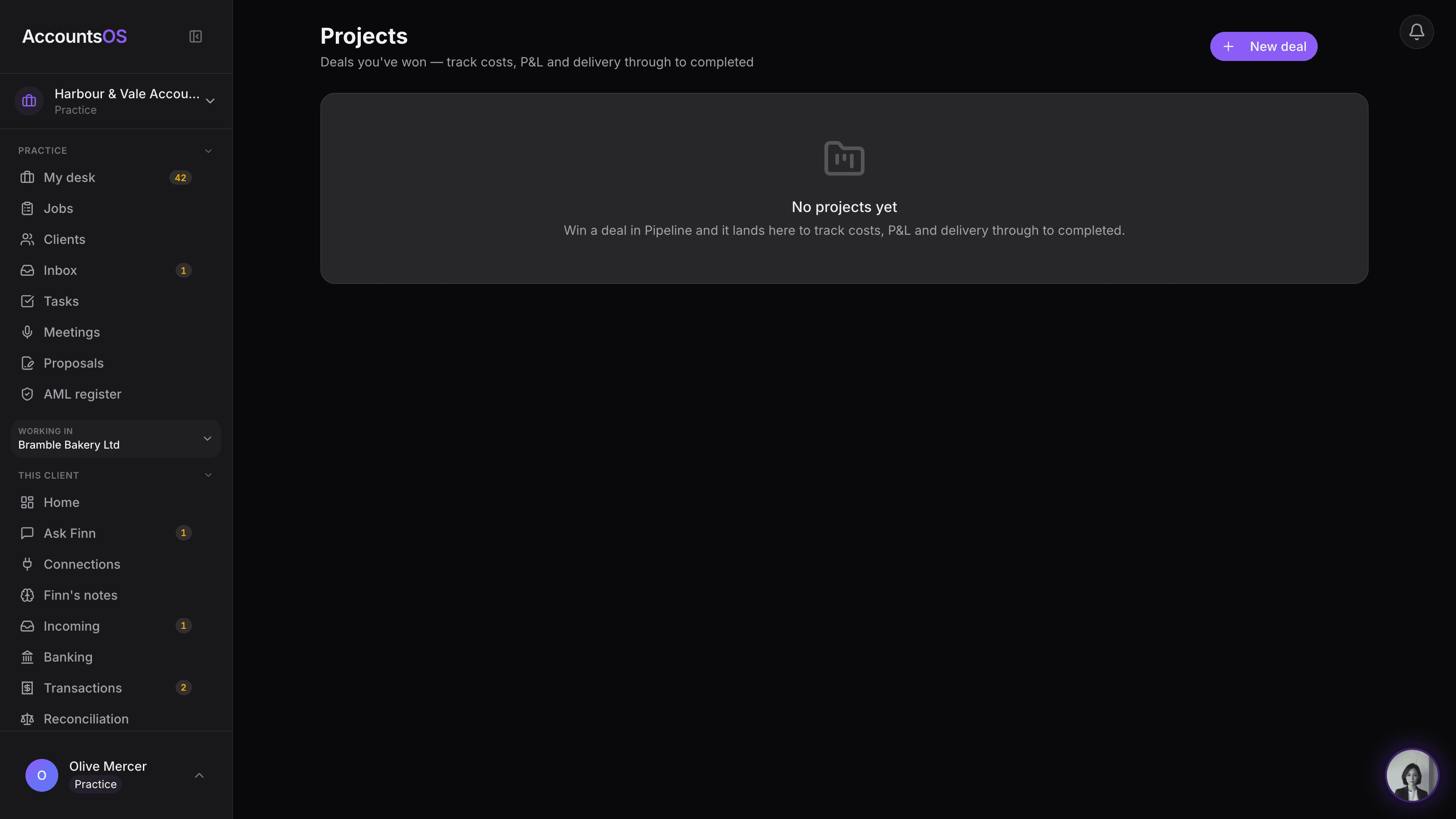
The moment a client accepts, AccountsOS creates their engagement: the annual fee, the cost of running their books, and the margin. See it per client on Economics, or open it as a project alongside everything else your practice delivers.
Created automatically when a client accepts. Nothing to set up.
Client engagements on AccountsOS: Every accepted client becomes an engagement, fee, cost and margin, automatically.
AccountsOS · Every client, one P&L
How it works
How it works
A client accepts
Whichever way they joined, add them directly, they invite you, or you invite them, their engagement is created the moment the link goes active.
The fee sets the revenue
Set the client's monthly fee once on Economics and the engagement's annual value updates with it, no separate entry.
The cost fills in
The AccountsOS cost of running that client's book lands on the engagement automatically, the same figure Economics already shows.
You see the margin
Revenue minus cost, per client, per month, right there on the project and on the Economics row.
- One engagement per client, created automatically on acceptance
- Annual fee becomes the engagement's revenue, always in step with what you charge
- AccountsOS cost fills the software cost line, no manual entry
- Archive or lose a client and the engagement closes with them, nothing left dangling
- Same Projects screen your practice already uses for every other piece of delivery
FAQ
The questions accountants ask first
Do I have to set this up per client?
What if I haven't set a fee yet?
Does this replace how I track my other work?
What counts as the cost?
Put Client engagements to work
30-day free trial, then priced per live client. No minimum.
See every feature on the features page.