Your team
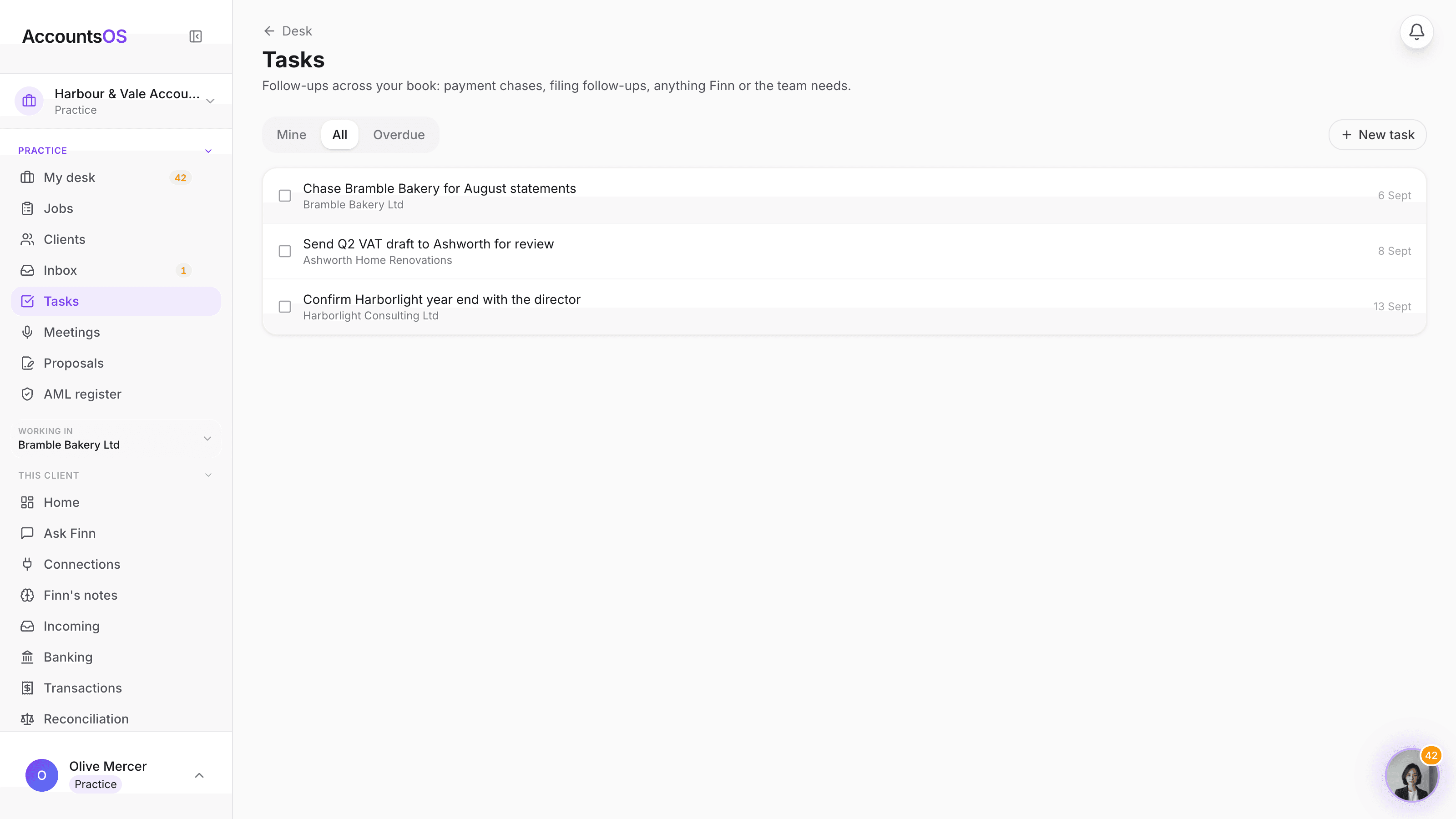
Every follow-up, one list, the whole book
Payment chases, filing follow-ups, anything a client owes you. Finn raises the task with the client and the reason already filled in, your team works the list, and nothing gets forgotten because it was in someone's head instead of on a page.
Included in the practice plan. No per-seat fee.
Tasks on AccountsOS: One task list across your whole client book, not fifteen separate ones.
AccountsOS · One task list, every client
How it works
How it works
A follow-up gets raised
You add one by hand, a chase or a job creates one automatically, or Finn raises one mid-conversation when it needs something from you it cannot get itself.
It lands with the right person
Assign it to yourself or a colleague, tie it to the client it is about, and give it a due date. Unassigned tasks are visible to the whole practice, not stuck in one inbox.
Work the list, tick it off
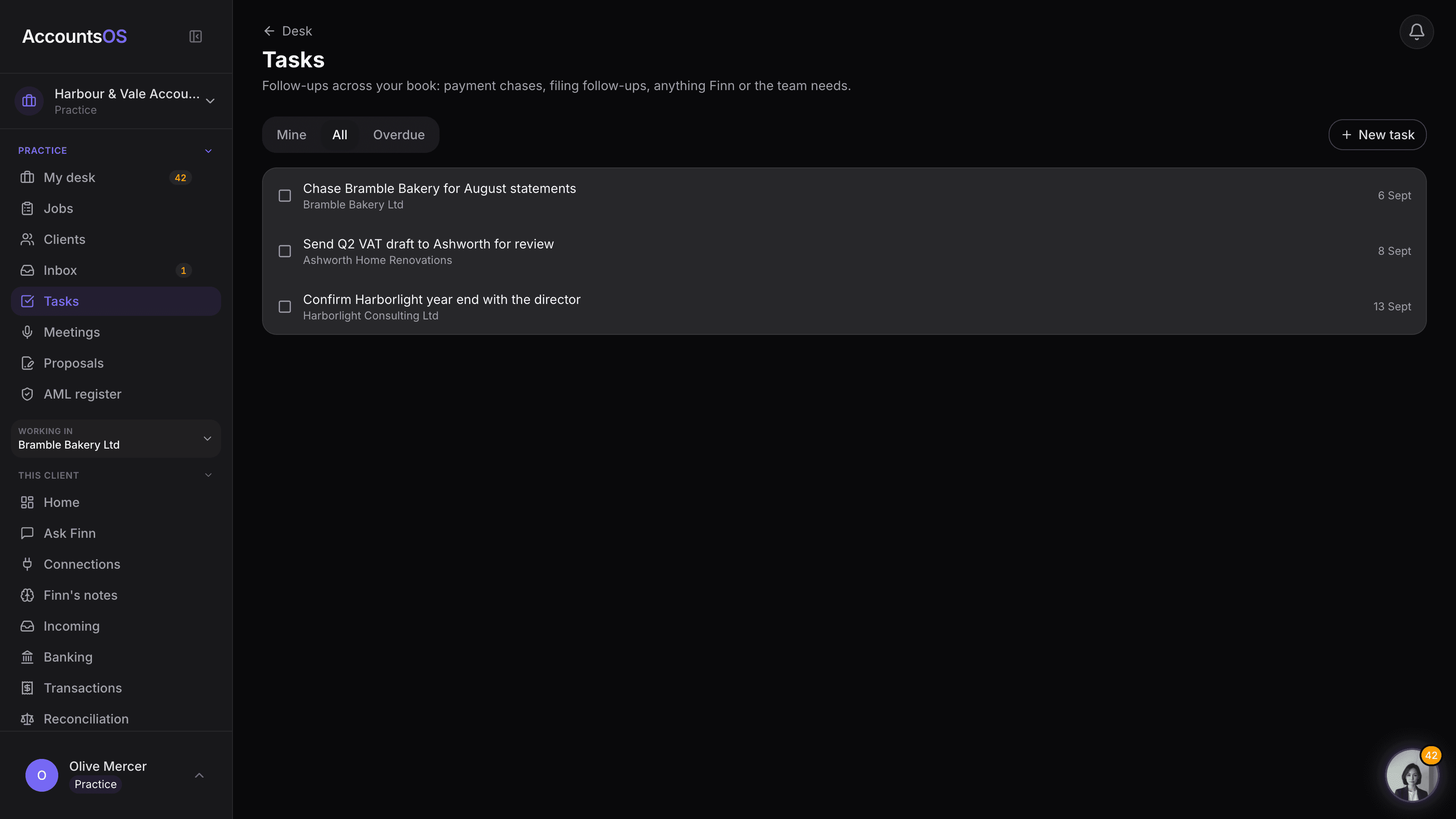
Filter to Mine for your own day, All to see the whole book, or Overdue for what slipped. Complete it from the same row, no digging through client files.
- One list across every client, not fifteen separate to-do pages
- Filter to Mine, All or Overdue in one click
- Finn raises a task the moment it needs something from a client it cannot get itself
- Shows up on the client's own home page too, so nobody has to remember to check
- A short band on your desk shows your own open tasks the moment you log in
FAQ
The questions accountants ask first
Is this a full project management tool?
Can Finn create tasks on its own?
Do staff see tasks for clients they are not allocated?
Does this cost extra per seat?
Put Tasks to work
30-day free trial, then priced per live client. No minimum.
See every feature on the features page.