Practice management

Build the practice.Make room for growth.

Bring your client work, team and practice economics together. Finn helps you manage the practice as well as the books, giving you a clearer view of capacity and margins as your client base grows.

Use it alongside the books, or keep your existing practice management software.
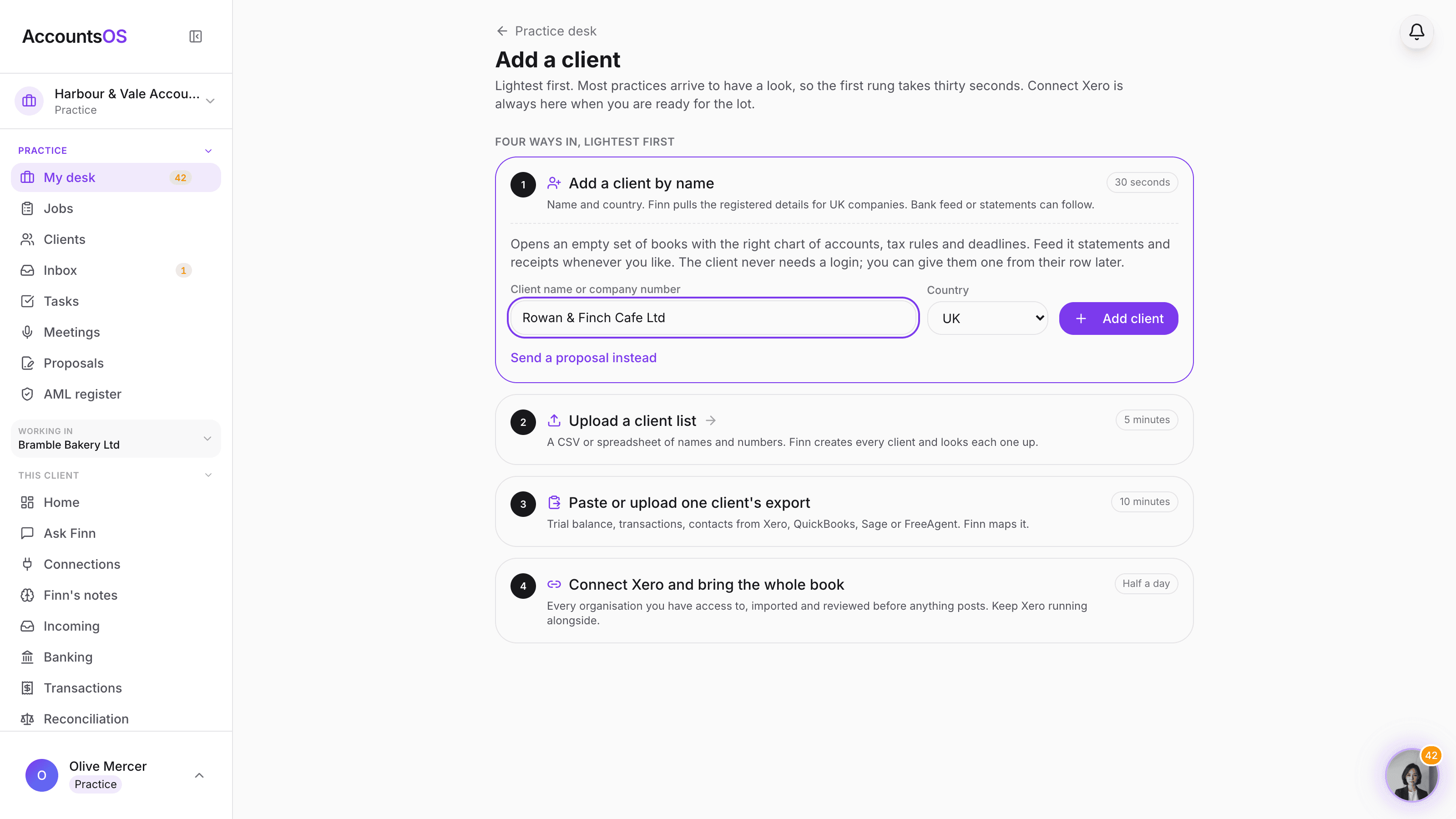
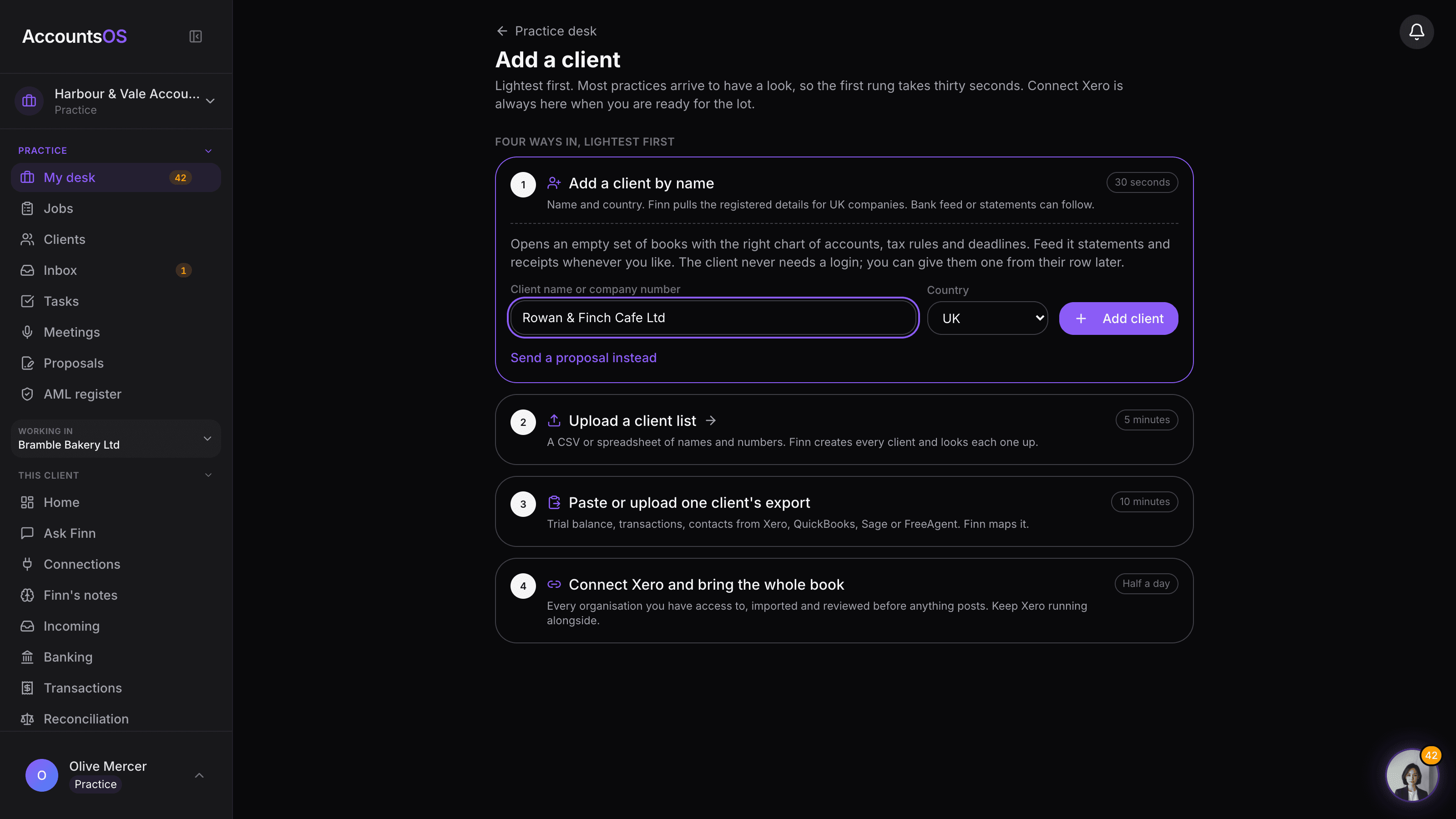
The add a client page showing the four rungs: add a client by name, upload a client list, paste or upload one client's export, and connect Xero

Add a client

Live

Add one client in thirty seconds, or connect Xero and bring the book.
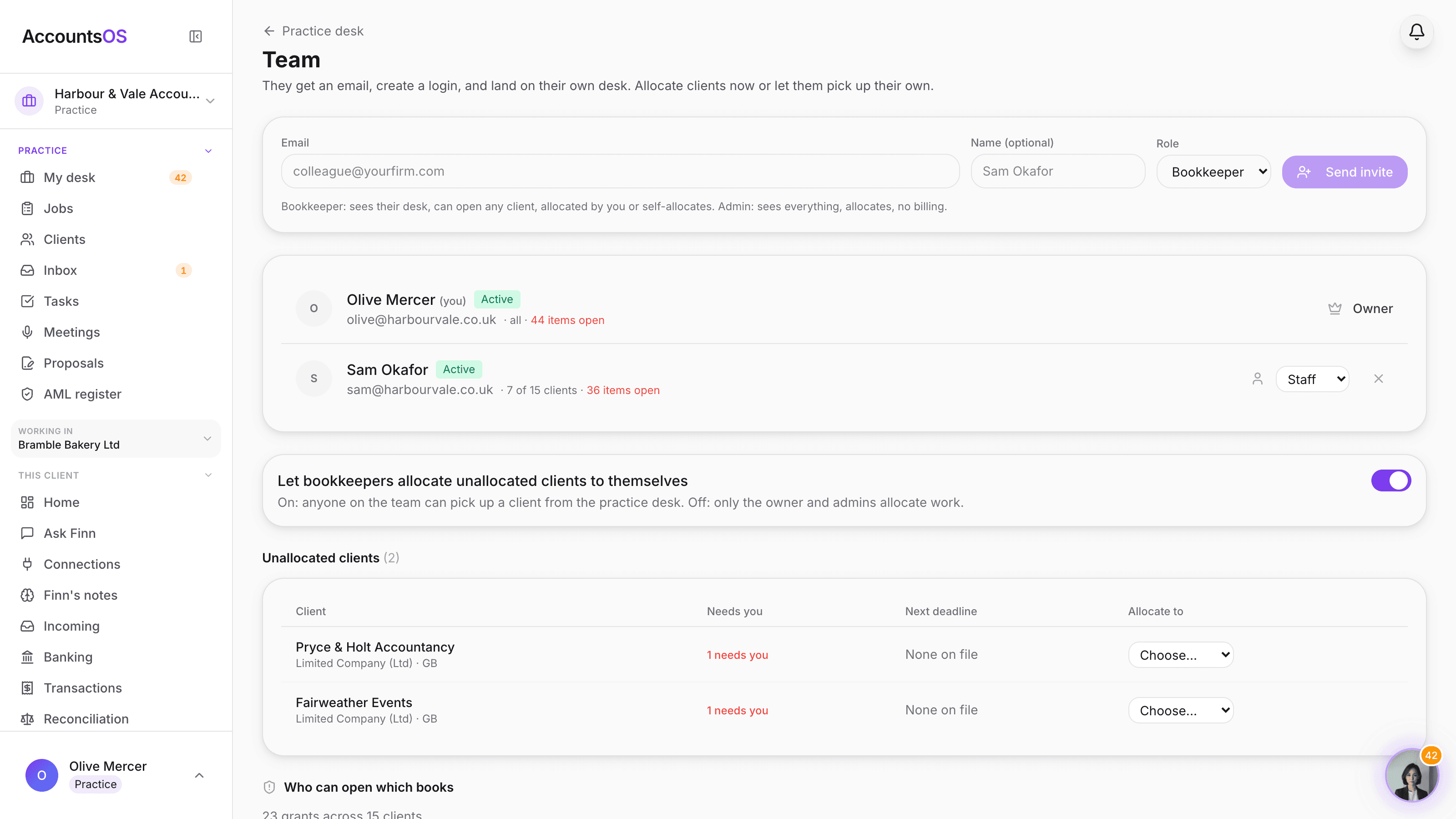
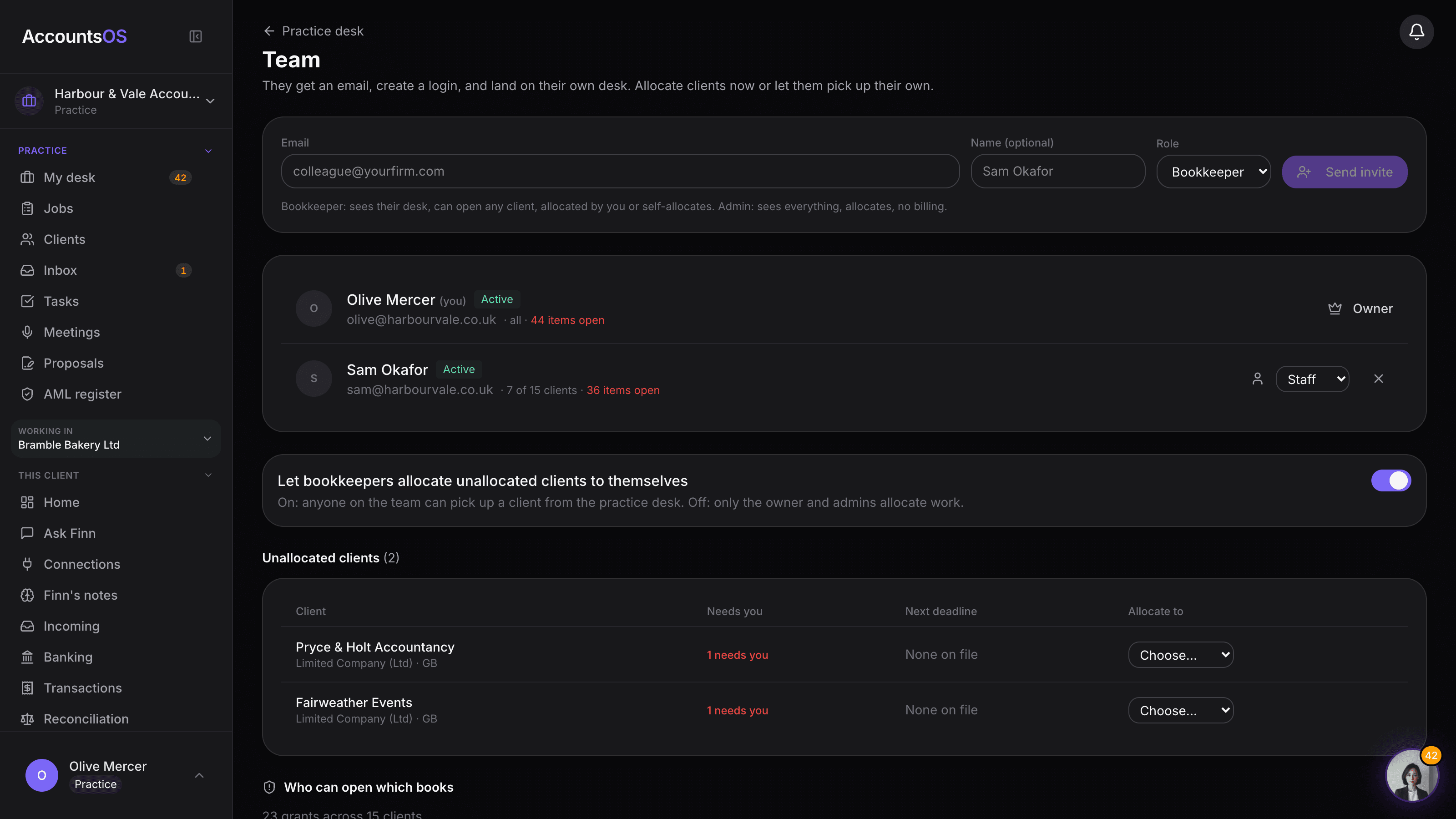
The practice team page with an invite form, the team list showing an owner and a bookkeeper with their client counts, the self-allocation toggle and the unallocated clients table

Team and allocation

Live

Invite the team, allocate the clients, audit who can open what. No per-seat fee.
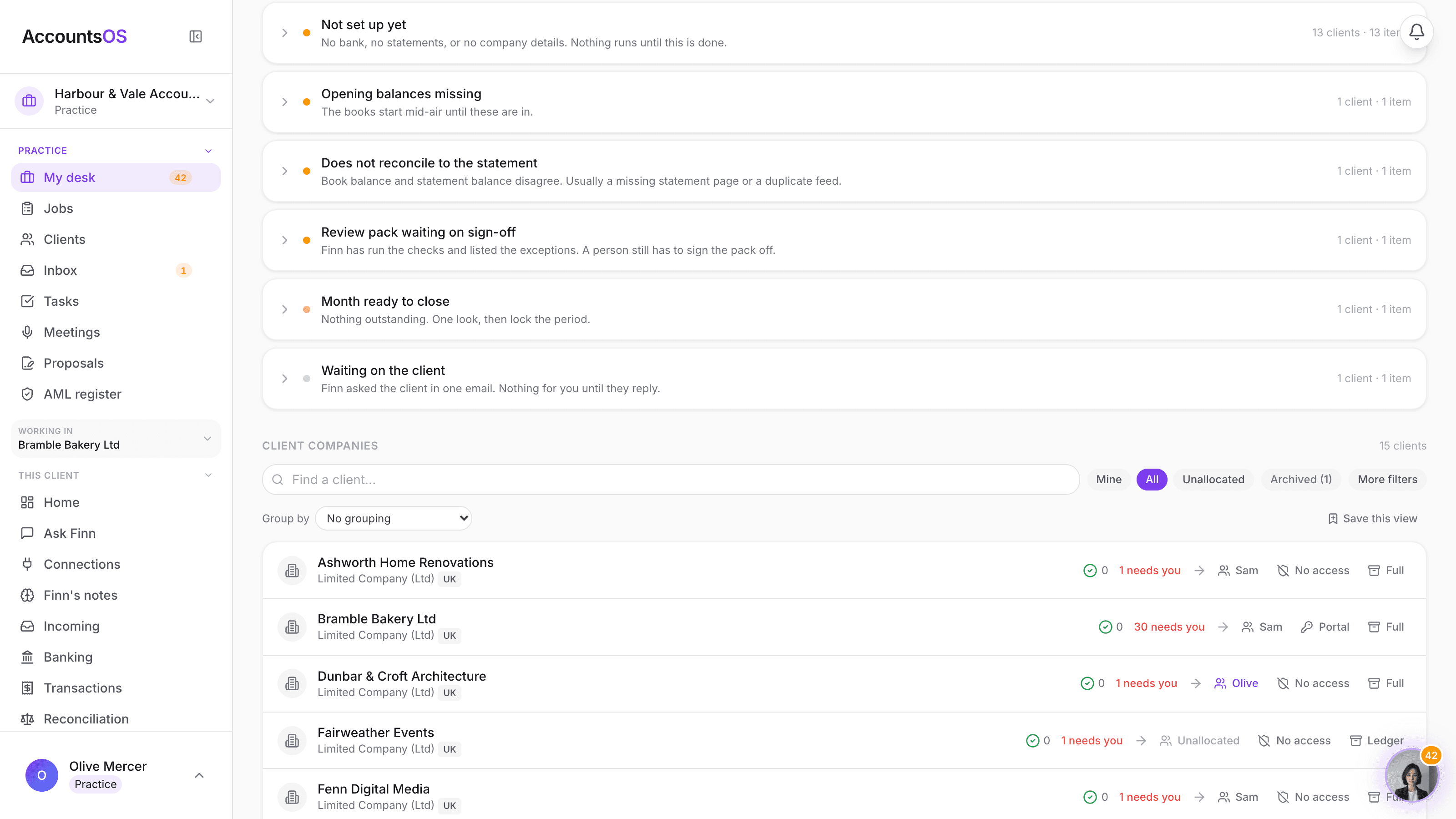
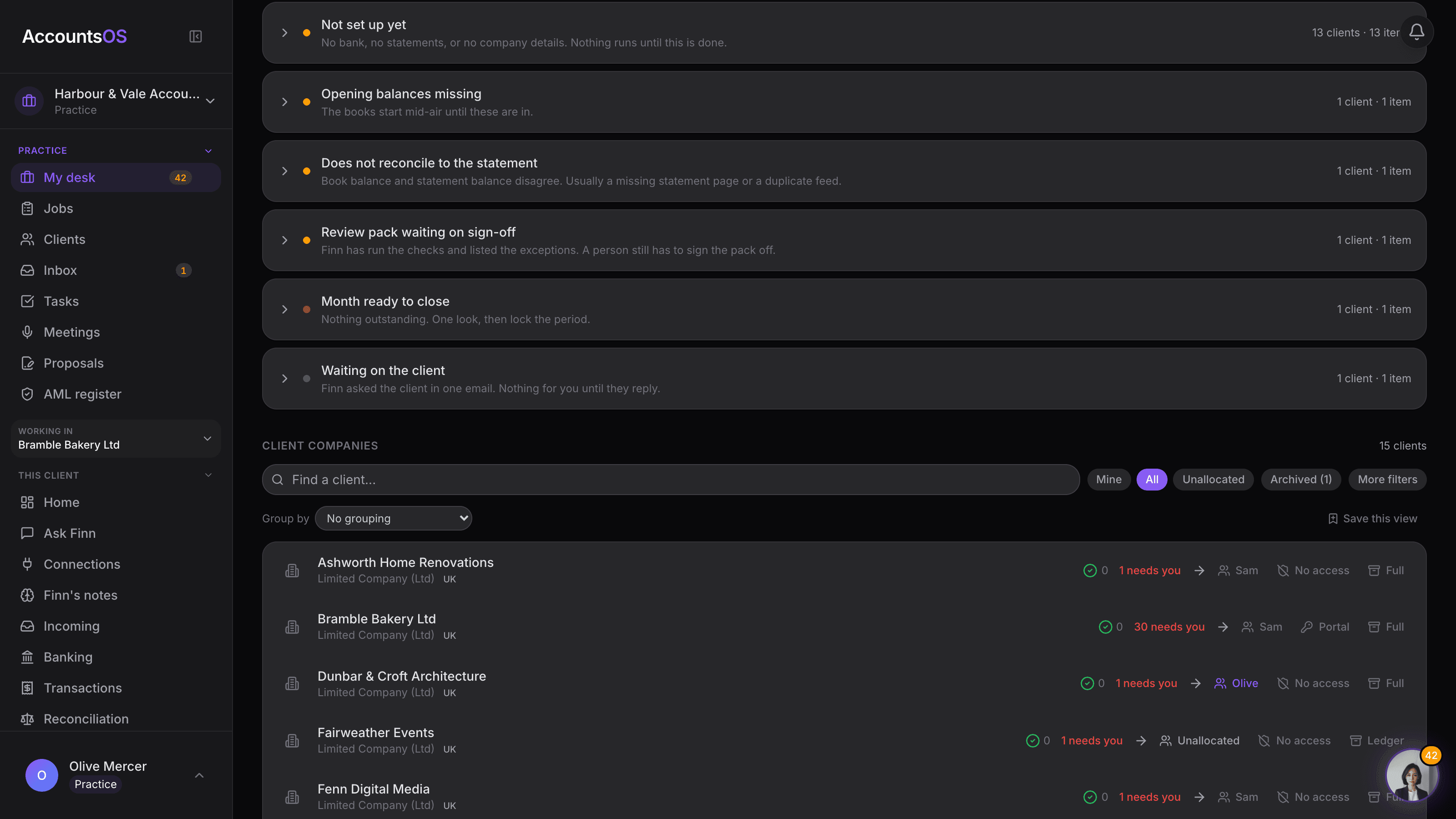
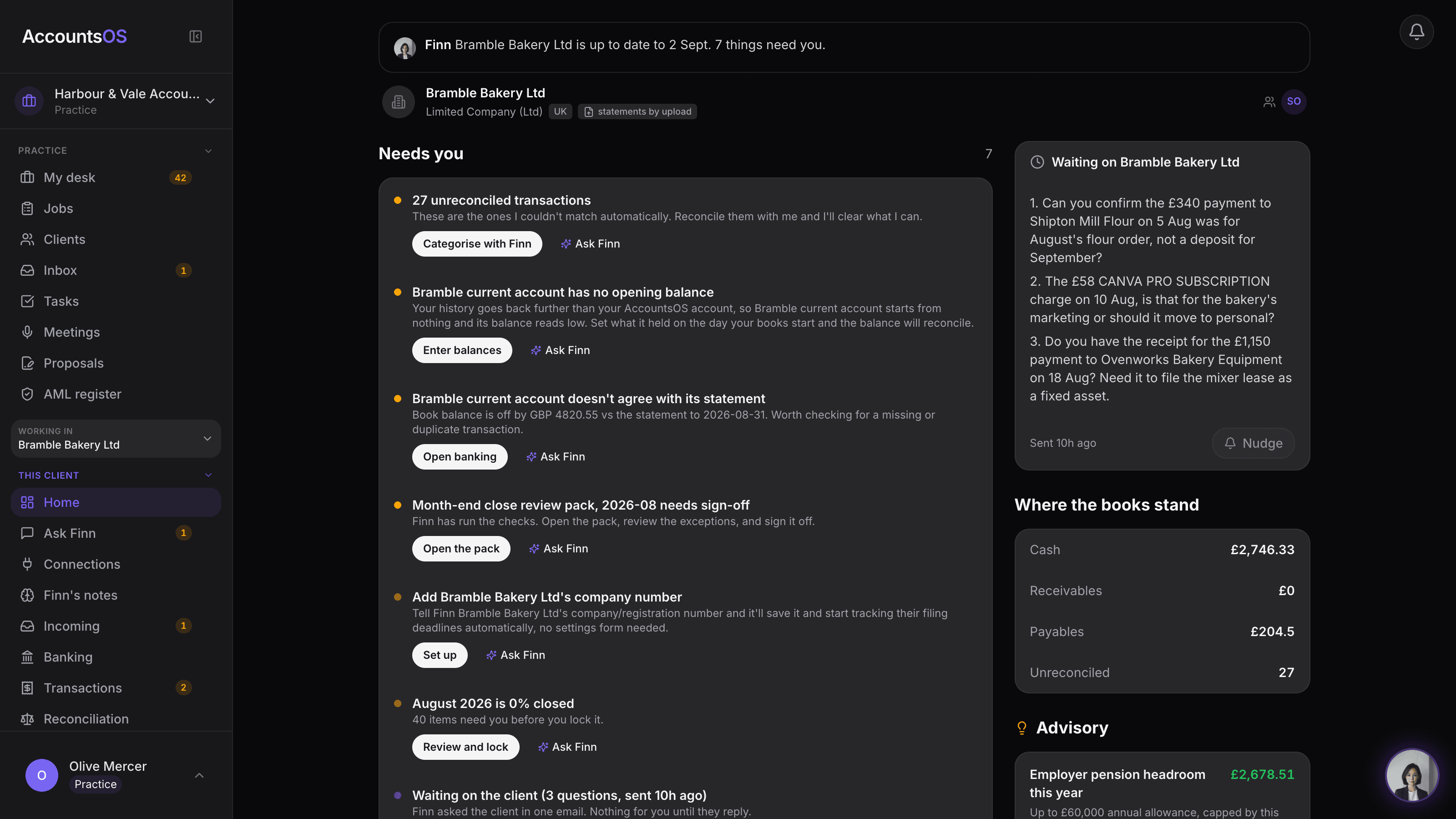
The client companies table on the practice desk, one row per client with needs-you count, allocated team member, client access and scope

Client scope

Live

Full, Ledger or Archived per client. Pay for what each file needs.
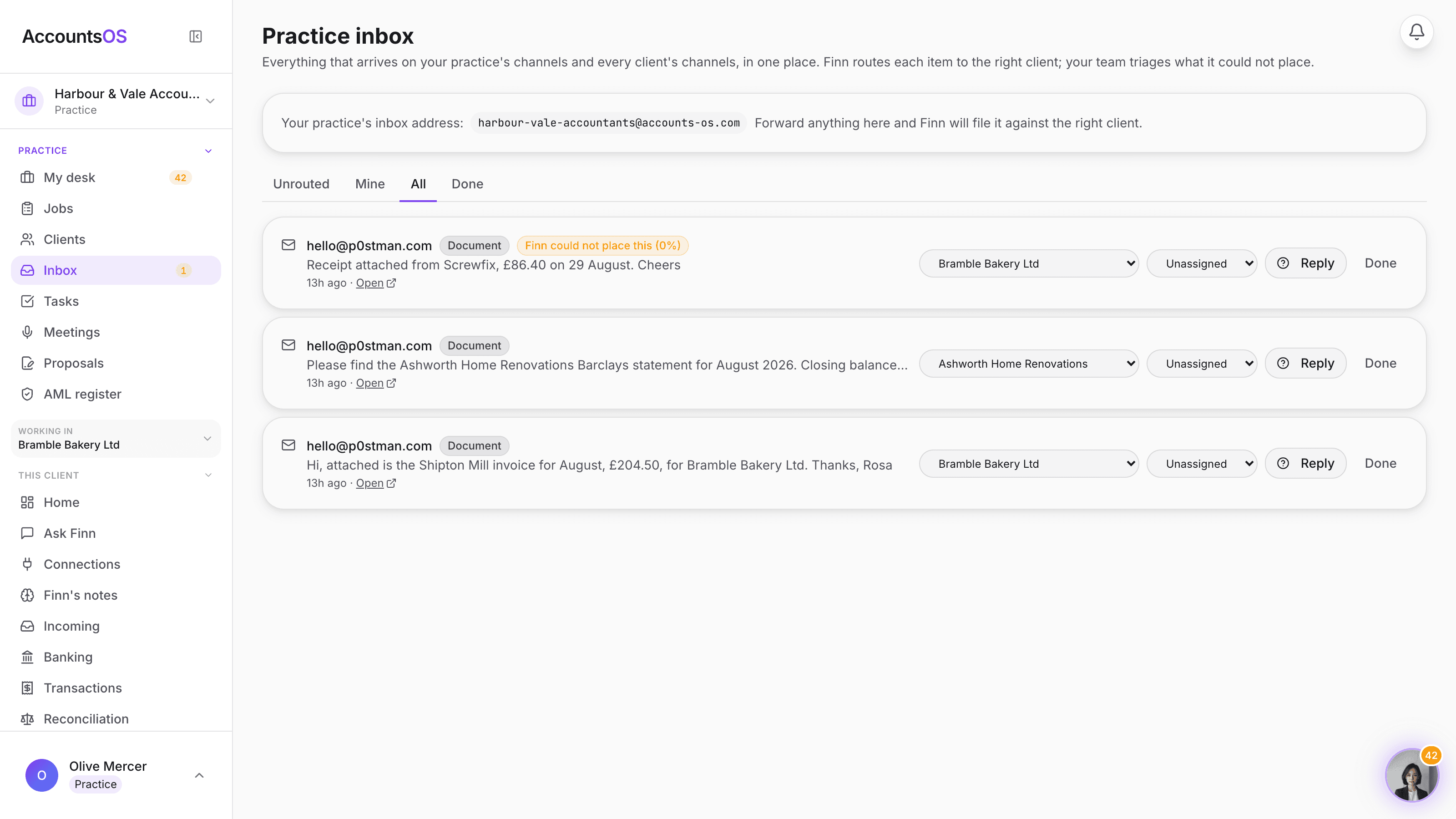
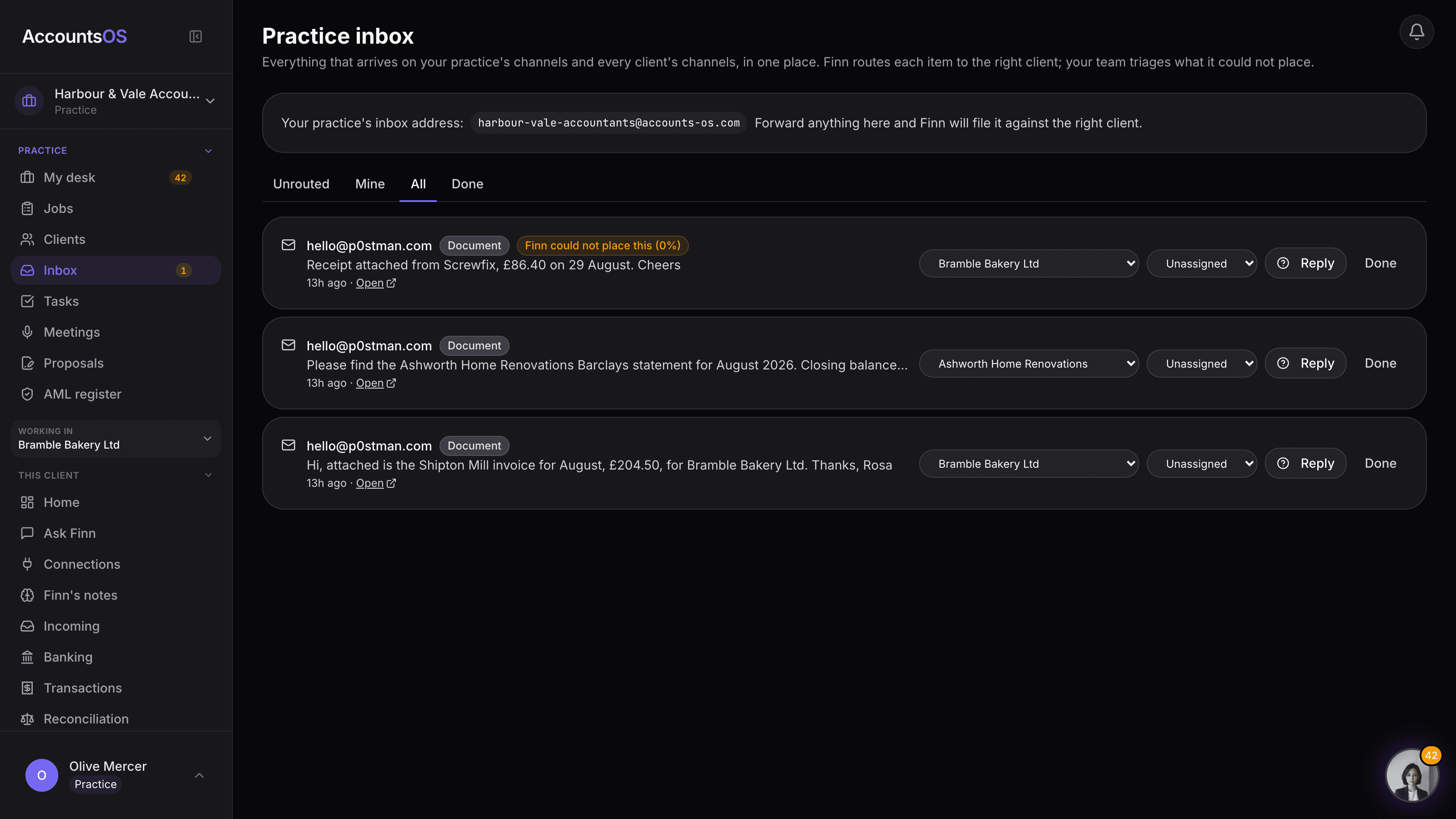
The practice inbox showing items from the practice's own channel and client channels, one flagged with an amber Finn could not place this chip

Practice inbox

Live

One inbox for your practice and every client, routed by Finn, triaged by your team.
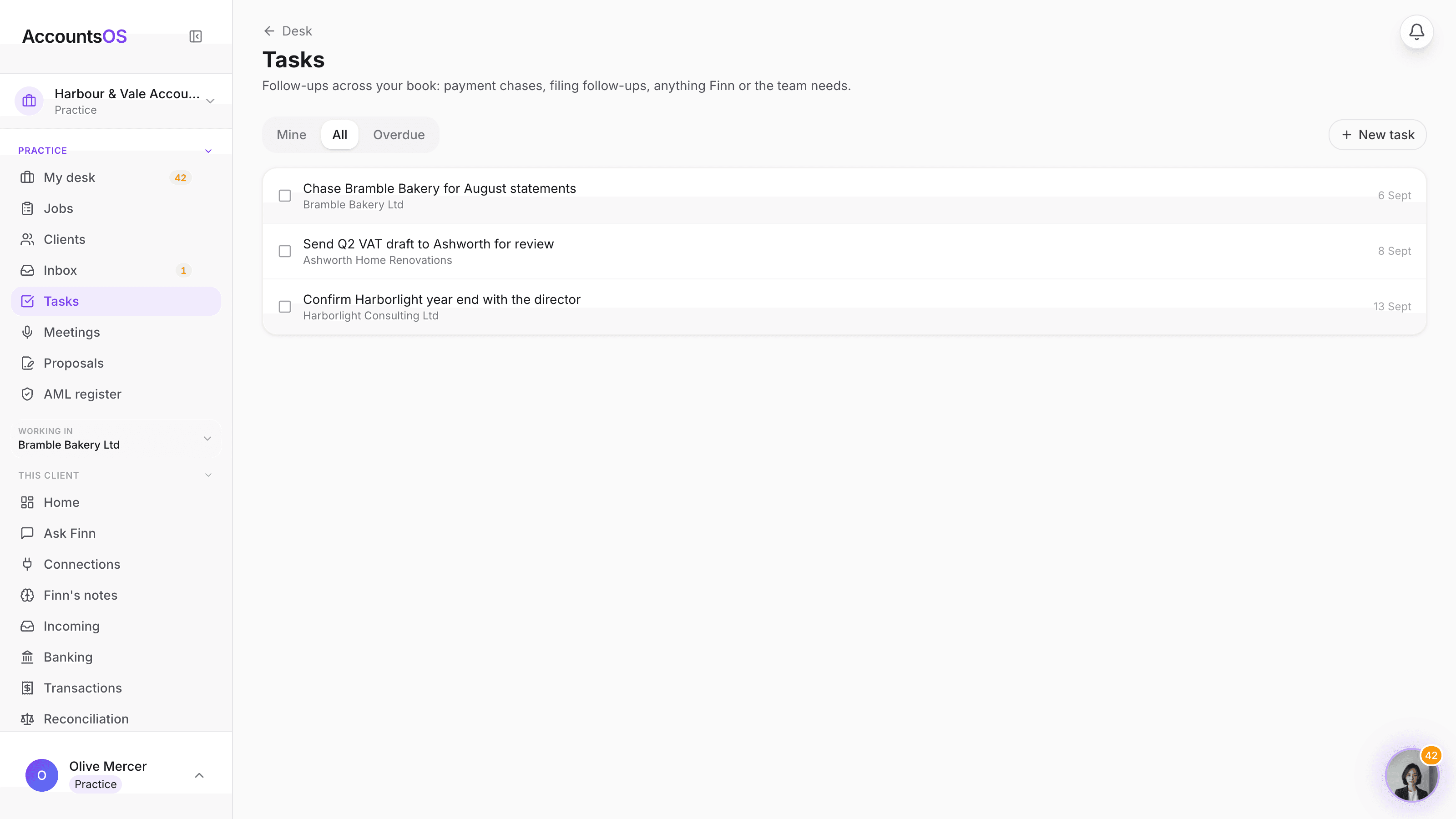
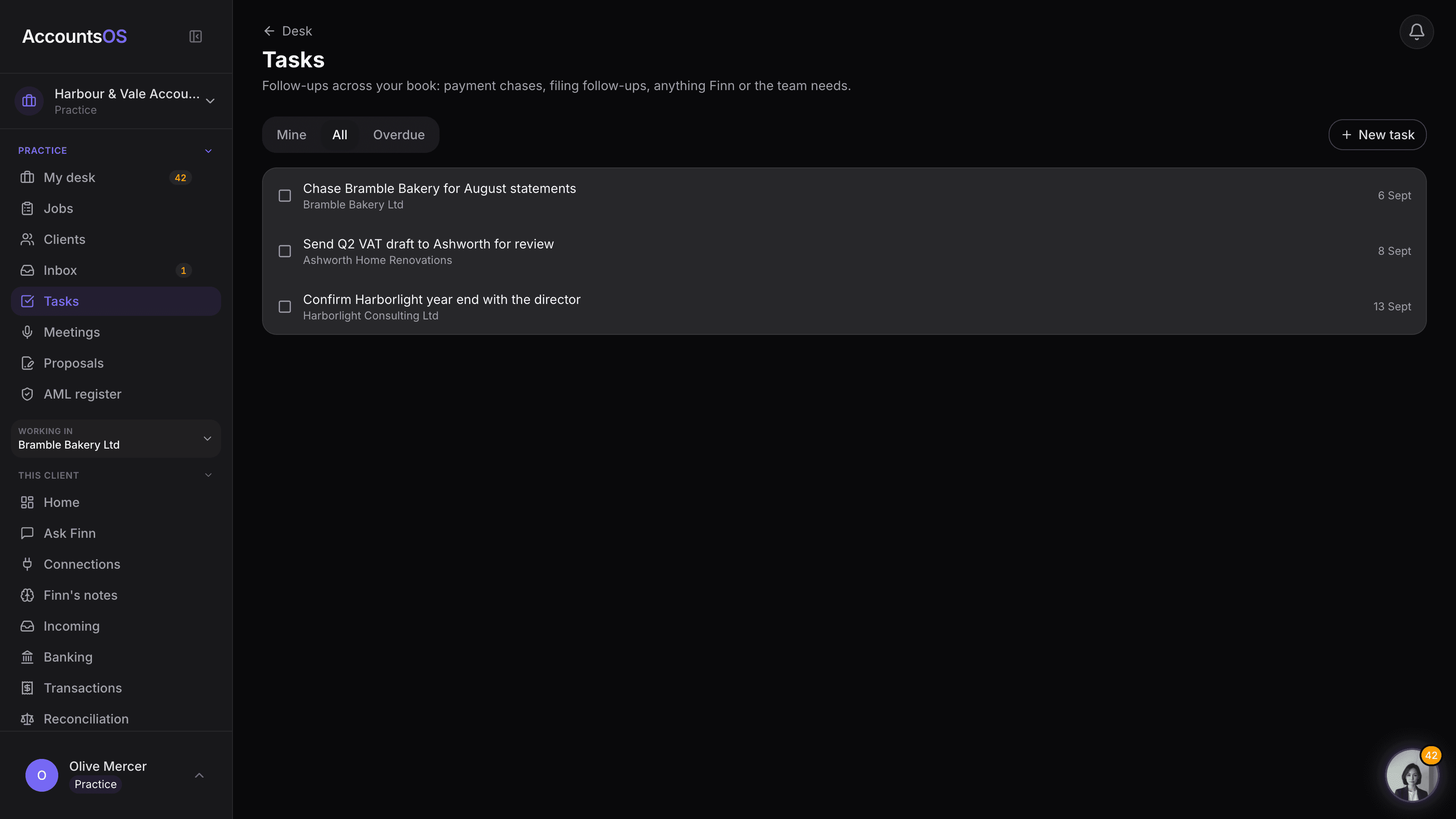
The AccountsOS practice tasks page, filtered to Mine, showing a list of follow-ups with client name, assignee and due date, and a New task form

Tasks

Live

One task list across your whole client book, not fifteen separate ones.
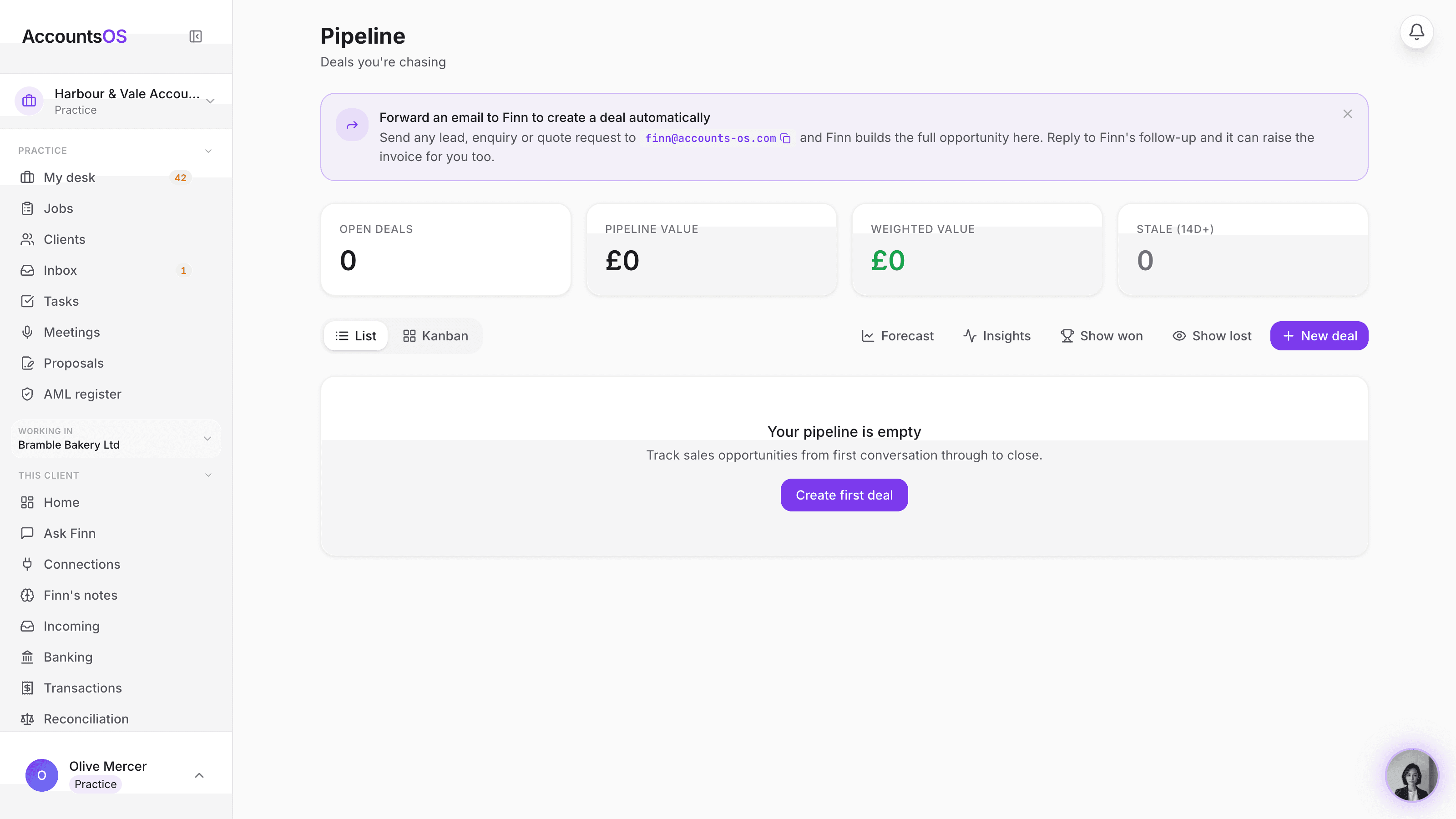
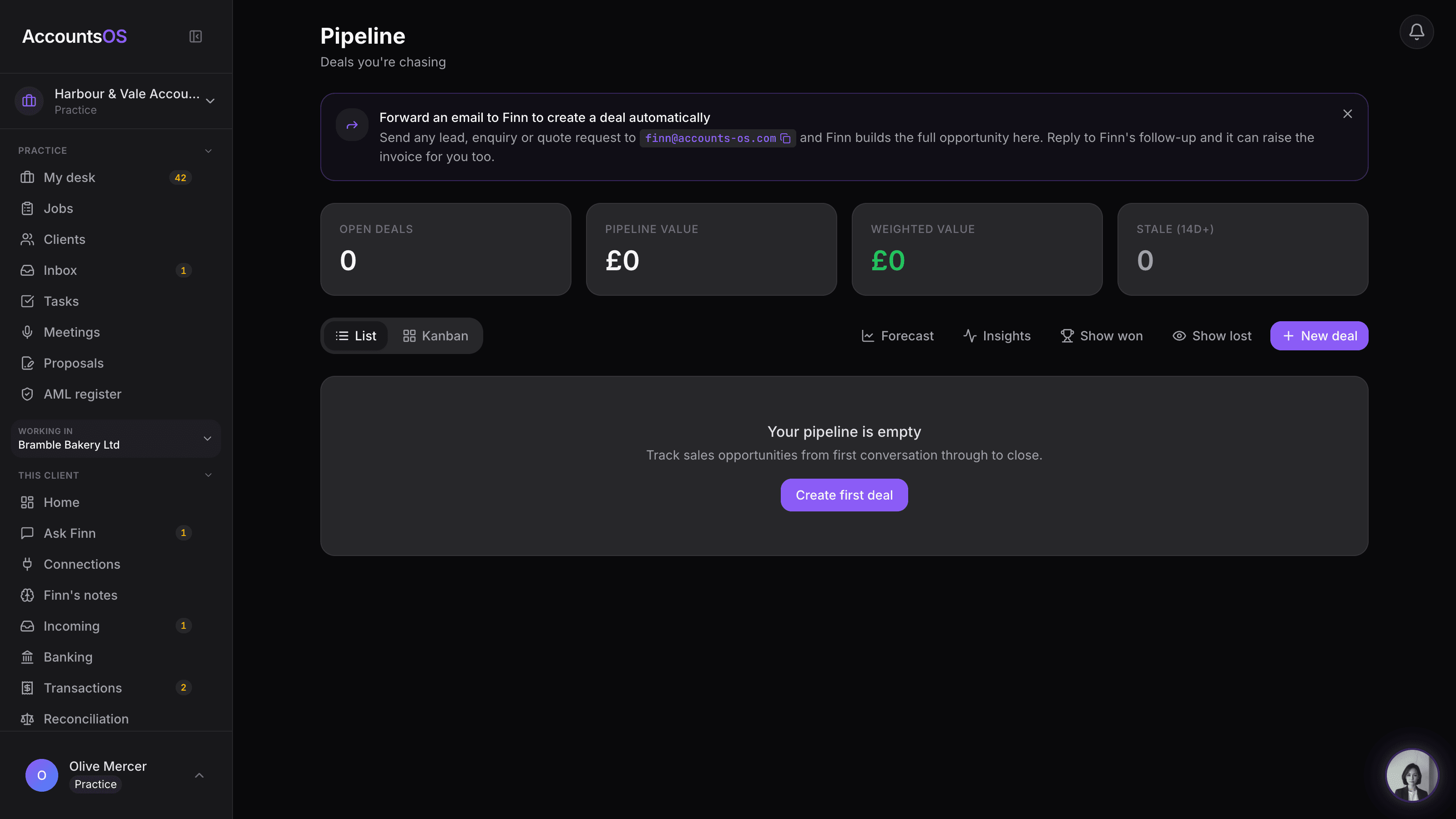
The practice pipeline board (Prospects) showing prospect cards across the Lead, Contacted, Proposal sent, Signed and Onboarded columns

Practice CRM

Live

Your practice's own prospecting board, built in.
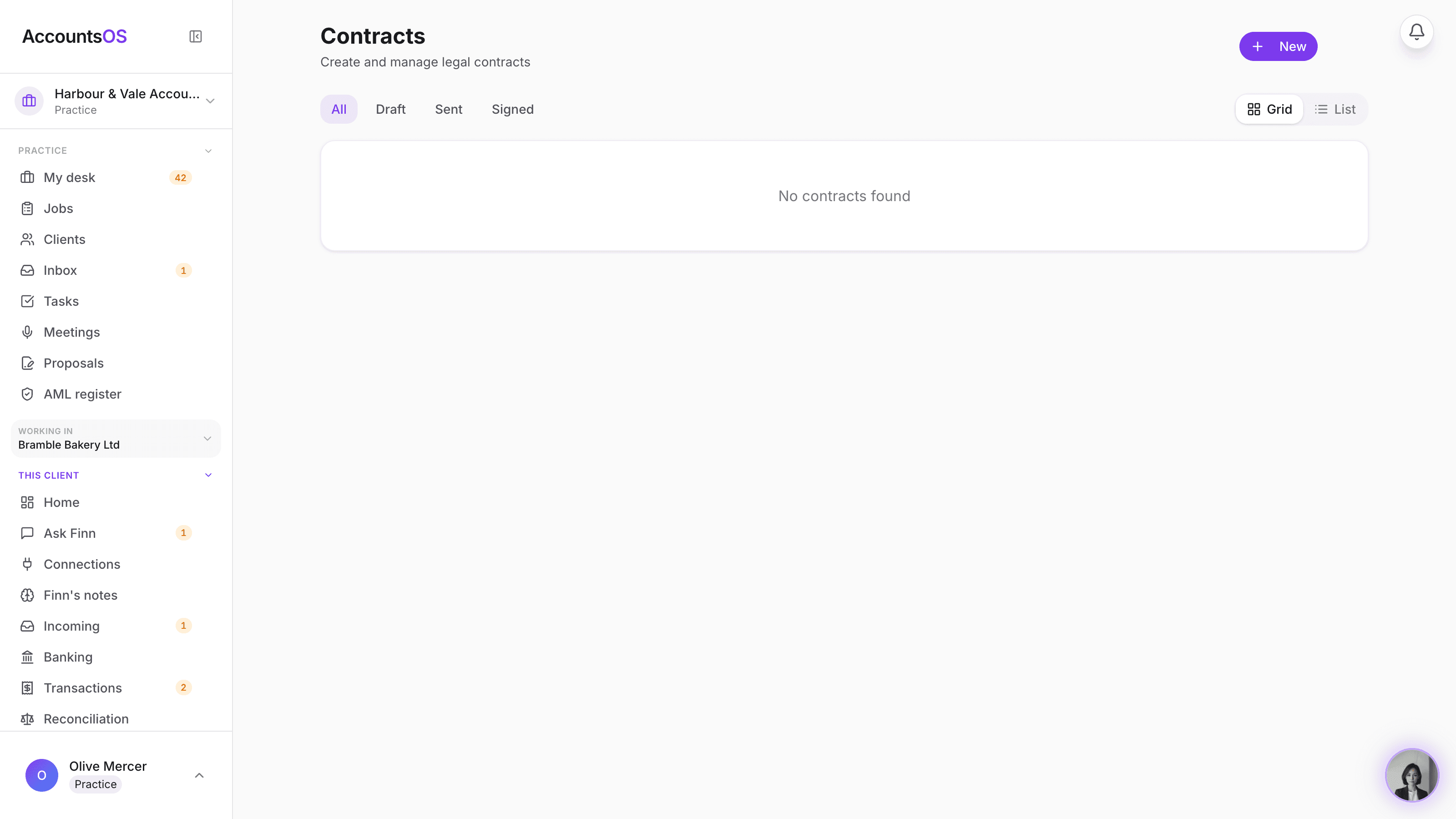
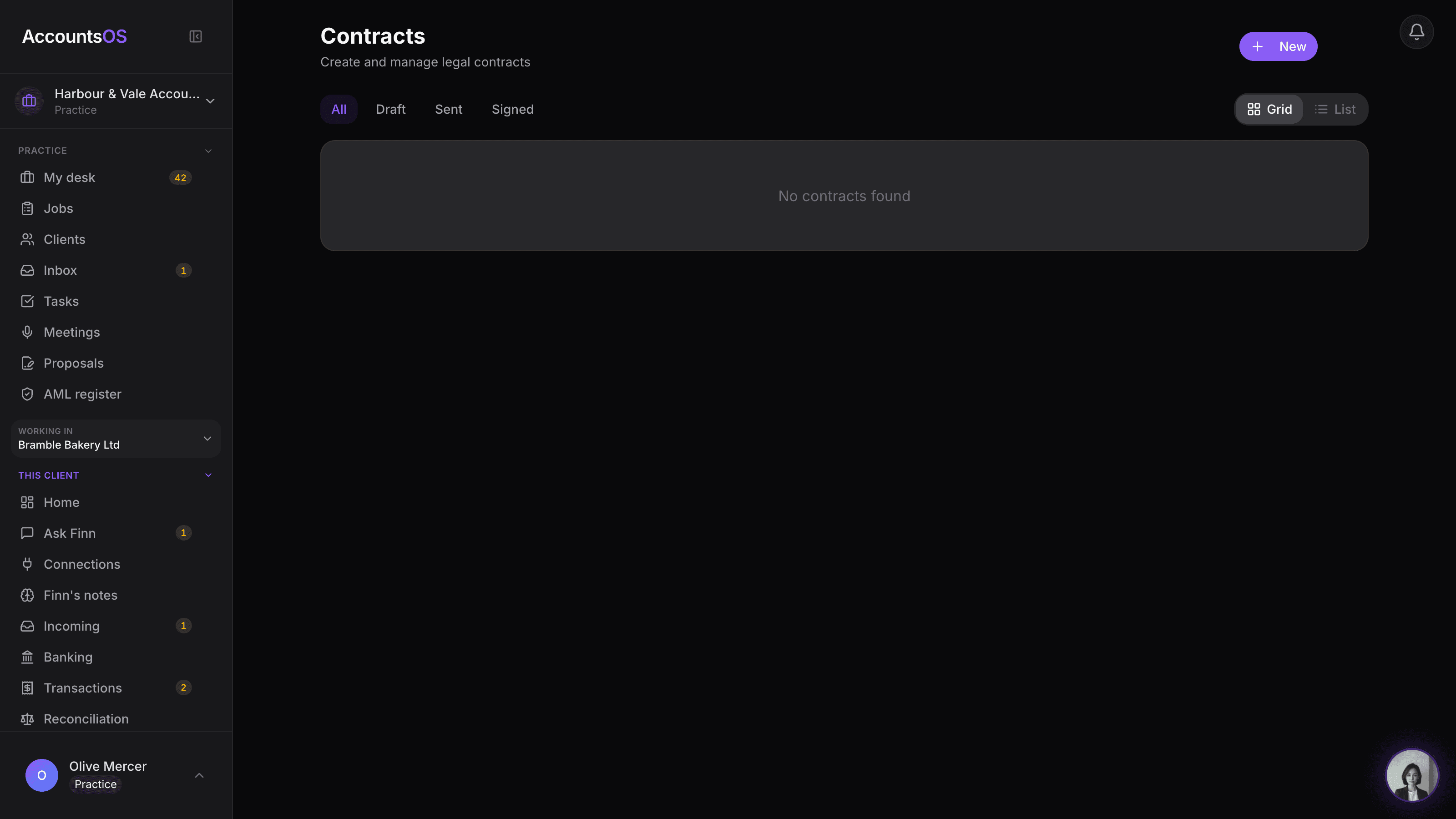
The practice's Client contracts view on /my-contracts, showing clients each with their contracts and status chips

Contracts

Live

Engagement letters and terms of business, drafted and signed here.
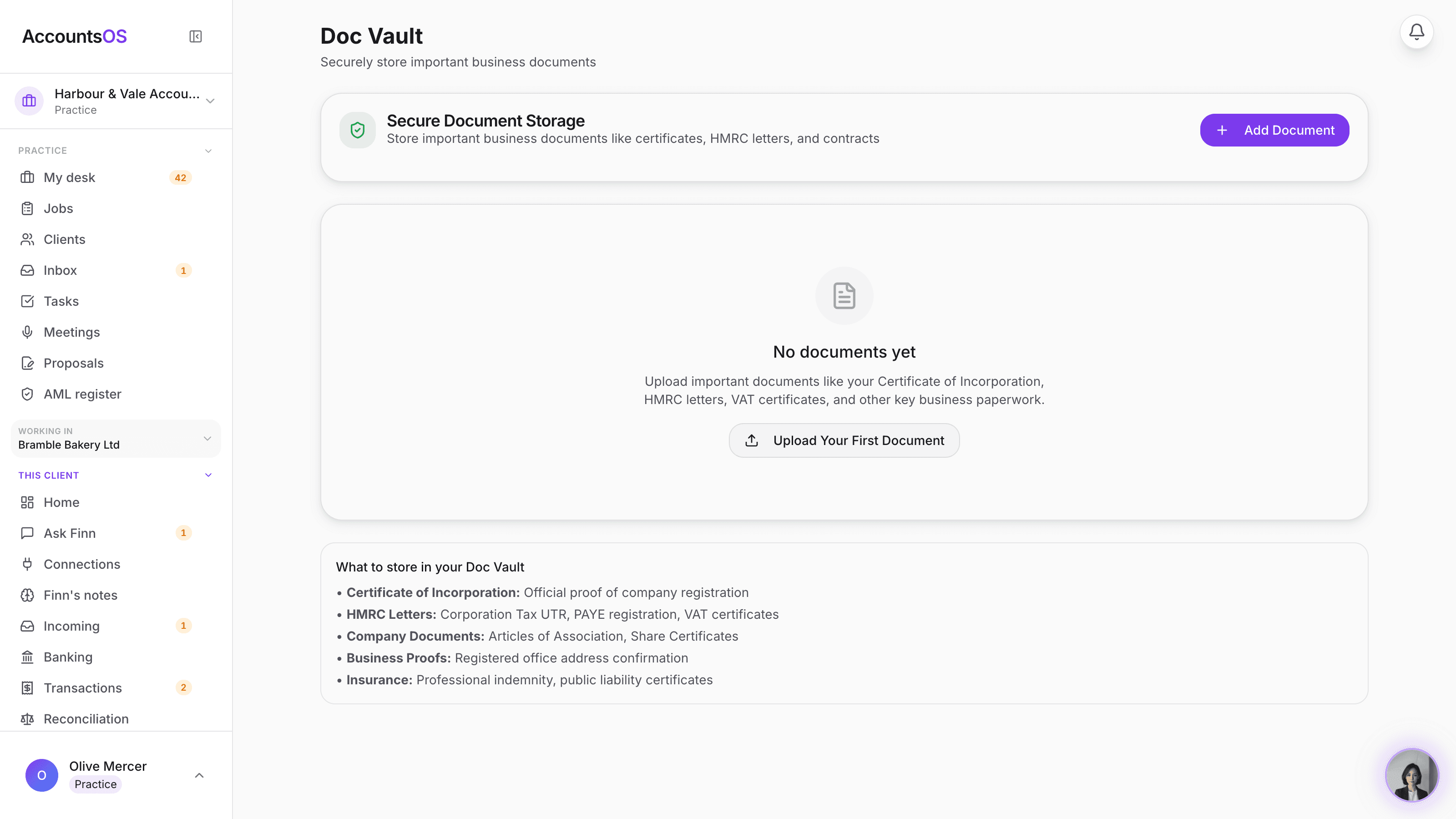
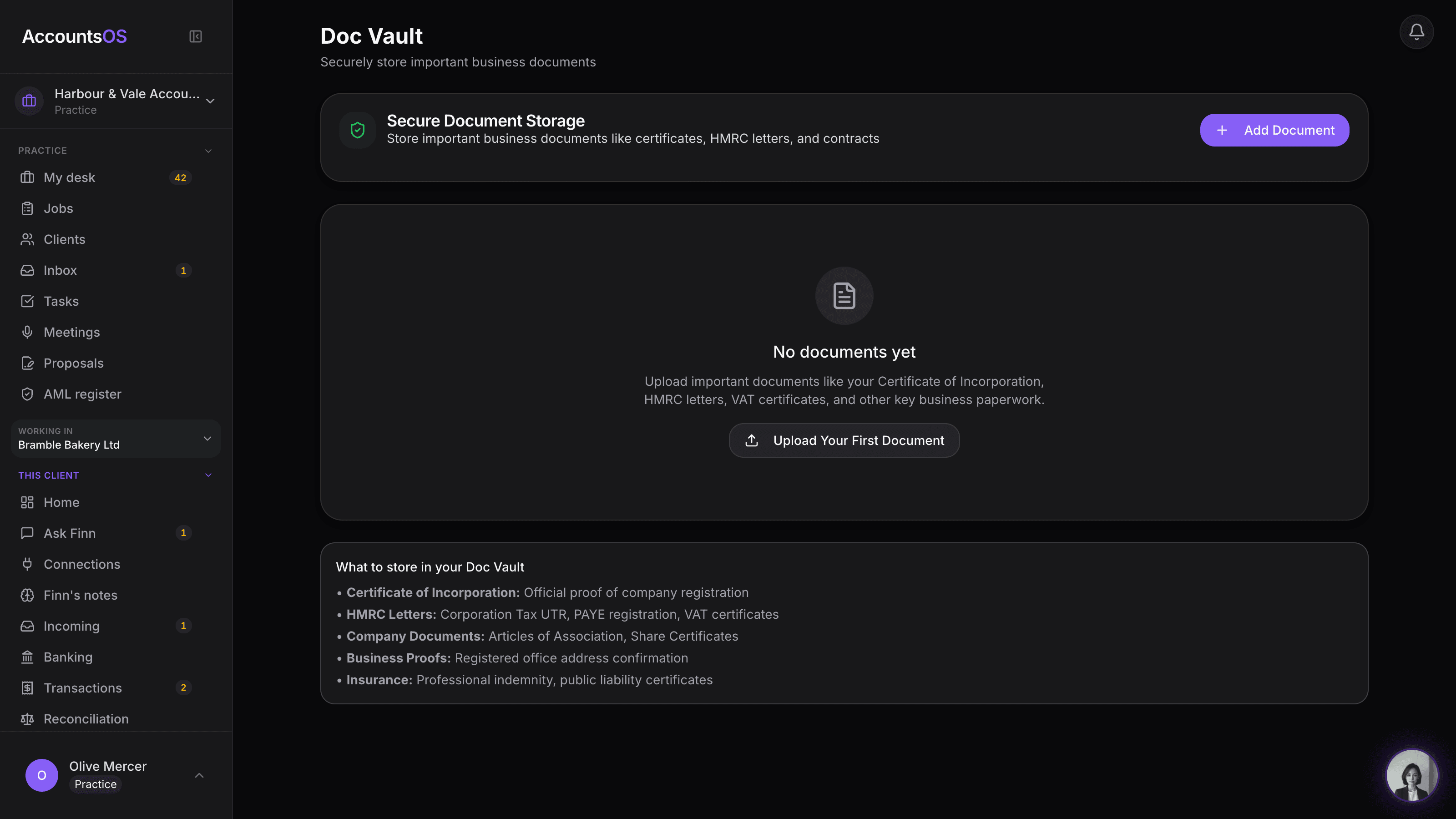
The practice document vault showing compliance categories (AML evidence, engagement letters, identity documents, insurance, professional certificates) with expiry dates

Practice vault

Live

AML evidence, signed letters and IDs, filed and tracked automatically.
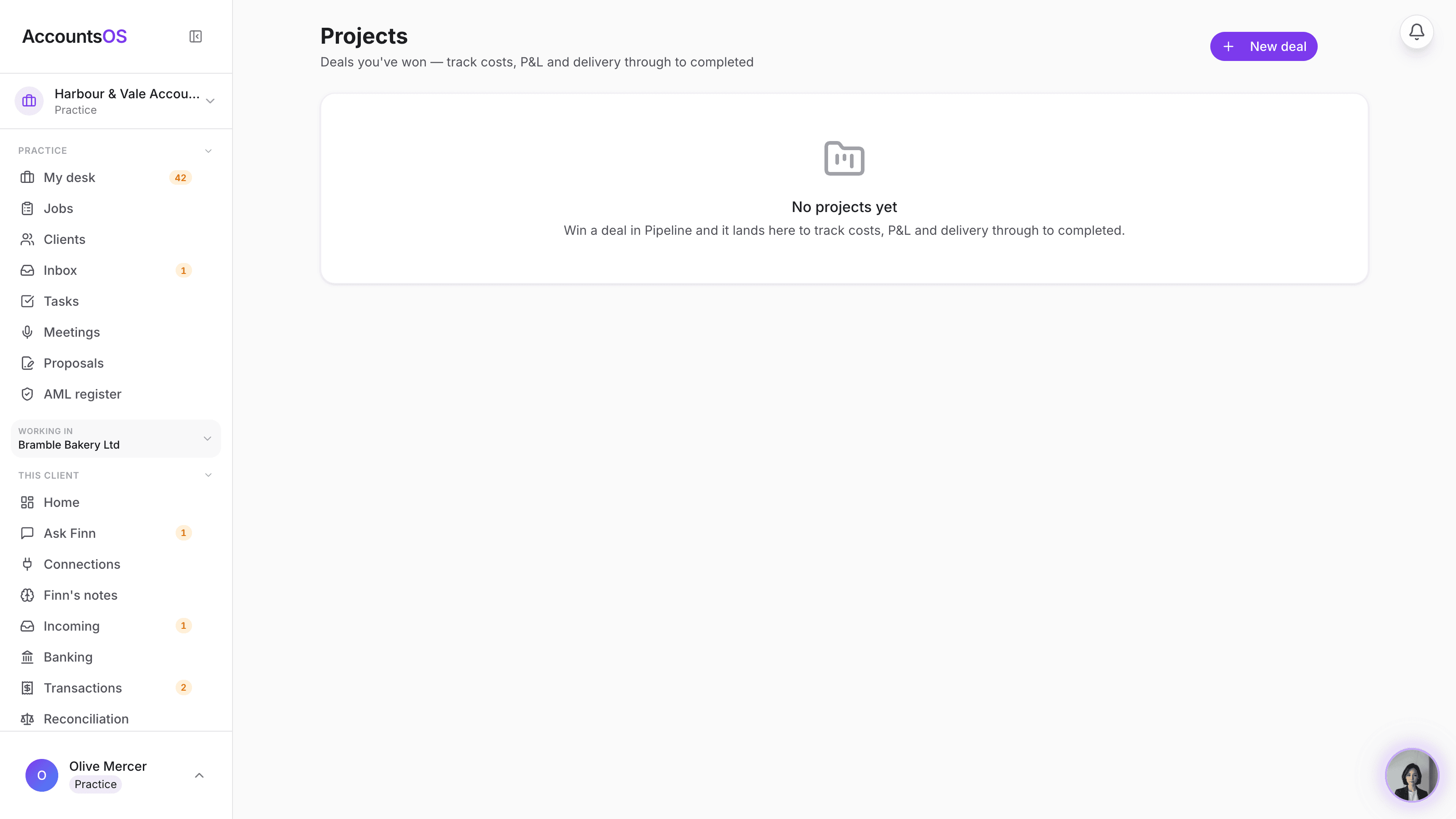
The practice's Projects screen filtered to client engagements, showing the annual fee, AccountsOS cost and this month's profit for each client

Client engagements

Live

Every accepted client becomes an engagement, fee, cost and margin, automatically.
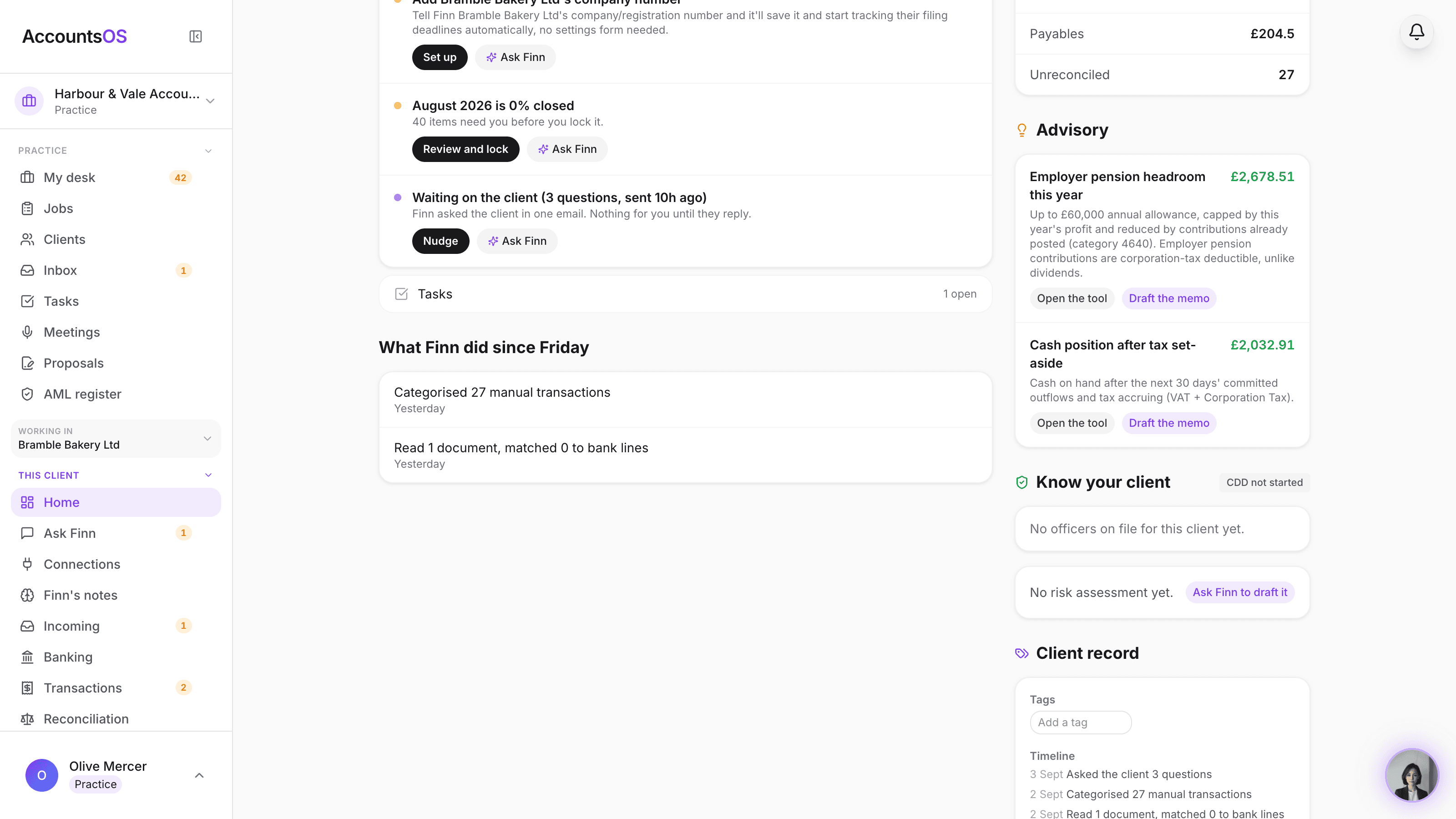
The Know your client section on a client's home page, showing each person's identity and screening check status, the CDD status pill, and Finn's draft risk assessment card

AML and KYC

Live

Identity checks recorded, risk assessed by Finn and confirmed by you, monitored on one register.
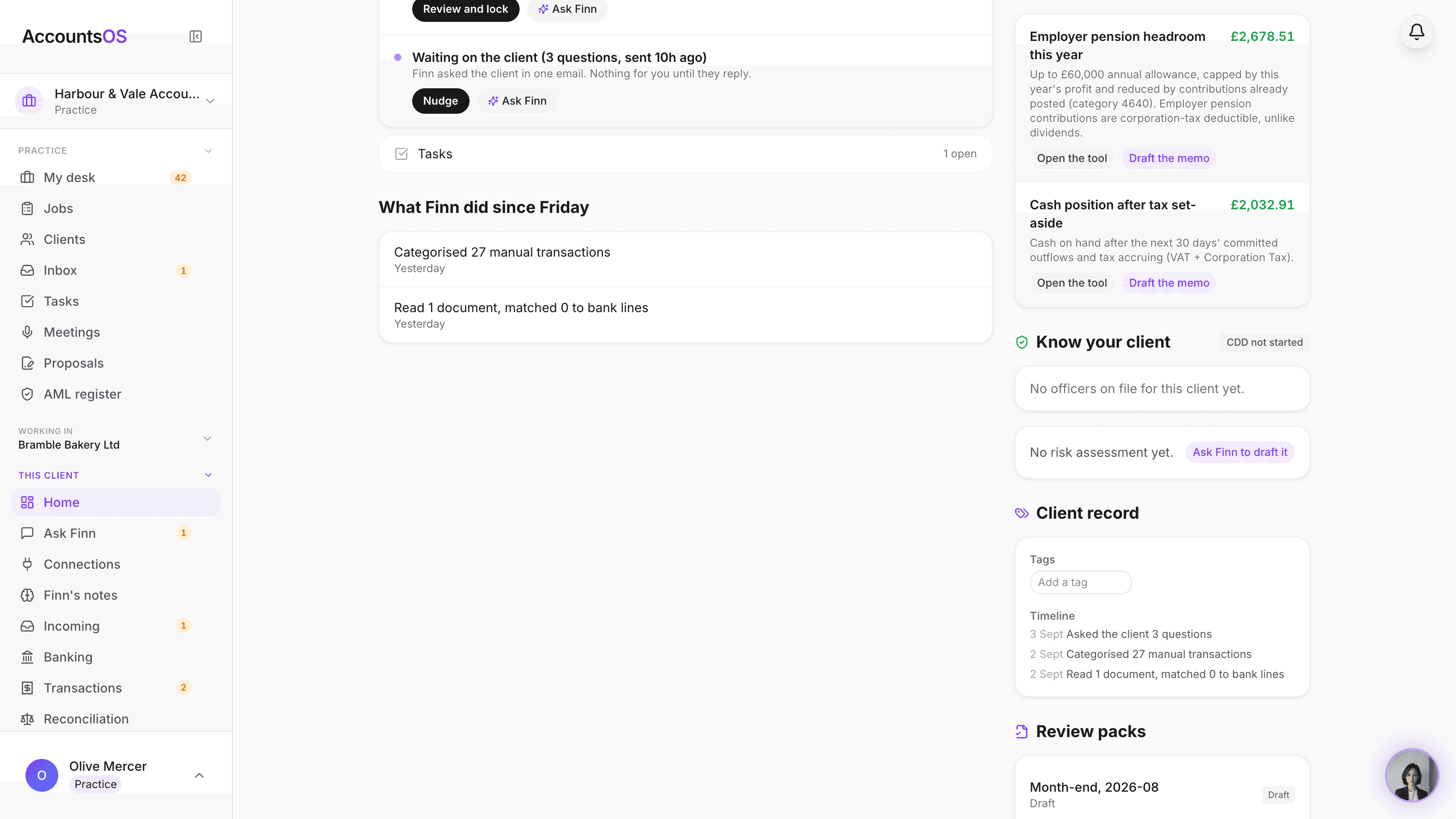
A client's Client record card showing group membership, editable tags, custom fields per the practice's own schema, and a merged timeline of Finn's activity, communications and task completions

Client record

Live

Groups, tags, custom fields and one timeline per client, on the desk you already use.
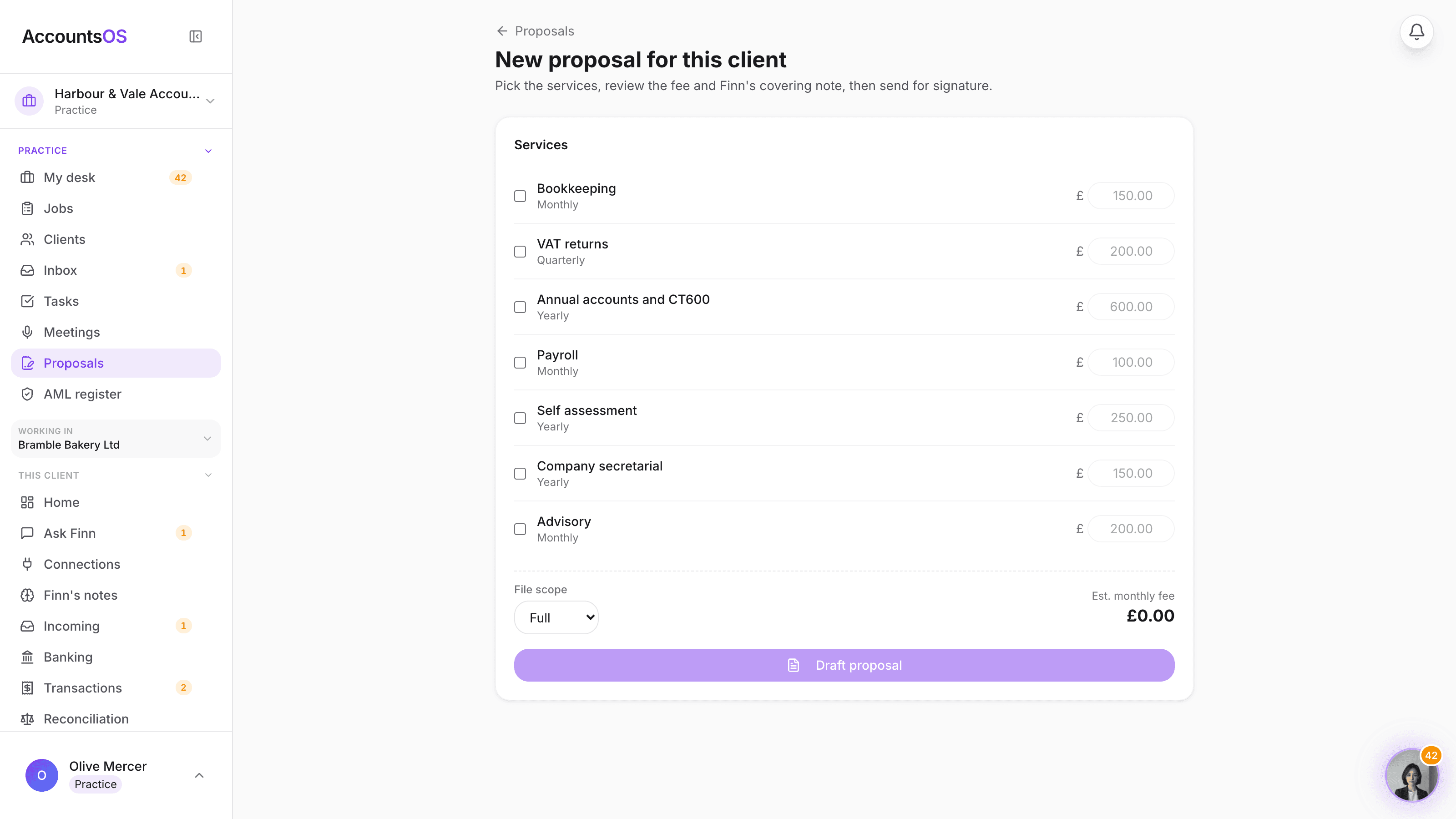
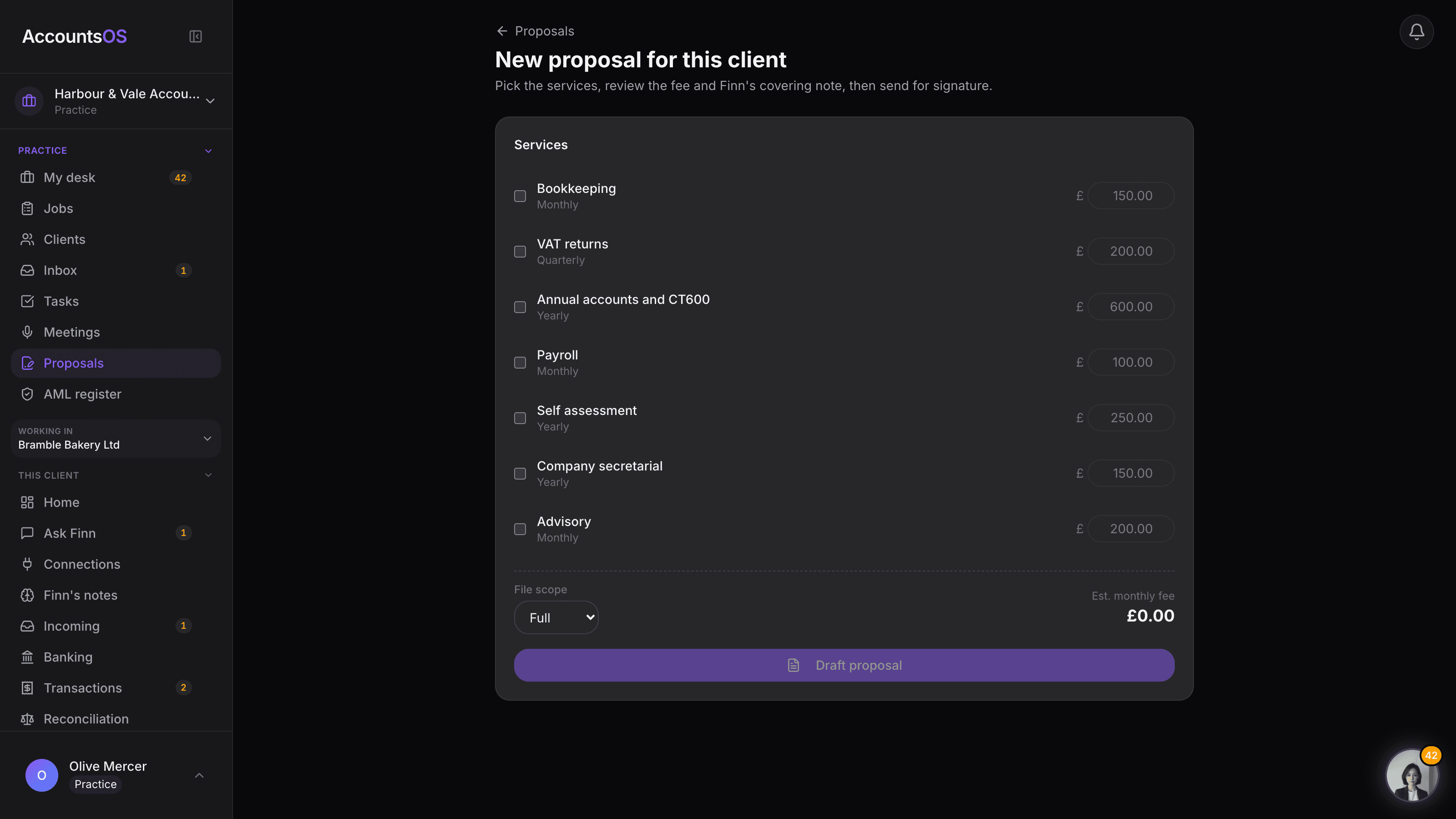
The proposal composer showing a service checklist with editable fees, the file scope selector and Finn's drafted covering note

Onboarding pack

Live

One link: proposal, engagement letter, signature, then they're in your book.

Jobs across the book

Live

Every job across the book, by stage, Finn moving what it can.
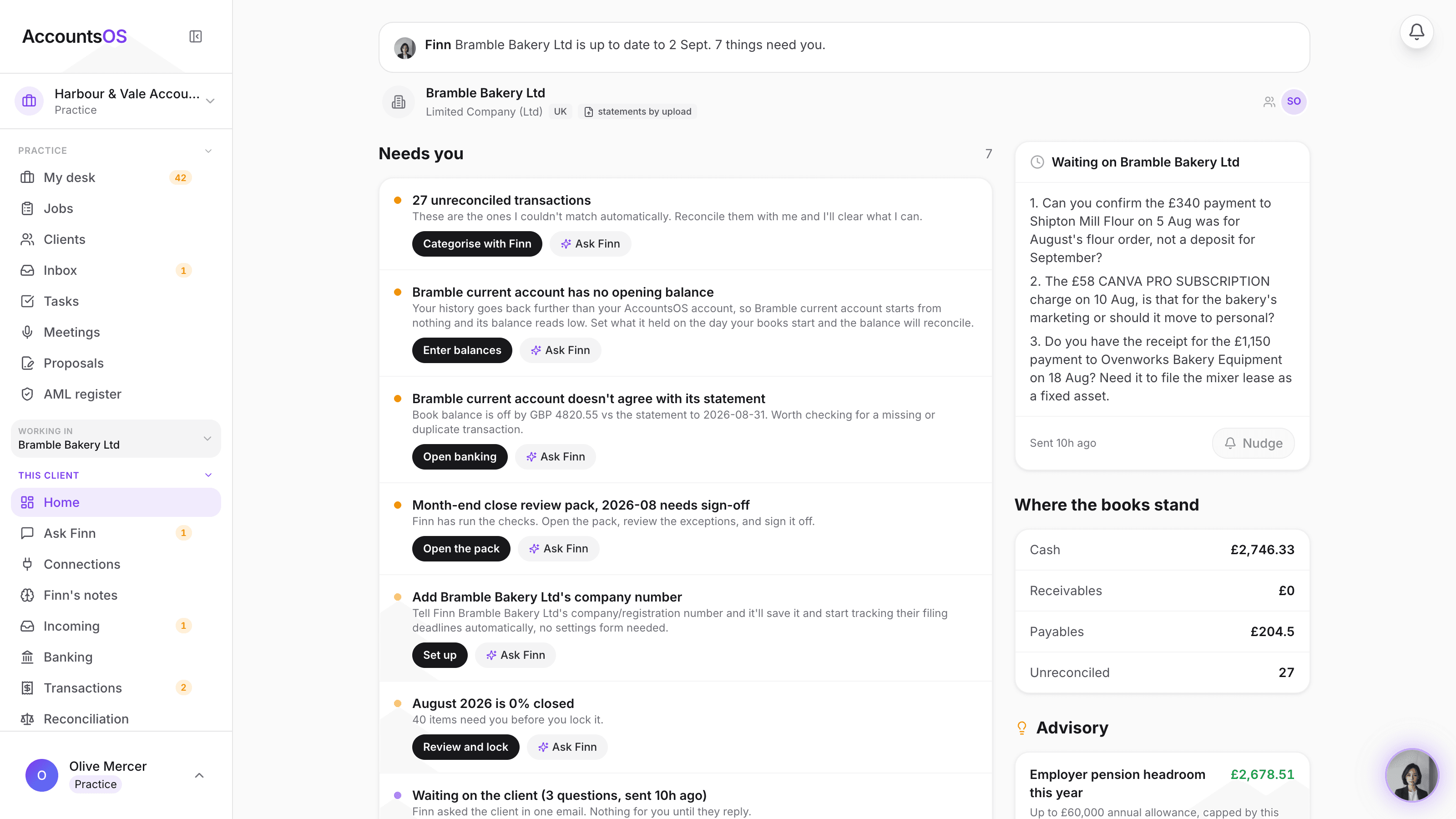
A client's chasing card showing outstanding items, the next nudge date, nudges used and the channel, with Chase now and Pause chasing buttons

Chasing on autopilot

Coming soon

Finn chases what's outstanding, on a schedule, until it's answered or it's on your desk.
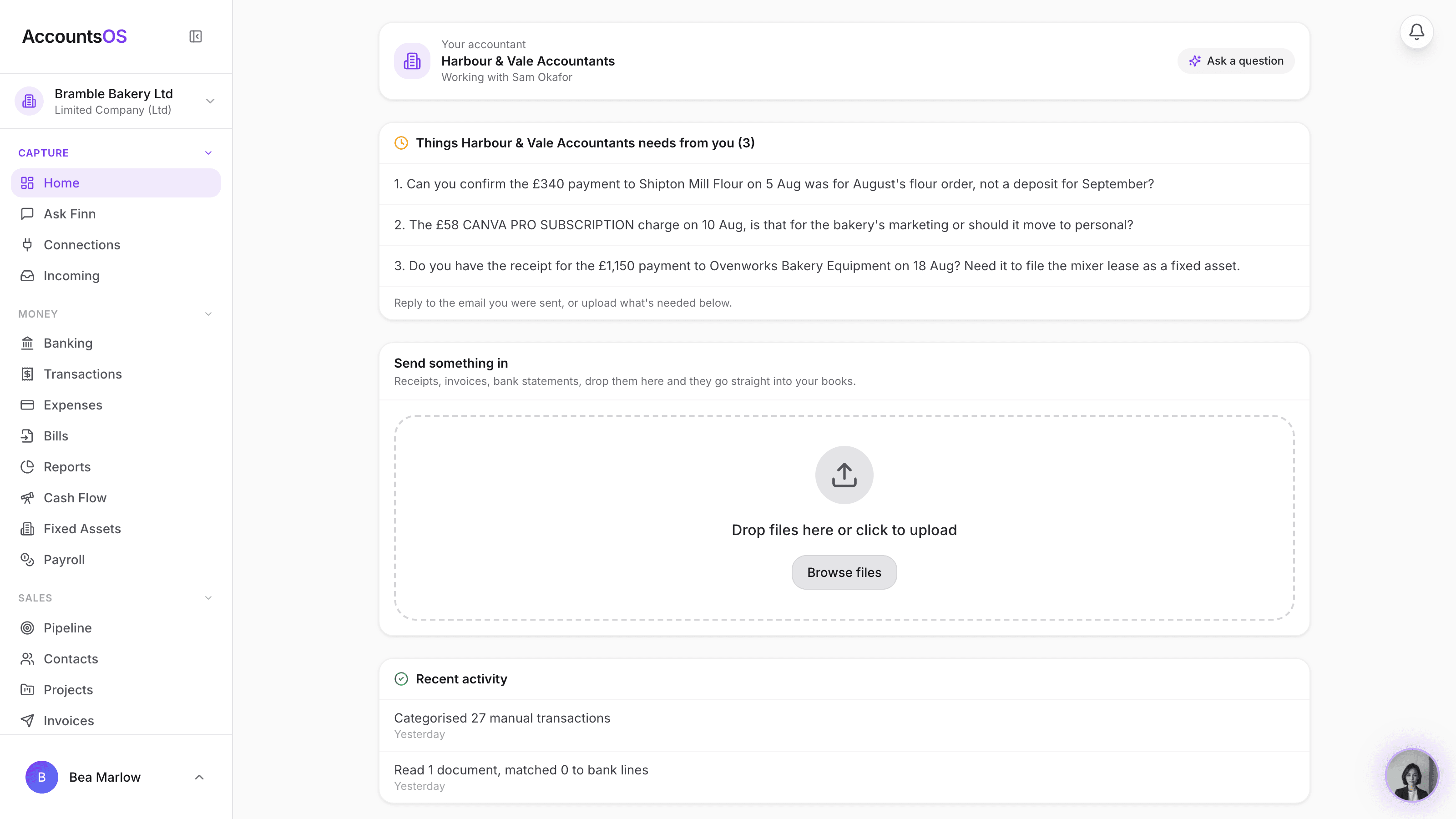
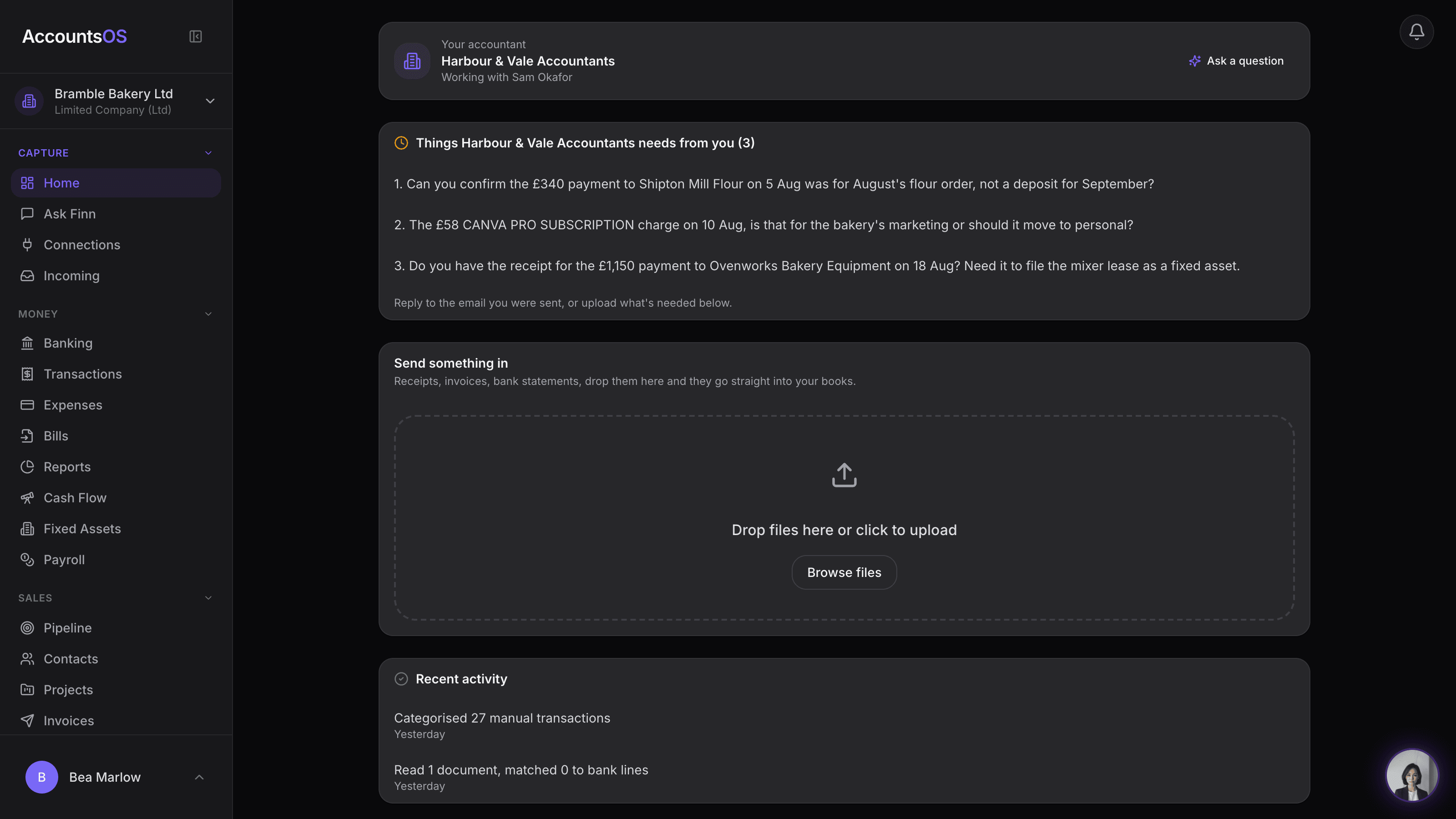
A client portal home showing the practice's name and logo, the allocated team member, and an Ask a question button

Client portal

Live

Invite a client from their row and they land on a home that carries your name.
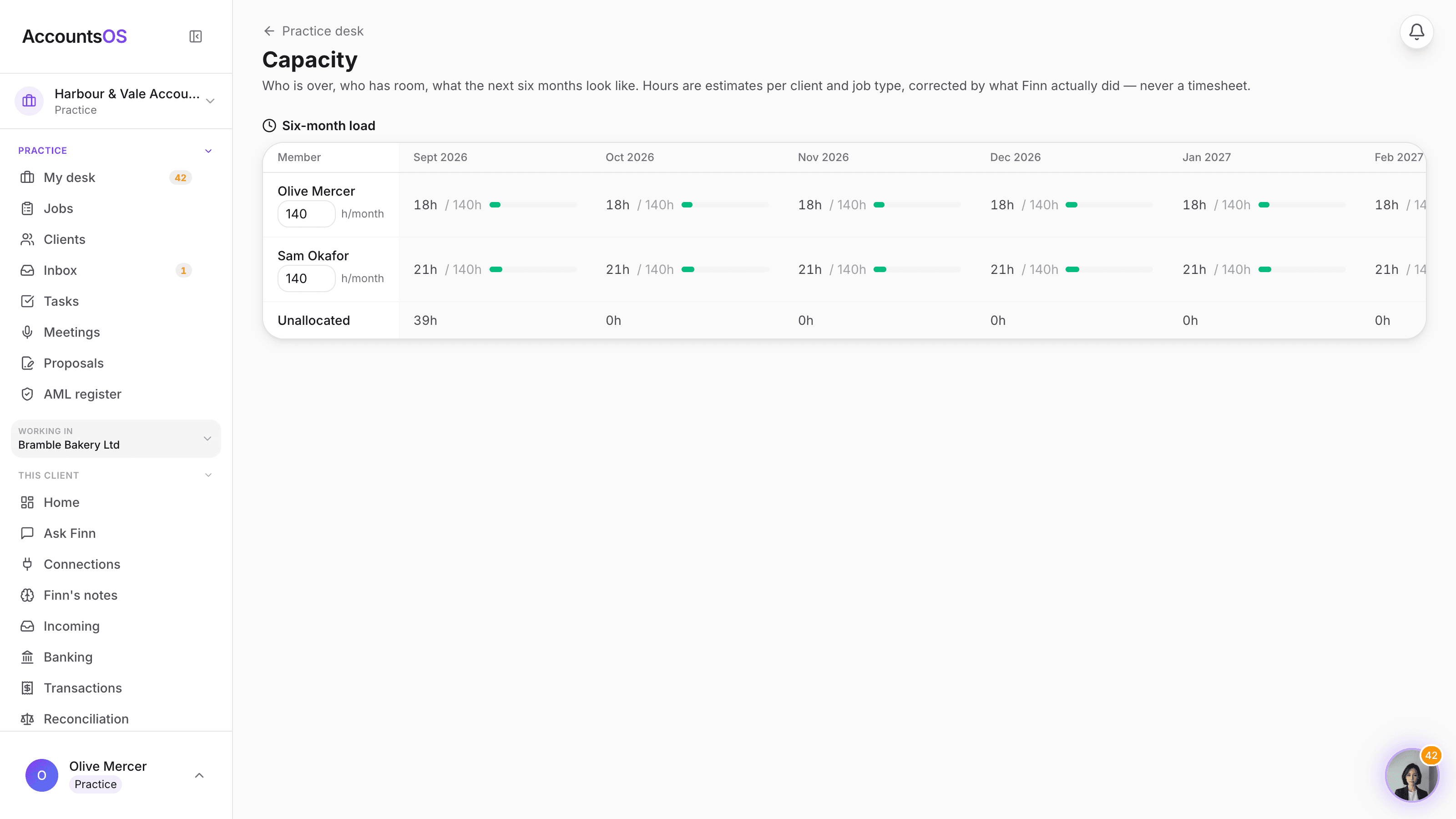
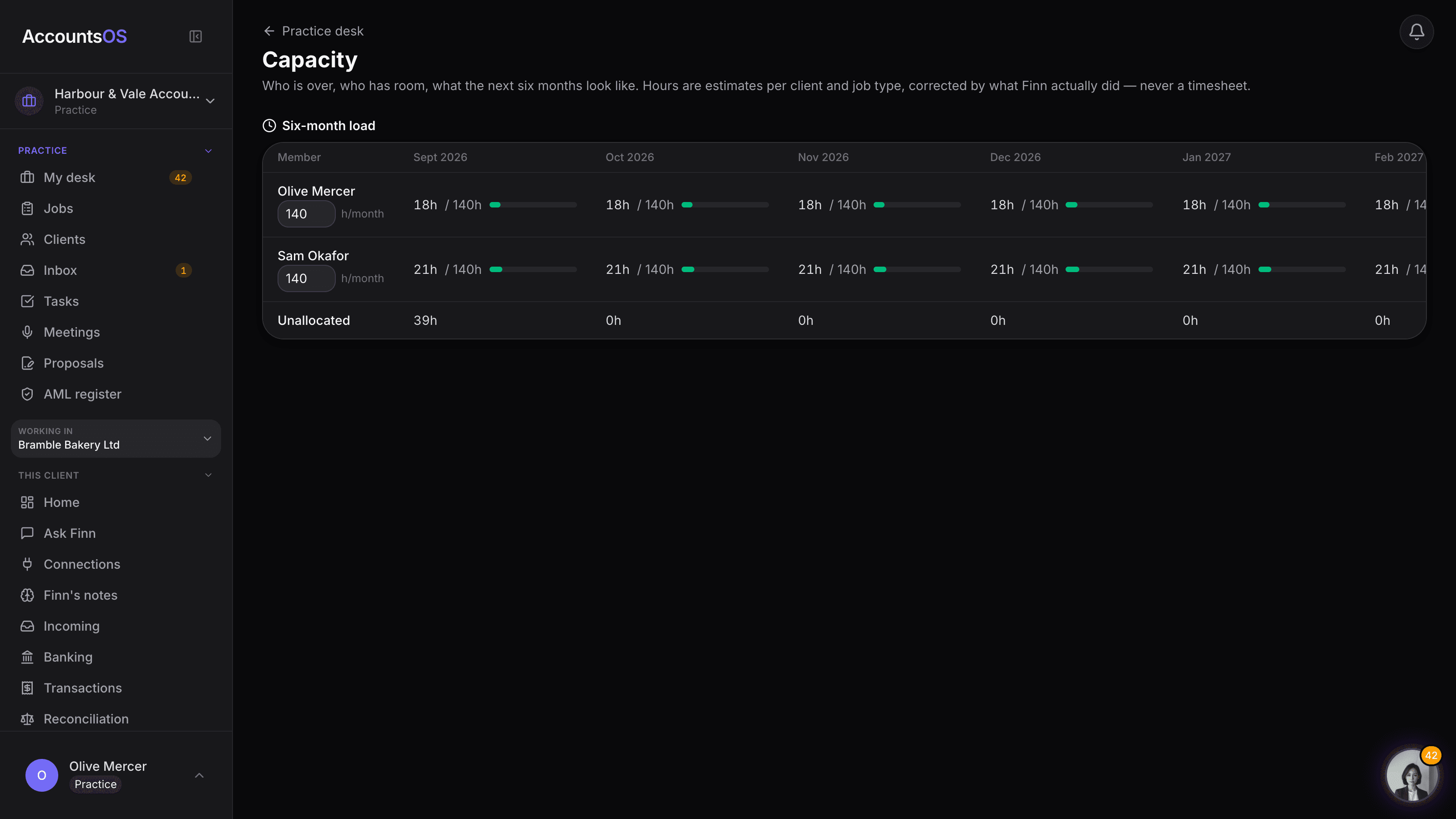
The practice capacity page showing a six-month grid of allocated hours against available hours per team member, with over-capacity chips and a peaks strip for January self-assessment season

Capacity planning

Live

See who is over and who has room, six months out, with Finn's suggested moves to apply in one click.
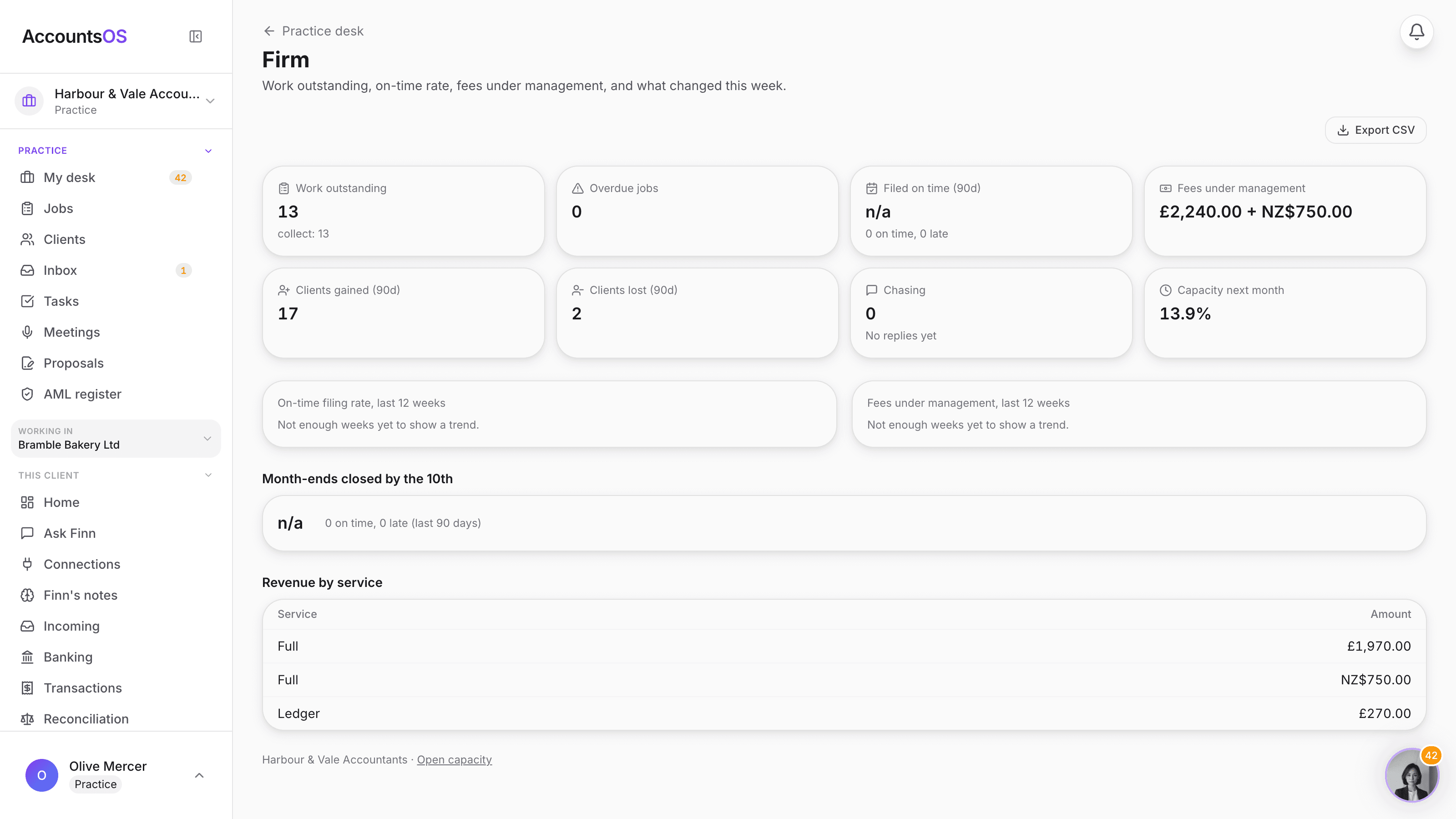
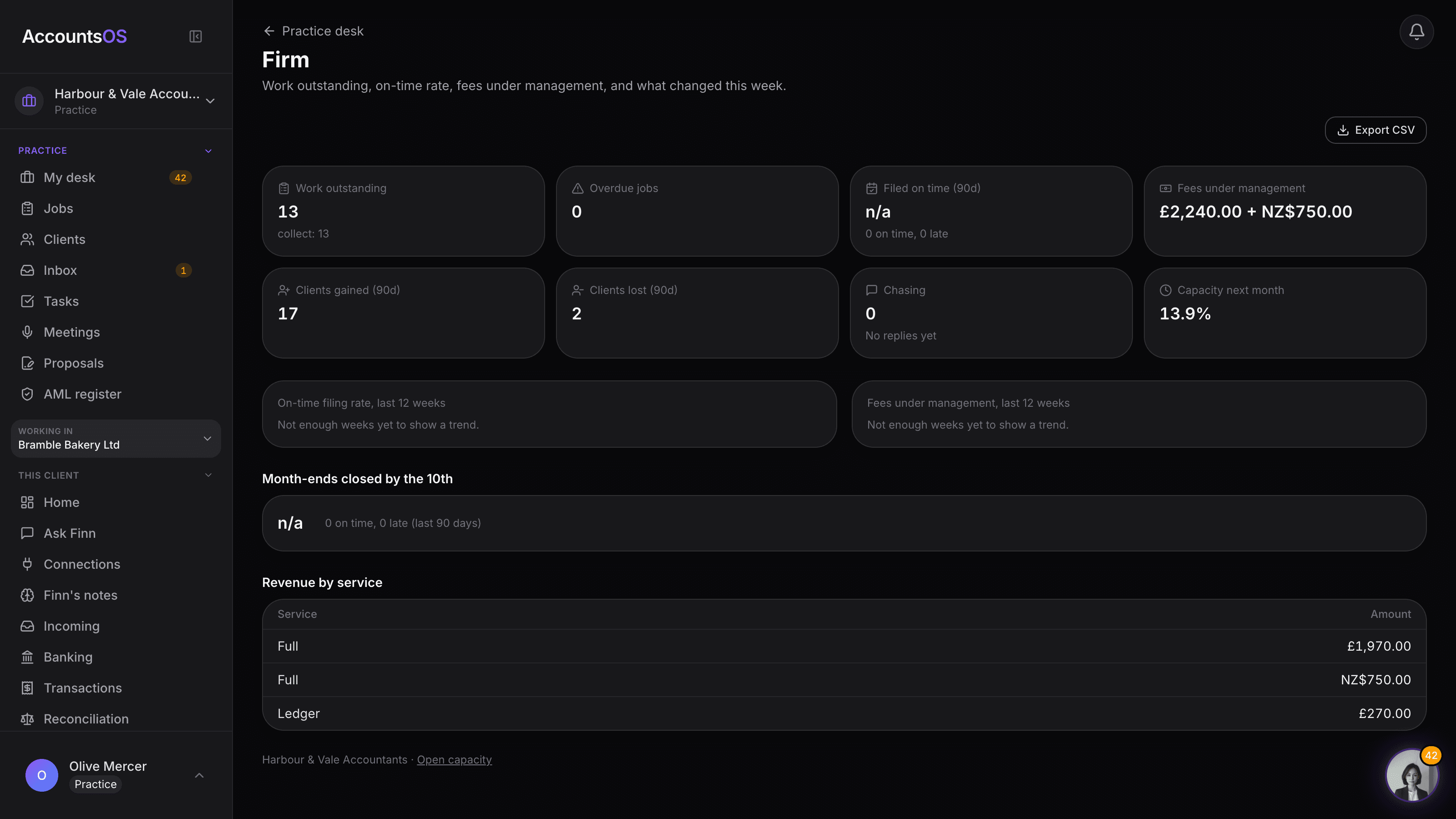
The practice firm dashboard showing Finn's line at the top and tiles for work outstanding, overdue jobs, on-time filing rate, fees under management, clients gained and lost, and capacity next month

Firm dashboard

Live

Work outstanding, on-time rate, fees under management and what changed this week, on one page.
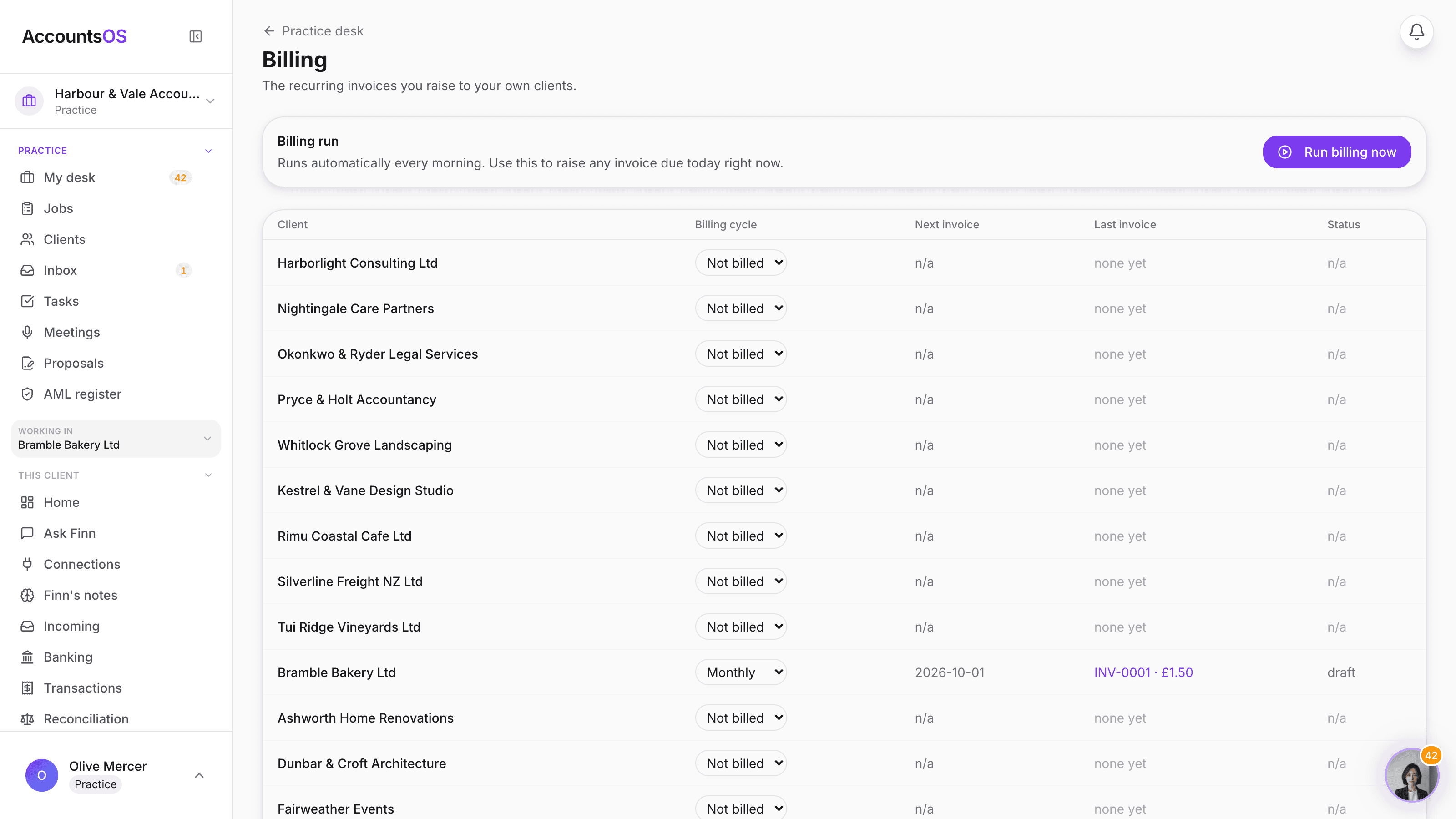
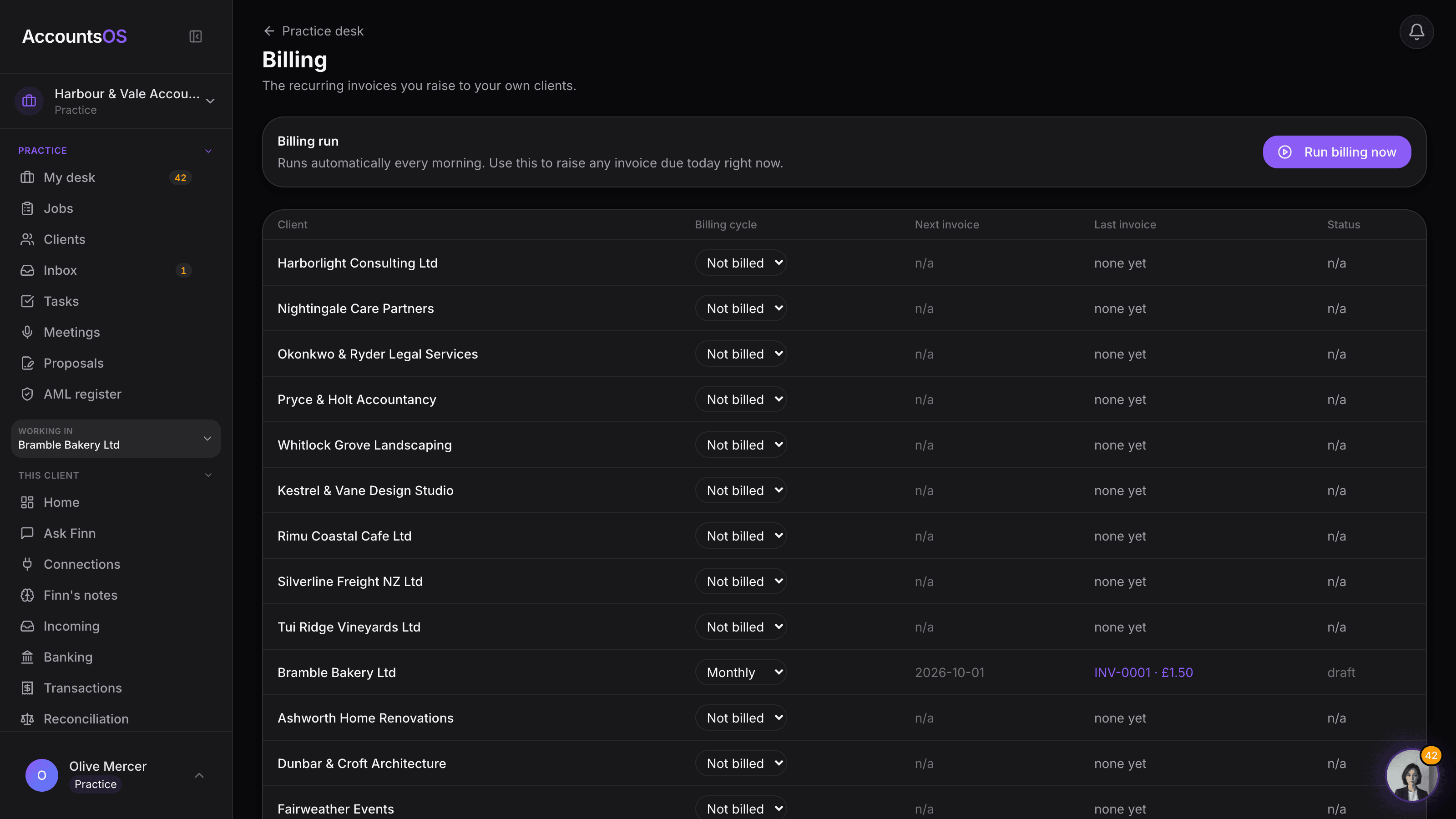
The practice's Billing screen listing clients with their billing cycle, next invoice date, last invoice and paid or overdue status

Client invoicing

Live

The fee you typed becomes a real recurring invoice, raised and sent for you.
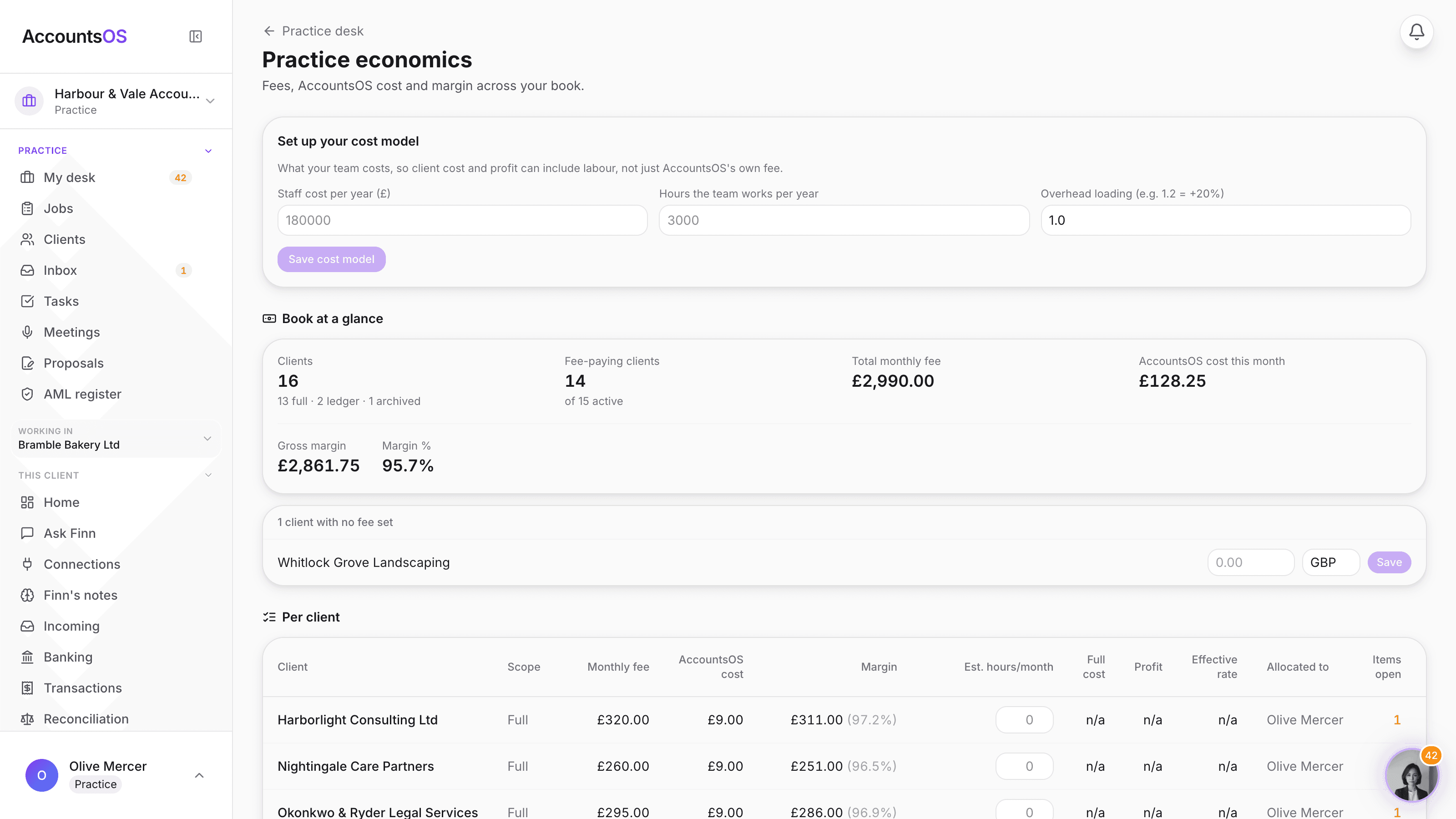
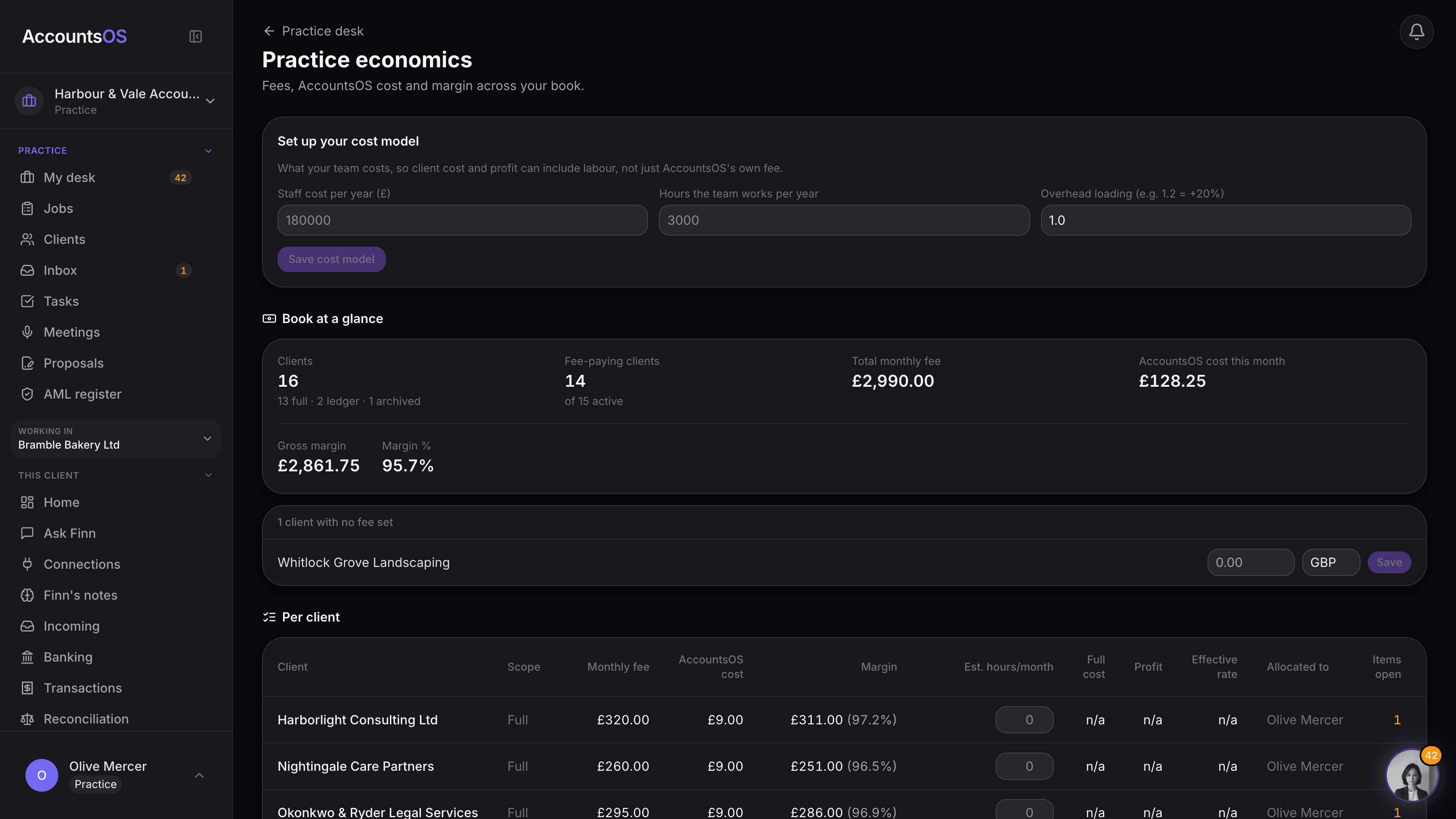
The Economics set-up card showing staff cost, staff hours and overhead loading inputs, with the resulting blended hourly rate

Economics

Live

Type what your team costs once, and margin, profit and effective rate become real per client.
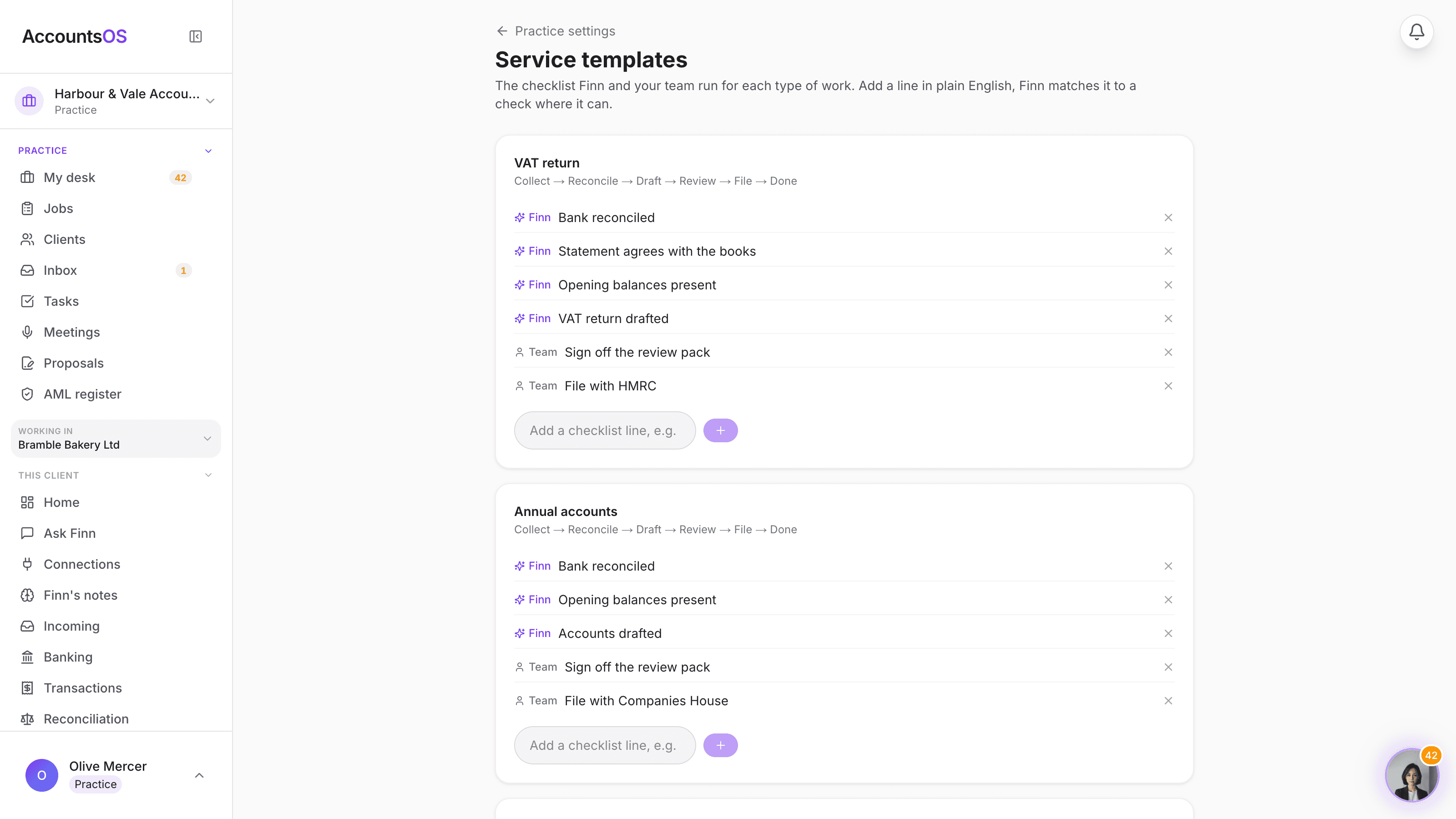
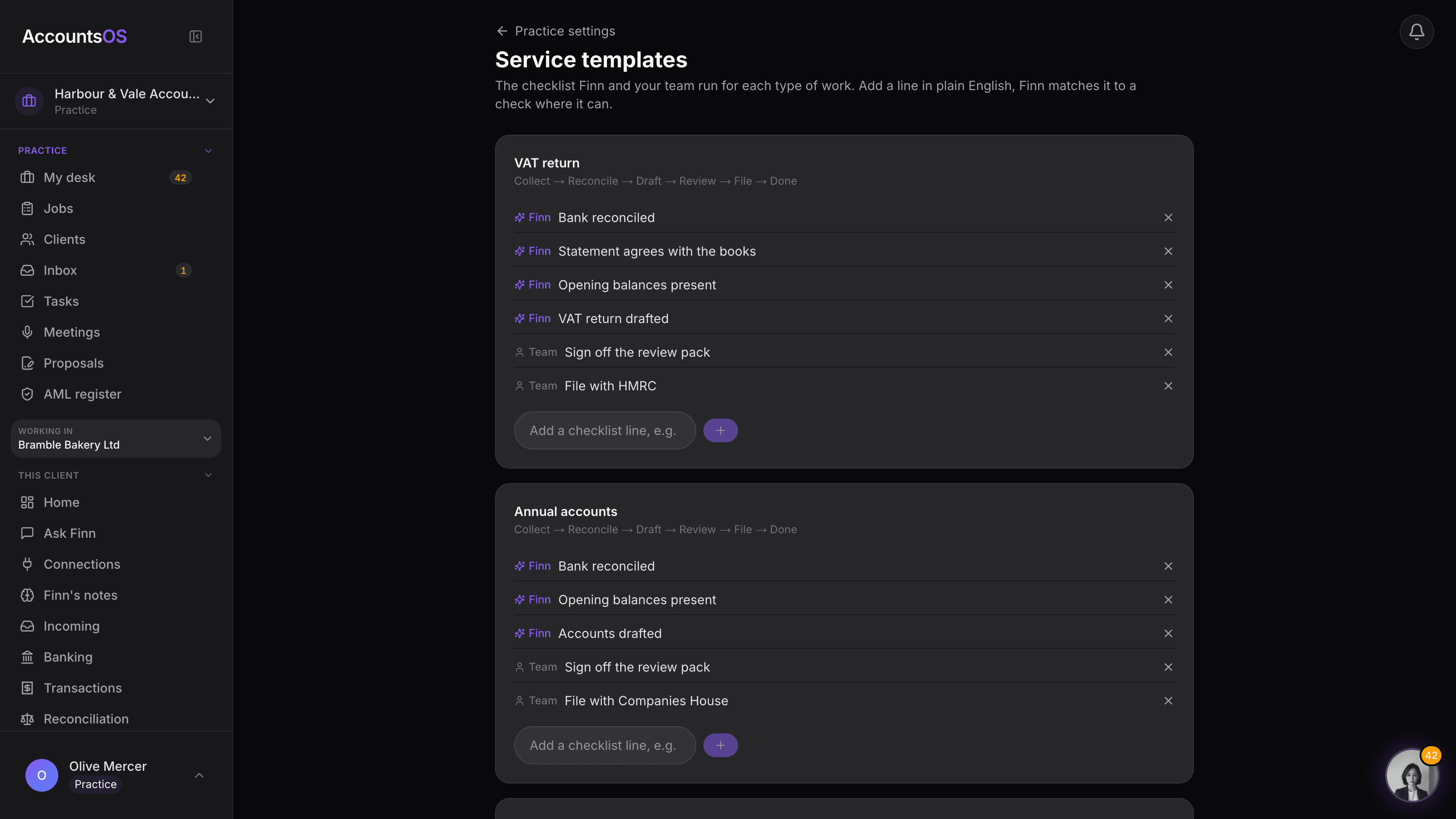
The service templates settings page showing a checklist for VAT returns with Finn and Team owner chips and an add line input

Service templates

Live

The checklist for every job type, editable per practice, Finn running what it can.
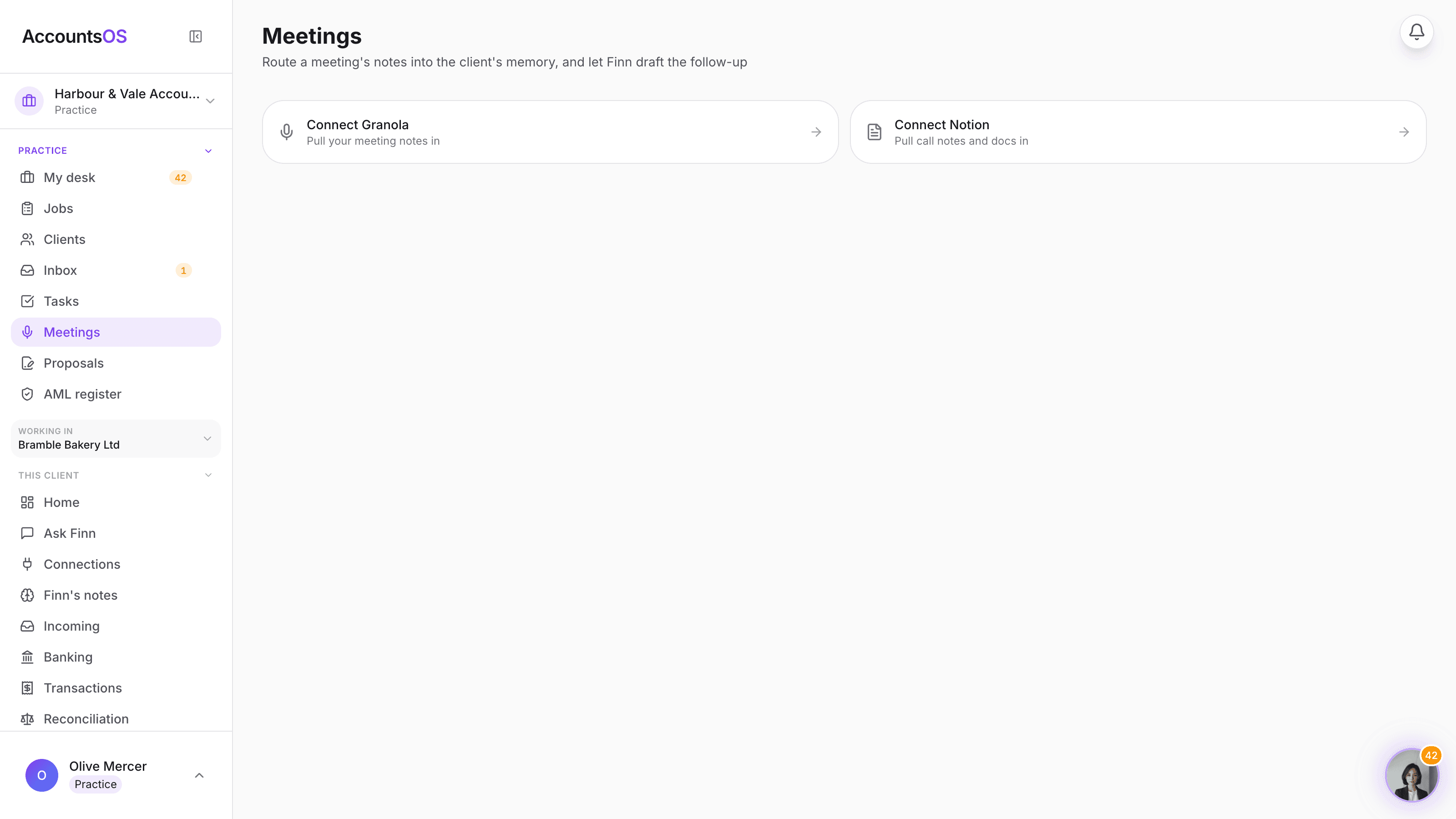
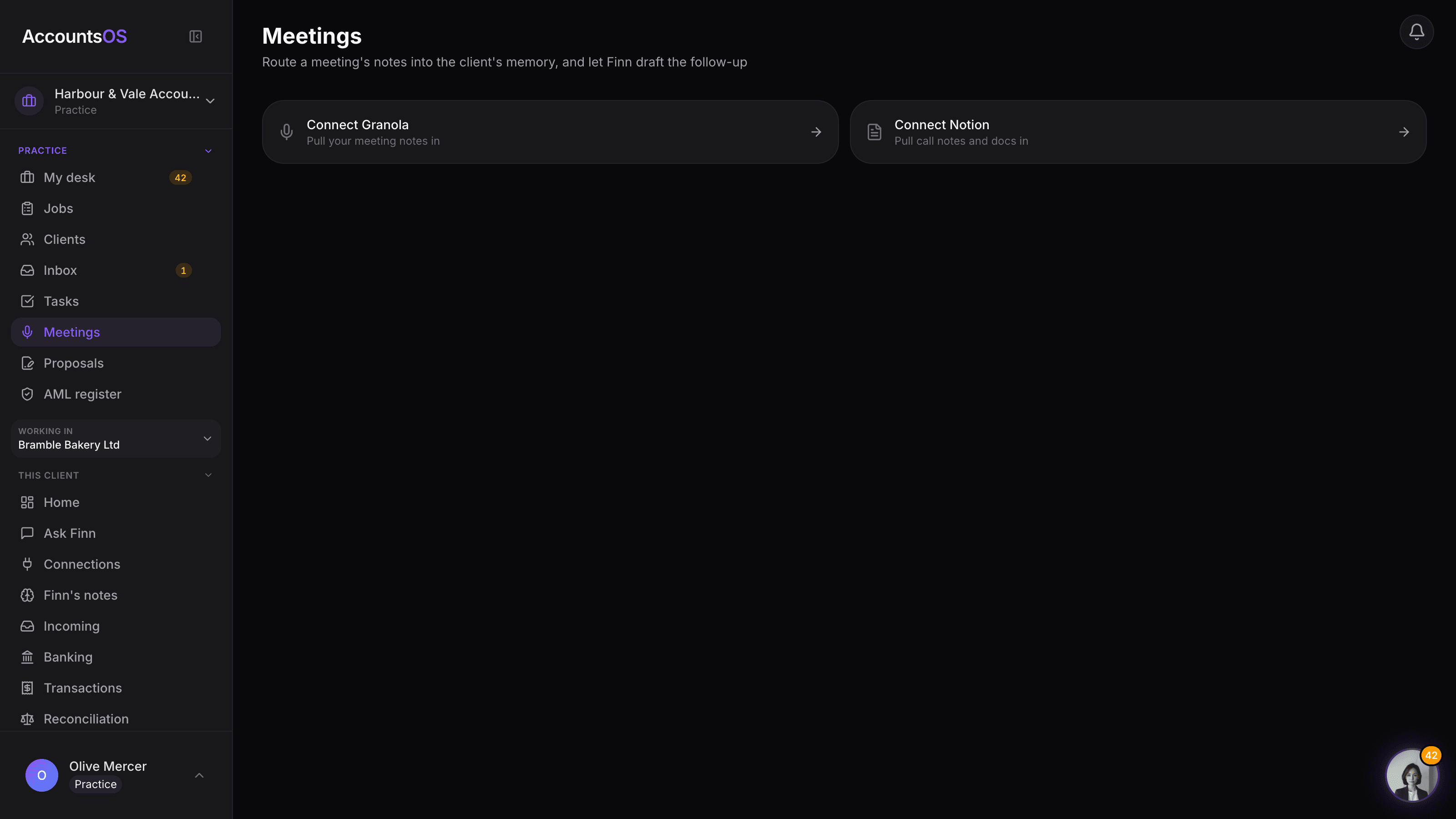
The practice meetings screen listing recent Granola and Notion meetings, each with Finn's suggested client match

Meetings

Coming soon

Meeting notes routed into the client's memory, actions and follow-up drafted for you.

Your next chapter as a practice

Bring the books and the business together, with more visibility over your team, client work and margins.