Four ways in
Add one client in thirty seconds. Or bring the whole book.
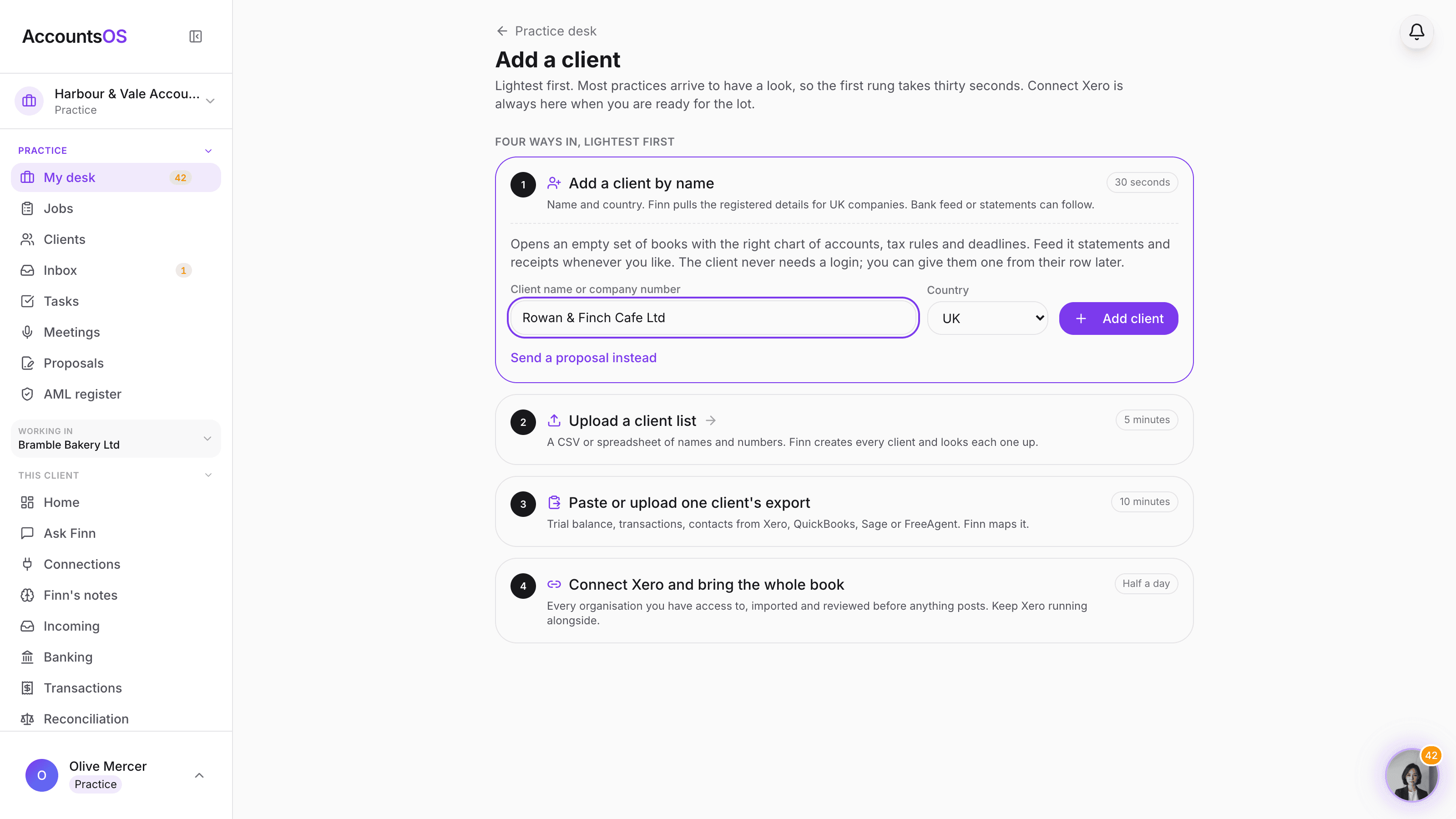
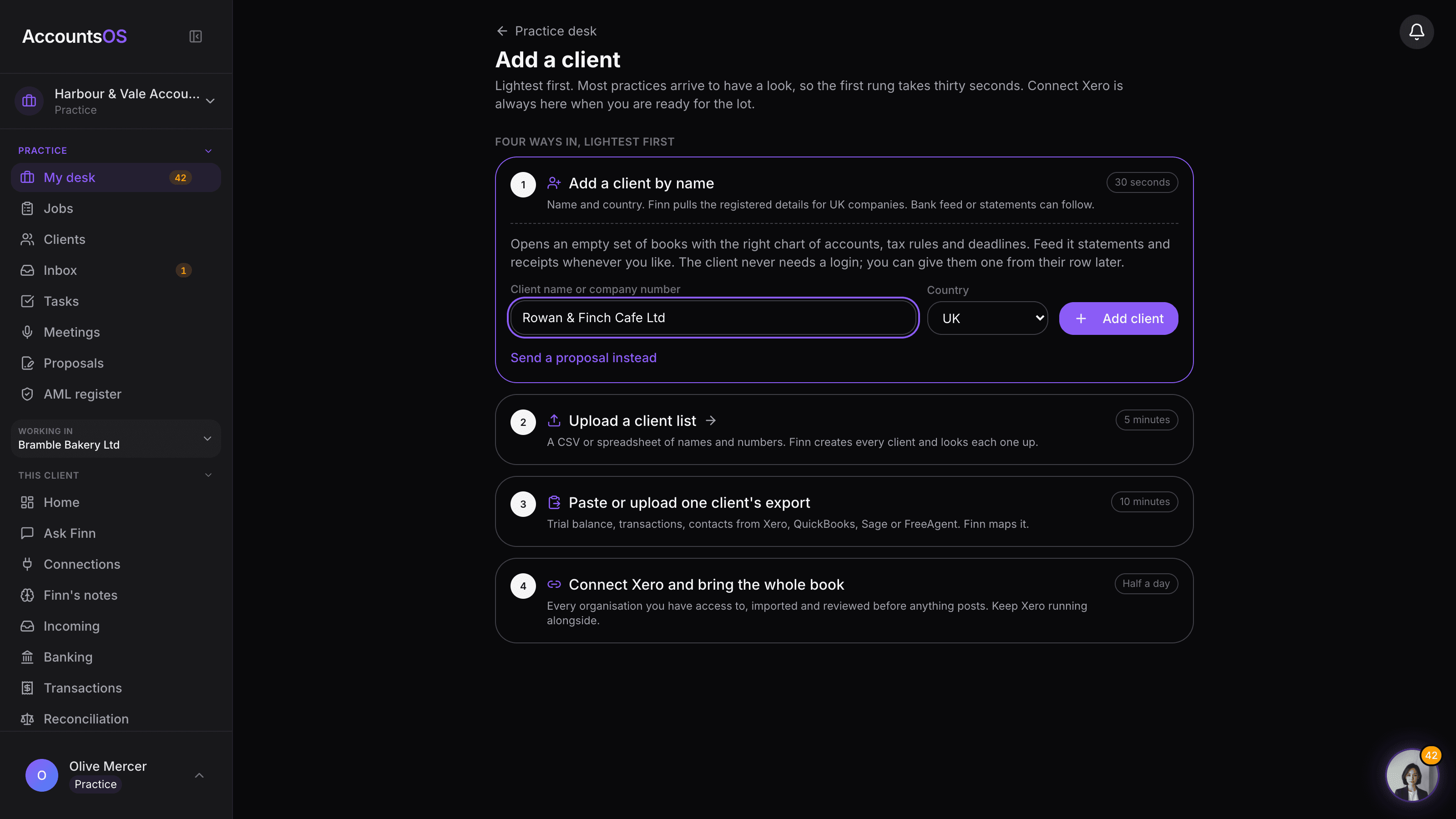
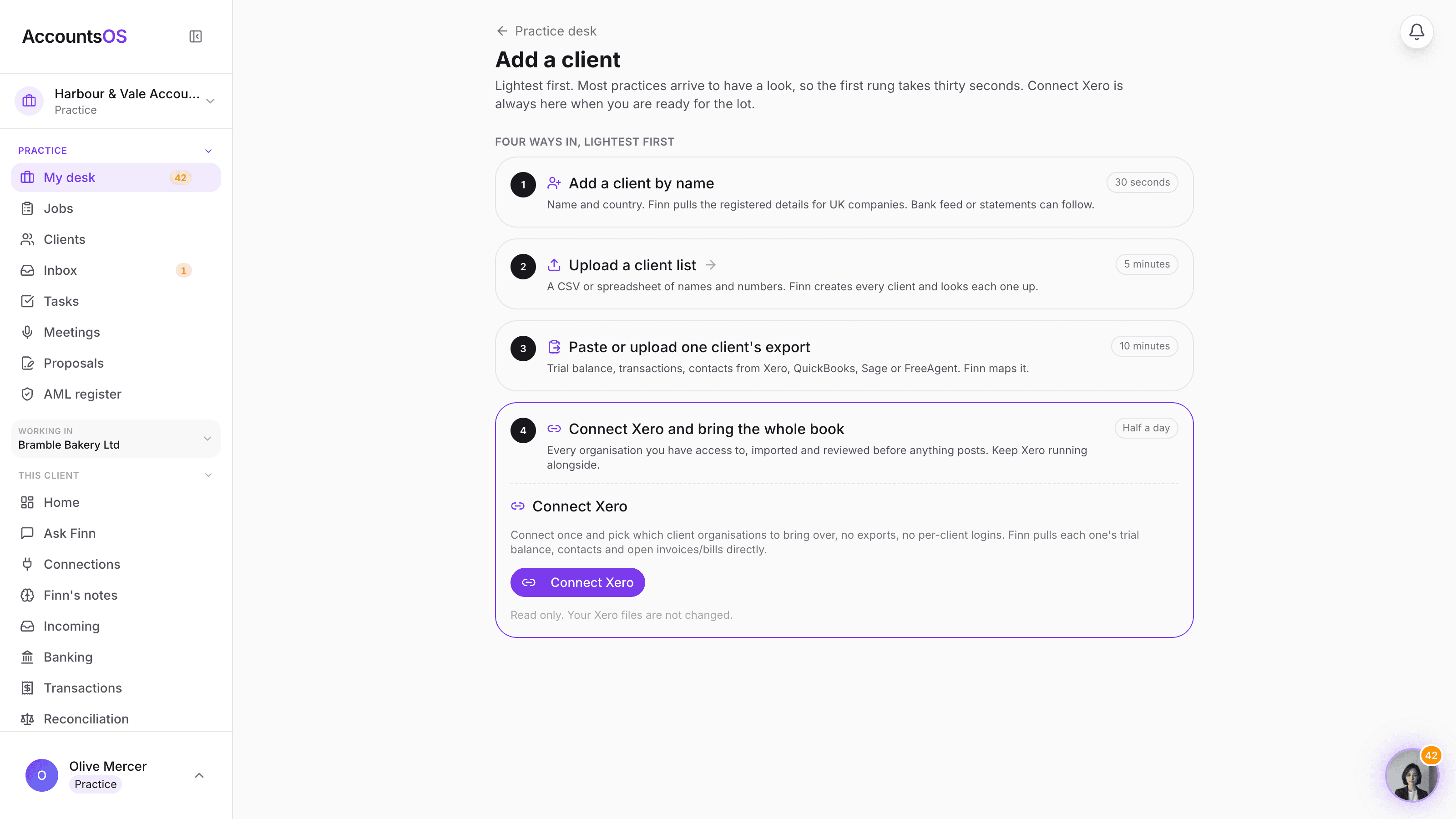
Add a client by name and Finn pulls the Companies House record, upload a client list, paste one client's export from Xero, QuickBooks, Sage or FreeAgent, or connect Xero and bring every organisation you have access to. Nothing posts to the books until you have reviewed it.
Start with one pilot client. Bring the rest when it holds up.
Add a client on AccountsOS: Add one client in thirty seconds, or connect Xero and bring the book.
AccountsOS · Four ways in, lightest first
How it works
How it works
Add by name
Type the client's company name and Finn pulls the Companies House record: registration, incorporation date and year end.
Paste or upload an export
Paste one client's export from Xero, QuickBooks, Sage or FreeAgent, or upload a plain client list to add several at once.
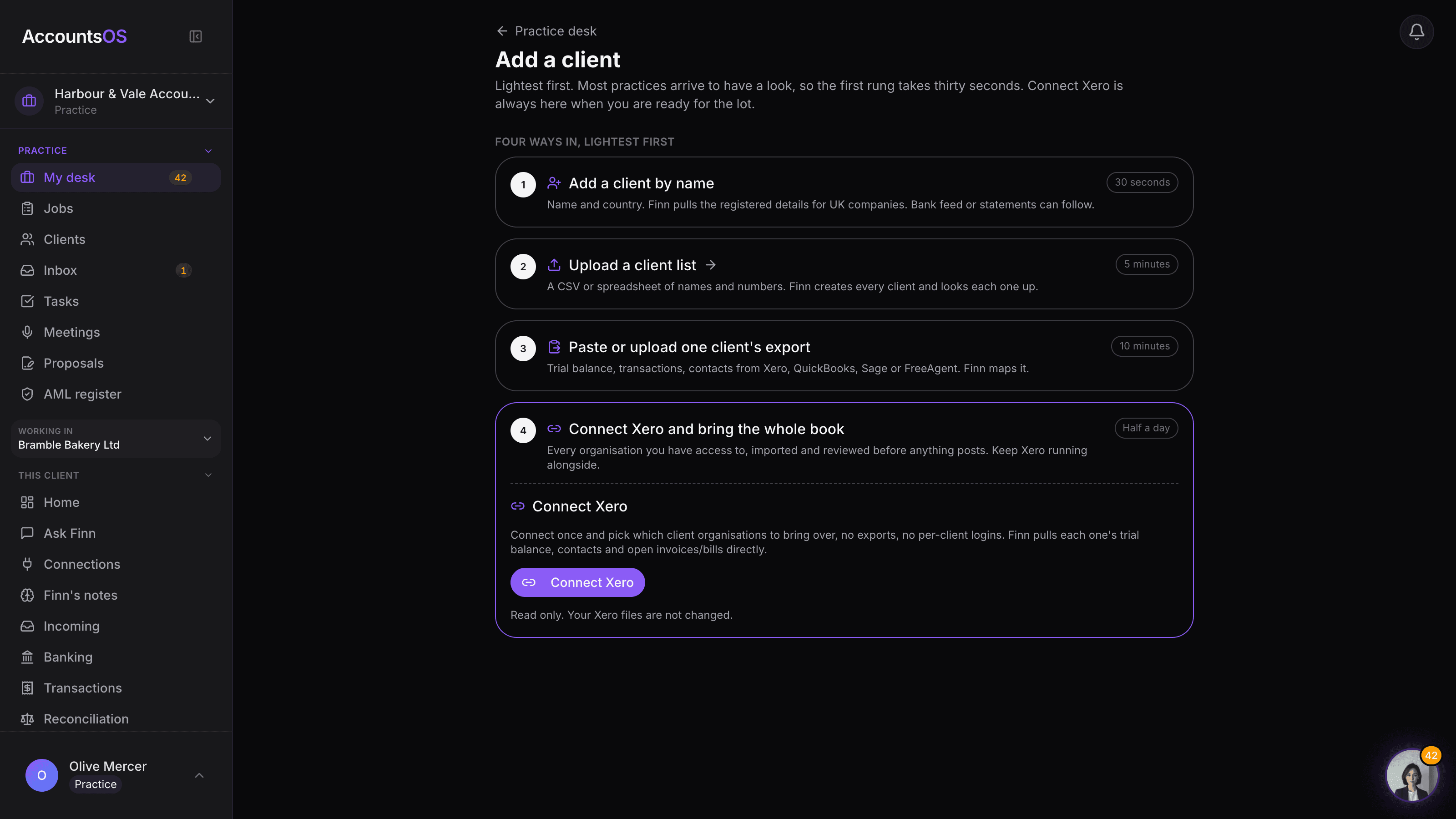
Or connect Xero once
Connect your Xero login, tick the organisations to bring over, and Finn maps the chart of accounts, contacts and history for each.
Review before anything posts
See the import plan for every client before it touches the books. Nothing is final until you say so.
- Clients never need a login. Give one later from their row, if it helps.
- Xero connect is read only. Your Xero files do not change.
- One client or the whole book. Your call, and you can change it later.
- Start with a pilot client or a natural client group
- Accountant review before anything posts
AccountsOS · Connect Xero once, pick the clients
FAQ
The questions accountants ask first
Does connecting Xero change anything in our Xero files?
Does a client need to do anything, or create their own login?
What happens to a client's opening balances and history?
Can I bring in one client to try it before committing the whole book?
What formats does the paste or upload accept?
Put Add a client to work
30-day free trial, then priced per live client. No minimum.
See every feature on the features page.