Practice management
One queue for the whole book.
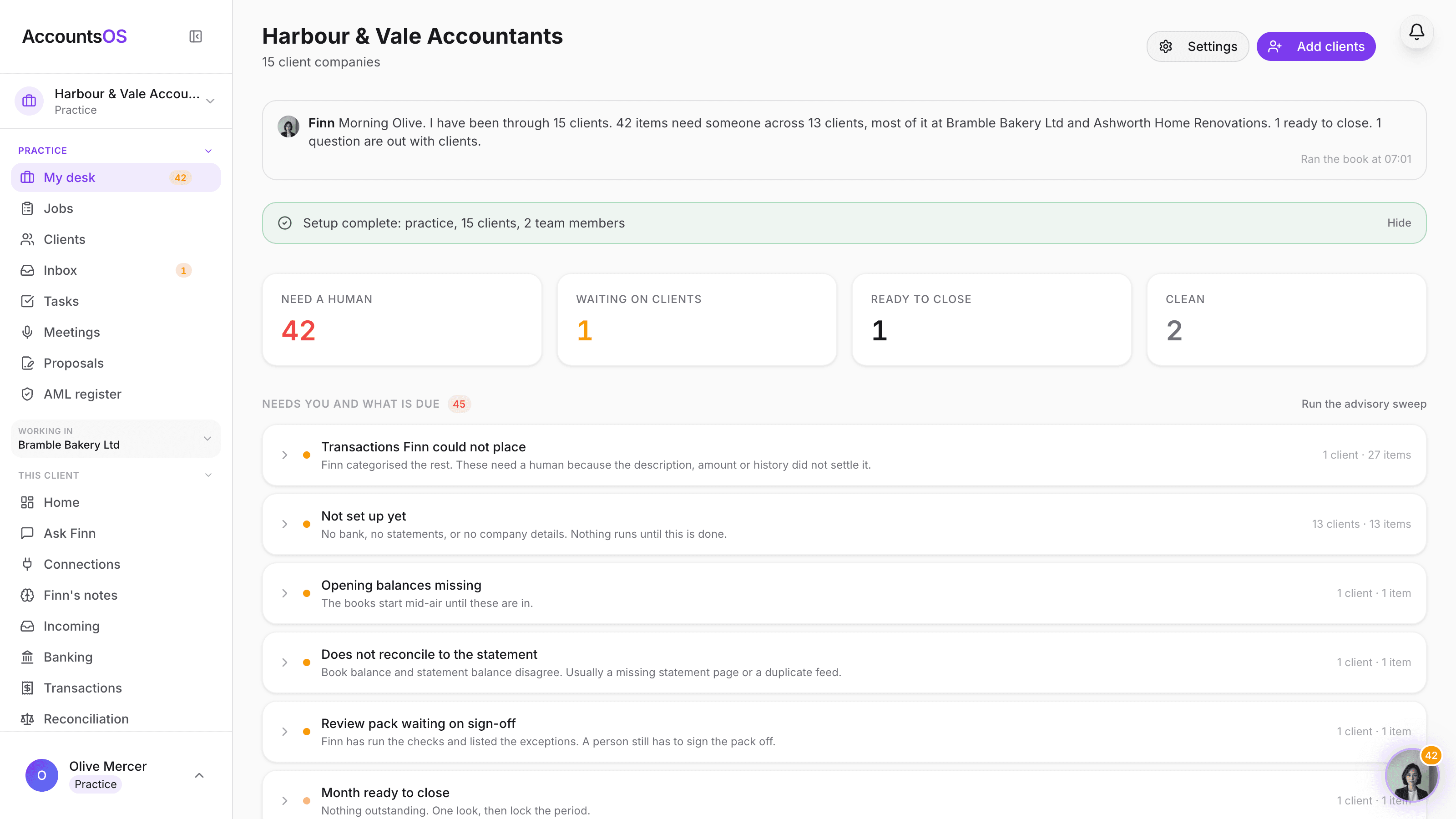
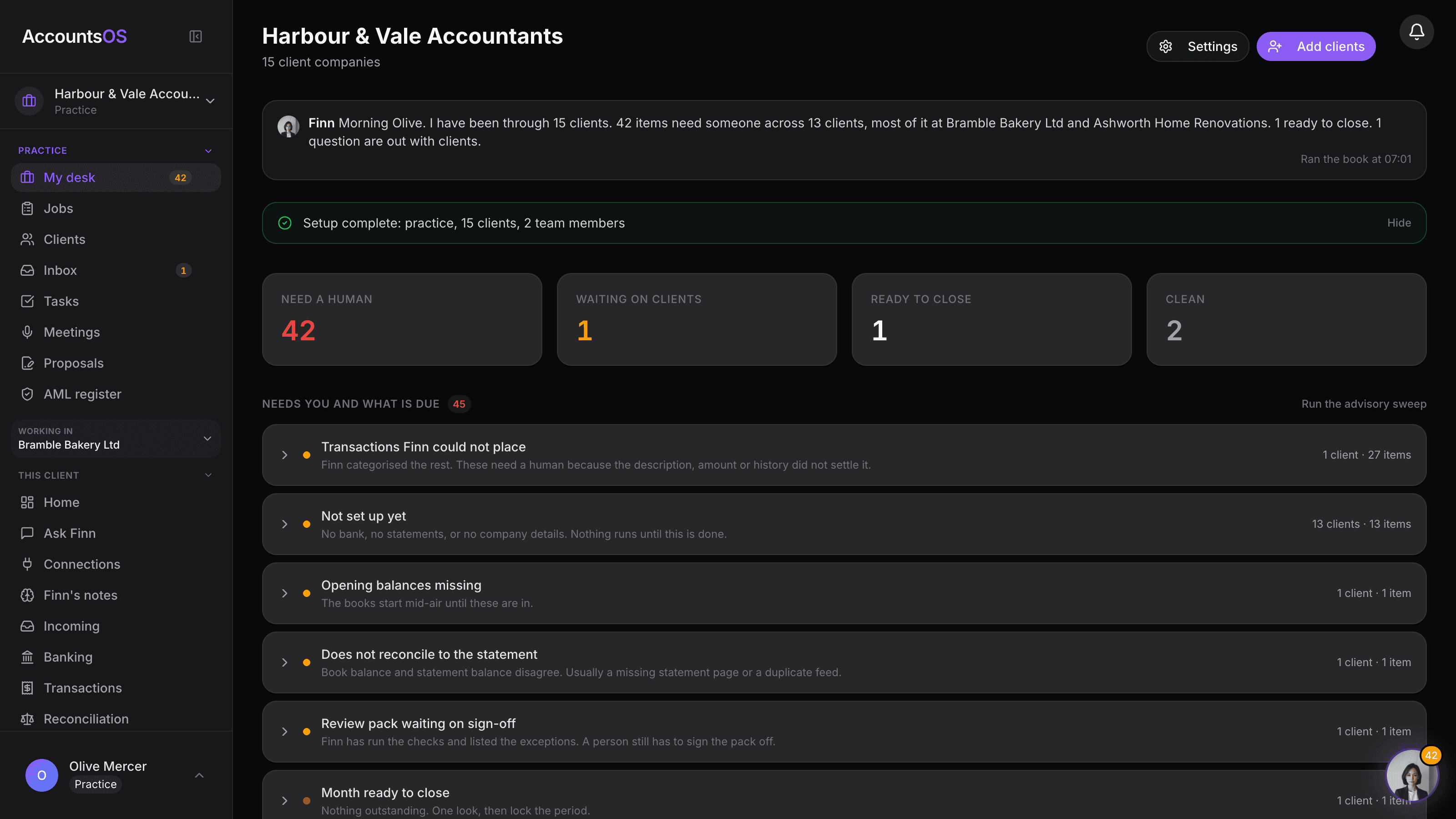
Finn works every client's books and lands what needs a person in one queue. You see what needs you, what is ready to close and what is clean, and nothing else.
Optional
AccountsOS · The practice desk
How it works
Practice desk, step by step
01
Finn works the books
She categorises, reconciles and checks each client against the statement while you are away.
02
The queue names the reason
Each group shows the client, the reason and the count, like unplaced transactions or a month ready to close.
03
Work the group, not the line
Every group carries a ready-written prompt for Finn. Hand it over or work it yourself.
04
Ask across the book
Ask which clients are behind on VAT and Finn answers and takes you to the right client.
What you get
- Need a human, Ready to close and Clean counts at a glance
- A briefing note that names the clients who need you
- Filter to Mine, All, Unallocated or Archived
- Jump into any client straight from the queue
- Works across every client you have access to
Questions
What practices ask
What does Finn do without me?
She categorises new transactions, tries to match them to invoices and bills, and checks the books against the bank statement. Anything she cannot settle lands in the queue with the reason.
How is this different from opening each client?
You do not choose who to check. Clean clients never appear, and the rest come with the reason named.
Can Finn close a month or file from the queue?
No. She prepares and flags. Closing a month, filing and confirming a match all wait for you.
Does it work with a mix of client scopes?
Yes. The desk shows every client you can access, whatever scope each one is on.
Switch on just this, or see the whole menu
Open the demo practice with no sign-up, or start your own and add pieces as you go.