Inbox and comms
One email per client, not one per transaction.
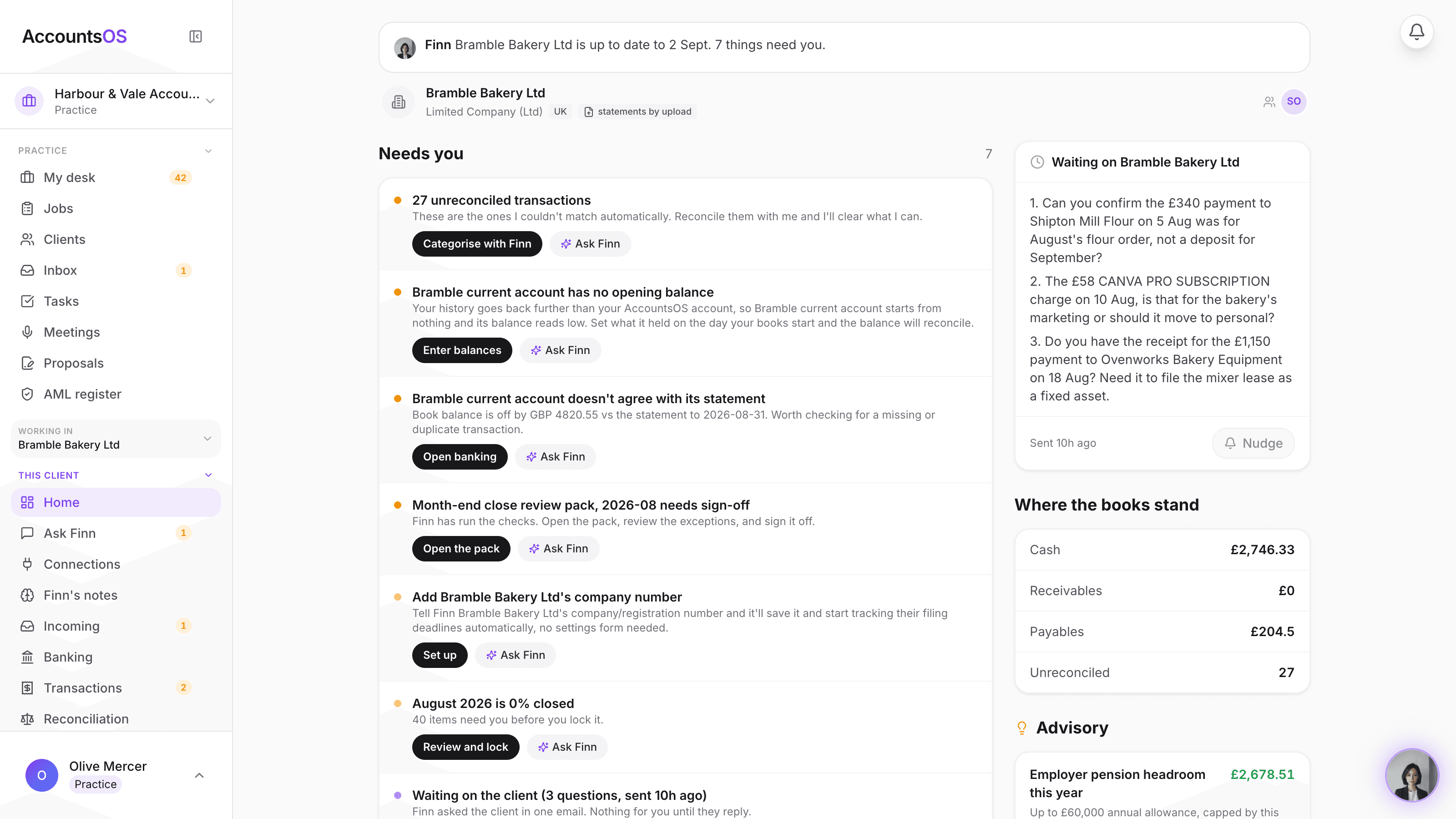
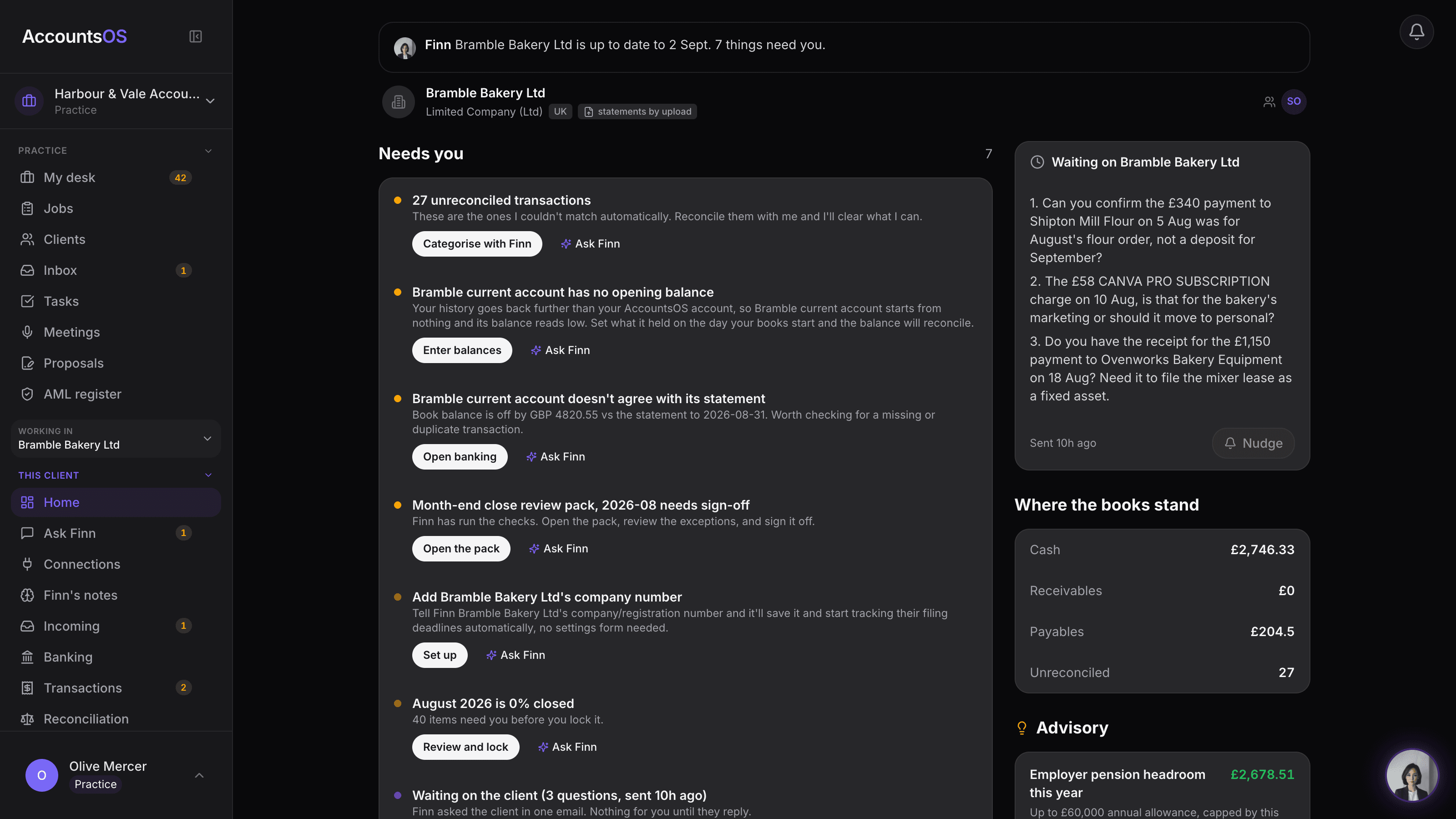
Your assistant drafts a single email listing the transactions only the client can explain. You send it, and the answers map back to the lines waiting on them.
Optional
AccountsOS · Inside one client's books
How it works
Ask the client, step by step
01
One draft is gathered
Everything only the client can explain goes into one consolidated draft.
02
You review and send
Send it from the client's home. Nothing goes to a client on its own.
03
One nudge if it goes quiet
If there is no reply, a single follow-up nudge is offered, not repeated chasing.
04
Answers map back
Replies map to the transactions waiting on them, ready for you to apply.
What you get
- One email per client, so busy clients have less to ignore
- Draft only. You review and send
- Answers land on the right transactions
- Unanswered items stay in the queue, unchanged
Questions
What practices ask
Does it email the client without me?
No. It drafts and you send from the client's home.
Can I edit the draft?
Yes. Add, remove or reword items before it goes.
What if they only answer some questions?
Those answers map to their transactions. The rest stay in the queue and nothing is guessed.
How often does it chase?
Once. A single follow-up nudge, then the next step is yours.
Switch on just this, or see the whole menu
Open the demo practice with no sign-up, or start your own and add pieces as you go.