Your brand, end to end
Your clients see your practice. Never ours.
Switch on white label and your clients sign in at your own web address, get every email from your own address, and talk to an assistant you name. Proposals, requests, reports, planning memos and invoices all carry your brand.
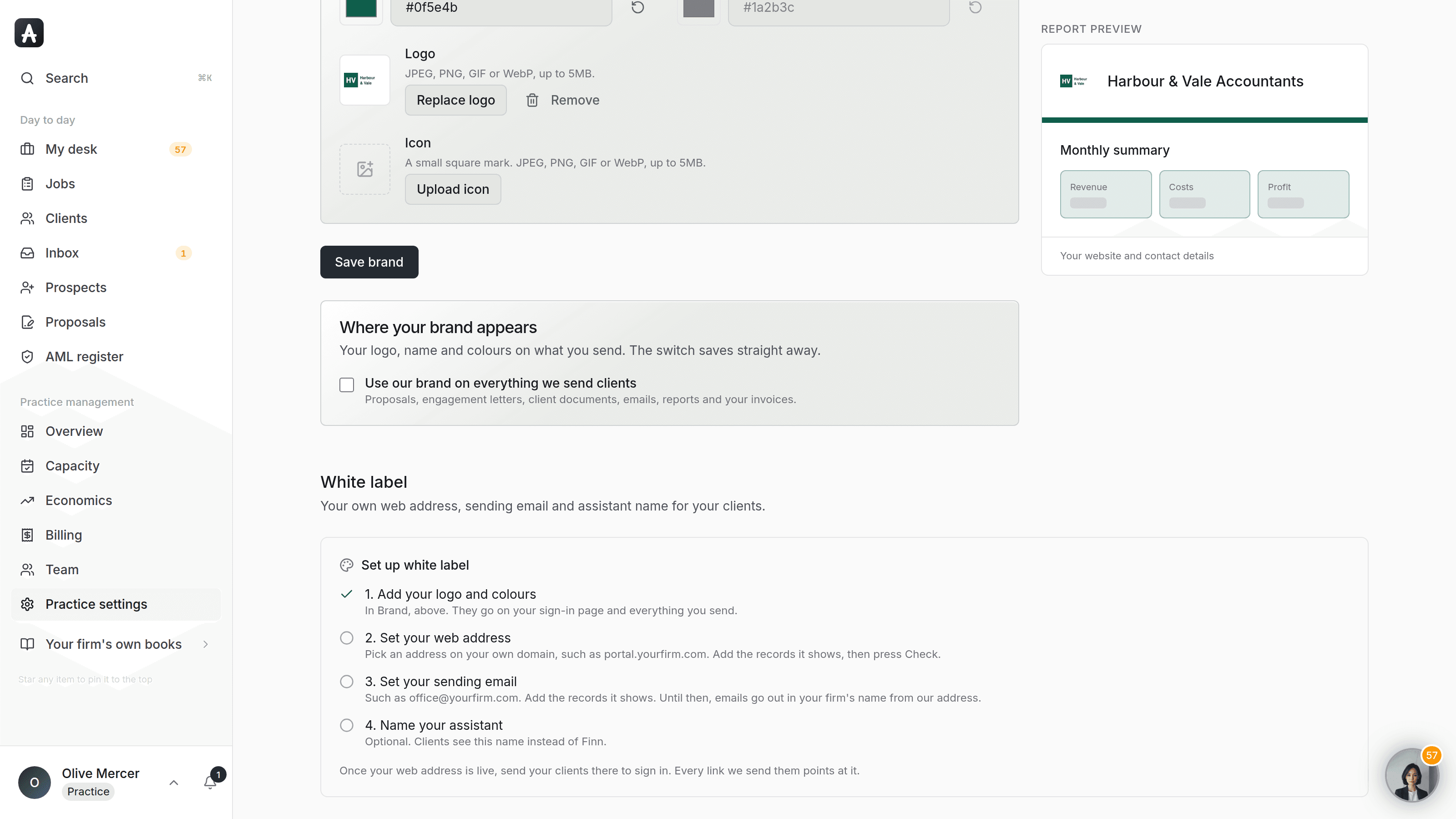
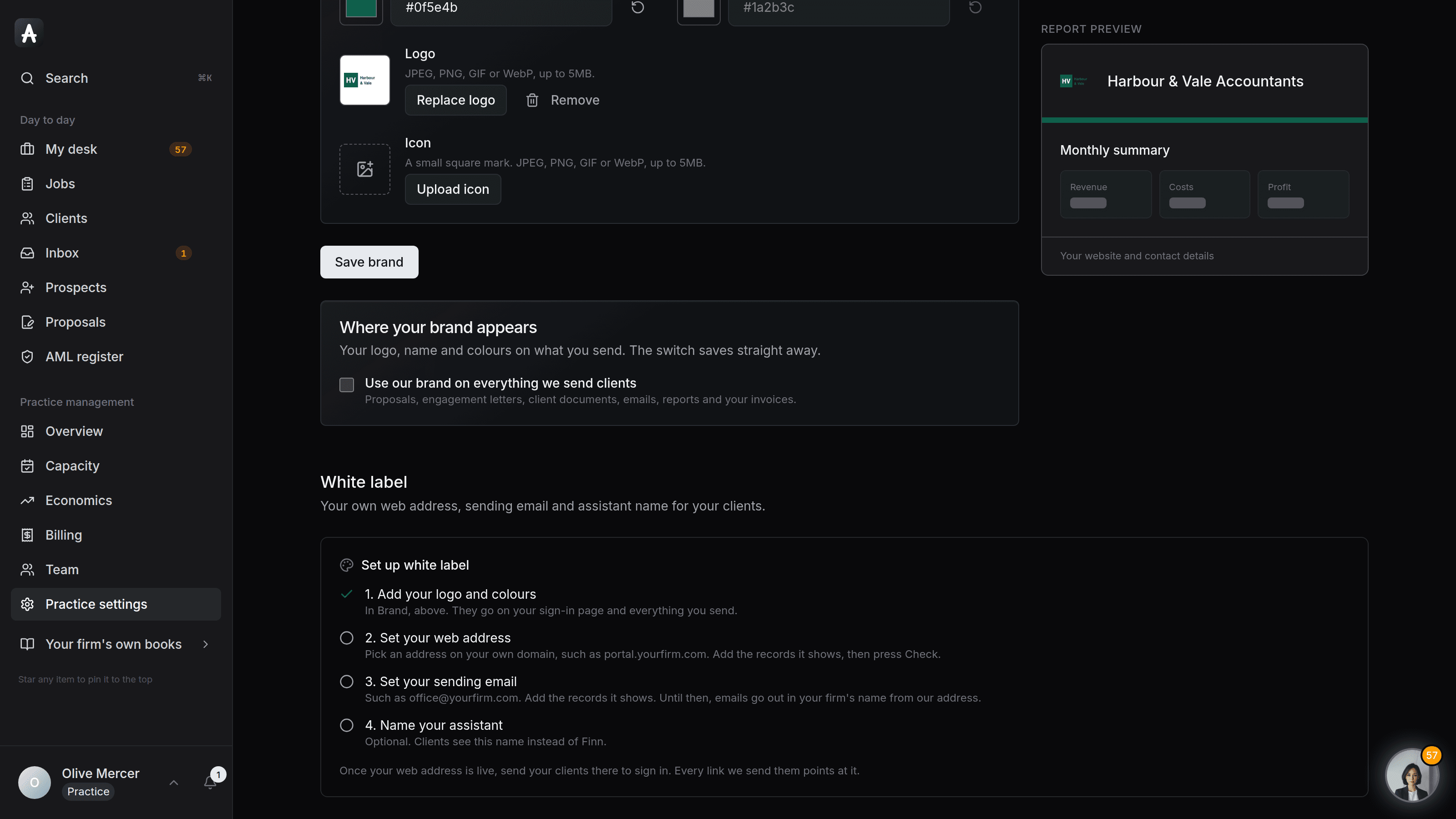
Set it up yourself in Practice settings. Four steps, about ten minutes plus DNS.
White label on AccountsOS: Your web address, your sending email, your assistant's name. Clients never see ours.
AccountsOS · Your web address, your sign-in
How it works
How it works
Your brand
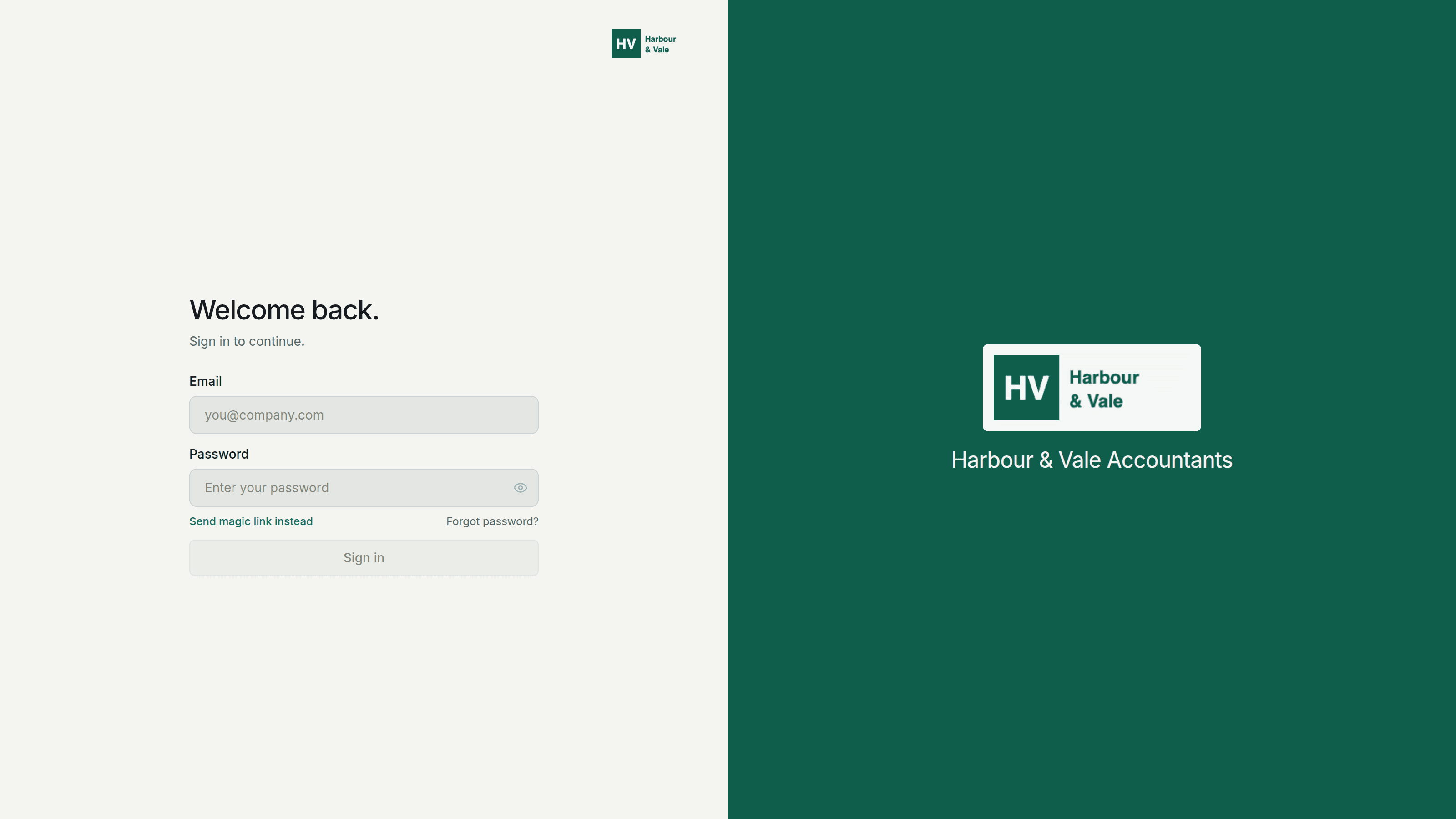
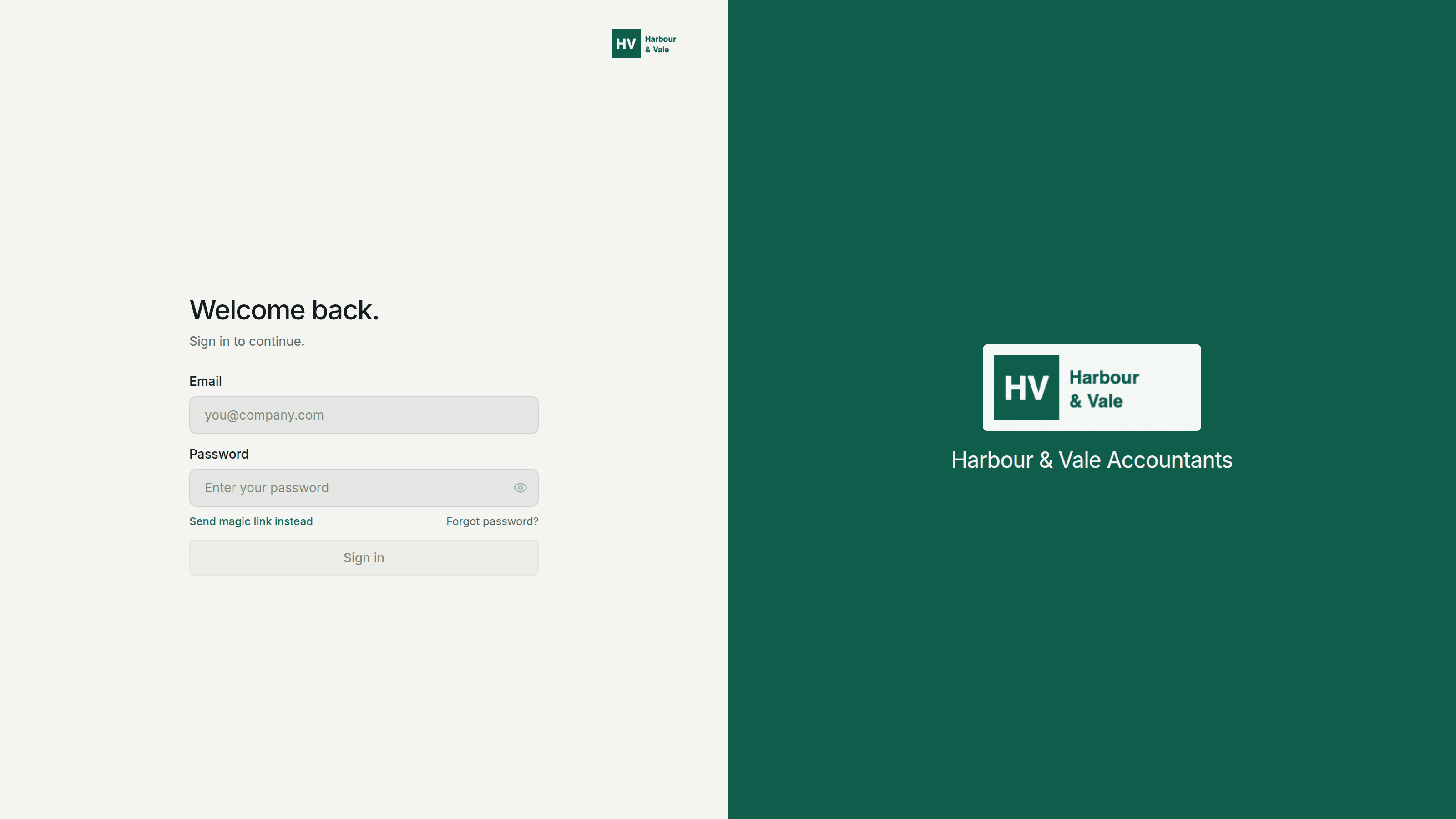
Your logo and name go on the sign-in page, the client's home and every email your practice sends.
Your web address
Clients sign in at an address you own, like books.yourpractice.com. Add two DNS records and the page checks them for you.
Your sending email
Invites, chasers, documents and sign-in links come from your own address, with replies landing in your normal inbox.
Your assistant's name
Your clients meet the assistant under a name you choose. Your team still works with Finn behind the scenes.
- Clients sign in at your own web address, with no AccountsOS logo, link or footer
- Every email to a client comes from your own address
- Name the assistant your clients talk to
- Proposals, tasks and requests, chasers, review packs, reports, tax planning memos and invoices in your brand
- Switch it on and set it up yourself, no call needed
AccountsOS · Set it up yourself
FAQ
The questions accountants ask first
Will my clients see AccountsOS anywhere?
What do I need to set it up?
Our domain already sends email through another service. Is that a problem?
Can I call the assistant something other than Finn?
Can I switch it off again?
Put White label to work
30-day free trial, then priced per live client. No minimum.
See every feature on the features page.