Practice management
Every follow-up on one list.
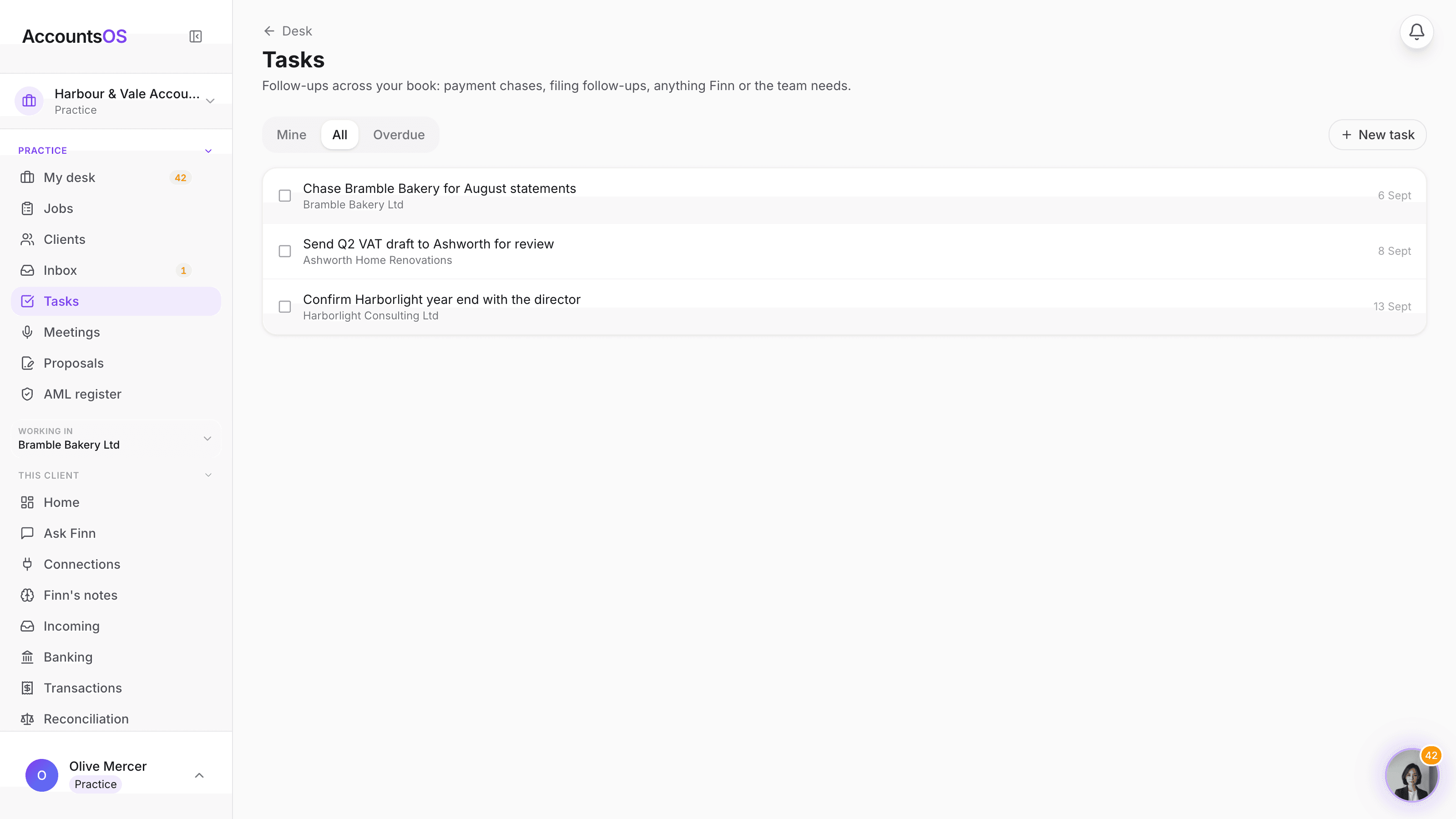
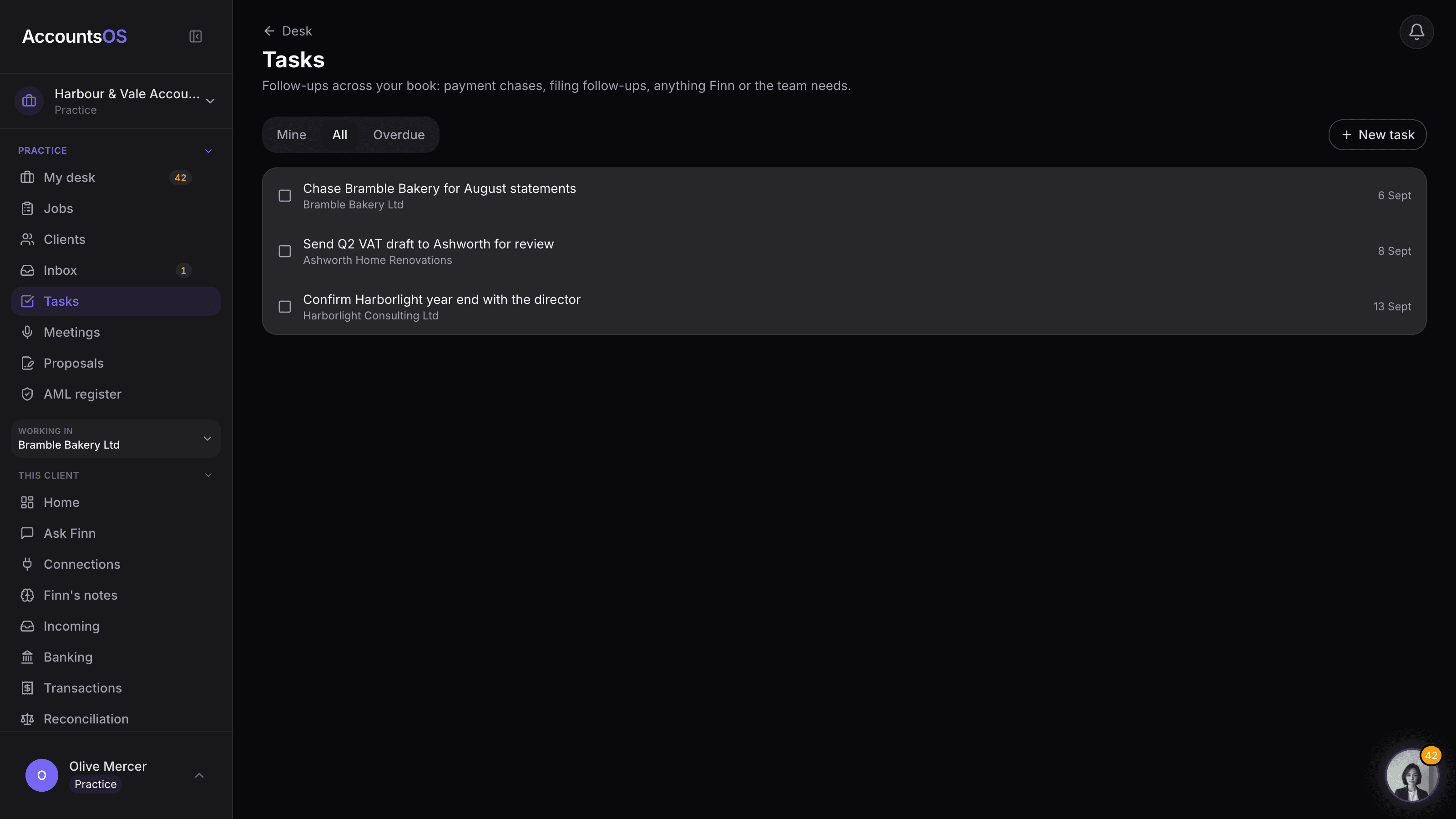
Chases, filing follow-ups and anything a client owes you go on one task list across the book. Finn can raise a task with the client and reason already filled in.
Optional
AccountsOS · One task list, every client
How it works
Tasks, step by step
01
A follow-up is raised
Add one by hand, let a chase or job create one, or let Finn raise one when she needs something only a person can give.
02
It lands with someone
Assign it, tie it to a client and set a due date. Unassigned tasks stay visible to the whole practice.
03
Work the list
Filter to Mine, All or Overdue and tick it off from the same row.
What you get
- One list across every client
- Mine, All and Overdue in one click
- Finn raises a task instead of burying a question in chat
- Shows on the client's home page too
- No per-seat fee, so the whole team can use it
Questions
What practices ask
Is this a full project management tool?
No. It is a follow-up list. Delivery tracking lives on the jobs board and in engagements.
Can Finn create tasks herself?
Yes. When she hits something only a person can answer, like a missing figure or document, she raises a task.
Do staff see every client's tasks?
No. Staff see tasks for their allocated clients and anything assigned to them. Owners and admins see the whole book.
Does it cost extra per seat?
No. Practice pricing is per live client, not per team member.
Switch on just this, or see the whole menu
Open the demo practice with no sign-up, or start your own and add pieces as you go.