Sales and CRM
One link: proposal, engagement letter, signature.
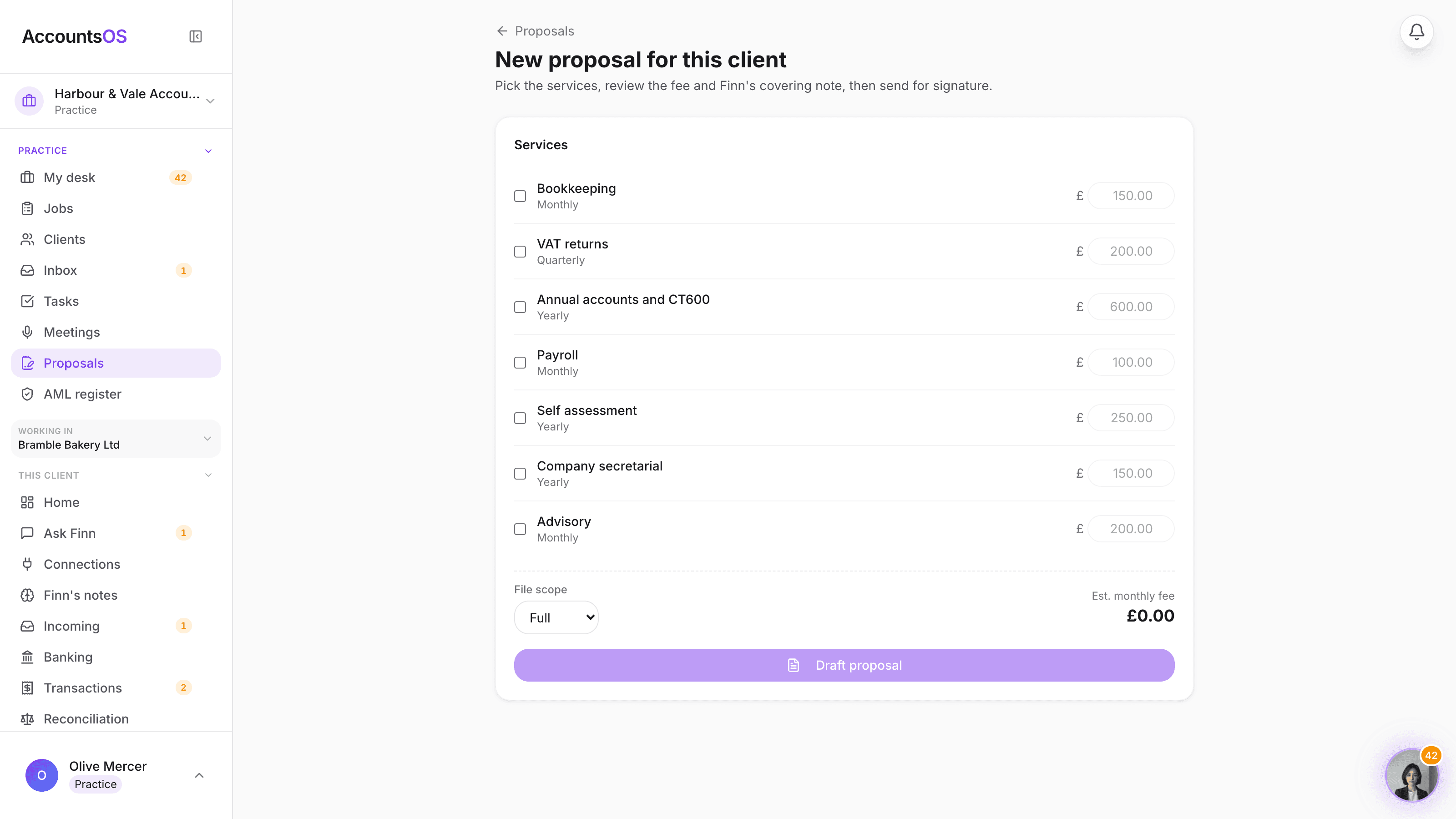
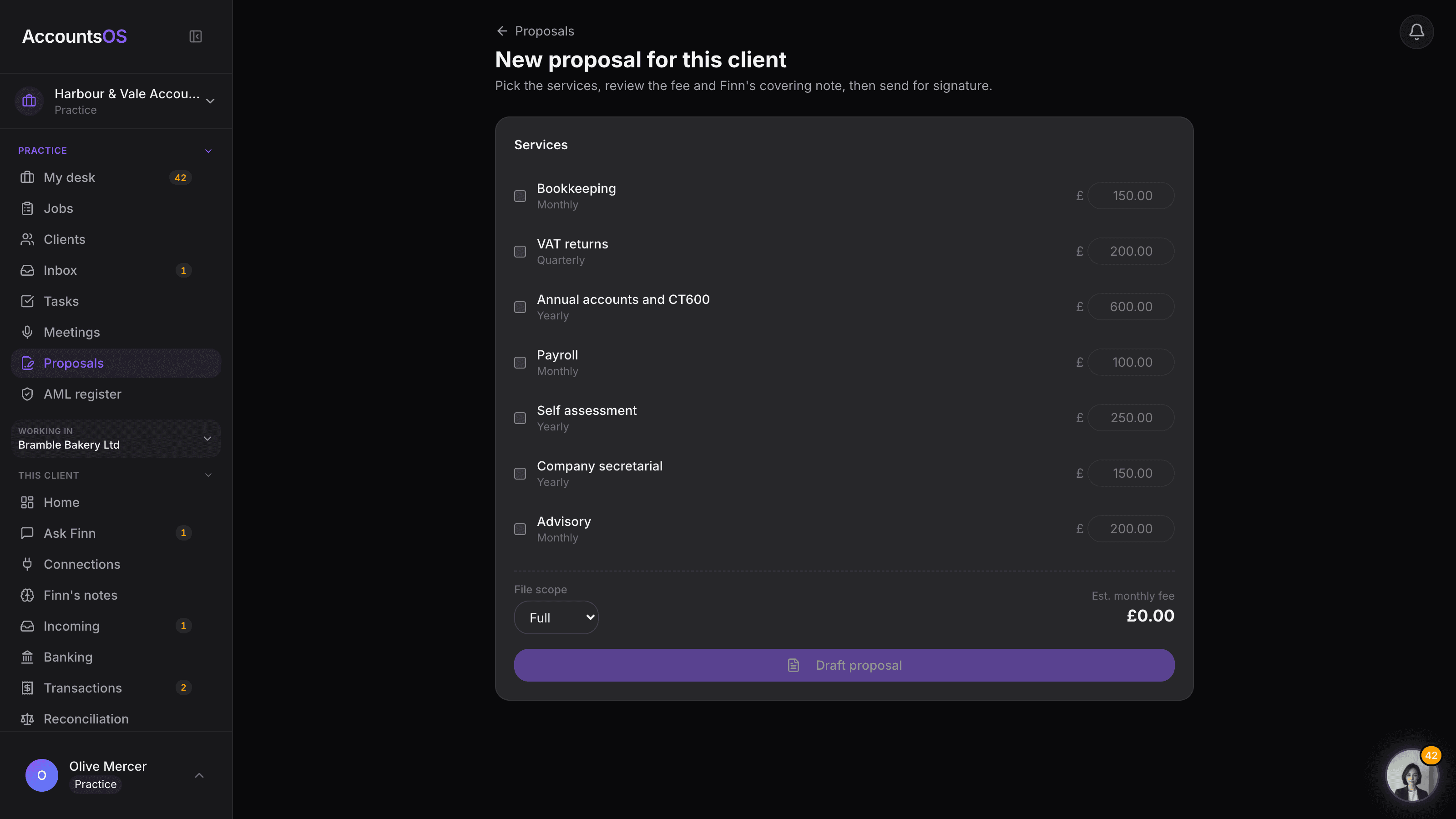
Pick services from your own menu and Finn drafts the covering note. The client signs once and lands in your book with scope and fee already set.
Optional
AccountsOS · Build the proposal
How it works
Onboarding pack, step by step
01
Add the prospect
A card on your pipeline is enough. No client login and no extra data entry.
02
Finn drafts, you send
Choose services and fees from your menu. Finn writes the note and nothing goes out until you confirm.
03
The client signs once
One link shows the proposal and the engagement letter together. A typed name and a tick is the signature, with an audit trail.
04
They land in your book
Signing creates the client, sets the fee and scope, and opens a welcome task to connect their bank feed.
What you get
- Your own service menu and fees, not a generic template
- One signature covers the proposal and the letter
- Fee and scope are set on signing, never typed twice
- A welcome task appears the moment they sign
- Every send needs your confirmation
Questions
What practices ask
Can I use my own engagement letter wording?
Yes. The templates are editable per practice, so you can change any clause before you send.
Is the e-signature legally valid?
It is a simple electronic signature with a name, timestamp and IP address recorded. It is not a qualified electronic signature, so treat it like a signed PDF.
Can I change the fee for one client?
Yes. Every line is editable when you build the proposal. The menu is just a starting point.
What if the prospect never signs?
Nothing is created. They stay a card on your pipeline. A client company and fee exist only once they sign.
Switch on just this, or see the whole menu
Open the demo practice with no sign-up, or start your own and add pieces as you go.