Practice management
Pay for the work each file needs.
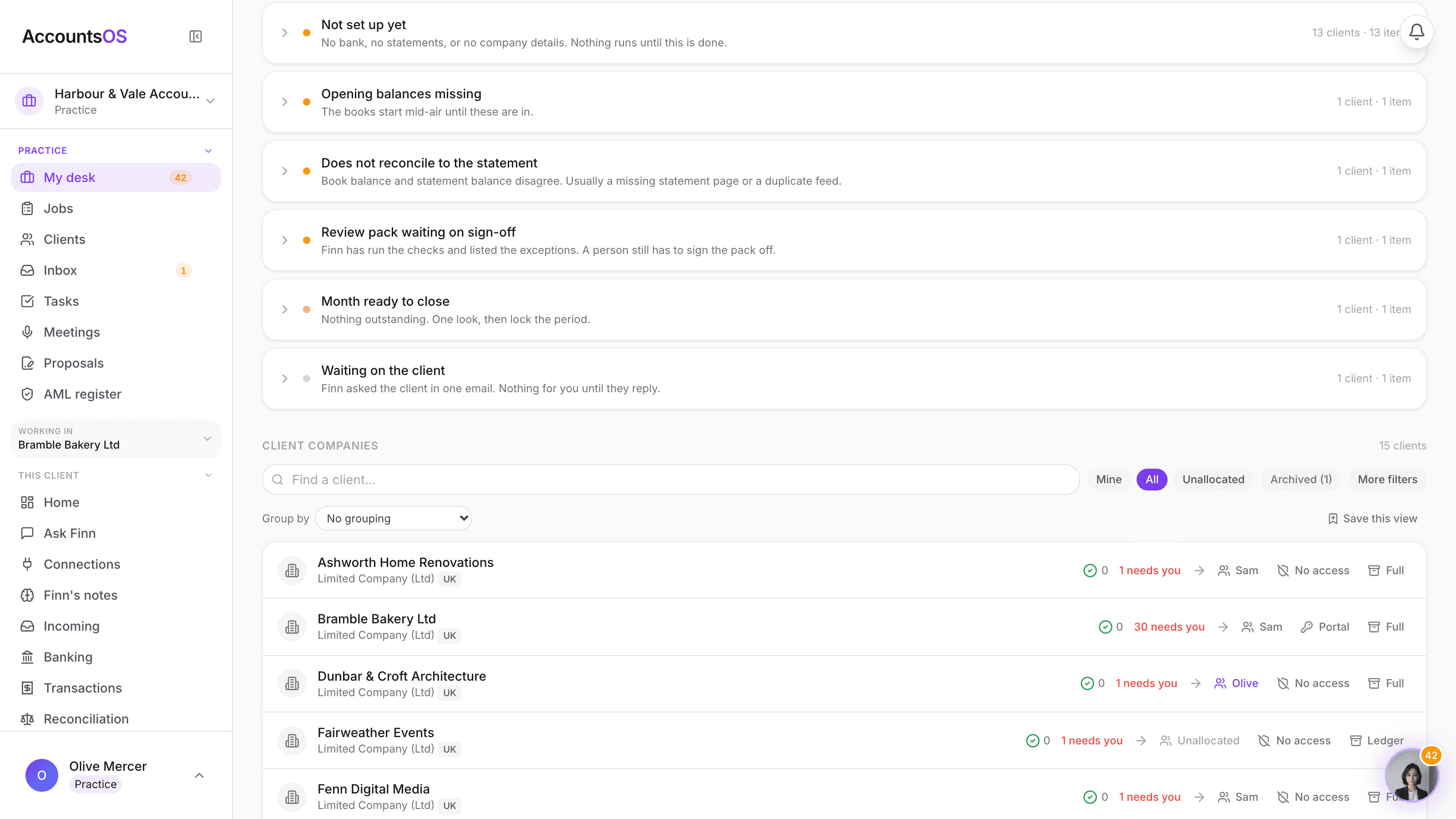
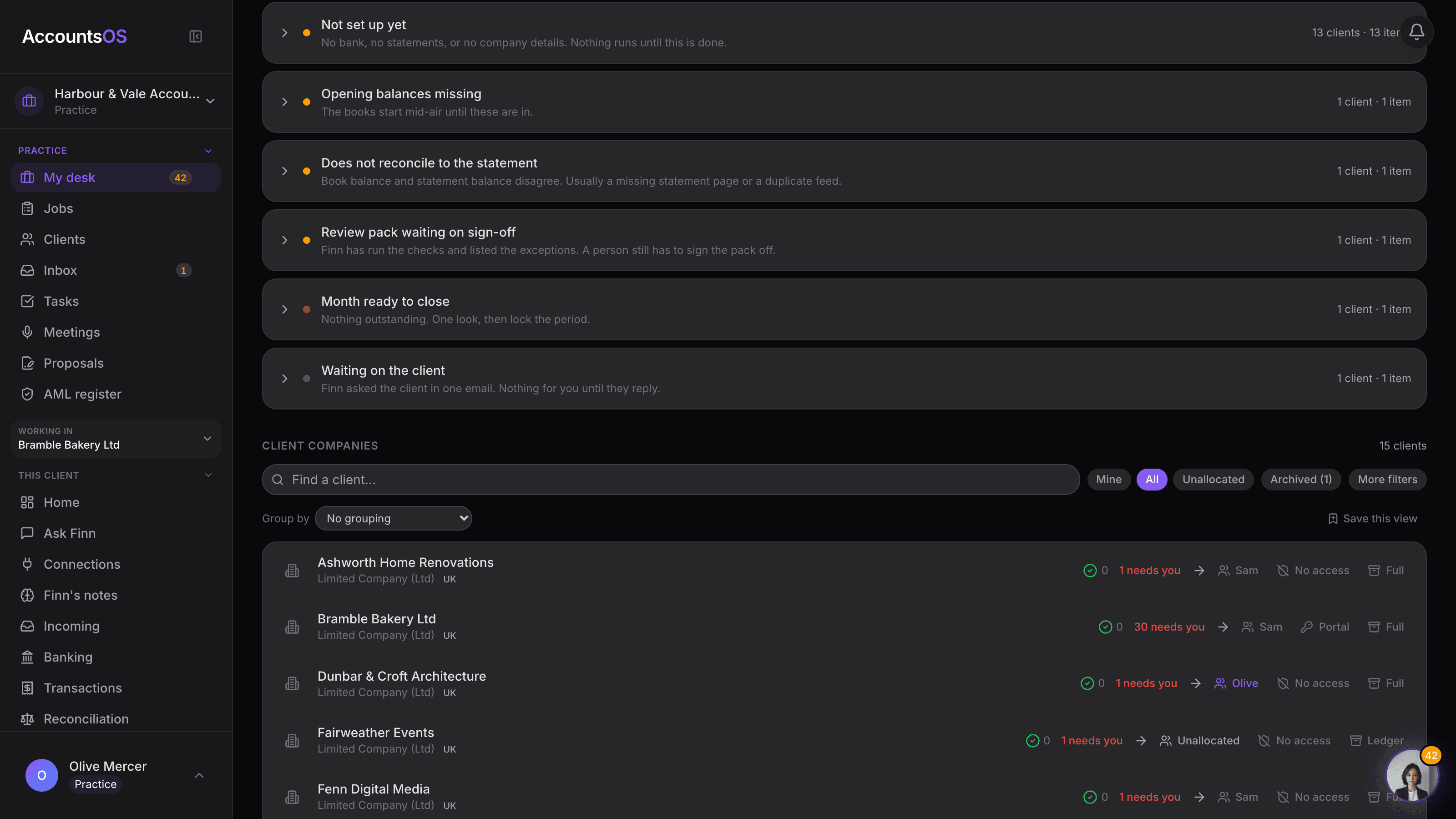
Every client sits on Full, Ledger or Archived. Switch a client between scopes from its row, and billing follows the days it is live on each.
Optional
AccountsOS · Every client, one row
How it works
Client scope, step by step
01
Full: the whole product
Bank feeds, categorisation, VAT and tax filing support, payroll and annual accounts.
02
Ledger: dormant files
Statement import, journals, fixed assets and financial statements, for files that need less.
03
Archive stops the charge
An archived client stays in your book, unbilled, with nothing running on it until you restore it.
What you get
- Switch a client between Full and Ledger from its row
- Billing works out per day a client is live on each scope
- No minimum number of clients
- Archived clients keep their books and history
- Clients are not billed while you set them up
Questions
What practices ask
What stops when a client is archived?
Batch prep, the desk queue and scheduled bookkeeping skip them. Nothing is deleted.
Do I pay while I set a client up?
No. A new client starts as not live. Billing begins the day you put it live.
What is missing on Ledger?
Automated bank feeds, VAT and tax filing support, invoicing and payroll are Full only.
Can I move a client back to Full?
Yes, from its row at any time. It takes effect straight away and billing follows from that day.
Switch on just this, or see the whole menu
Open the demo practice with no sign-up, or start your own and add pieces as you go.