Sales and CRM
Your prospects on one board.
Add a lead, move it through the stages and let Finn draft the outreach. Switch it on if you want one place for new business instead of a spreadsheet.
Optional
AccountsOS · Your practice's own pipeline
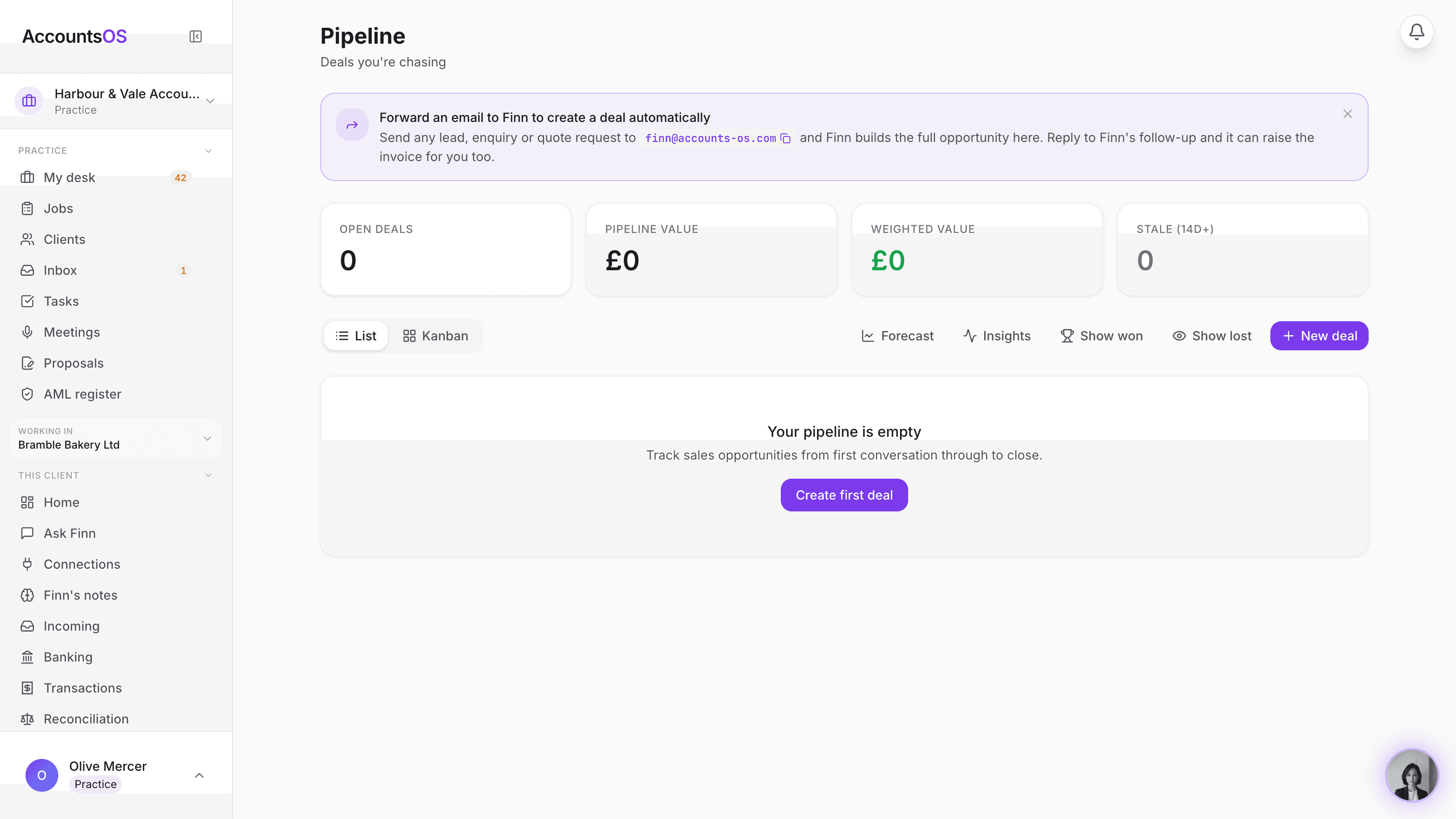
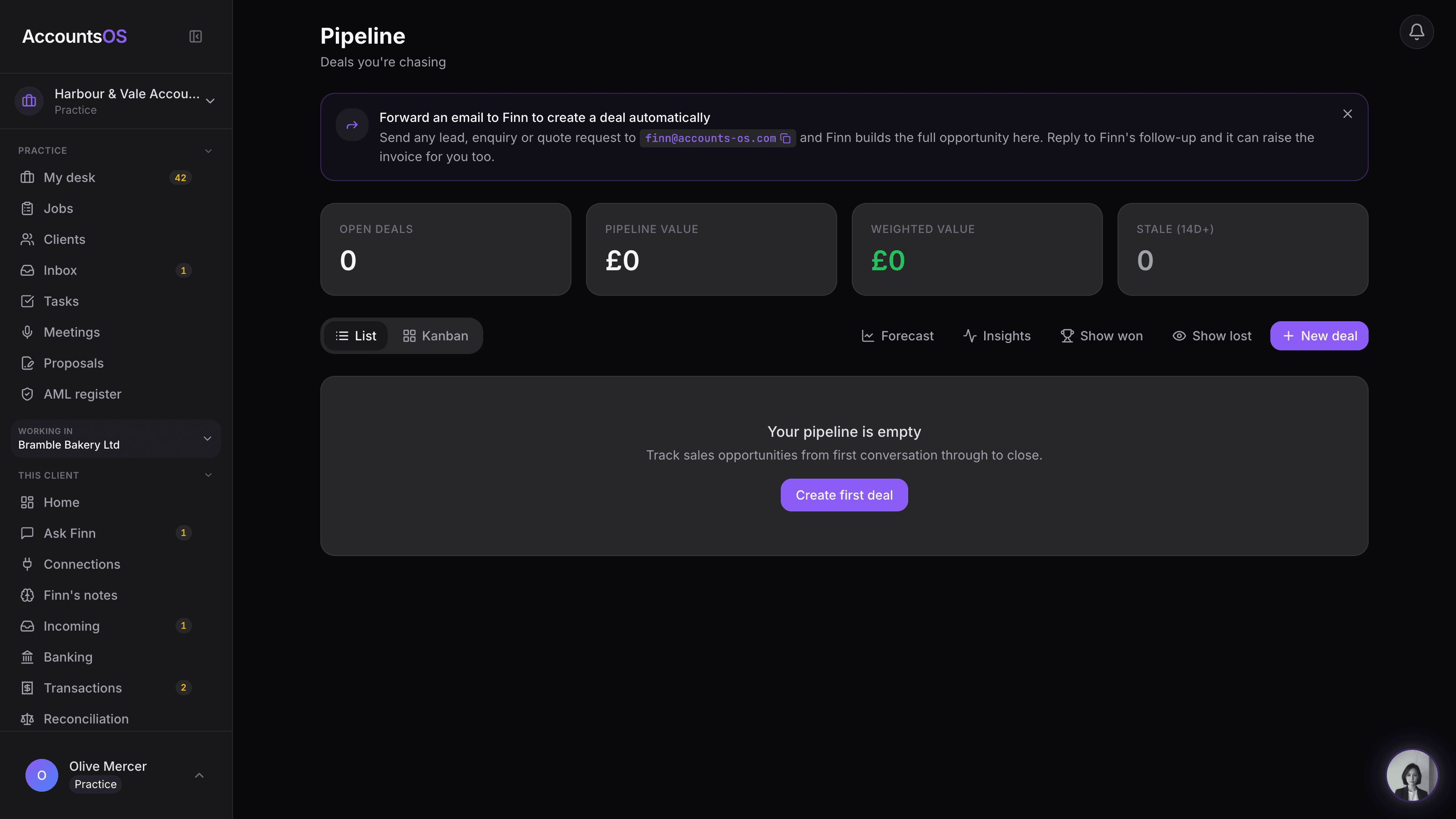
How it works
Practice CRM, step by step
01
Add a prospect
A name and a country is enough. You do not need a client company yet.
02
Work the stages
Move the card from Lead to Contacted to Proposal sent. Finn drafts the outreach and you send it.
03
Signed becomes onboarded
Move a card to Signed and the prospect is on its way into your client book.
What you get
- Six stages built for practices, from Lead to Onboarded or Lost
- Add a prospect before you have a company number
- Outreach drafted in the firm's voice, not a founder's pitch
- A signed prospect flows into your book with no re-entry
- Everyone on the team sees the same board
Questions
What practices ask
Do I have to set up the stages?
No. The stages are there the first time you open Prospects. You can rename or reorder them whenever you like.
Does this replace the CRM I already use?
It can, if you want it to. It sits inside the practice plan, so some firms drop a separate CRM and others keep both.
What happens when I mark a prospect Signed?
The prospect becomes a client link in your book, ready for the engagement letter, AML checks and first login.
Does Finn send the outreach?
No. Finn drafts it and you review and send it. Nothing reaches a prospect without you.
Switch on just this, or see the whole menu
Open the demo practice with no sign-up, or start your own and add pieces as you go.