Practice management
Your call notes, in the client's memory.
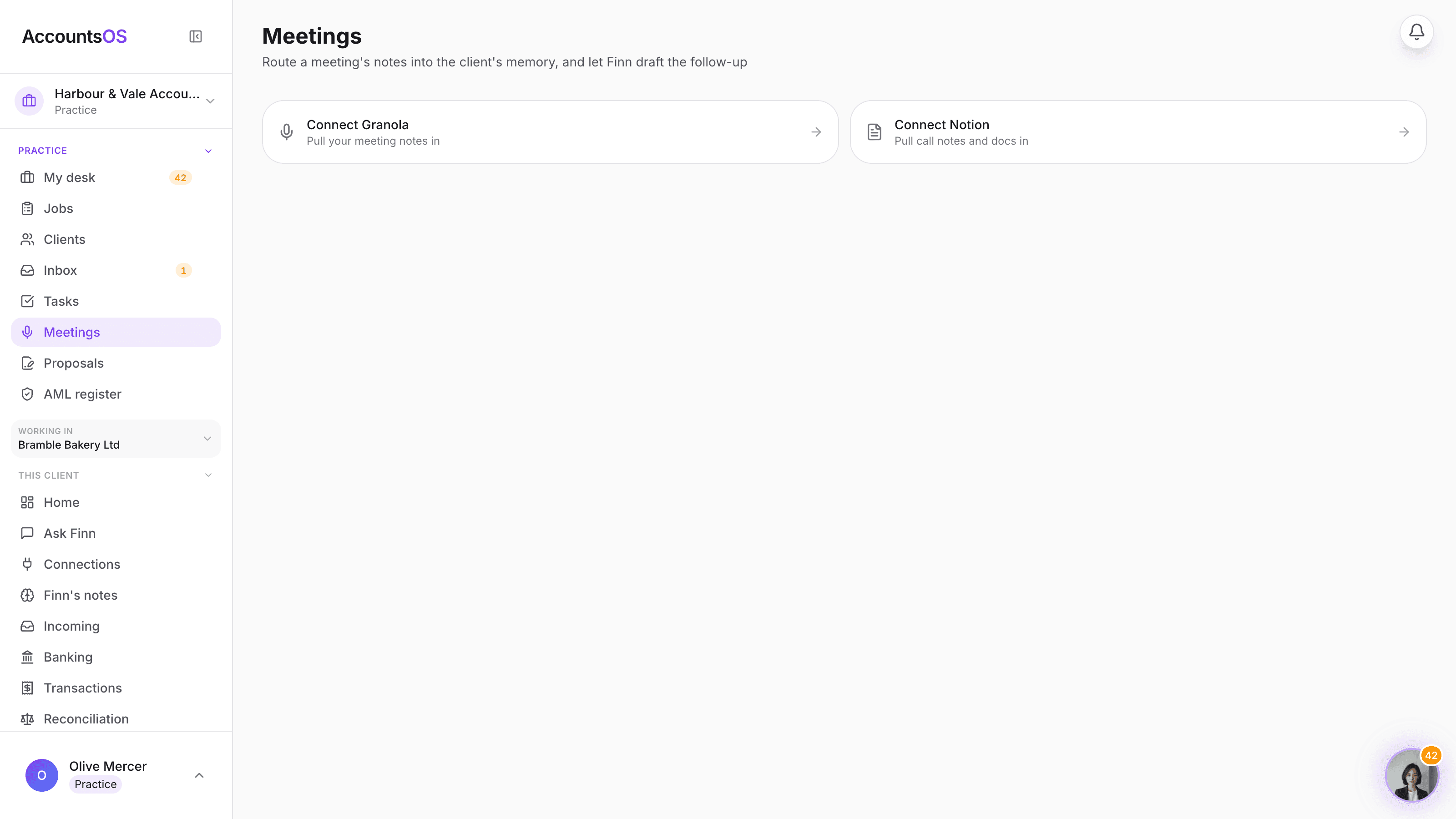
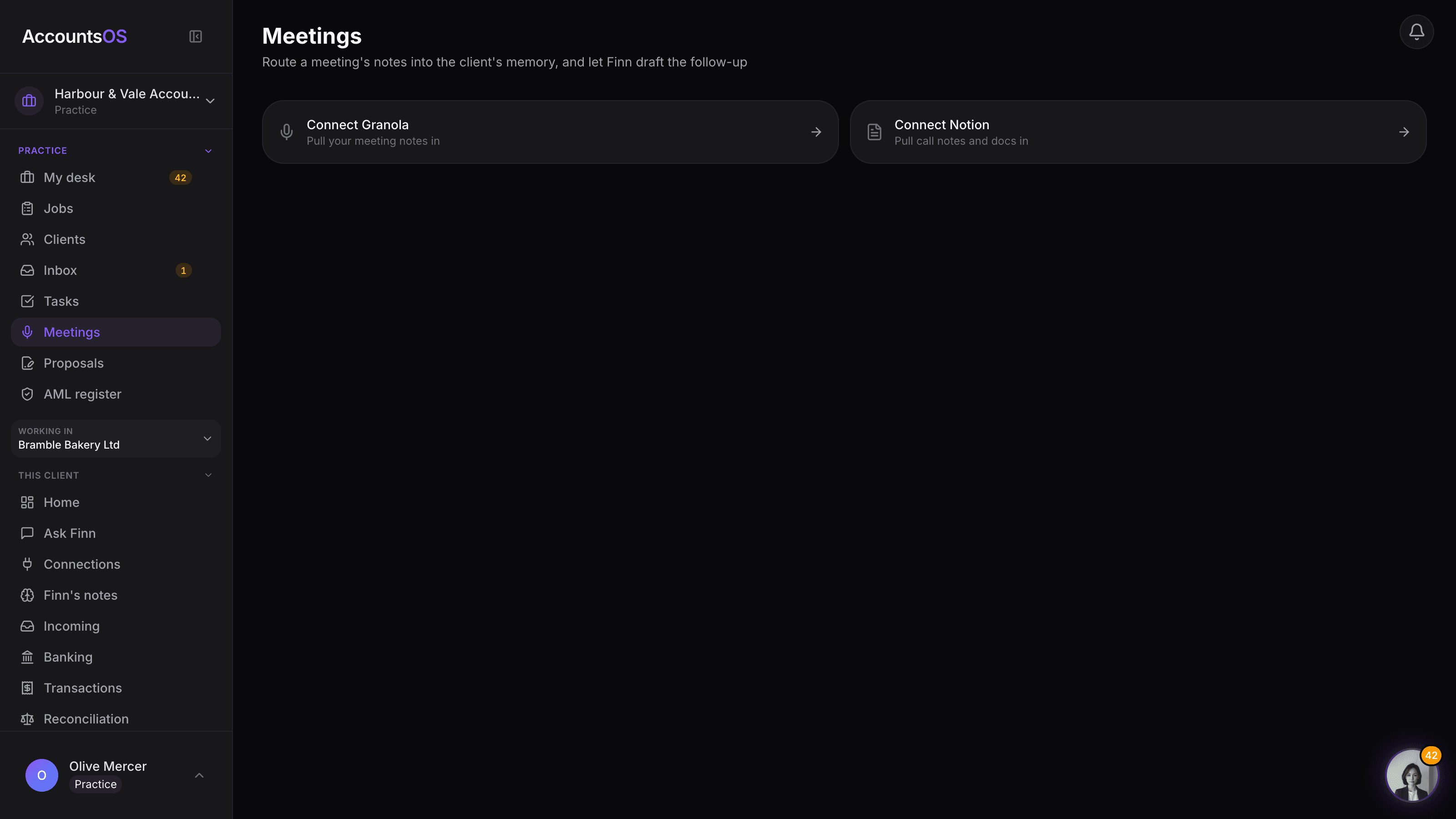
Granola and Notion meetings land in one list, matched to the right client. One click writes the summary, decisions and open questions into that client's memory and pulls out the actions.
Optional
AccountsOS · Every meeting, matched
How it works
Meeting notes, step by step
01
Meetings in one list
Granola notes and Notion pages tagged as meetings show together, most recent first.
02
Finn matches the client
She uses the attendee's email domain or the client's name in the title, and asks when it is unclear.
03
Memory and actions drafted
The summary goes into the client's memory. Actions are split into what you owe and what the client owes.
04
You confirm and send
Tick the actions to raise as tasks. Finn drafts the follow-up email for you to review and send.
What you get
- Granola and Notion meetings in one list
- Finn asks rather than guessing the client
- Summary, decisions and open questions land in the client's memory
- Actions split between you and the client
- Nothing is written or sent without your confirmation
Questions
What practices ask
Does Finn email the client on her own?
No. She drafts the follow-up and you review and send it.
What if she picks the wrong client?
Change the match before anything is written. When it is unclear she leaves it for you to choose.
What about figures mentioned in the call?
They are quoted as they appear in your notes. Finn does not estimate or work out figures.
Do I need both Granola and Notion?
No. Connect the one you use. If you use both, they share one list.
Switch on just this, or see the whole menu
Open the demo practice with no sign-up, or start your own and add pieces as you go.