Compliance
Close the month. Prepare the accounts.
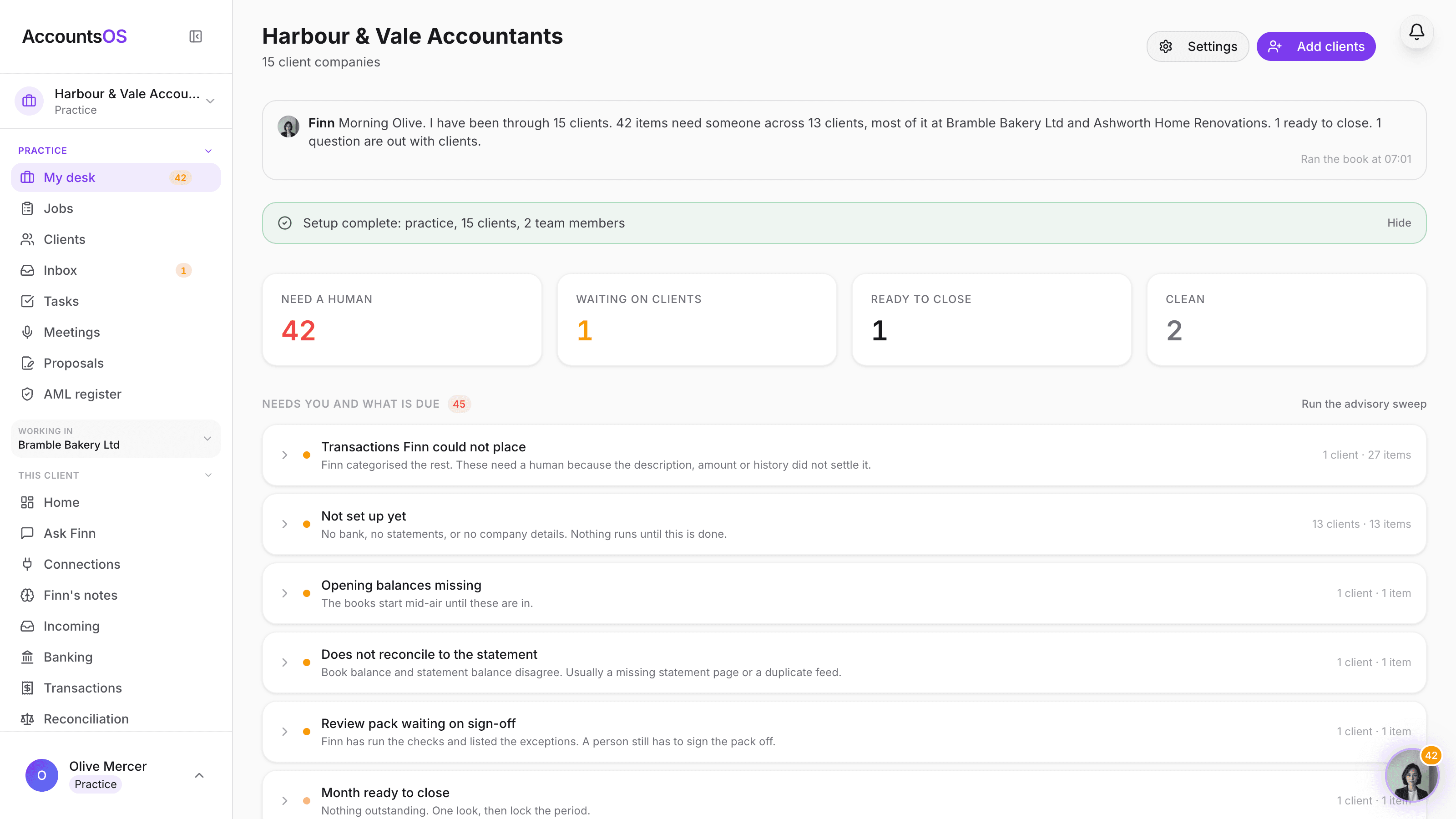
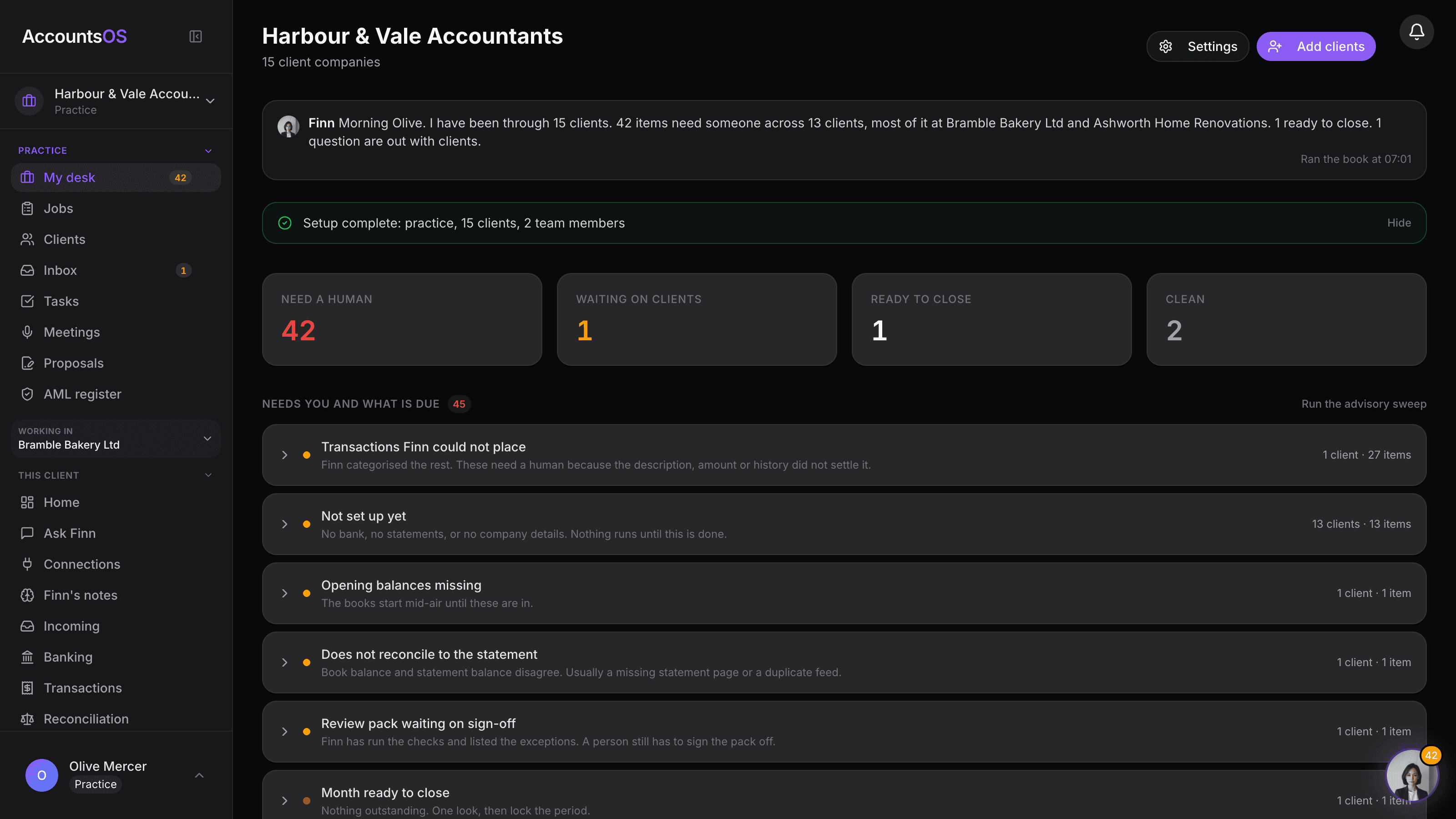
Your assistant checks each client's month before it locks and flags what does not tie. At year end she prepares FRS 105 micro-entity accounts from the ledger for your review.
Optional
AccountsOS · The practice desk
How it works
Close and year end, step by step
01
Month-end is checked
Reconciliation, accruals and anything unusual are reviewed before a period is ready to lock.
02
What does not tie is flagged
Each flag carries a reason, so you clear exceptions instead of re-checking a clean month.
03
Accounts drafted from the ledger
At year end, FRS 105 micro-entity annual accounts are prepared and wait for your review.
04
You review, lock and sign
Clear the flags, check the draft, then lock the period or file. Nothing closes itself.
What you get
- Month-end checks run across every client
- Flags name the reason before you lock
- FRS 105 accounts drafted from the ledger
- Companies House filing credentials set once per practice
- You review, lock and sign
Questions
What practices ask
Can a period lock without me?
No. Locking is your action. A period stays open until you choose to lock it.
Are the accounts ready to file once drafted?
They are ready for your review. You check them against the ledger and your own judgement before anything goes to Companies House.
Does it cover standards other than FRS 105?
FRS 105 micro-entity accounts are what is built today. A client outside micro-entity limits needs accounts prepared another way for now.
What if I find a mistake after locking?
You can reopen the period, correct it and lock again. Locking is a workflow control, not a one-way door.
Switch on just this, or see the whole menu
Open the demo practice with no sign-up, or start your own and add pieces as you go.