Practice management
Groups, tags and fields, on the desk you use.
Group related companies, tag and filter the desk your way, and add the fields your practice tracks. Every client's home carries one timeline of what Finn did, what was said and what got done.
Optional
AccountsOS · Groups, tags and custom fields
How it works
Client record, step by step
01
Finn proposes groups
She spots a director with several companies from shared officers or a shared contact email. You decide whether to keep the group.
02
Tags and your own fields
Add free-text tags, and define custom fields once so every client can carry them.
03
Save the view
Group, filter and save it. It is there next time you open the desk.
04
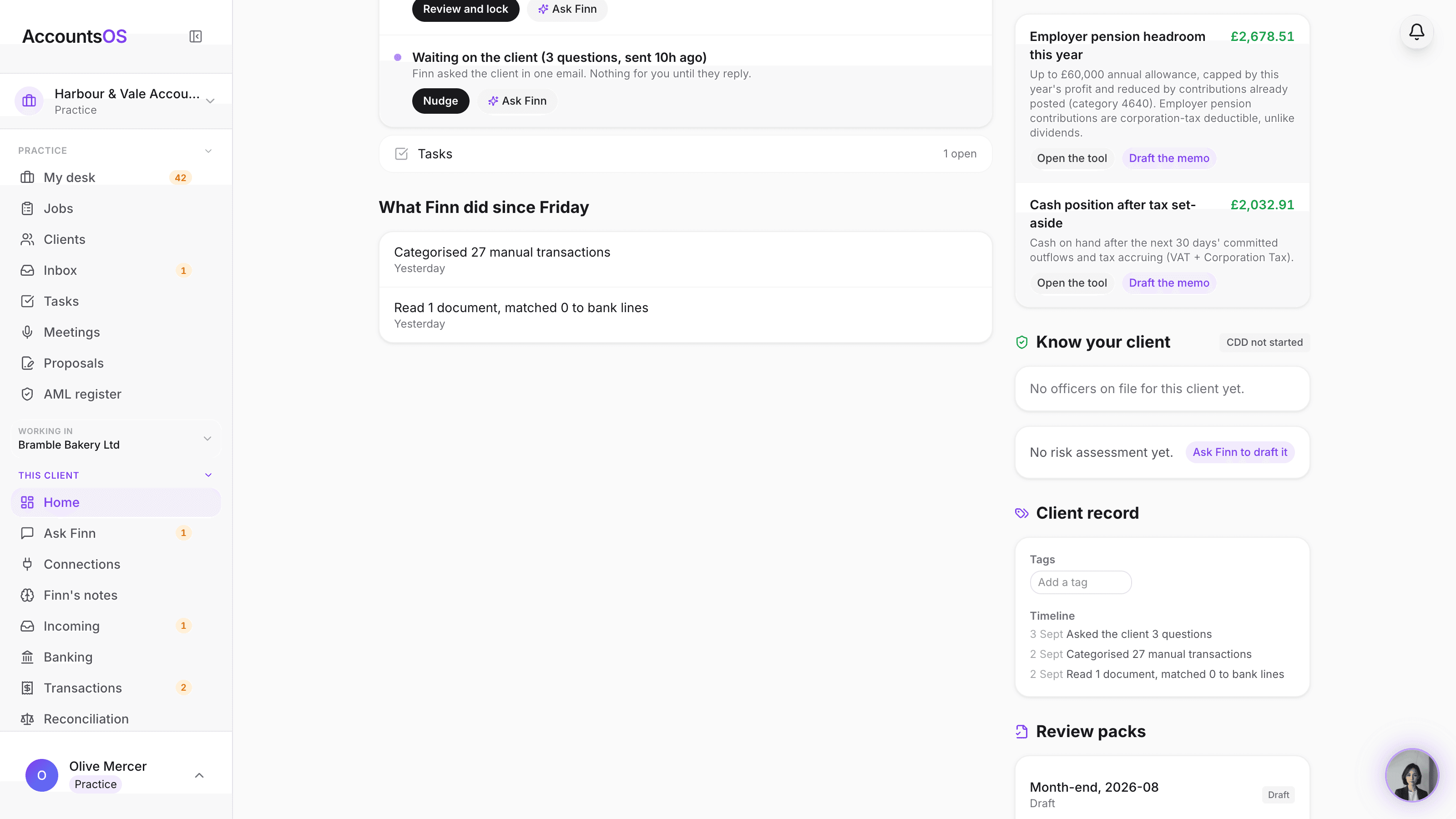
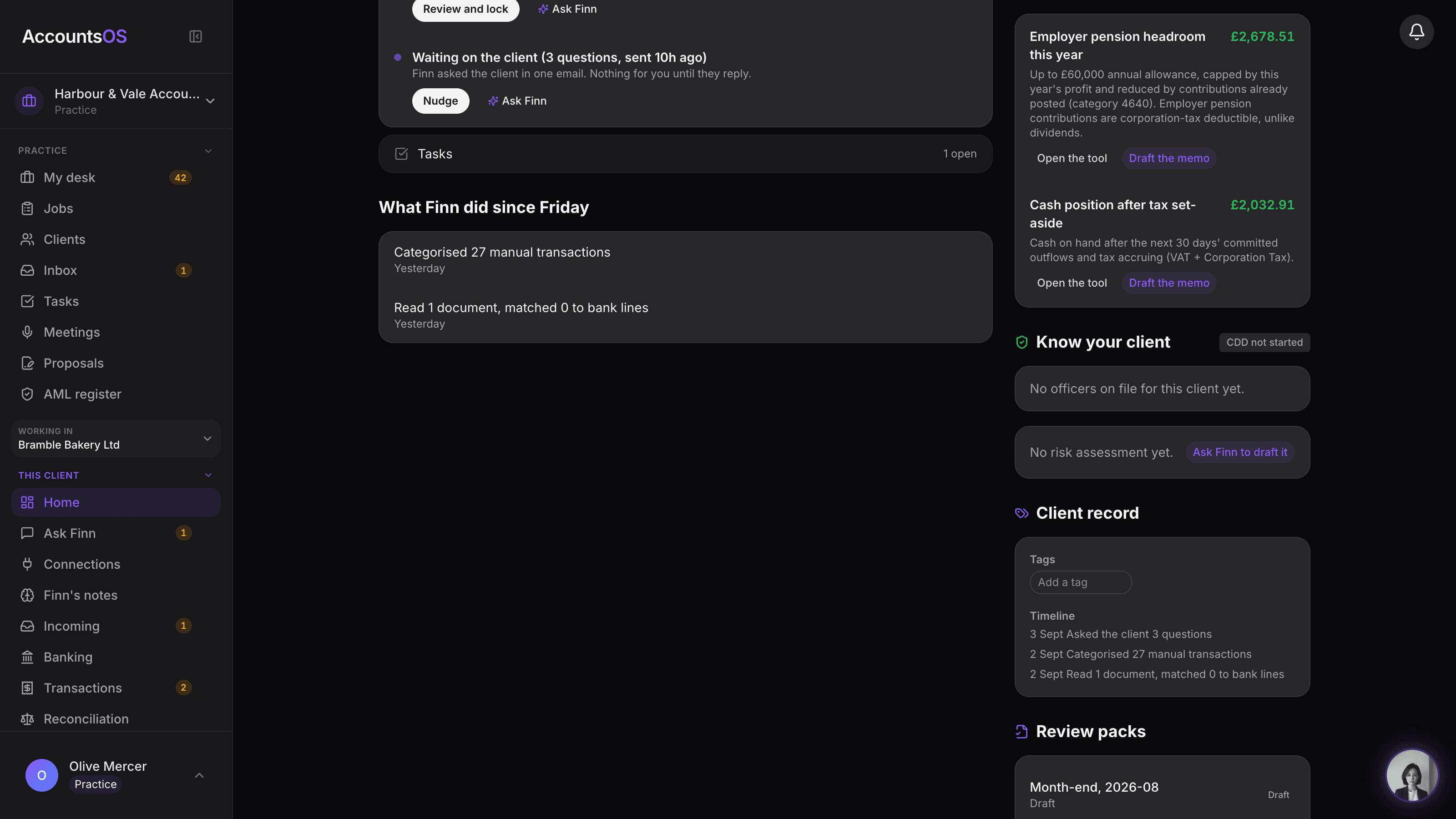
One timeline per client
Finn's activity, communications and completed tasks in one dated list on the client's home.
What you get
- Client groups suggested from shared directors or contact emails
- Custom fields as text, number, date or a select list
- Saved views of your filters and columns
- One merged timeline per client, newest first
- Lives on the desk you already use, no separate CRM screen
Questions
What practices ask
Does Finn create groups on her own?
No. She proposes and names a group from what the clients share, and you decide whether to keep it.
Can I add my own fields?
Yes. Define a field once in Settings and it is available on every client.
Are saved views shared with the team?
No. A saved view is yours, so colleagues can save their own over the same book.
What happens to a group if I remove a client?
That client leaves the group. The group and its other members stay as they were.
Switch on just this, or see the whole menu
Open the demo practice with no sign-up, or start your own and add pieces as you go.