Sales and CRM
Every client is an engagement with a margin.
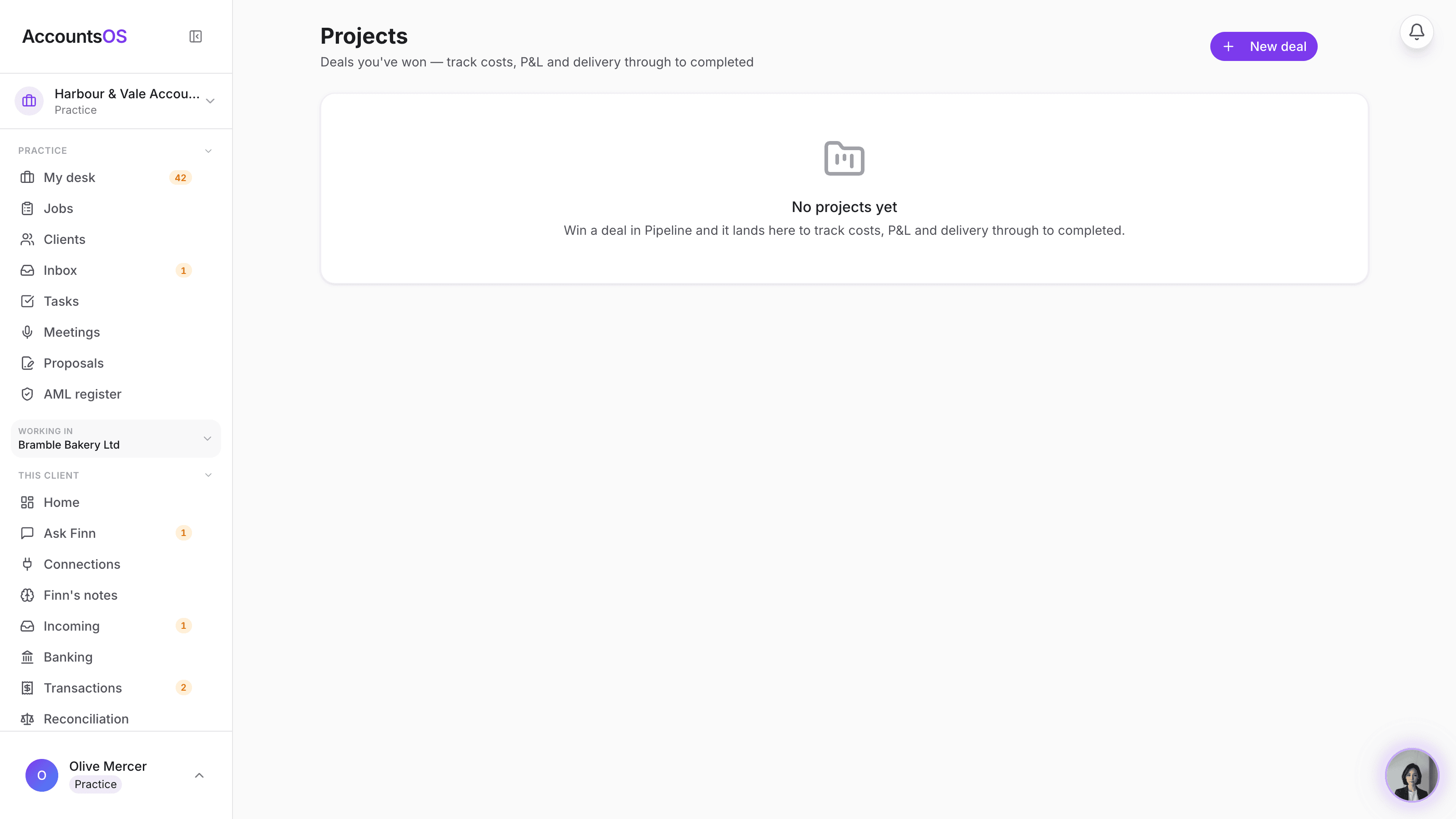
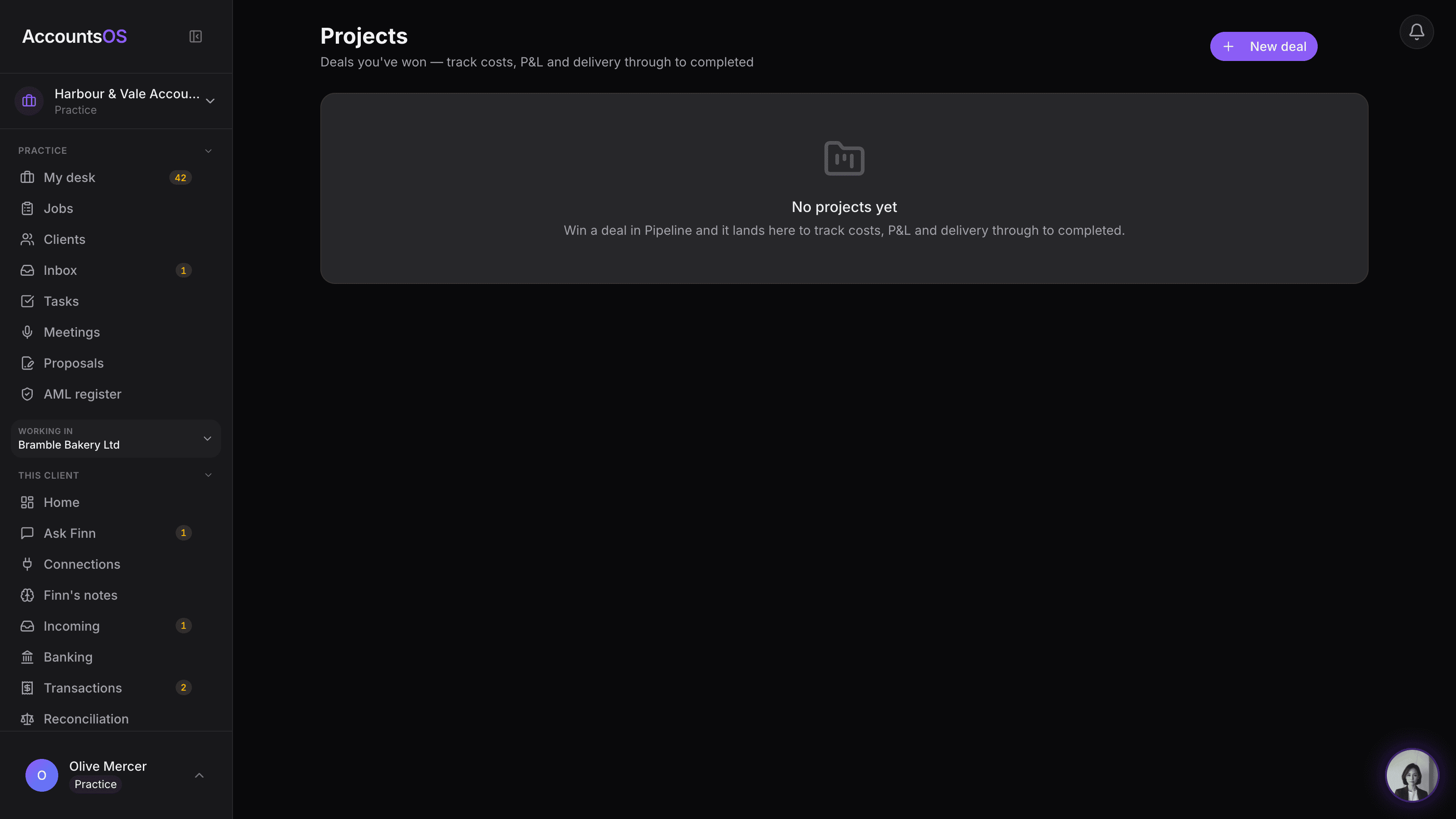
When a client accepts, an engagement is created with the annual fee, the cost of running their books and the margin. See it per client, or open it as a project next to your other work.
Optional
AccountsOS · Every client, one P&L
How it works
Client engagements, step by step
01
A client accepts
However they joined, the engagement is created when their link goes active.
02
The fee sets the revenue
Set the client's monthly fee once and the engagement's annual value follows it.
03
You see the margin
Revenue minus the cost of running their books, per client, on the project and on the economics row.
What you get
- One engagement per client, created on acceptance
- The fee becomes the engagement's revenue with no second entry
- The cost of running the books fills in on its own
- Archive a client and the engagement closes with them
- Lives on the same Projects screen as the rest of your work
Questions
What practices ask
Do I set this up for each client?
No. The engagement is created when the client's link goes active, named after them, with fee and cost filled in.
What if I have not set a fee yet?
The engagement exists with zero revenue. Set the fee later and the value updates.
Does it replace how I track other work?
No. A client engagement is just another project. You can filter to see only clients.
What counts as cost?
The cost of running that client's books this month, the same figure that feeds practice economics. It does not yet include your team's hours.
Switch on just this, or see the whole menu
Open the demo practice with no sign-up, or start your own and add pieces as you go.