Sales and CRM
The advisory chat, already run on the client's books.
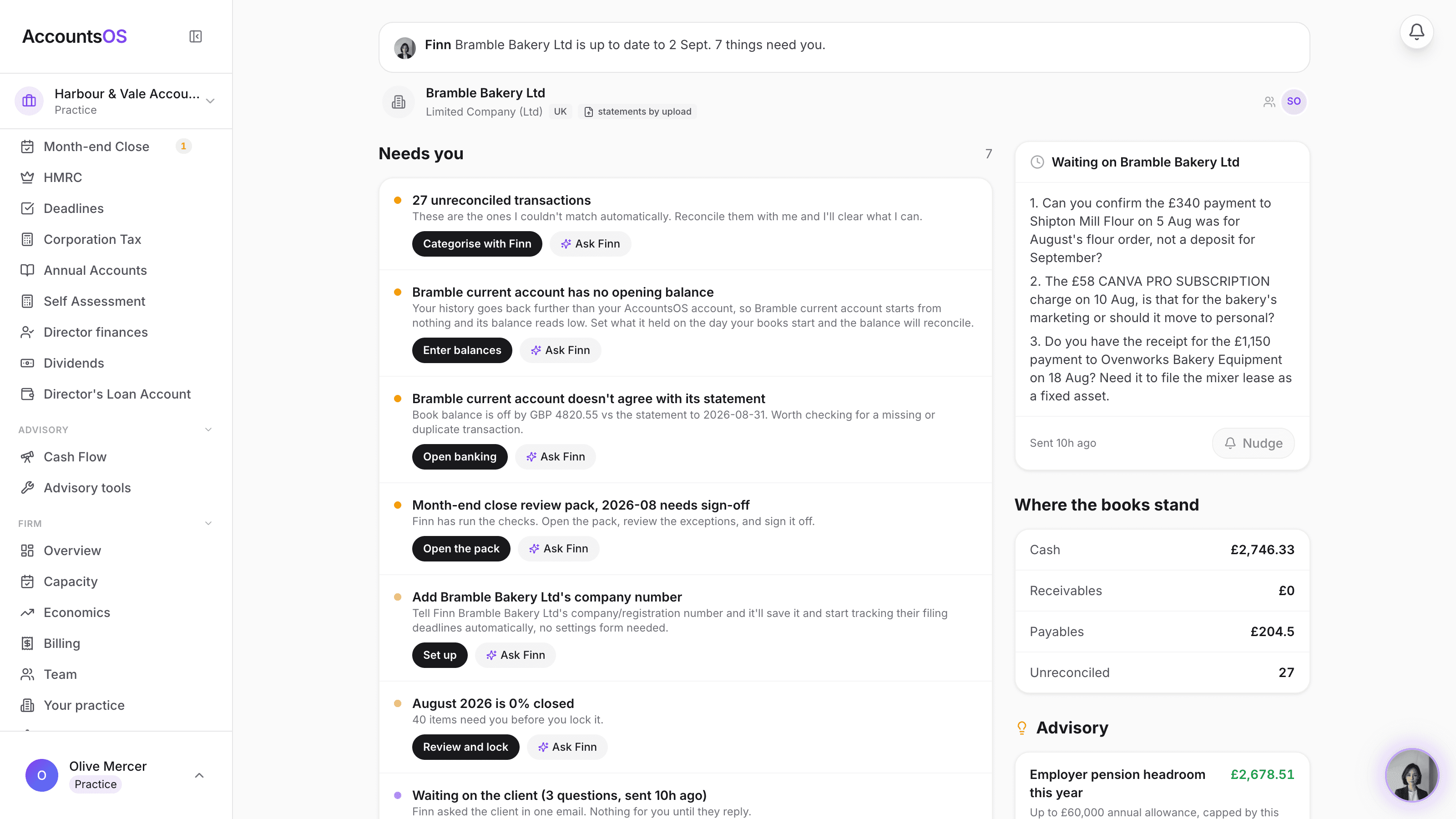
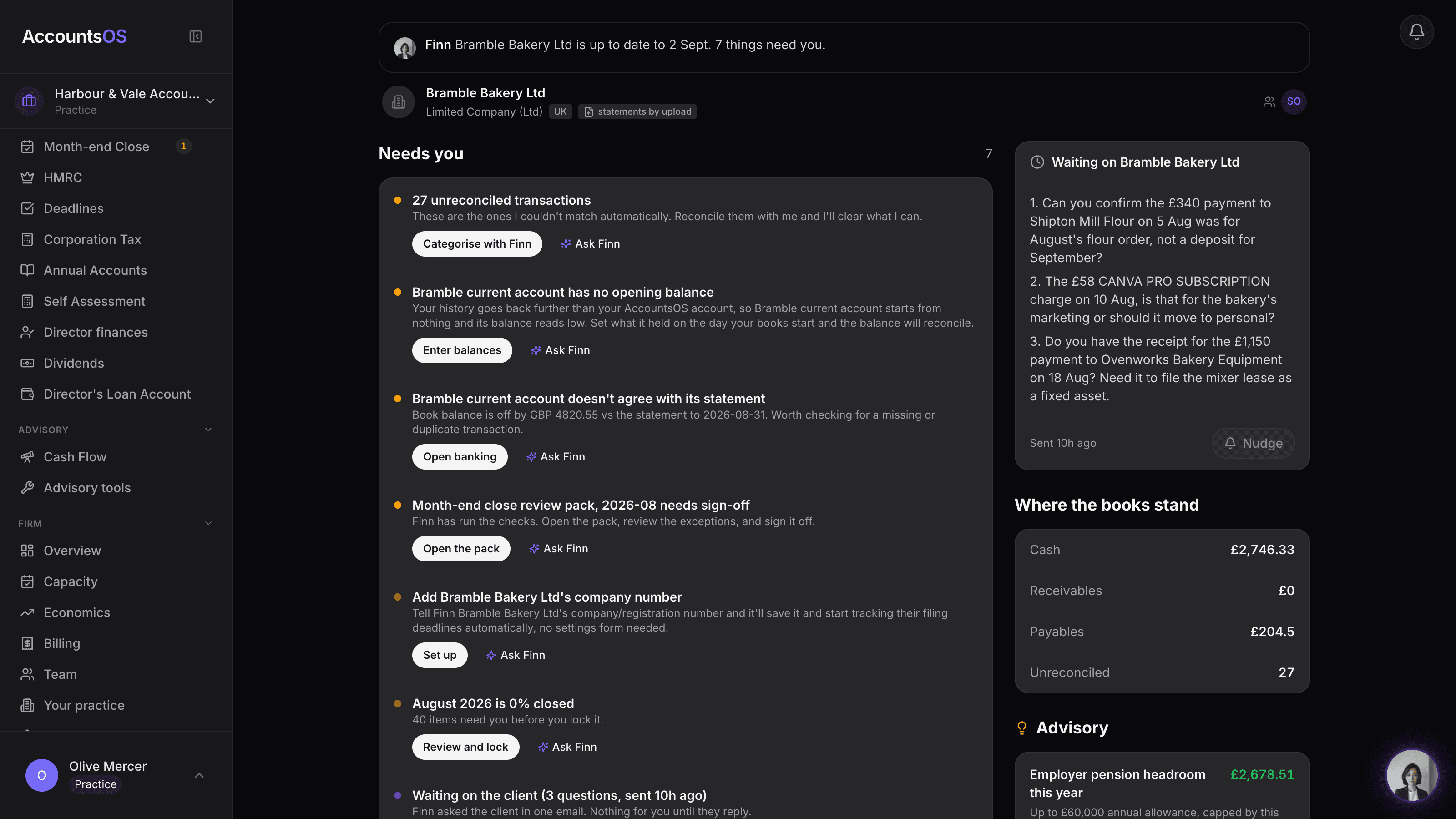
Finn checks each client's ledger and flags what is worth raising, like a better salary and dividend split, pension headroom or a cheaper VAT scheme. Open the finding, check the numbers and draft the memo.
Optional
AccountsOS · What Finn found this quarter
How it works
Advisory pack, step by step
01
Finn finds it
Each quarter she runs the client's numbers through the usual calculators and flags what is worth a conversation.
02
You check the number
Open the finding on the client's home. The figure comes from their own ledger, not a benchmark.
03
Finn drafts the memo
One click opens a memo framed for you. It goes out in your practice's name.
04
You review and send
Nothing reaches the client until you have reviewed and sent it.
What you get
- Salary and dividend mix flagged when the saving is worth a call
- Pension headroom against this year's profit
- VAT scheme check across the last four quarters
- Cash after committed outflows and tax set-aside
- Run one client, or sweep the whole book
Questions
What practices ask
Is this tax advice?
Finn prepares the numbers and a draft. You review it, change what needs your judgement and remain responsible for the advice, as with any memo you send.
Where do the numbers come from?
The client's own ledger, which AccountsOS already holds. No separate data entry.
Does anything send automatically?
No. Finn drafts and you send. A sweep across the book lands as a list for you to work through.
What if a finding does not apply?
It does not show. A dividend finding only appears for companies that can pay dividends, for example.
Switch on just this, or see the whole menu
Open the demo practice with no sign-up, or start your own and add pieces as you go.