Inbox and comms
Missing statements and receipts, chased for you.
Switch chasing on and clients with an email on file are asked for what is missing. It is off by default, so nothing goes out until you choose.
Optional
AccountsOS · One thread, on a schedule
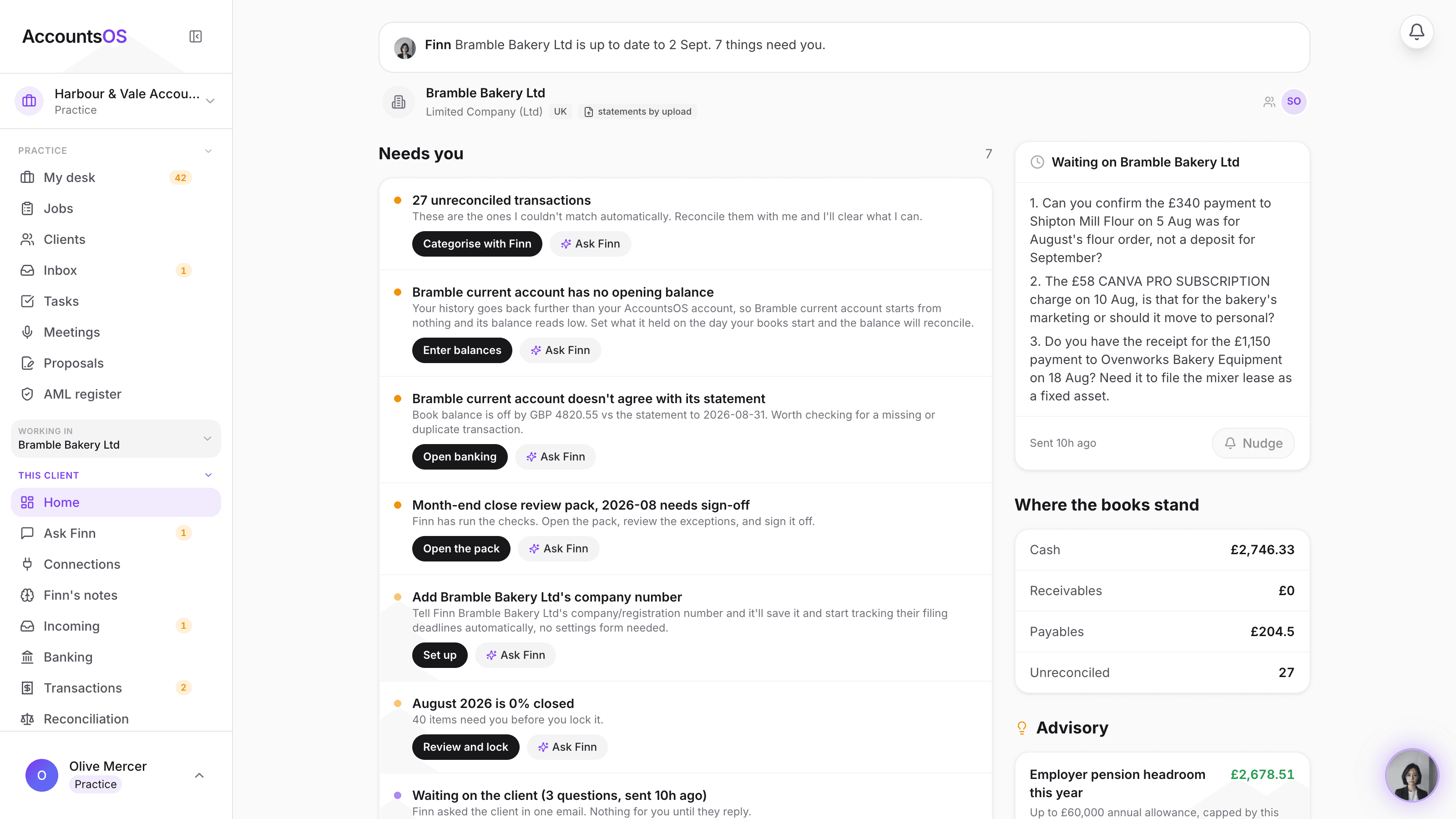
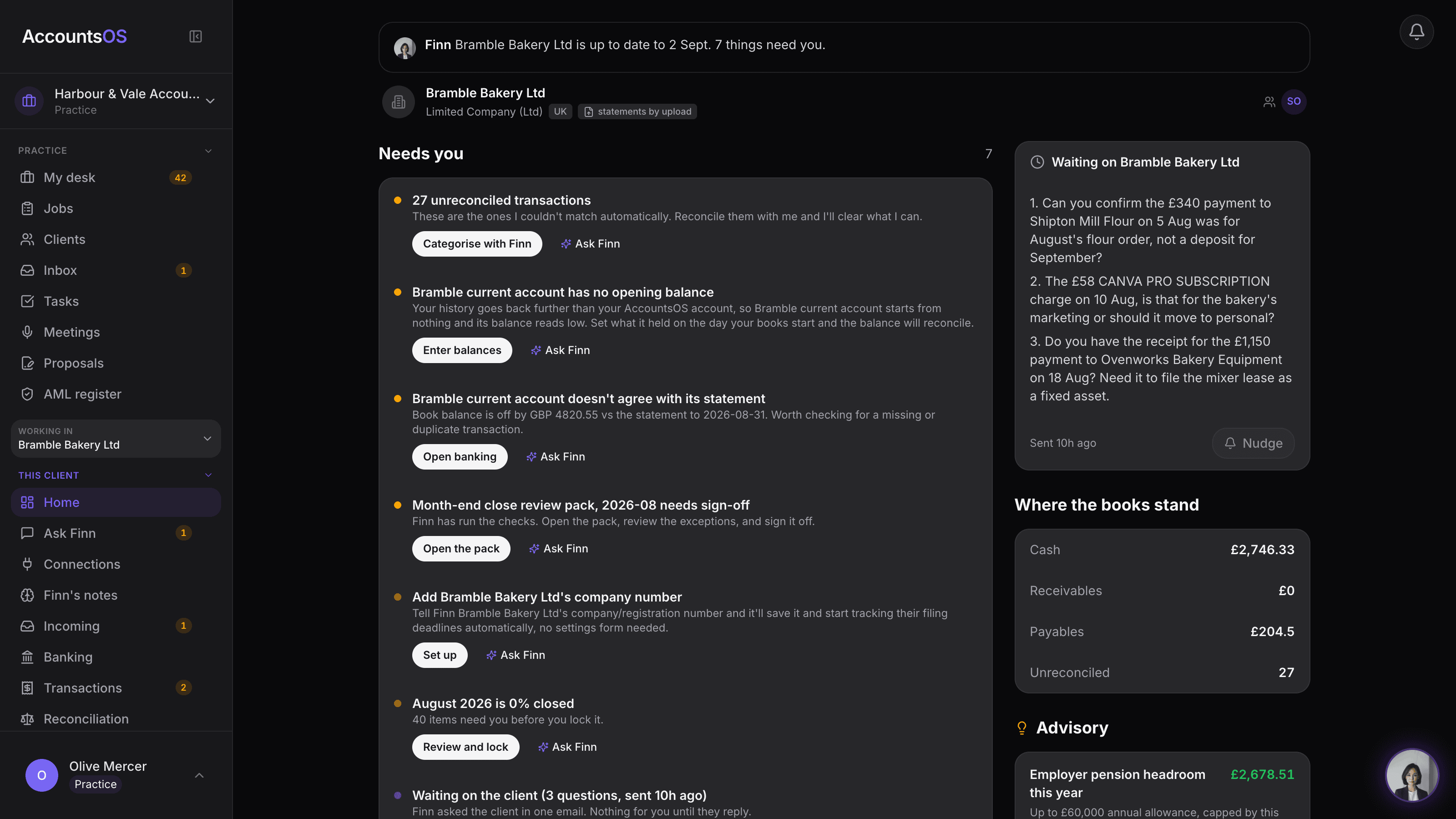
How it works
Chasing on autopilot, step by step
01
Leave it off, or turn it on
Chase clients automatically is a switch at the top of How Finn works. It starts off.
02
Requests wait as drafts
While it is off, requests wait as drafts on each client and your team sends them.
03
Or let it run
With it on, clients with an email on file are chased on their own.
What you get
- Off by default, so a new practice never emails clients by surprise
- Drafts wait on each client if you prefer to send them yourself
- Clients with an email on file are chased when it is on
Questions
What practices ask
Will it start emailing my clients on its own?
Not unless you switch it on. A new practice starts with chasing off.
What happens while it is off?
The requests wait as drafts on each client and your team sends them.
I turned it on earlier. Did that change?
No. A practice that had already turned it on keeps it on.
Is there a gentler option?
Yes. Ask the client sends one consolidated email that you review first.
Switch on just this, or see the whole menu
Open the demo practice with no sign-up, or start your own and add pieces as you go.