Practice management
A checklist for every job type, in your words.
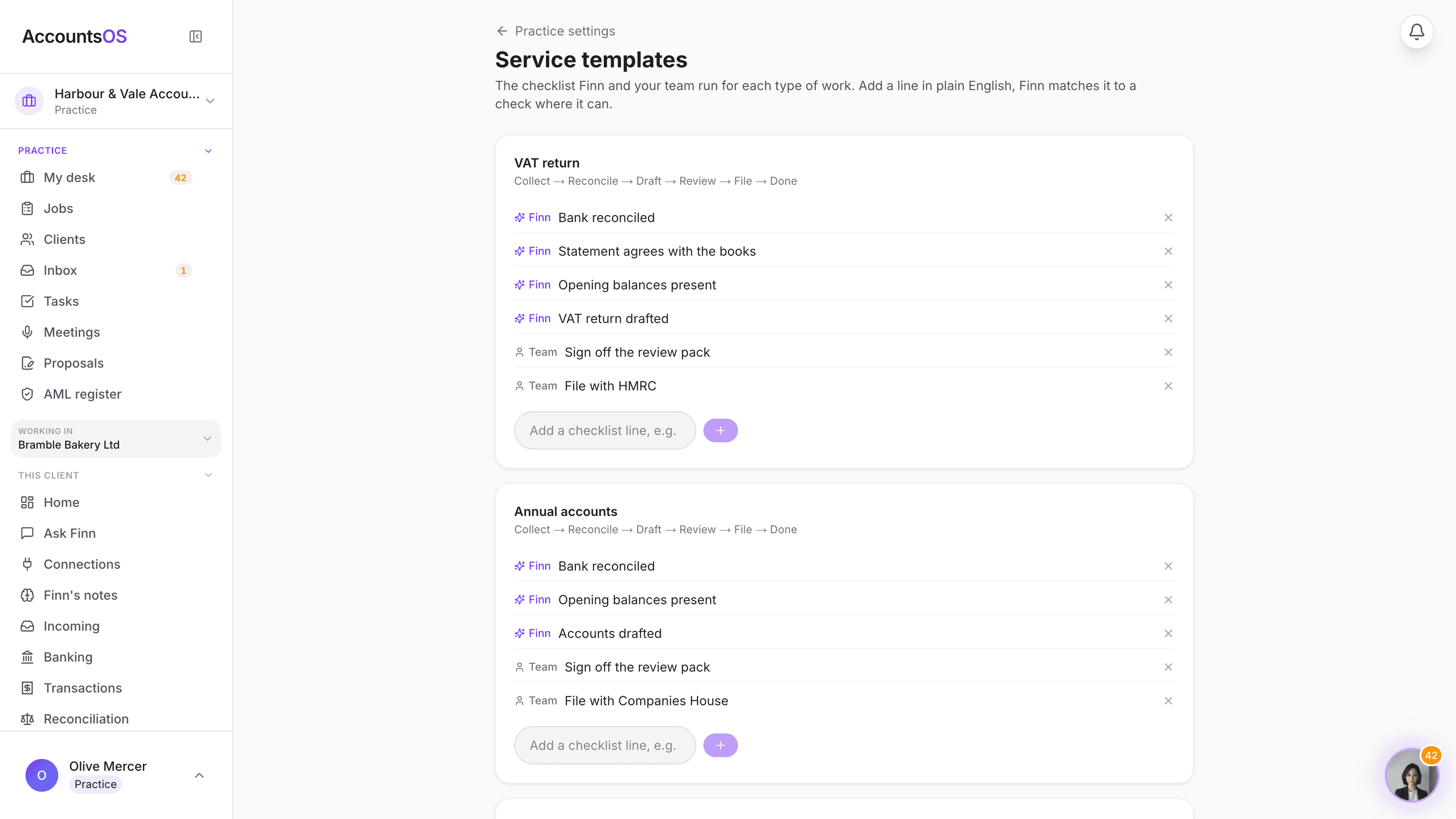
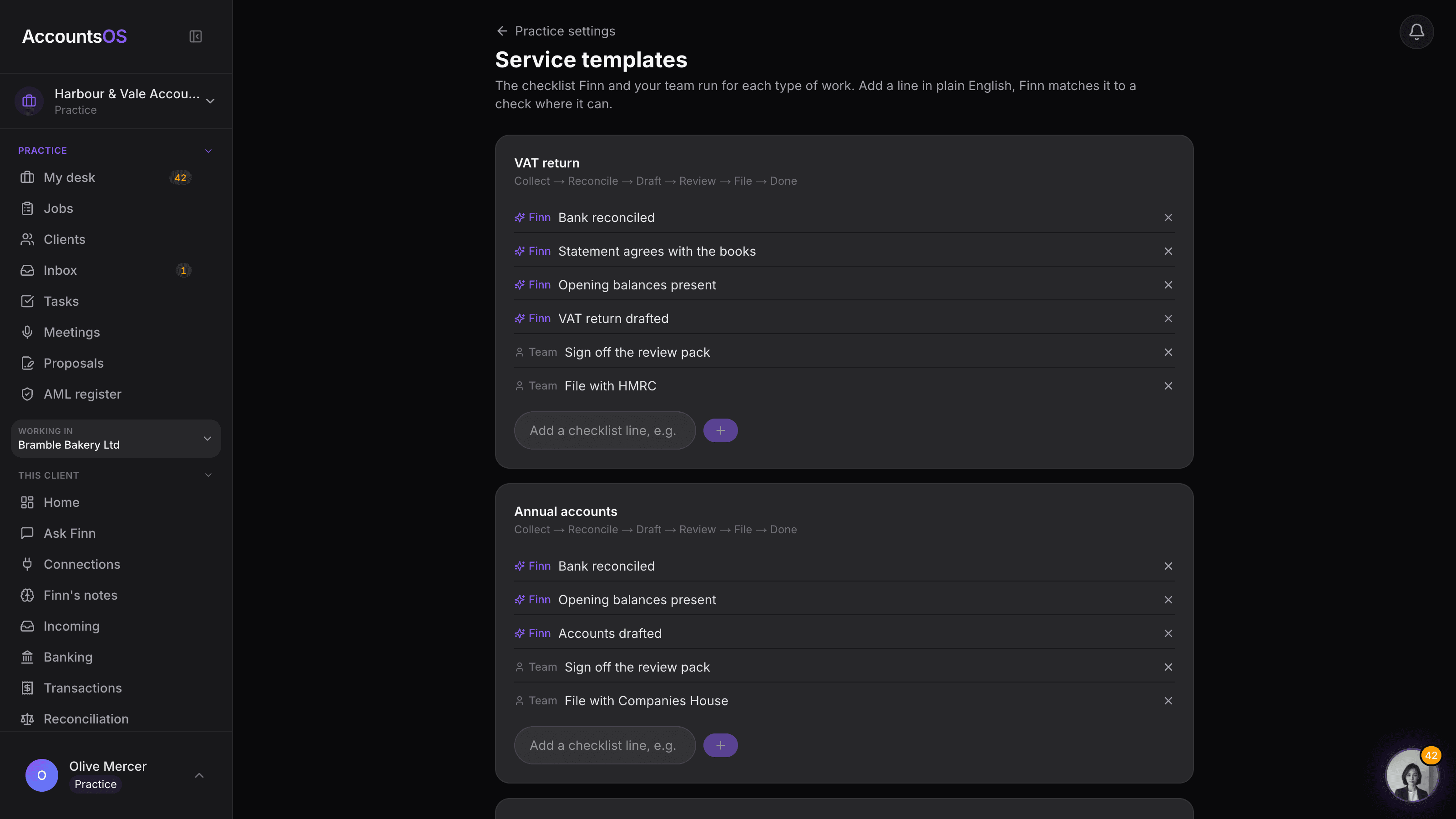
Each job type starts with a checklist that already knows which lines Finn checks and which are yours. Edit it, or add a line in plain English and Finn works out where it fits.
Optional
AccountsOS · Your checklist, editable per practice
How it works
Service templates, step by step
01
A default for every job type
Returns, accounts and bookkeeping months each start with a stage list and checklist.
02
Finn lines check themselves
A Finn line is backed by a real check, like bank reconciled, and shows pass or fail on the job.
03
Add a line in plain English
Finn matches it to a known check where she can. Otherwise it is a step your team ticks off.
04
Reset any time
Your edits are your own. The platform default is kept and you can revert in one action.
What you get
- Nothing to set up before your first job
- A Finn line shows a live pass or fail, not a static tick
- New lines are sorted into Finn or human when you add them
- Review stages end on a sign-off line
- Edits stay inside your practice
Questions
What practices ask
Do I need to configure anything first?
No. Every job type has a default checklist from day one. Editing is optional.
How does Finn decide a line is hers?
She compares your wording with a short list of known checks. A clear match becomes a Finn line and anything else stays with your team.
Can a checklist line file or sign?
No. A Finn line means she checks it. Filing and sign-off are steps a person always takes.
What happens to jobs already running when I edit?
They keep the checklist they started with. Only new jobs pick up your edit.
Switch on just this, or see the whole menu
Open the demo practice with no sign-up, or start your own and add pieces as you go.