Your AI
One morning message with the three things to do first.
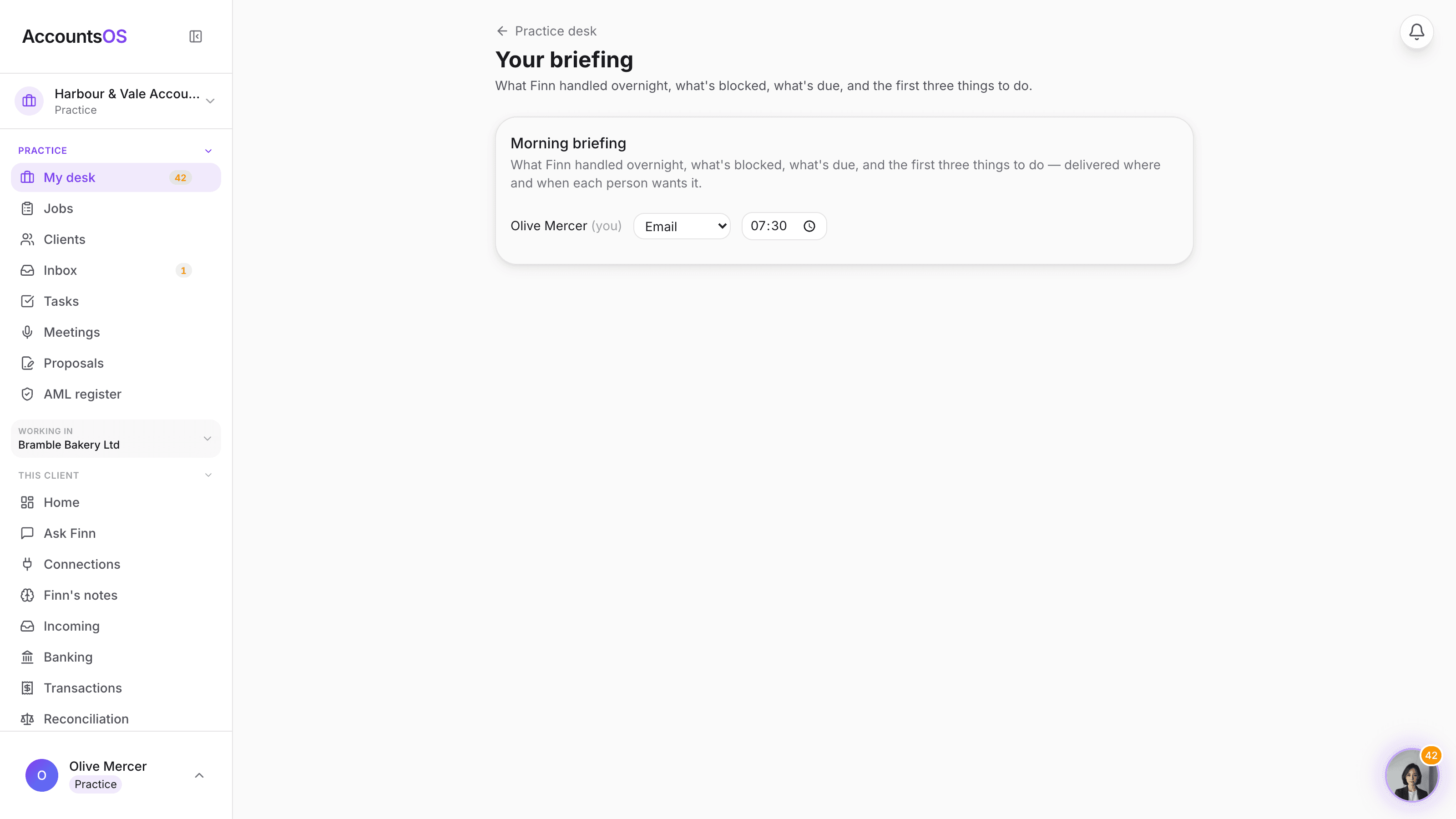
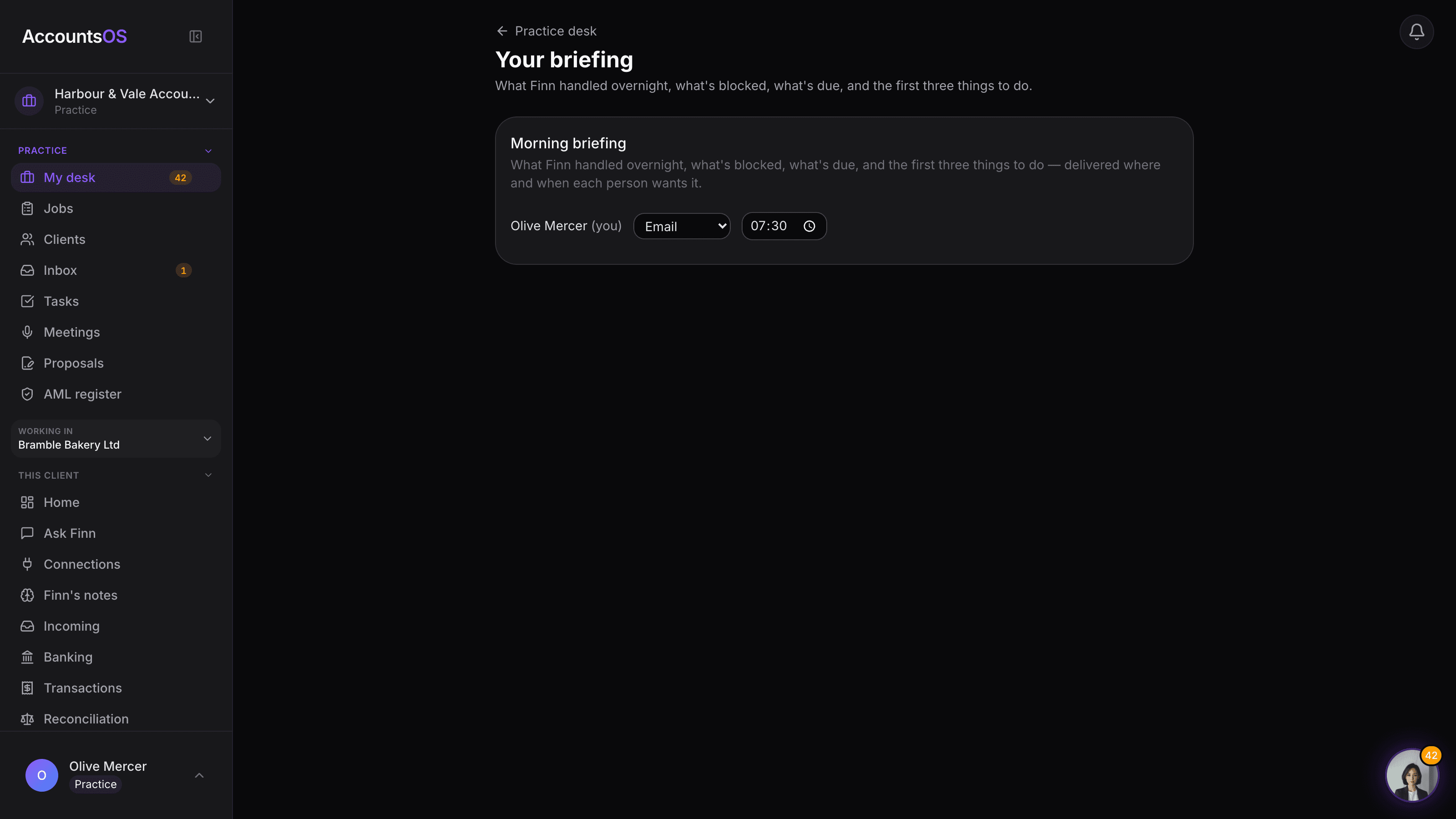
Everyone on the team gets a briefing scoped to their own clients: what was handled, what is blocked and what is due. Switch it on per person, by email, WhatsApp or in the practice chat.
Optional
AccountsOS · Pick where it lands
How it works
Morning briefing, step by step
01
Work happens overnight
Reconciliation, drafts and register checks run before anyone is at a desk. The briefing reports what actually happened.
02
Three things named
Overdue first, then blocked, then due soon. The top three are named plainly.
03
Scoped to the person
Staff see their allocated clients. Owners and admins see the whole book.
04
Where they prefer it
Each person picks email, WhatsApp or the practice chat, and a time, once.
What you get
- Starts the day with a clear order of work
- Each person sees only their own clients
- Blocked items rank ahead of items that are merely due
- Figures come from the same data your desk shows
Questions
What practices ask
Is the briefing written by an AI model?
No. The figures and lines come straight from the same attention data and jobs board your desk reads. Nothing is invented.
Will staff see other people's clients?
No. A staff member's briefing covers only the clients allocated to them.
Can I choose when it arrives?
Yes. Each person picks a time and it arrives once a day in their local time.
Can I turn it off?
Yes. Set your channel to off in your briefing settings and nothing is sent until you turn it back on.
Switch on just this, or see the whole menu
Open the demo practice with no sign-up, or start your own and add pieces as you go.