Compliance
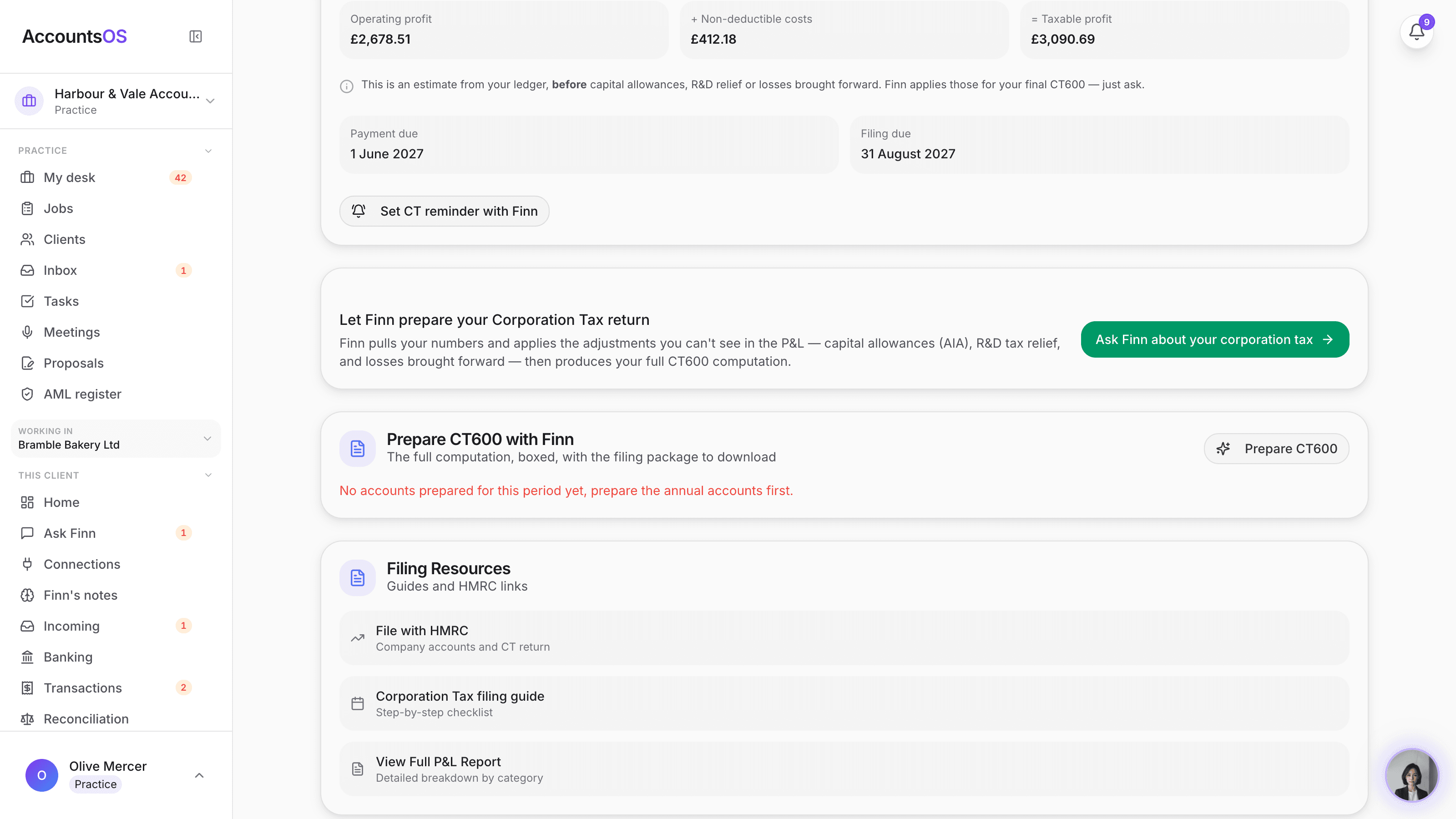
The CT600 computation, built from the books.
For UK companies only. Your assistant builds the CT600 computation from the annual accounts you already prepare, and the package downloads ready for your filing software.
Optional
AccountsOS · The computation, boxed
How it works
Corporation Tax computation, step by step
01
Computation from the accounts
Current UK Corporation Tax rates are applied to the profit figure, including marginal relief.
02
You add the judgement calls
Capital allowances, R&D relief and losses brought forward are entered by you. They are never guessed.
03
Download the package
The computation, the iXBRL accounts and the CT600 XML come out together, built from the same figures.
What you get
- CT600 boxes computed from accounts already in AccountsOS
- Small profits rate, main rate and marginal relief kept current
- Accounts and computation share one set of figures
- Allowances and losses stay your call
Questions
What practices ask
Can I submit the CT600 to HMRC from here?
Not yet. Download the package and file it through your existing agent software.
Is this UK only?
Yes. It is the UK CT600 for UK companies.
Does it apply capital allowances or R&D relief itself?
No. Those are adjustments you enter, never folded in as a guess.
What about Self Assessment?
There is no Self Assessment or Income Tax return filing path yet. A director's personal figures show for reference only.
Switch on just this, or see the whole menu
Open the demo practice with no sign-up, or start your own and add pieces as you go.