Bring your client book over
“I have 200 clients on Xero, QuickBooks or Sage. How do I get them over without retyping everything?”
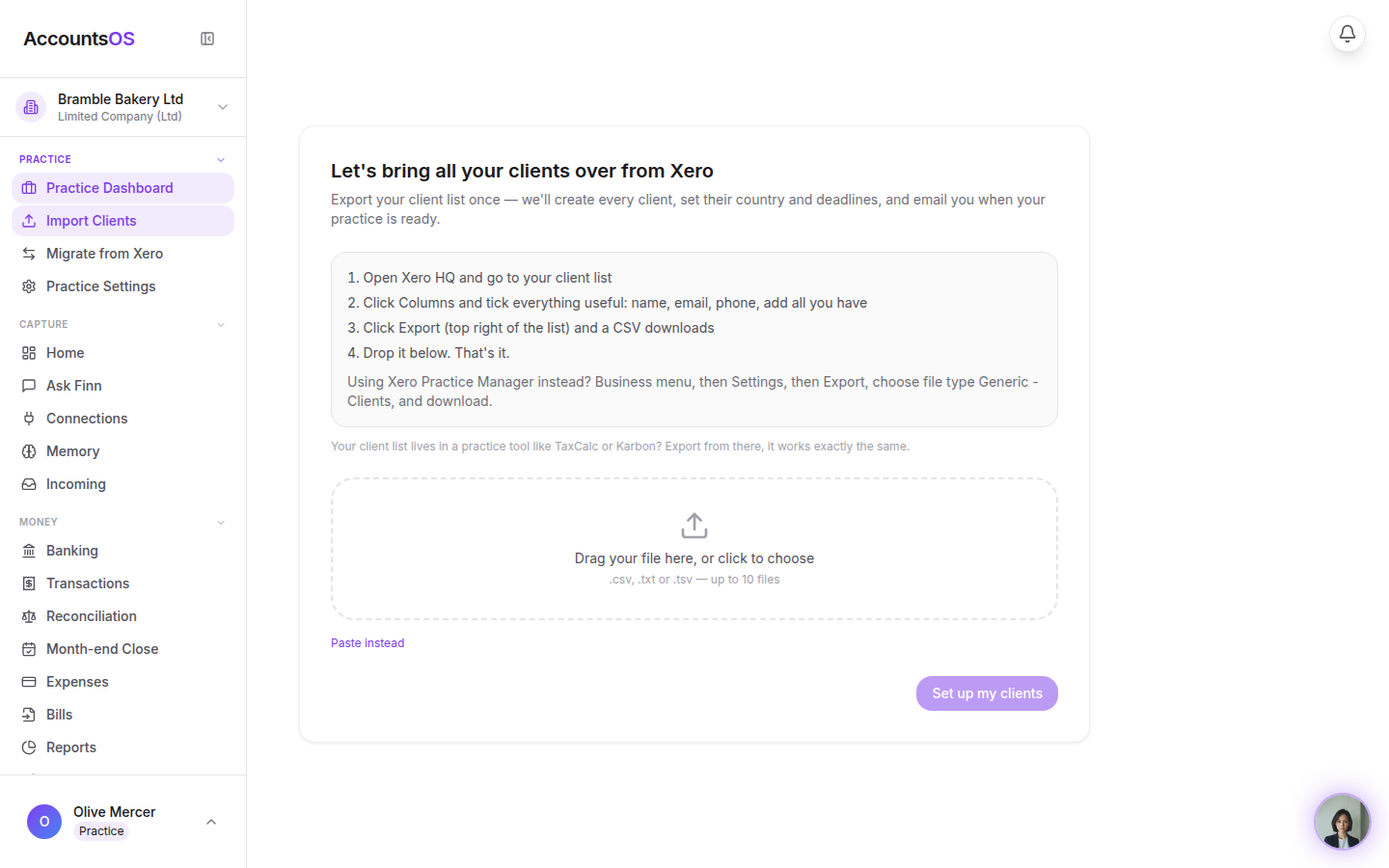
Export a client list from whatever you use today and drop it in: Finn reads it and sets every client up. Books with history come over through Migrate (connect Xero and pick the clients, or throw any export at Finn). Large practices can have it done for them.
Real screens from the live product, filmed as Harbour & Vale Accountants on 2026-09-02. Use the arrow keys to move between steps.
Step 1 of 5
Drop in a client list
Upload a client list (rung two of Add clients) takes a CSV, a text export or a pasted list from any practice-management or accounting system. Column names do not matter; Finn works out which is which.
Try it with one real client.
30 days free, then billed per live client in arrears. Add one client and see how it lands before you move the rest.