Allocate clients to your team
“How do I decide who works which client, and what does a bookkeeper actually see?”
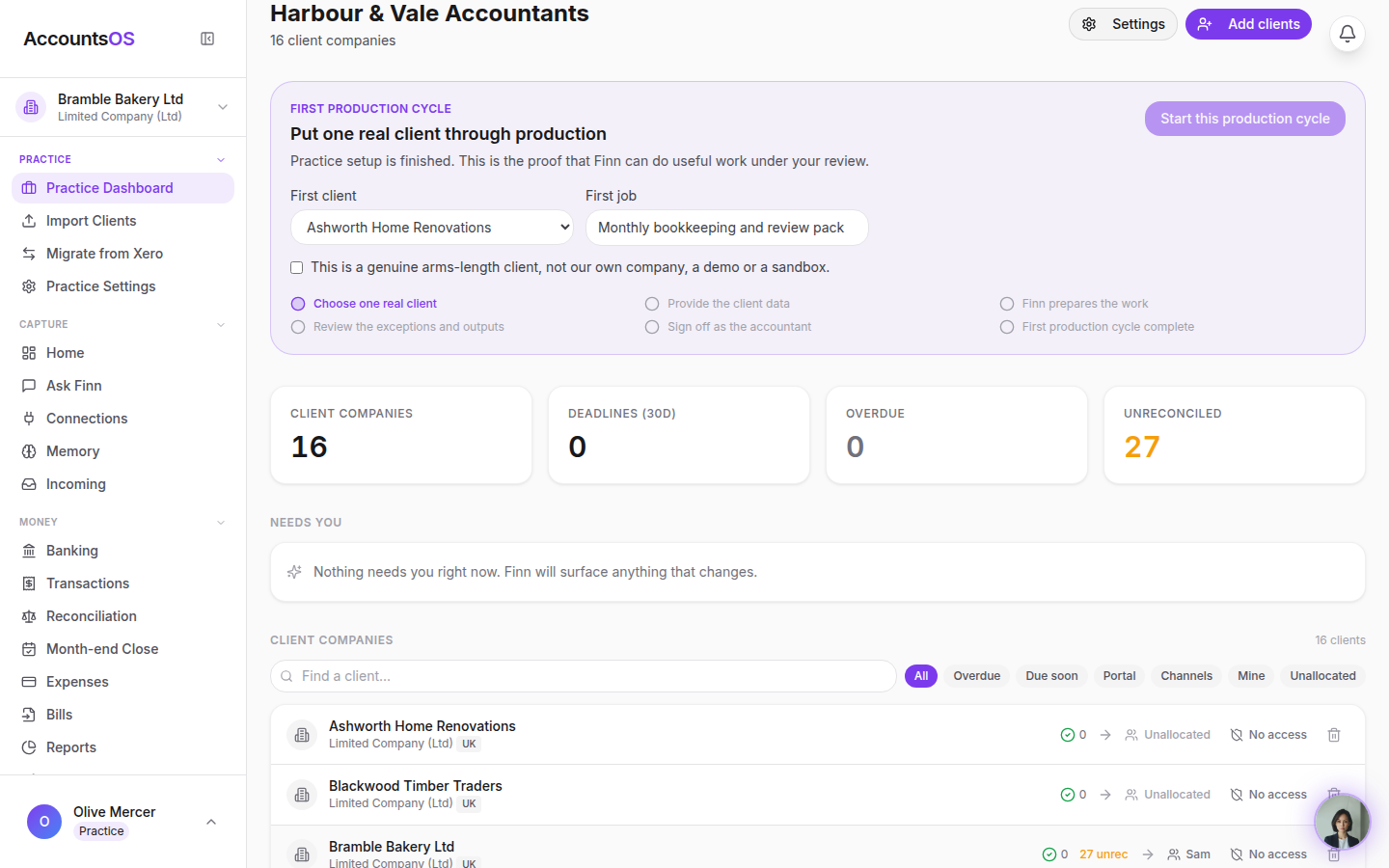
Each client row on the practice dashboard has an allocation control. Tick the people who work it; their access to those books follows. Staff see only their allocated clients (plus unclaimed ones if self-allocation is on). Owners and admins see everything.
Real screens from the live product, filmed as Harbour & Vale Accountants on 2026-09-02. Use the arrow keys to move between steps.
accounts-os.com
Step 1 of 4
Who works this client
Open the allocation control on a client row. Everyone on the team is listed with their role. Tick a name to allocate; untick to take them off.
Try it with one real client.
30 days free, then billed per live client in arrears. Add one client and see how it lands before you move the rest.