How to Sign Up for Making Tax Digital for Income Tax
You must sign up for Making Tax Digital for Income Tax through the HMRC online service before 6 April 2026 if your qualifying income exceeds £50,000. You'll need your Government Gateway ID, UTR, NI number, and to have chosen MTD-compatible software before signing up.
Sign-up available from
October 2025
Must be signed up by
6 April 2026 (if in scope)
Time to complete sign-up
15-20 minutes
Government Gateway required
Yes (password reset takes 7-10 days)
Agent sign-up
Available — accountant can register on your behalf
Voluntary sign-up
Available for those below threshold
First quarterly deadline
7 August 2026
HMRC helpline
0300 200 3310
Compliant without the manual work
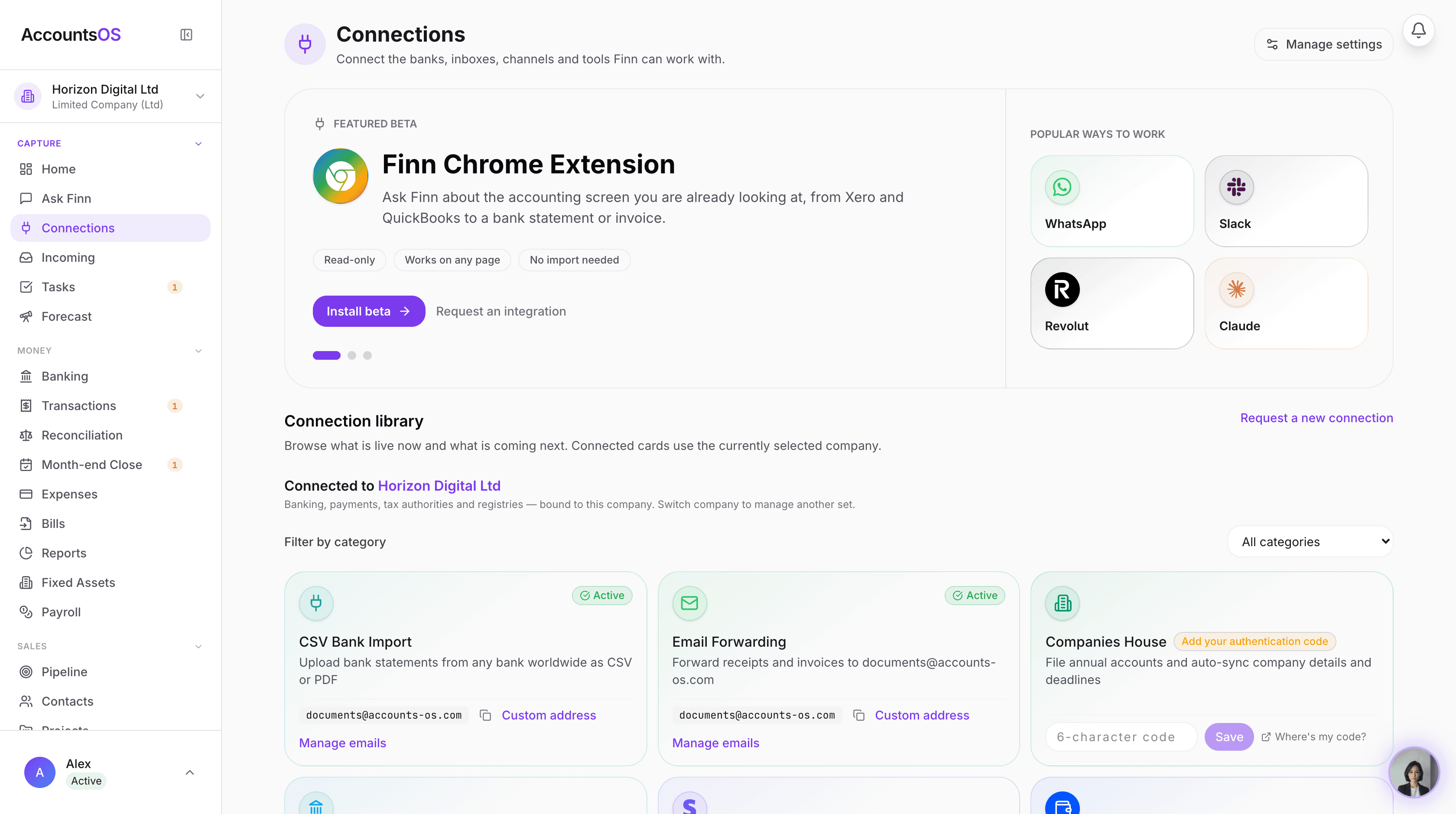
Making Tax Digital means keeping digital records and filing through software. AccountsOS does both for you. Connect your bank and HMRC, and Finn keeps the records, builds the return from your bookkeeping, and files it on your confirmation.
- Digital records kept automatically as money moves
- Returns calculated from your ledger, no bridging spreadsheet
- Submit directly to HMRC once you've checked the figures
- Every deadline tracked so nothing is filed late
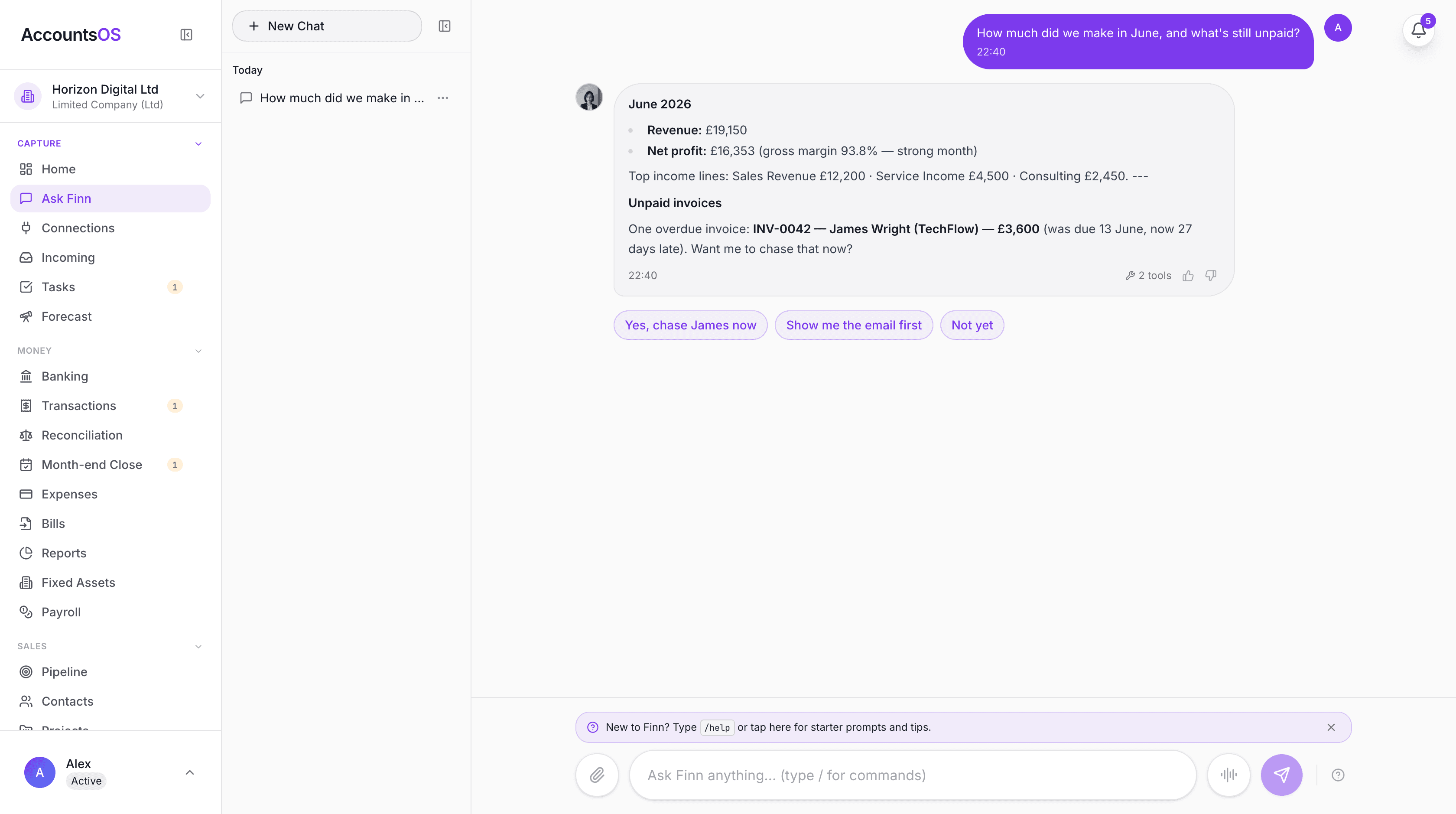
Signing up for Making Tax Digital for Income Tax is a one-time process that takes about 15-20 minutes if you have everything ready. HMRC has made the sign-up available from October 2025 for the April 2026 start date. This guide walks you through exactly what you need, what happens during sign-up, and what to expect afterwards. The most common mistake is leaving it until the last minute — sign up early to give yourself time to set up your software and get comfortable with digital record-keeping before the first quarterly deadline.
When to Sign Up
Sign-up for MTD for Income Tax is available from October 2025 for the April 2026 start. HMRC strongly recommends signing up well before 6 April 2026. Here is why: - **October to December 2025**: Ideal time. You have 5-6 months to set up software, import data, and practice. Demand on HMRC helplines is lower. - **January to February 2026**: Still good, but Self Assessment deadline pressure means HMRC helplines are busier. You have 2-3 months to prepare. - **March 2026**: Cutting it fine. If you encounter problems with your Government Gateway login, software setup, or HMRC's systems, you have almost no buffer. - **After 6 April 2026**: You are technically late. During the soft landing year, there are no immediate penalties for quarterly submissions, but you will need to retrospectively create digital records. The process itself is quick — but the preparation (choosing software, setting it up, connecting your bank) takes longer. Starting early gives you a comfortable runway. If you use an accountant, discuss MTD with them now. They may need to sign up on your behalf or adjust their workflow to accommodate quarterly submissions.
| Sign-Up Window | Recommendation | Time to Prepare |
|---|---|---|
| October – December 2025 | Ideal — early adopter, quiet helplines | 5-6 months |
| January – February 2026 | Good — still plenty of time | 2-3 months |
| March 2026 | Risky — no buffer for problems | Weeks only |
| After 6 April 2026 | Late — retrospective record-keeping needed | Behind schedule |
What You Need Before Signing Up
Before you start the sign-up process, make sure you have the following ready: **1. Government Gateway ID and password** This is your login for HMRC's online services. If you file Self Assessment online, you already have one. If you have forgotten your details, allow 7-10 working days for HMRC to reset your password by post. **2. Unique Taxpayer Reference (UTR)** Your 10-digit UTR number, found on previous Self Assessment correspondence or your SA250 form. If you cannot find it, HMRC can tell you over the phone (0300 200 3310) after identity verification. **3. National Insurance number** Your NI number, found on payslips, P60s, or benefit letters. Format: two letters, six digits, one letter (e.g., AB 12 34 56 C). **4. MTD-compatible software already chosen** HMRC will ask which software you intend to use during the sign-up process. You do not need to have it set up yet, but you need to know which one you will use. See our MTD software comparison guide for options. **5. Business details** Your business start date, business address, and the accounting period you use (most sole traders use 6 April to 5 April). **6. Property details (if applicable)** If you have UK property income, you will need the number of properties and whether they are UK or overseas.
Step-by-Step Sign-Up Guide
Here is the sign-up process through HMRC's online service: **Step 1: Go to HMRC's MTD for ITSA sign-up page** Search for "sign up for Making Tax Digital for Income Tax" on GOV.UK, or navigate directly to the sign-up service through your Government Gateway account. **Step 2: Sign in with your Government Gateway ID** Enter your Government Gateway user ID and password. If you have two-factor authentication enabled, you will need your phone to complete sign-in. **Step 3: Confirm your identity** HMRC will verify your identity using information they hold. You may be asked to confirm your UTR, NI number, and date of birth. **Step 4: Confirm your income sources** HMRC will show what they know about your income sources (self-employment, property). Confirm these are correct or add any that are missing. **Step 5: Select your software** Choose the MTD-compatible software you will use from the list. If your software is not listed, check with the provider that it is on HMRC's recognised list. **Step 6: Select your accounting period** Confirm your accounting period. Most sole traders use the standard tax year (6 April to 5 April). If you have a different accounting year end, select accordingly. **Step 7: Confirm and submit** Review your details and confirm. You will receive a confirmation message and HMRC will update your tax record. **Step 8: Set up your software** After sign-up, connect your MTD software to HMRC using the authorisation code or flow provided by your software. This links your software to your HMRC account so it can submit on your behalf.
Signing Up Through an Agent (Accountant)
If you use an accountant or tax agent, they can sign up for MTD on your behalf. This is common and often the simplest option if you already have an accountant. For your agent to sign you up, they need: - **Agent authorisation** — You must have authorised your agent to act on your behalf for Self Assessment. If this is already in place, it covers MTD. If not, your agent can send you an authorisation request through their agent services account. - **Your UTR and NI number** — Your agent will need these details - **Your chosen software** — Your agent may use their own practice software, or you may both use the same software The sign-up process is similar to the self-service route, but done through your agent's Government Gateway account. Your agent can also handle the ongoing quarterly submissions. Important: even if your agent handles everything, you are still legally responsible for the accuracy and timeliness of your submissions. If your agent submits late, the penalty point goes against your record.
What Happens After You Sign Up
After successful sign-up: 1. **Confirmation** — You receive a confirmation on screen and by email (if email address is on file with HMRC) 2. **HMRC record updated** — Your Self Assessment record is updated to show you are registered for MTD for ITSA 3. **Software authorisation** — You need to connect your chosen software to HMRC. This is done through the software itself — it will guide you through an OAuth authorisation process where you grant permission for the software to submit on your behalf 4. **Start digital records** — From 6 April 2026, your records must be kept digitally. You can start entering data into your software now to get familiar with it 5. **First deadline** — Your first quarterly update is due by 7 August 2026 (Q1: 6 April – 5 July) HMRC will not send you a separate letter confirming MTD sign-up. The confirmation on screen is your record. Take a screenshot or save the confirmation page. You can check your MTD status at any time by logging into your HMRC online account and navigating to your Self Assessment section.
Can You Sign Up Voluntarily Before Your Threshold Year?
Yes. If your qualifying income is below £50,000, you can still sign up for MTD for ITSA voluntarily. HMRC encourages early adoption. Reasons you might want to sign up early: - **Your income is close to the threshold** and likely to cross it soon - **You want to get ahead** of the curve and establish good digital habits - **You want to test the system** during the soft landing year when there are no penalties - **Your accountant recommends it** as part of their practice moving to MTD Voluntary sign-up gives you access to the same quarterly reporting system and HMRC API. The soft landing year applies equally to voluntary sign-ups. There is no downside to early voluntary sign-up except the commitment to quarterly reporting. If you later decide it is not for you and your income remains below the mandatory threshold, you can request to leave MTD.
What If You Miss the Sign-Up Deadline?
There is no single published sign-up deadline. HMRC expects you to be signed up by 6 April 2026 if you are in scope, but there is no separate penalty for late sign-up (as distinct from late submission). If you sign up late: - You still need to keep digital records from 6 April 2026 - You will need to retrospectively enter any transactions from before your sign-up date - During the soft landing year, late quarterly submissions do not attract penalty points - From 2027/28 onwards, any missed submissions will earn penalty points The biggest practical problem with late sign-up is not penalties — it is the difficulty of retrospectively creating digital records. If you sign up in August 2026, you need to go back and digitise four months of records. If you sign up in January 2027, you need nine months of back-records. Sign up early. The process takes 15-20 minutes. The cost of delaying far exceeds the effort of doing it now.
How to Deregister If Your Income Drops Below the Threshold
If your qualifying income drops below the relevant threshold, you can request to leave MTD for ITSA. The process is: 1. Contact HMRC to request deregistration (online, by phone, or through your agent) 2. HMRC will review your most recent Self Assessment return 3. If confirmed below threshold, you will be removed from MTD for ITSA 4. You revert to standard Self Assessment filing Note that HMRC may keep you enrolled if they expect your income to rise above the threshold again based on your history. The deregistration process is at HMRC's discretion. If you are deregistered and your income subsequently exceeds the threshold again, you will be re-enrolled in MTD. As thresholds drop (£30,000 from April 2027, £20,000 from April 2028), deregistration becomes less likely to be relevant for most people.
Frequently asked questions
How long does it take to sign up for MTD for Income Tax?
The sign-up process itself takes 15-20 minutes if you have your Government Gateway ID, UTR, and NI number ready. However, if you need to reset your Government Gateway password, allow 7-10 working days for the reset code to arrive by post.
Do I need to choose my software before signing up?
Yes. HMRC asks which MTD-compatible software you will use during the sign-up process. You do not need to have it set up yet, but you need to know which software you plan to use.
Can my accountant sign up for MTD on my behalf?
Yes. Your accountant can sign you up through their agent services account, provided you have given them authorisation to act on your behalf for Self Assessment. This is the simplest option if you already use an accountant.
What if I have forgotten my Government Gateway password?
You can request a password reset online or by calling HMRC on 0300 200 3600. A reset code is sent by post, which takes 7-10 working days. Do not leave this until March 2026 — start the recovery process now if you do not have your login details.
Is there a fee to sign up for MTD?
No. Signing up for MTD for Income Tax is free. HMRC does not charge for registration. Your only costs are the MTD-compatible software you choose (which can also be free) and any accountant fees.
Can I sign up now even though my income is below £50,000?
Yes. HMRC allows voluntary sign-up for MTD for ITSA. This can be useful if your income is close to the threshold, you want to test the system during the soft landing year, or you simply want to get ahead of the requirement.
What happens if I sign up but then my income drops below the threshold?
You can request to leave MTD for ITSA by contacting HMRC. They will review your Self Assessment return and, if your qualifying income is confirmed below the threshold, remove you from MTD. You would then revert to standard Self Assessment filing.
Do I need to sign up separately for MTD for VAT and MTD for Income Tax?
Yes. MTD for VAT and MTD for ITSA are separate registrations. If you are already registered for MTD for VAT, you still need to sign up separately for MTD for Income Tax. They are different systems with different requirements.
What software does HMRC recommend?
HMRC does not recommend specific software. They maintain a list of recognised MTD-compatible software on GOV.UK. Options range from free (QuickFile, My Tax Digital) to free-trial-then-paid (AccountsOS: 14-day free trial, then £20/month + VAT) to paid (Xero, QuickBooks, Sage). Choose based on your needs and budget.
I am a landlord with no self-employment — do I still need to sign up?
Yes, if your gross UK property income exceeds the threshold. Property income is qualifying income for MTD for ITSA. A landlord with £55,000 in gross rent is in scope from April 2026, even with no self-employment income.
Related MTD guides
Making Tax Digital April 2026: Your Action Plan
Making Tax Digital for Income Tax starts 6 April 2026 for anyone with qualifying income (self-employment + UK property, gross, combined) over £50,000. If this applies to you, you must sign up for MTD, choose compatible software, and start keeping digital records from 6 April 2026.
Best MTD Software UK 2026: Free and Paid Options Compared
Several free MTD-compatible software options exist for UK taxpayers, including QuickFile, My Tax Digital, and FreeAgent (free via NatWest or Mettle banking). Paid all-in-one options include Xero, QuickBooks, and Sage. AccountsOS is MTD-compatible software that uses AI to do the bookkeeping for you and submits your VAT return directly to HMRC, from £20 a month plus VAT after a 14-day free trial.
MTD Quarterly Updates: What to Report and When
MTD quarterly updates require you to report your total income and expenses by category to HMRC four times a year. You are NOT sending individual transactions — just category totals. The deadlines are 7 August, 7 November, 7 February, and 7 May.
Making Tax Digital Exemptions 2026: Who Doesn't Have to Comply?
Most people cannot get an exemption from Making Tax Digital — but automatic exemptions exist for those below the income threshold, foster carers, ministers of religion, and certain others. Digital exclusion exemptions (age, disability, no internet) require a formal HMRC application and are not guaranteed.
Making Tax Digital Penalties: Late Submission Fines Explained
MTD uses a points-based penalty system. Each late submission earns 1 penalty point. When you reach 4 points, you receive a £200 fine. The good news: the soft landing year (2026/27) means no penalty points for late quarterly updates — but the Final Declaration deadline of 31 January 2028 is still enforced.
Get MTD-ready with AccountsOS
Connect your bank and HMRC, and let Finn keep the records, build the return and submit it for you. Be ready for Making Tax Digital without the admin.
Free for 14 days. No credit card required.